Opera 135.0.5973.76 Stable update
-
 Opera-QA-Team Opera last edited by
@kubalav: Hello, we are aware of this bug and we are currently fixing it. This is RNA-4549.
-
kubalav last edited by
Hello, I'm experiencing an issue with Opera where native notifications do not work. The only way I’ve been able to get them to appear is by reinstalling Opera using the installer named Opera_XXX.X.XXXX.XX_Autoupdate.exe. This is inconvenient and feels like a workaround rather than a fix. Could the developers please investigate why native notifications stop working and why the autoupdate installer is the only way to restore them? Thank you.
-
asdef last edited by
My sidebar shortcuts stopped working. I had whatsapp on alt+w and it just does nothing. I added additional shortcuts and nada. This is regardless of autohide side bar setting.
-
 korol78 last edited by korol78
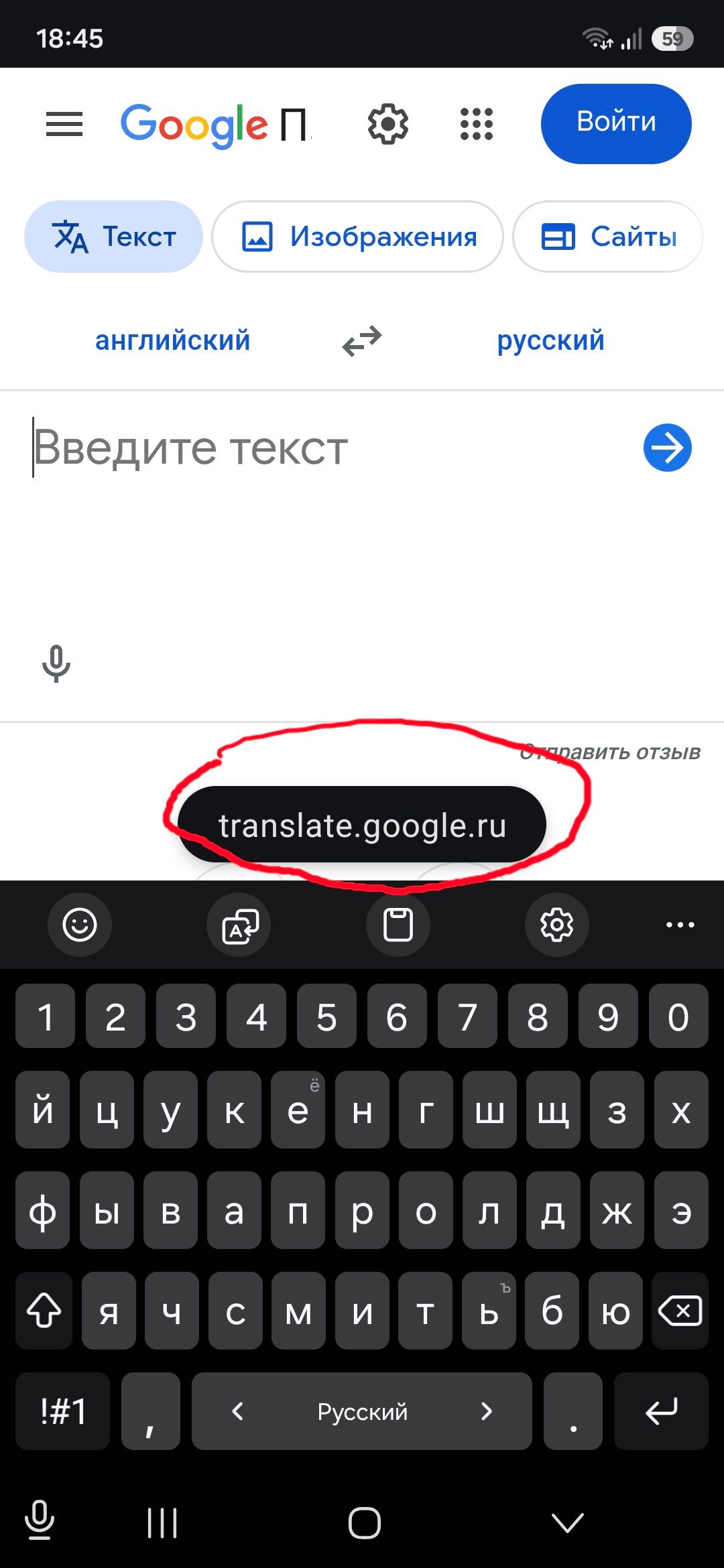
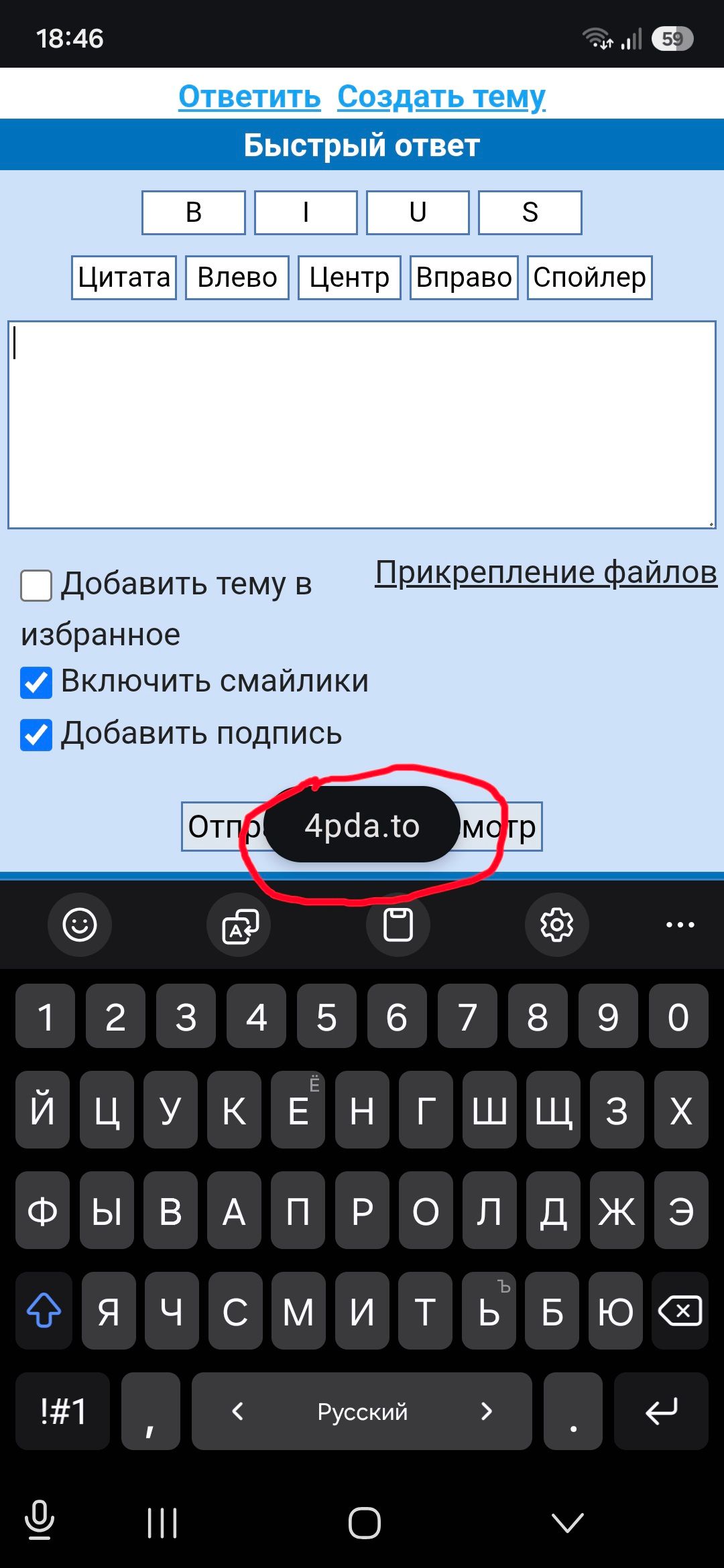
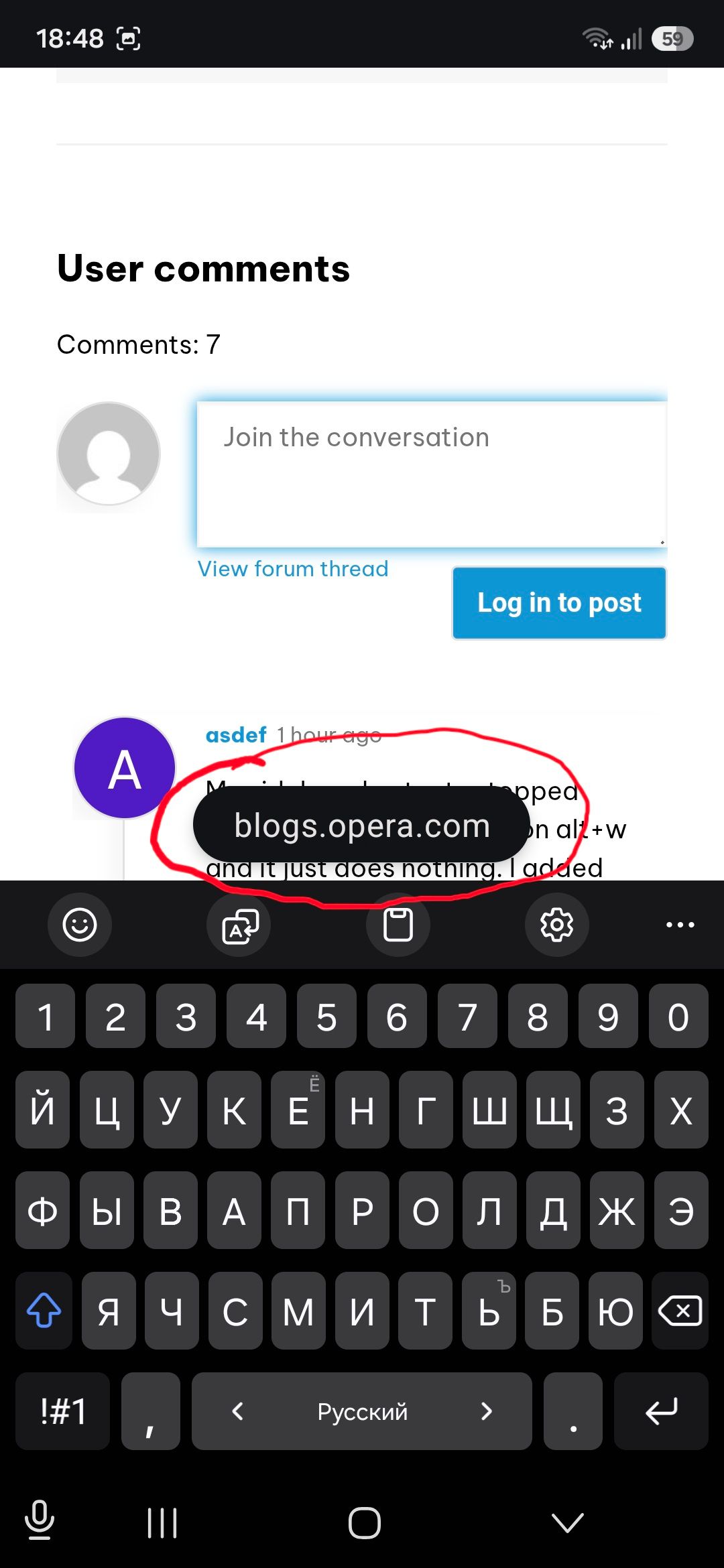
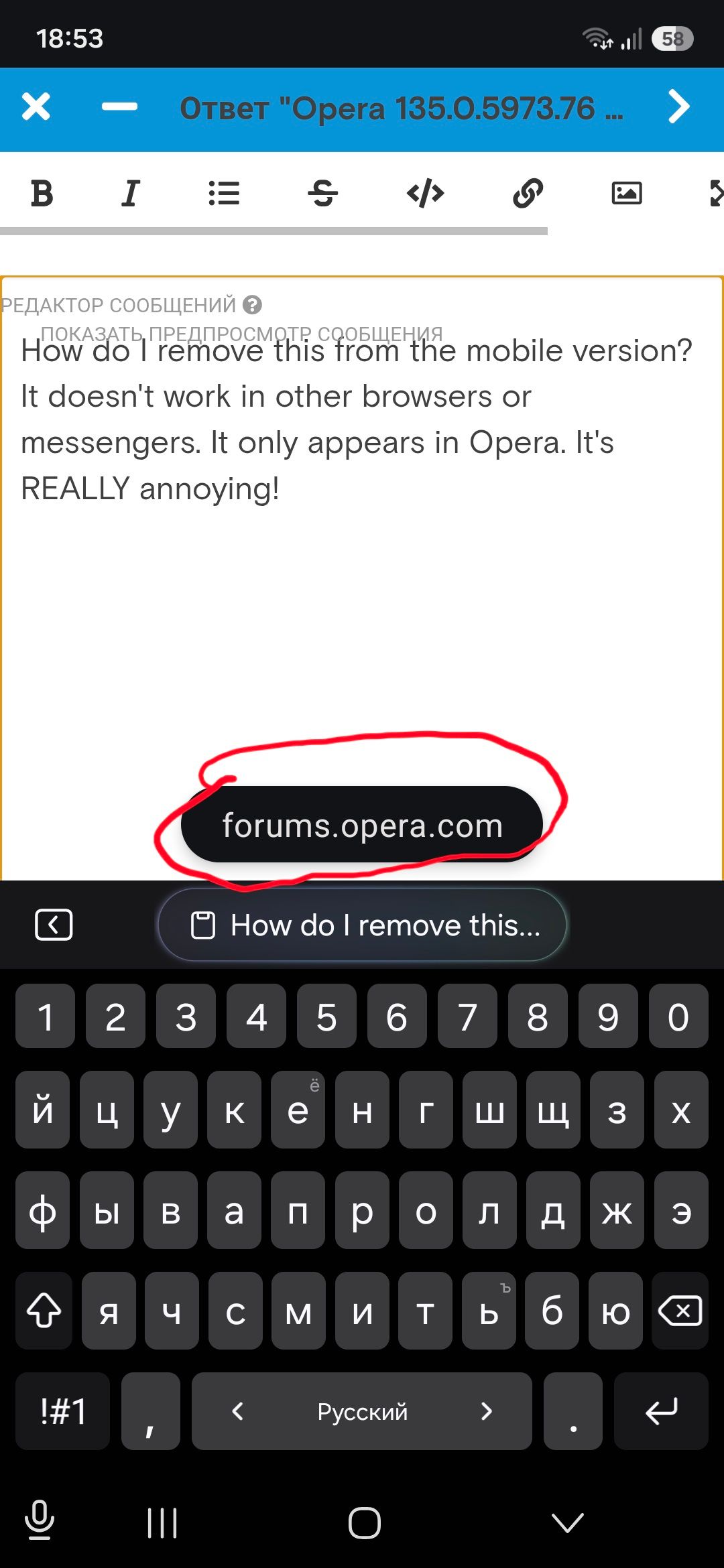
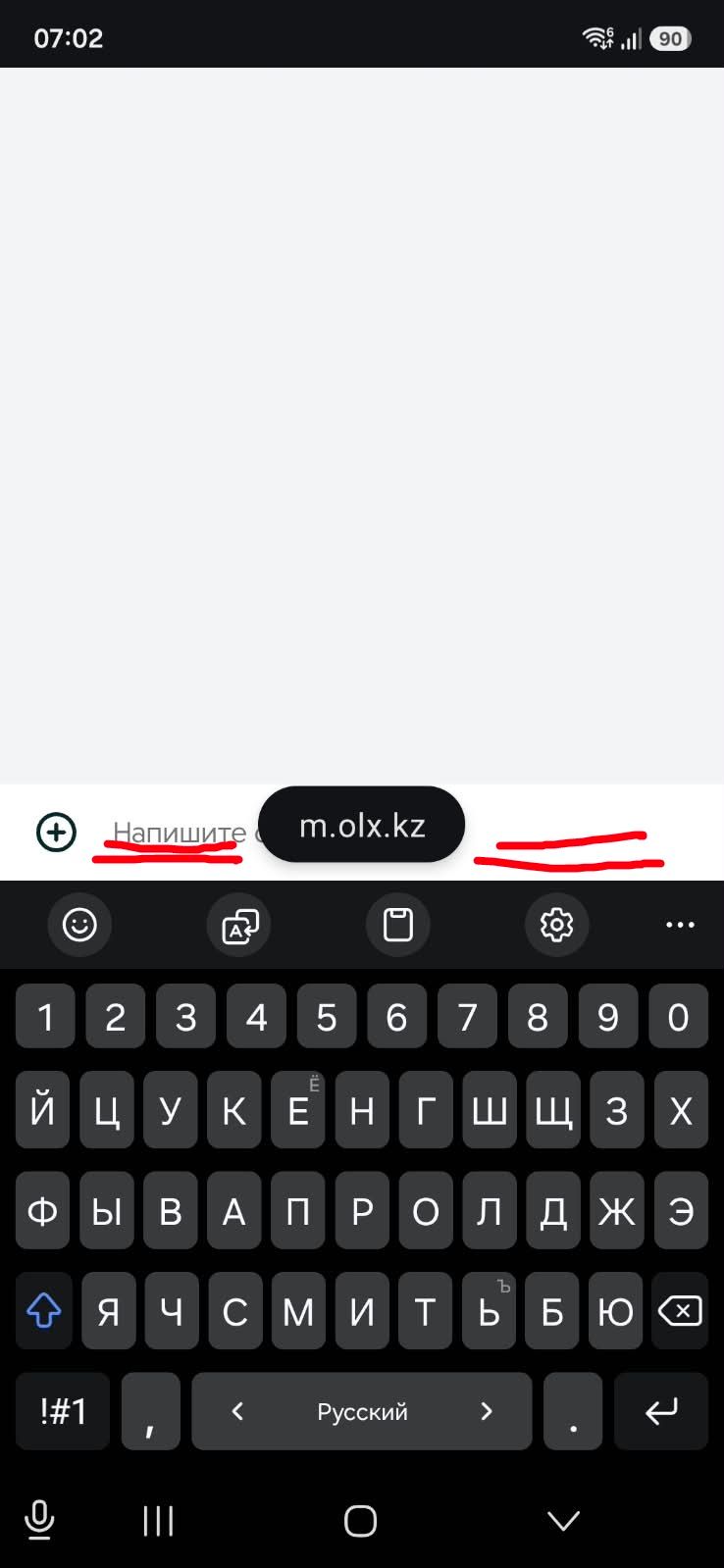
How do I remove this from the mobile version? It doesn't work in other browsers or messengers. It only appears in Opera. It's REALLY annoying!
-
burnout426 Volunteer last edited by
@korol78 There's also a complaint about that at https://www.reddit.com/r/operabrowser/comments/1w3d9q2/how_to_disable_the_bubble_saying_chatgptcom_its/, for what it's worth.
-
korol78 last edited by korol78
This window is right where you type.
I can't see what I'm typing—it's in the way!
What kind of idiocy is this!!!??? Where can I go for help? Where can I write to have this problem fixed?
-
 leocg Moderator Volunteer last edited by
@korol78 Maybe you can try on the Opera for Mobile devices area of the blog: https://blogs.opera.com/mobile/?
Comment on the latest post.
-
leocg Moderator Volunteer last edited by
@korol78 You can also post on the Opera for Mobile area of the forum: https://forums.opera.com/category/6/opera-for-mobile
Open a topic in the section related to your OS and Opera.
-
Opera-QA-Team Opera last edited by
@korol78: Hello, this section is about Opera for desktop. For mobile versions, check https://blogs.opera.com/mobile/
-
Locked by Opera-QA-Team
