How to turn off this freaking screensaver when starting Opera?
Do more on the web, with a fast and secure browser!
Download Opera browser with:
How to turn off this freaking screensaver when starting Opera?
Santiago Benavides García ----- You ruined the Opera browser ((((((
he double arrow for resizing the browser window is still missing at the top of the window. It is present on the left and right sides, as well as at the bottom, where it works as expected.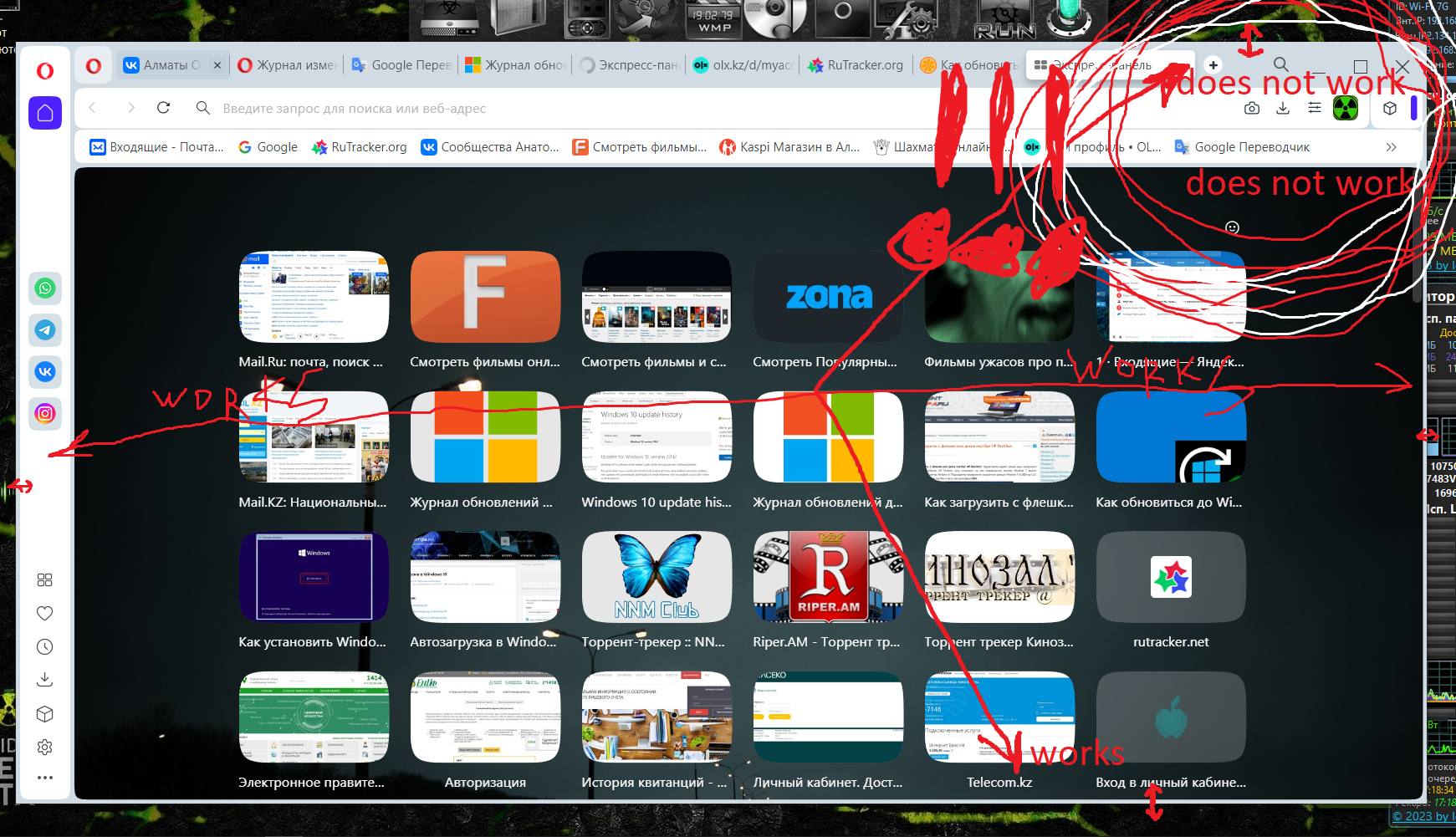
The double arrow for resizing the browser window is still missing at the top of the window. It is present on the left and right sides, as well as at the bottom, where it works as expected.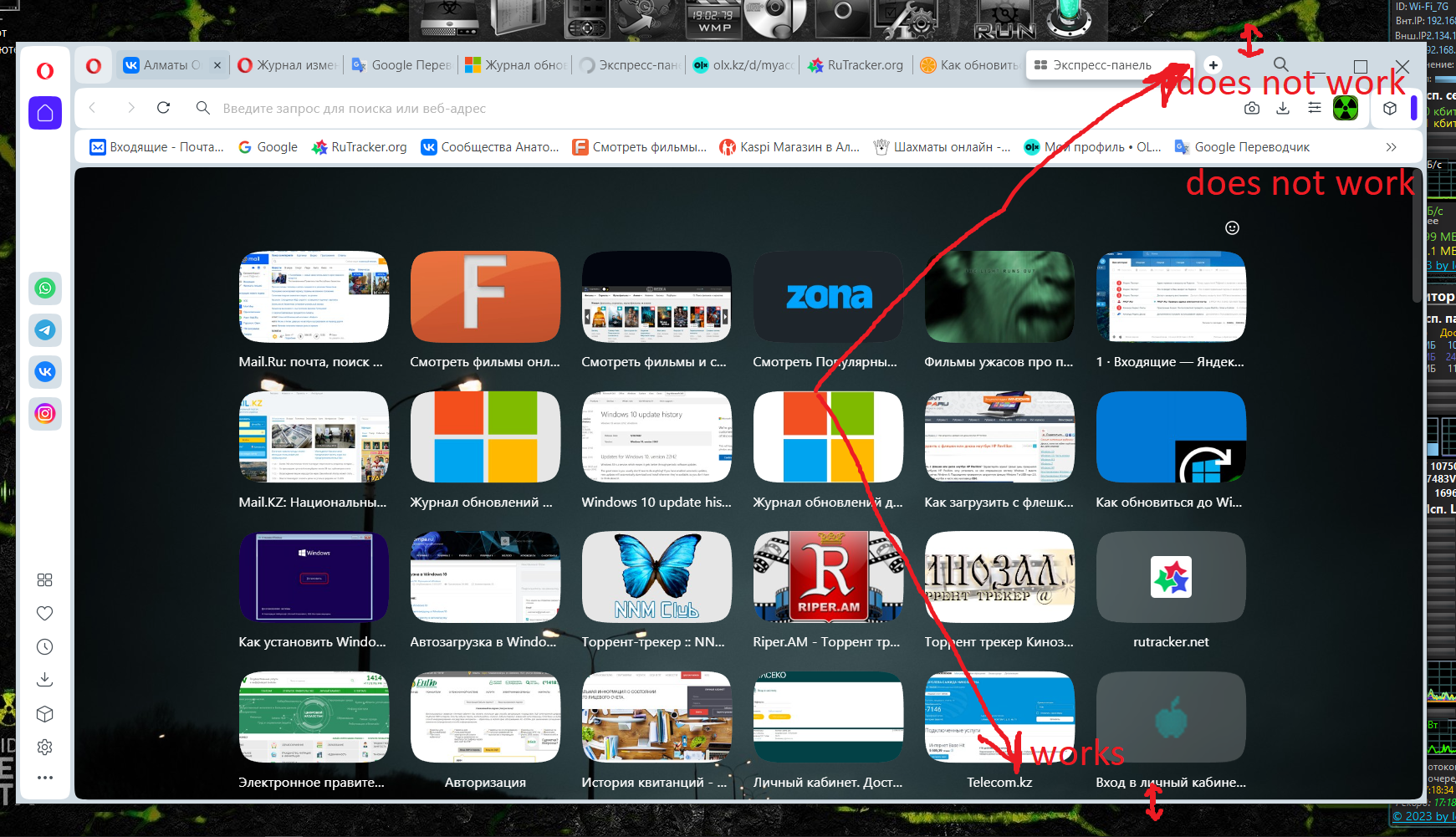
@auxce said:
Sorry, but animation of speed dial tiles when hovering is terribly annoying. I'd like to disable that.
yes I would also like to disable this animation
Здравствуйте, подскажите есть ли способ изменить цвет ссылок посещённых ресурсов, он меняется с синего(не посещенного) на светло фиолетовый (посещенный сайт) , но это не сильно выделятся---и разницы практически не заметно.
Clicking on three dots on a tile in the Express Panel does not lead to any actions, the context menu does not appear
Clicking on three dots on a tile in the Express Panel does not lead to any actions, the context menu does not appear
This window is right where you type.
I can't see what I'm typing—it's in the way!
What kind of idiocy is this!!!??? Where can I go for help? Where can I write to have this problem fixed?
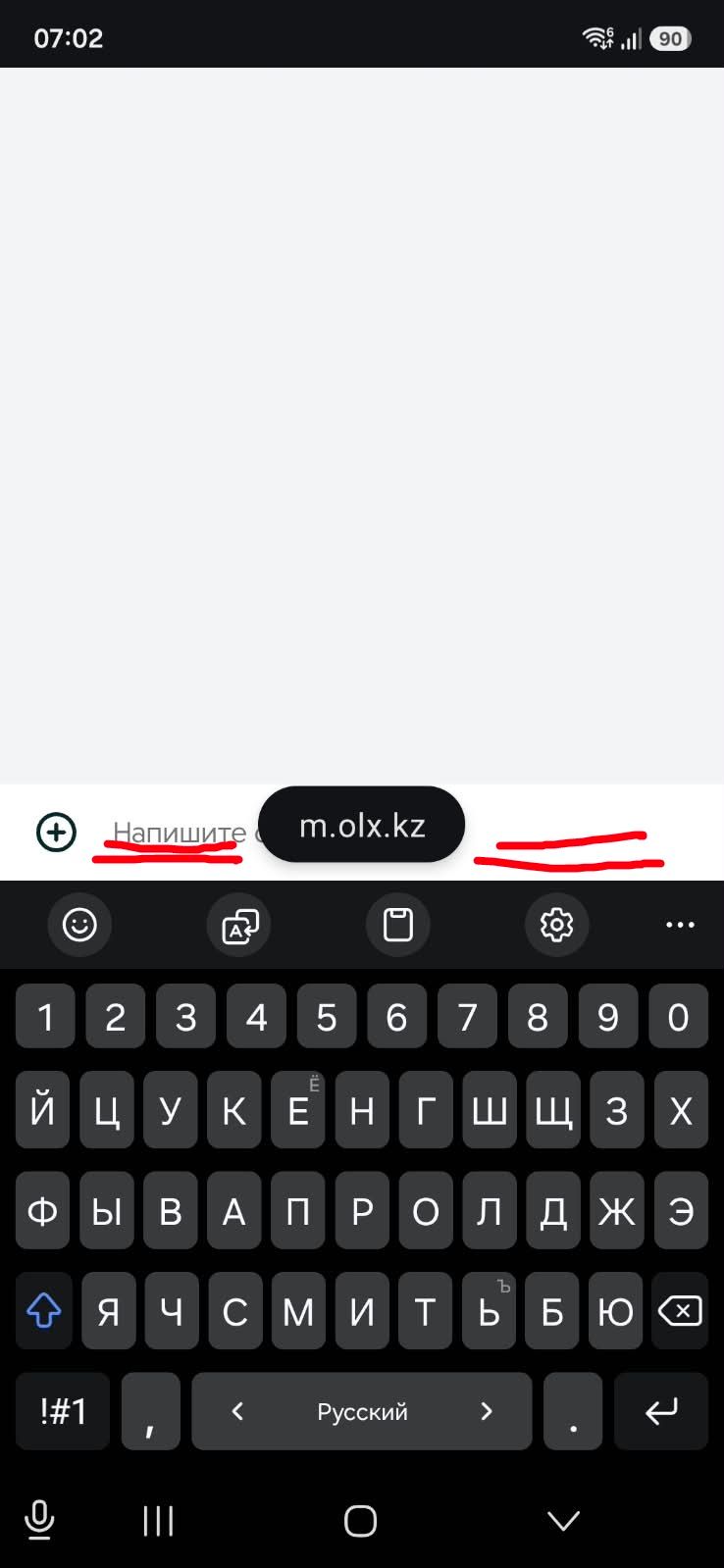
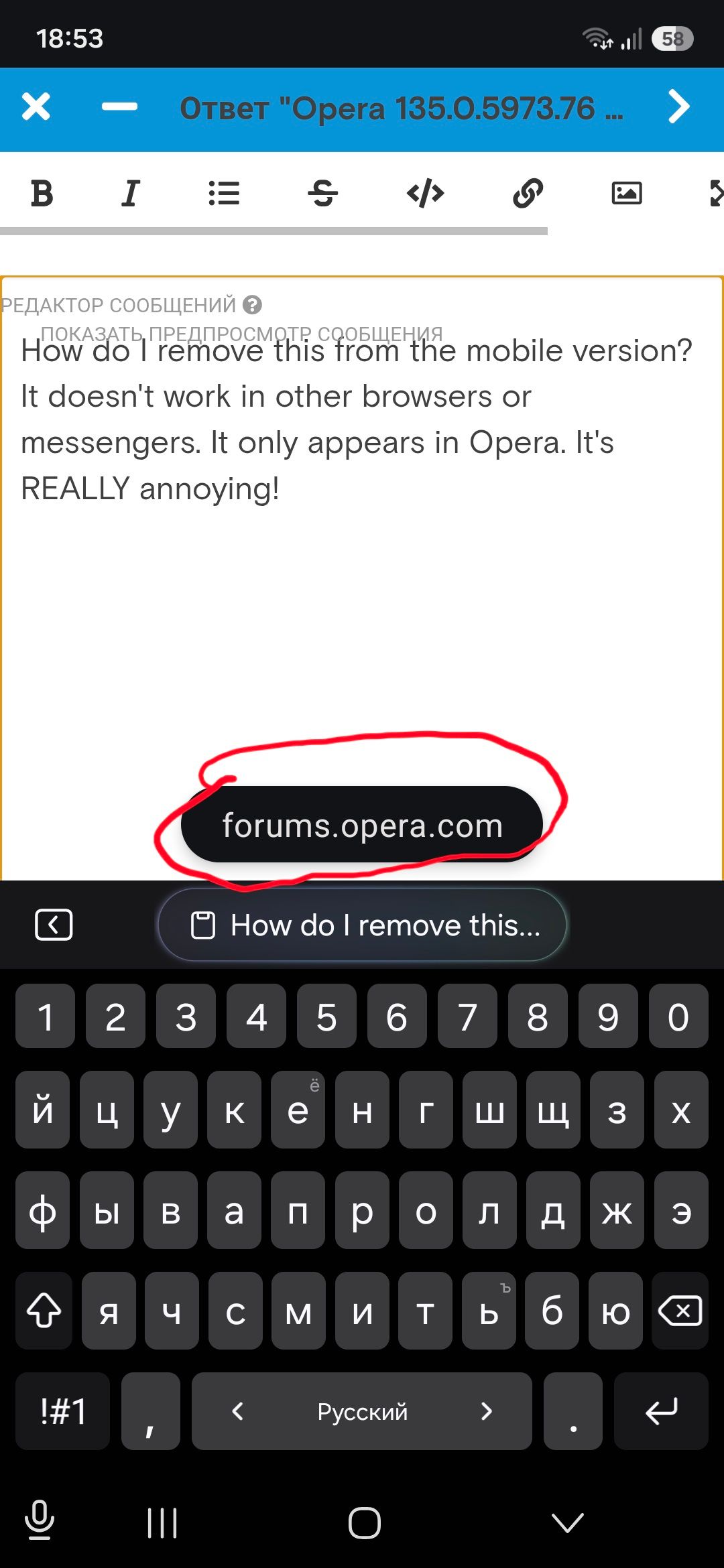
How do I remove this from the mobile version? It doesn't work in other browsers or messengers. It only appears in Opera. It's REALLY annoying!
@andrew84 said:
@korol78 Exactly the same issue like used to be in 130 version.
https://blogs.opera.com/desktop/2026/04/opera-130-stable/#comment-401790Not Opera fault. I have the same in Edge.
While in Opera developer it works fine.
I'm on Win 10.Edit: btw, I tried right now in Opera 133.0.5932.85 Portable and here it works fine.
Okay, then maybe you can tell me what and where to change in my Google account settings?
Hello, these buttons don't work when I'm logged into my Google account. They work when I log out.
What could be the problem?

@kmielczarczyk said:
@korol78: Hi, the additional icon you're referring to was not an intentional feature — it was actually a bug that caused an extra icon to show up unexpectedly in the toolbar when the Volume Booster was active in the Sidebar Player. This has been fixed. The Volume Booster itself is available in the Sidebar Player.
ok, I understand, thanks
Volume booster on the sidebar. How do I enable this display? It's not in the settings .


@burnout426 said:
@korol78 If you zoom the settings page to 150% or more, the side pane will disappear and turn into a 3-line menu button that you can click to get to the different categories.
I figured it out - if the browser is in full screen, the function is displayed, but when you reduce the browser window to a certain zoom level, the function disappears..) I understand, thanks.


@opera-qa-team said:
@korol78: It is possible. O-menu -> Settings -> Autofill and passwords -> Password Manager -> Settings (on the left)
Yes, I understand you, but for some reason now my settings on the left side are not displayed - they disappeared!? What could be the problem?
@burnout426 said:
@korol78 In settings, it's under "Autofill & Passwords -> Password Manager" and then you'd go to settings in the password manager.
You can also bookmark the URL as a bookmark or speed dial. You can also add the password manager to the sidebar if you want.
Also ,when you're on a login form page where you have your login info saved for the site, you should see a key on the address bar to the right of the address field that you can click and click the "Password Manager" button there.
@burnout426 said:
@korol78 In settings, it's under "Autofill & Passwords -> Password Manager" and then you'd go to settings in the password manager.
You can also bookmark the URL as a bookmark or speed dial. You can also add the password manager to the sidebar if you want.
Also ,when you're on a login form page where you have your login info saved for the site, you should see a key on the address bar to the right of the address field that you can click and click the "Password Manager" button there.
Yes, I understand you, but for some reason now my settings on the left side are not displayed - they disappeared!? What could be the problem?


