Opera 135.0.5973.76 Stable update
-
 Opera Comments Bot last edited by
Hello! We’ve rolled out a new Opera Stable release – version: 135.0.5973.76 We fixed a crash in the sounds manager when closing tabs and resolved playback issues on pluto.tv. We also corrected the split screen position changing after switching from vertical to horizontal tab You can find the full list in the changelog. As always, […]
Read full blog post: Opera 135.0.5973.76 Stable update
-
andrew84 last edited by
- Restore the 2nd click for the 'scroll to top' feature.
- Restore the search engines creation by using right click.
- Disable the automated search engines adding.
- In EasySetup and for the right split screen the scrollbar can't be grabbed when the cursor is far right (EesySetup closes, split screen has no reaction)
- The 'force dark page' toggle should remember its state depending on what mode (dark/light theme) it was activated for. So if I disable it while in light theme mode but enable it while in dark mode, next time I switch light theme the toggle should be off and next time I activate dark mode the toggle should be automatically on..
*It's obvious and habitual algorithm(of course, if the 'force dark page' toggle visibility while in light theme is an intended, previously the toggle was visible only in dark theme).
-
kubalav last edited by
When the bookmarks bar is enabled and Opera is switched to Full Screen (F11), the bookmarks bar sometimes fails to reappear after exiting Full Screen, or it only becomes visible after a delay.
Steps to reproduce:
- Enable the bookmarks (bookmarks/favorites) bar in Opera.
- Press F11 (or use View > Enter Full Screen) to enter Full Screen mode.
- Exit Full Screen mode by pressing Esc or F11 again.
Actual result:
The bookmarks bar does not become visible after exiting Full Screen, or it only appears after a noticeable delay.Expected result:
The bookmarks bar should return immediately after exiting Full Screen, matching the state prior to entering Full Screen.Windows 11
-
 Opera-QA-Team Opera last edited by
@kubalav: Hello, we are aware of this bug and we are currently fixing it. This is RNA-4549.
-
kubalav last edited by
Hello, I'm experiencing an issue with Opera where native notifications do not work. The only way I’ve been able to get them to appear is by reinstalling Opera using the installer named Opera_XXX.X.XXXX.XX_Autoupdate.exe. This is inconvenient and feels like a workaround rather than a fix. Could the developers please investigate why native notifications stop working and why the autoupdate installer is the only way to restore them? Thank you.
-
asdef last edited by
My sidebar shortcuts stopped working. I had whatsapp on alt+w and it just does nothing. I added additional shortcuts and nada. This is regardless of autohide side bar setting.
-
 korol78 last edited by korol78
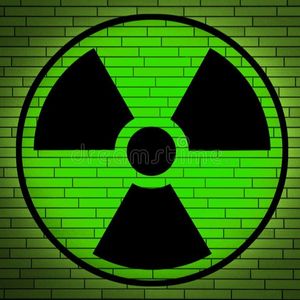
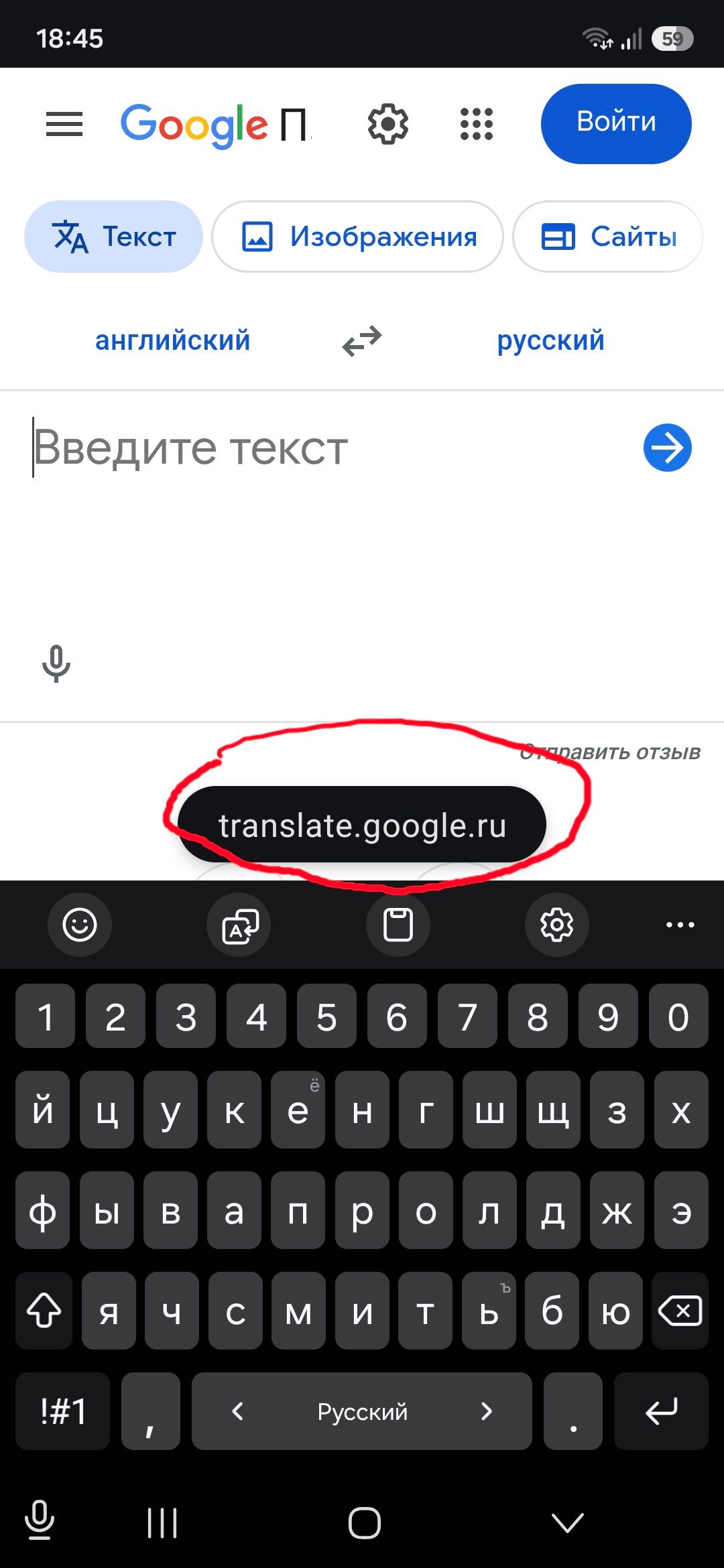
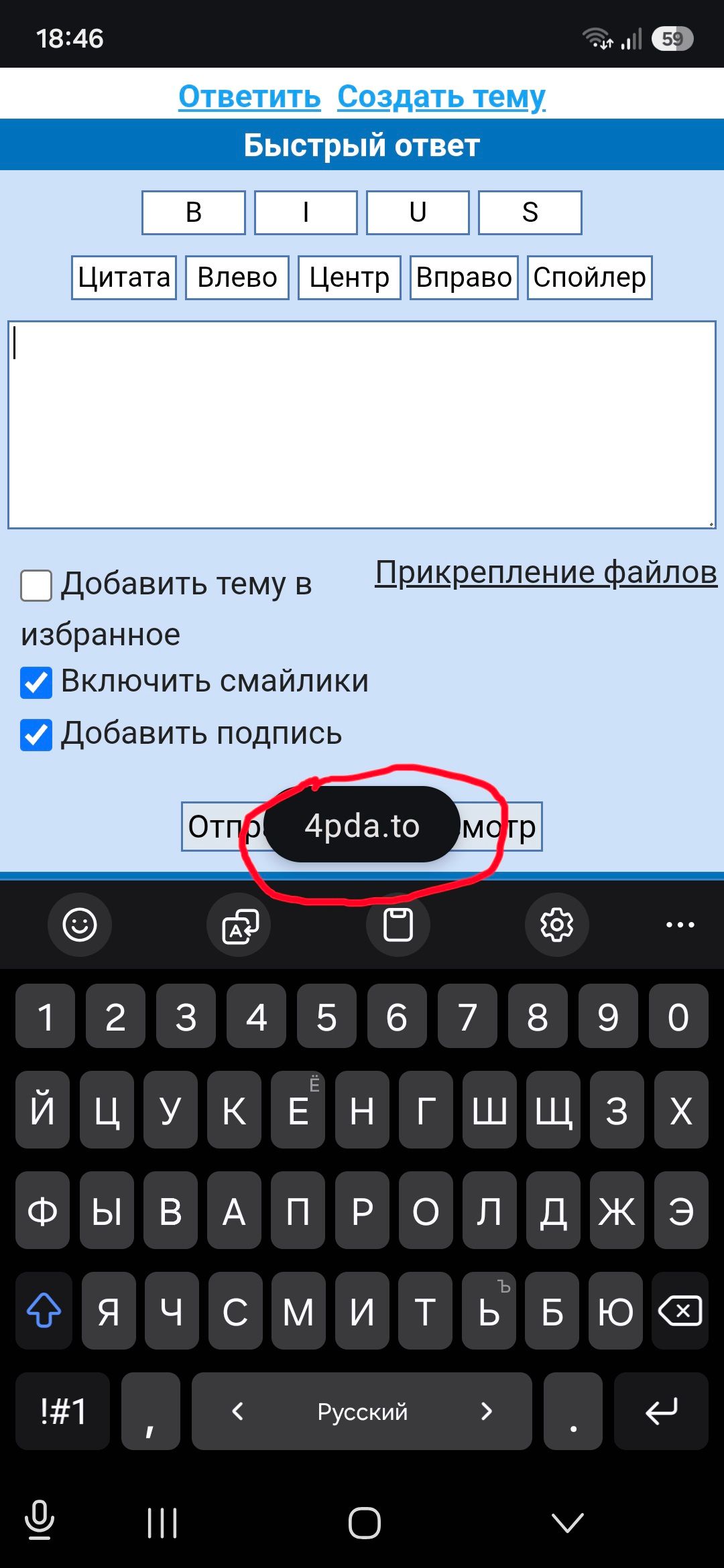
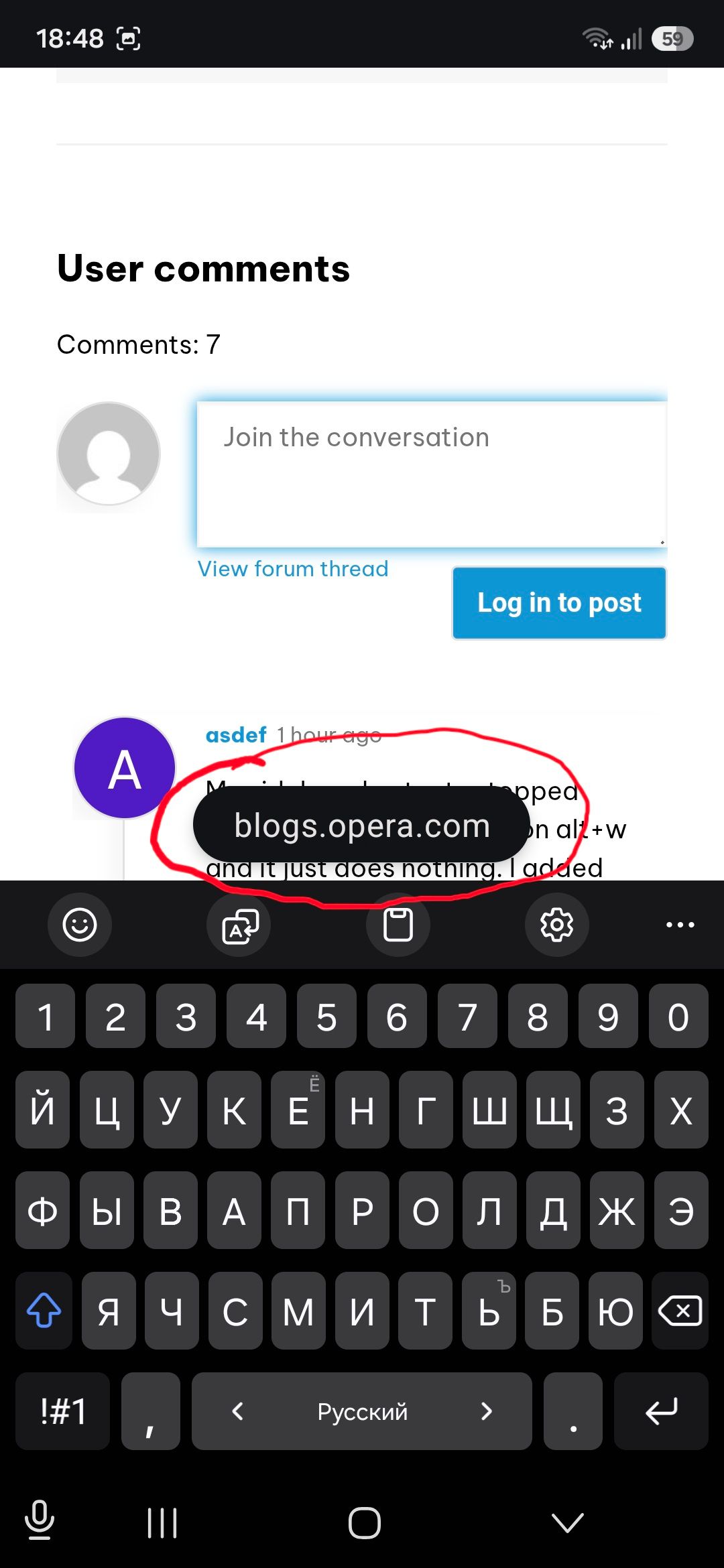
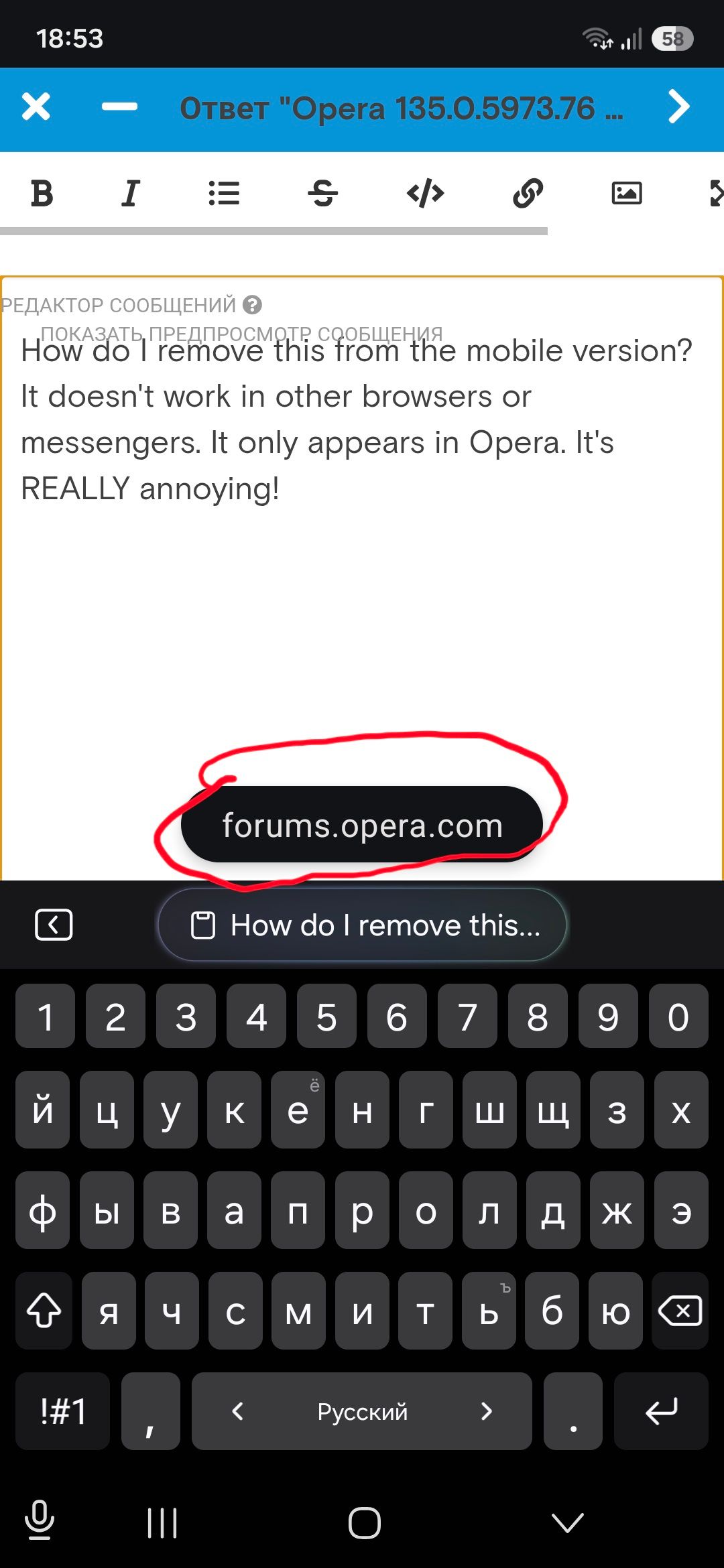
How do I remove this from the mobile version? It doesn't work in other browsers or messengers. It only appears in Opera. It's REALLY annoying!
-
burnout426 Volunteer last edited by
@korol78 There's also a complaint about that at https://www.reddit.com/r/operabrowser/comments/1w3d9q2/how_to_disable_the_bubble_saying_chatgptcom_its/, for what it's worth.
-
korol78 last edited by korol78
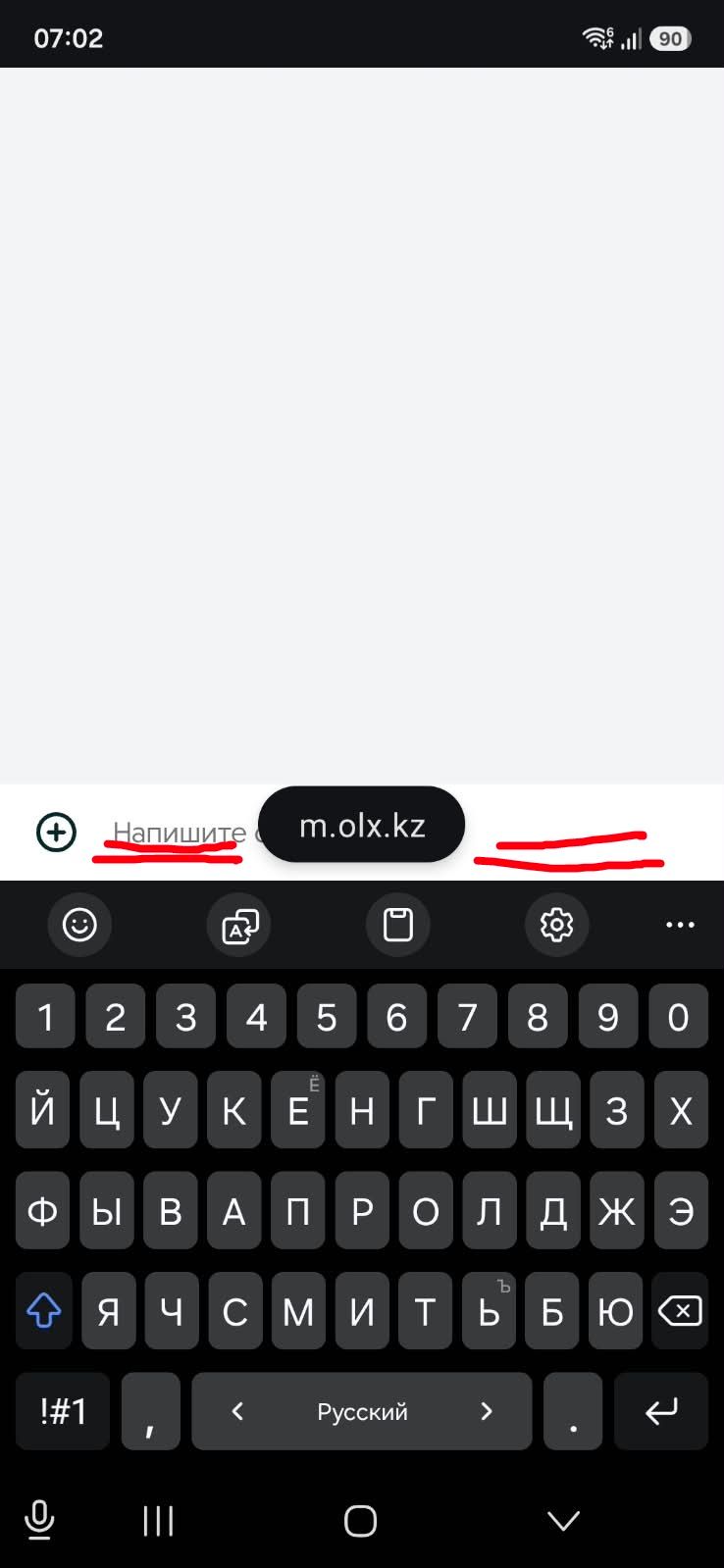
This window is right where you type.
I can't see what I'm typing—it's in the way!
What kind of idiocy is this!!!??? Where can I go for help? Where can I write to have this problem fixed?
-
 leocg Moderator Volunteer last edited by
@korol78 Maybe you can try on the Opera for Mobile devices area of the blog: https://blogs.opera.com/mobile/?
Comment on the latest post.
-
leocg Moderator Volunteer last edited by
@korol78 You can also post on the Opera for Mobile area of the forum: https://forums.opera.com/category/6/opera-for-mobile
Open a topic in the section related to your OS and Opera.
-
Opera-QA-Team Opera last edited by
@korol78: Hello, this section is about Opera for desktop. For mobile versions, check https://blogs.opera.com/mobile/
-
Locked by Opera-QA-Team
