Opera 132.0.5905.37 Stable update
-
andrew84 last edited by
@karen-arzumanyan Sorry, I wasn't able to reproduce it here on Win 10. Maybe I'm missing smth. in reproducing steps or it depends on screen size/scaling.
I checked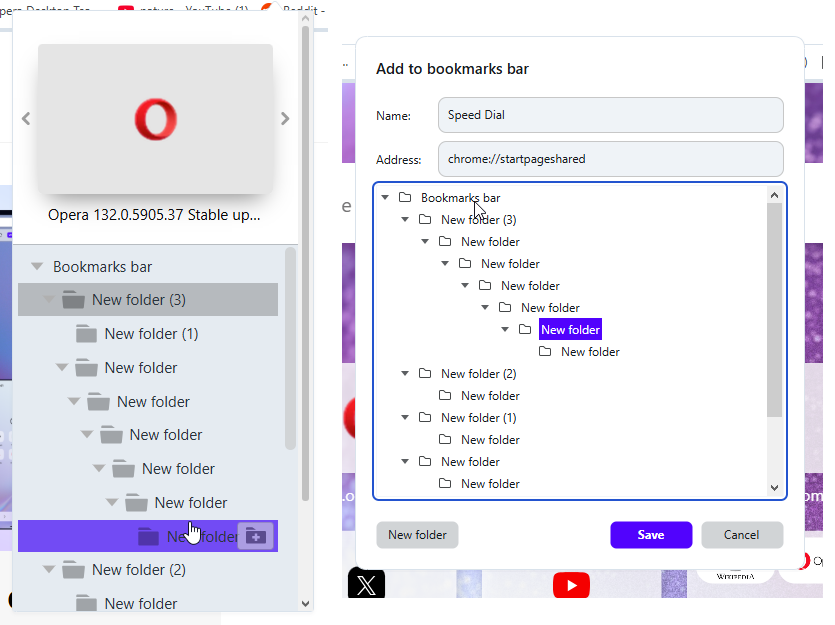 the heart and add site dialogs.
 -

-
Opera-QA-Team Opera last edited by
@andrew84: Hi! Yes, this is a known issue on our side. We have it logged in our backlog as RNA-214.
-
karen-arzumanyan last edited by
@andrew84: It looks like you have only folders and no bookmarks in them.
-
andrew84 last edited by
@karen-arzumanyan said in Opera 132.0.5905.37 Stable update:
only folders and no bookmarks in them.
No. I first created the tree of folders (6 levels, using copy paste bookmarks) for test.
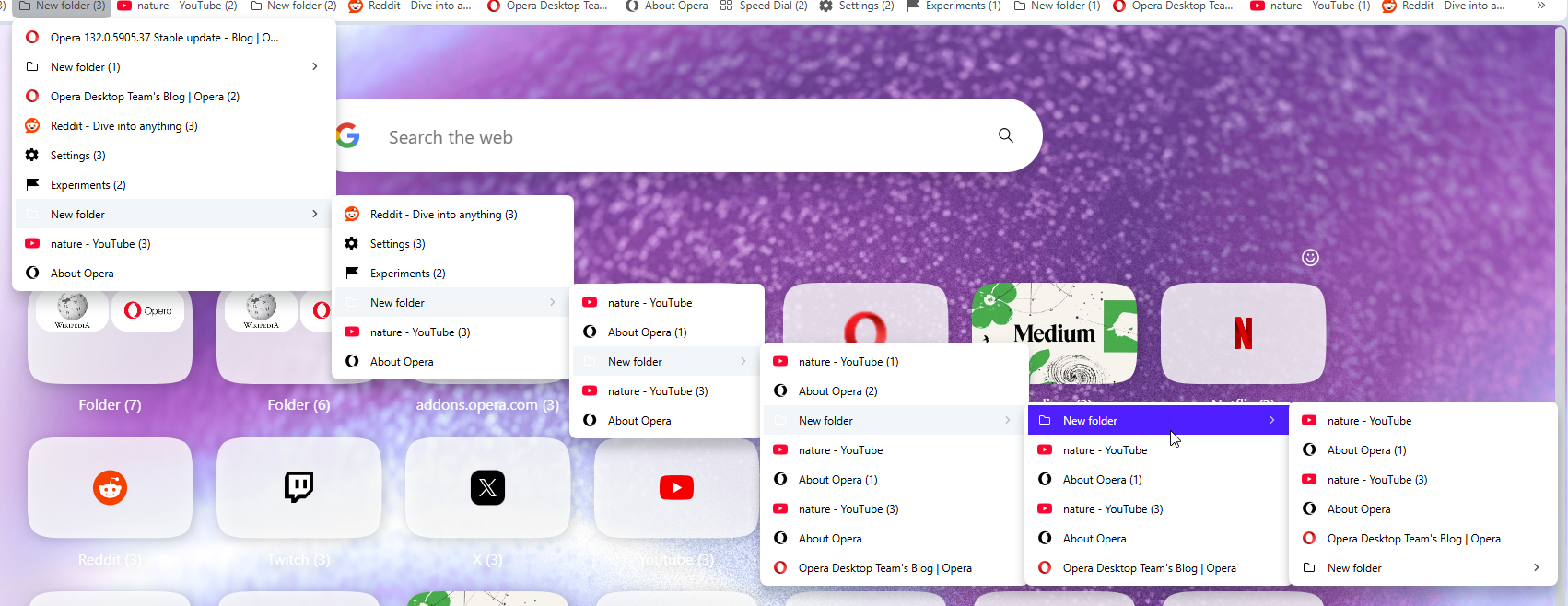
-
andrew84 last edited by
-
Again the 'force dark pages' toggle doesn't remember its state.
After disabling the toggle and enabling the dark mode the toggle is on. -
also, the theme switching icons are white for some light wallpapers (Orbit for example) and thus are barely visible.
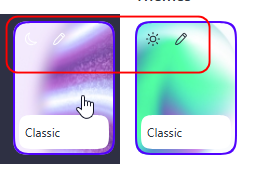
-
-
karen-arzumanyan last edited by
@andrew84: OK, Try import my test bookmarks, and add site to Folder Name->Folder Name 5-> Folder Name 515
Bookmarks:
https://www.upload.ee/files/19443593/bookmarks_6_14_26.html.html
Video demonstraion:
https://www.upload.ee/files/19443596/Video_2026-06-14_202306.wmv.html
Screenshot:
https://www.upload.ee/files/19443603/2026-06-14_202714.png.html -
andrew84 last edited by andrew84
@karen-arzumanyan Ok, I managed to reproduce it here using my own bookmark folders (simply created more empty folders).
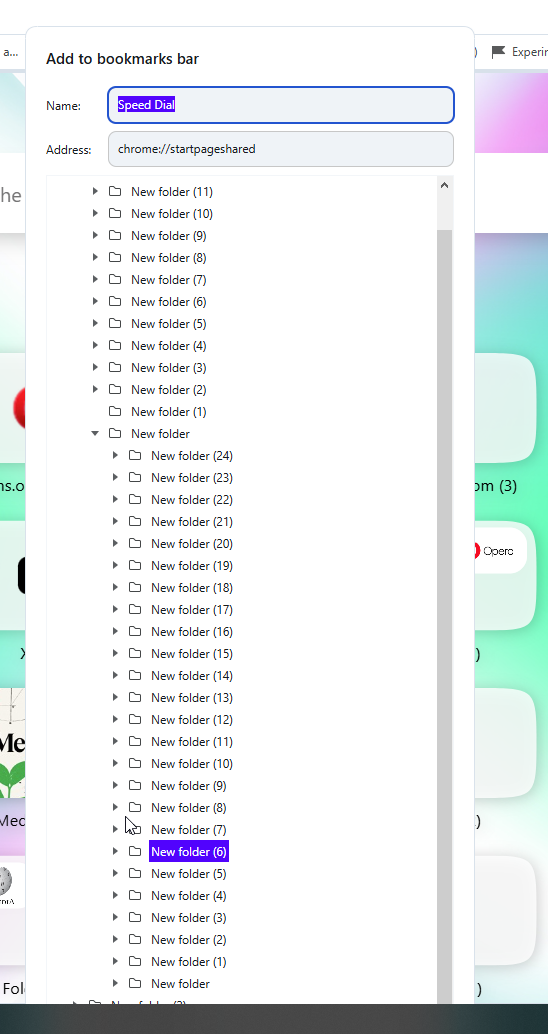
-
andrew84 last edited by
@rick2 So this is an intended change > https://blogs.opera.com/desktop/2026/06/opera-133-0-5931-0-developer-update/#comment-404519
Looks like a mockery.
-
Locked by Opera-QA-Team