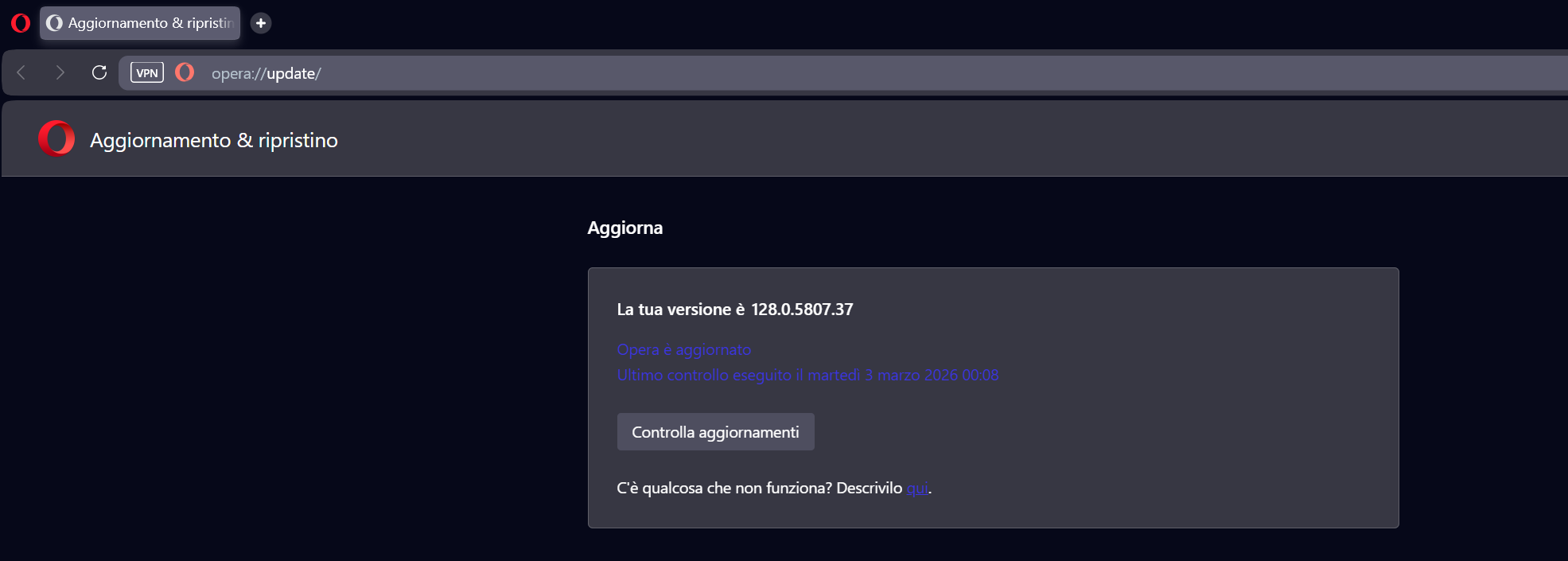
Opera 128.0.5807.37 Stable update
-
 Opera Comments Bot last edited by
Hello! Opera stable update is now available – version: 128.0.5807.37 Key highlights You can find the full list in the changelog. Happy browsing! Installation links:
Read full blog post: Opera 128.0.5807.37 Stable update
-

-
 thelittlebrowserthatcould last edited by
With the previous release, I was getting occasional unwanted change of workspace, when moving around pages with mouse. Debian build.
-
Sopronman last edited by
The same problem with the tabs jumping...by a lot of tabs, tabs are jumping left and right....no problems with the 127 stable version
-
genegold last edited by genegold
This is a re-post from the previous version, since comments are closed there
Win 11. This is not particular to 128, but is a longstanding problem across many sites. Of Opera, FF, Edge & Chrome, Opera is the only one that can't print the following article, as an example, w/o the "overlays" blocking the article text. Seen in Preview & printed copy. Wish Opera would fix it.
https://www.theguardian.com/books/2024/mar/20/wandering-stars-by-tommy-orange-review-wounds-of-history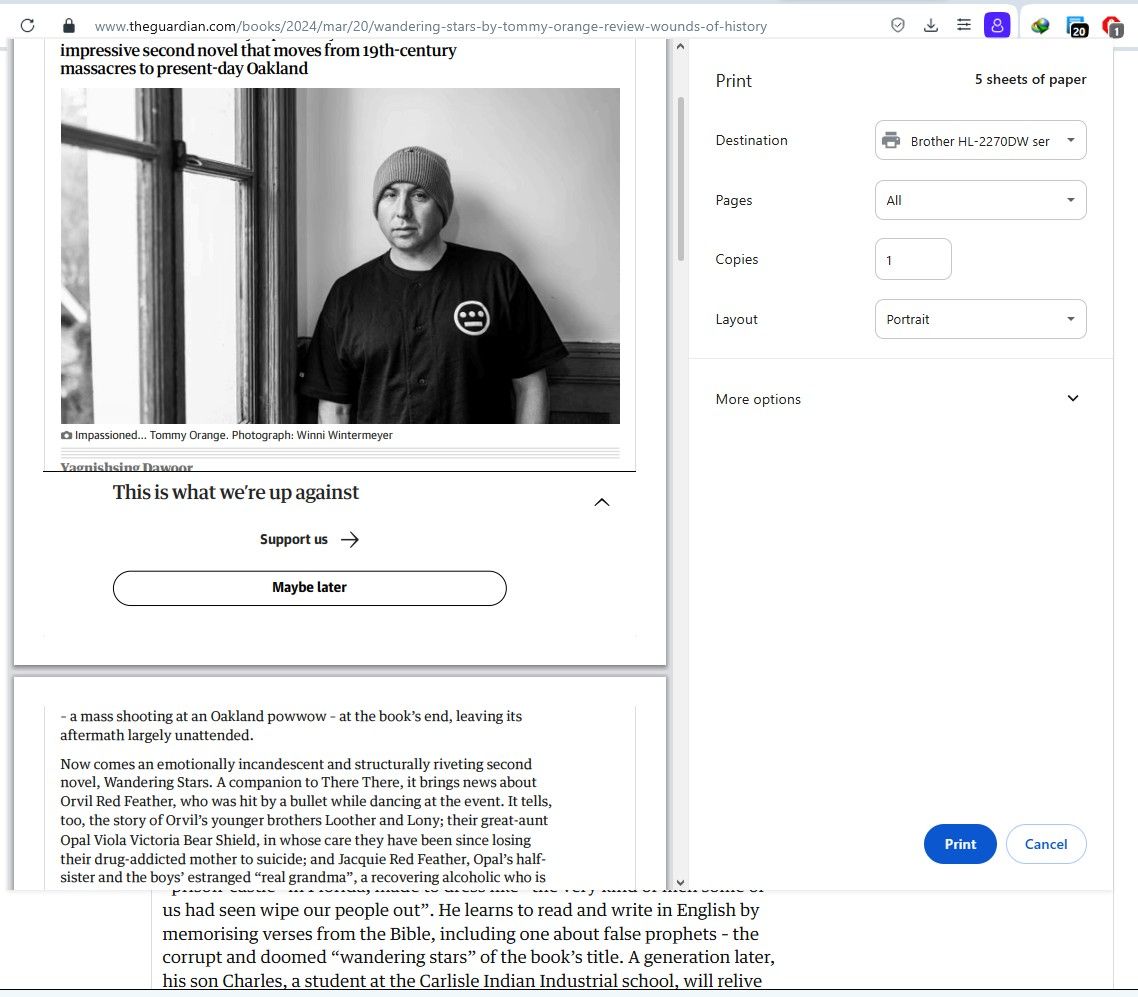
-
-

-
burnout426 Volunteer last edited by
@genegold What do you mean by "overlay"? What in the picture is wrong? Is it the "This is what we're up against" section showing? If that's what you're talking about, I can get that to happen when that section shows up on the page and I click the down arrow at the top right of that area to collapse it where it then shows the "Maybe later" button. But, if I click "Maybe later" before I try and print, that "This is what we're up against" section doesn't shown in print preview.
-
Opera-QA-Team Opera last edited by
@genegold: Hello, do you have your adblocker on or off? Please try to change its state, it can have impact.
-
Opera-QA-Team Opera last edited by
@sopronman: Hello, when the tabs are jumping? When you're clicking on them or dragging? Are they changing their position permanently or it's only flicker?
-
-
Sopronman last edited by
@sopronman: @opera-qa-team: Hi! It jumps, if I clicking on the tab, and it jumps to the right side over 2 or 3 tabs. Very disturbing.
-
A Former User last edited by A Former User
I don't get a 128 version, not the previous nor the update. When I download the offical installer for Mac it's still Opera 127 on Chromium 143, why this? I tried it twice today.

-
 korol78 last edited by korol78
On Windows 10, it won't update to 128.
Using an updated version of Opera.
Last checked on Wednesday, March 4, 2026, at 7:19 PM(GMT +5)

-
Sopronman last edited by
@opera-qa-team: They are changingtheir position permanently. i must catch always the before clicked tab, and push to their right place.
-
krteq last edited by
@Sopronman Yep, I'm experiencing the same. With many tabs opened, if you click a tab, it will resize itself and sometimes change it's position.
Very annoying
-
ironbone last edited by
In Opera AI. The page is in polish, I click the button to make the summary. The text which is send to AI is in polish "Streszczenie - Wydobądź kluczowe punkty z tej strony". The summary is in English.
When using another prompt, for example "Streść ten artykuł po polsku" I will get the summary in polish.Give us the possibility to create own button with own prompt text please.