Opera 127.0.5778.76 Stable update
-
acriim last edited by
This update was one big fail. Updated automaticaly yesterday on background. Today started opera, your opera was updated, closed "updated" tab. Then opened to one of my tabs, click inside and it switched to clean context even in case there is only 1! all opened tabs switched. So I switched back. OK all tabs (91) are here. Again clicked to one of my pages, again it switched to clean context. Tried it 2 more times. Still the same. So switched to normal context and turned opera off, it tells me don't worry all your tabs will be there (usual message). OK.
Started again and? All tabs are gone! Thank you very much Opera programmers to your amazing work that leads to lost all opened tabs. Stupidity top level! And none of the opened tabs are in history. It is about 1 month back when I tested working with contexts and it did the same shit. Killed all opened tabs in basic context and opened all clean without any tab. So I left context at default and avoid using it any way. And bang there is update and it did the same without using it. Thank you. Crap "stable" updates -

-
-
rick2 last edited by
@Opera-QA-Team thanks for replying.
About clicking in address bar, on my mini PC with latest Opera Stable 127.0.5778.76 (Fedroa KDE 43, installed from RPM) I don't experience this issue.
So it might be an extension on my notebook (also Fedroa KDE 43, installed from RPM), will check it out later. -
 korol78 last edited by korol78
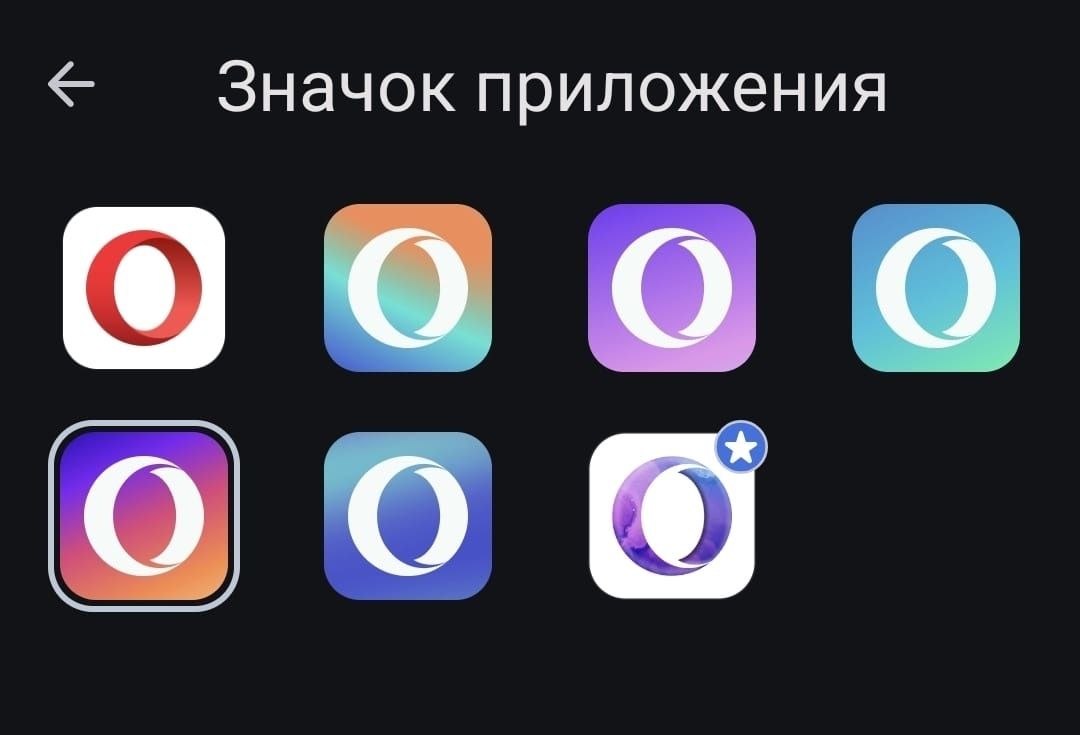
Hello, is it possible to change the OPERA icon in the PC version? Like the mobile version?
P.S. I understand you can use any icon you want, but I'd like you to take care of this ))
-
neo136 last edited by
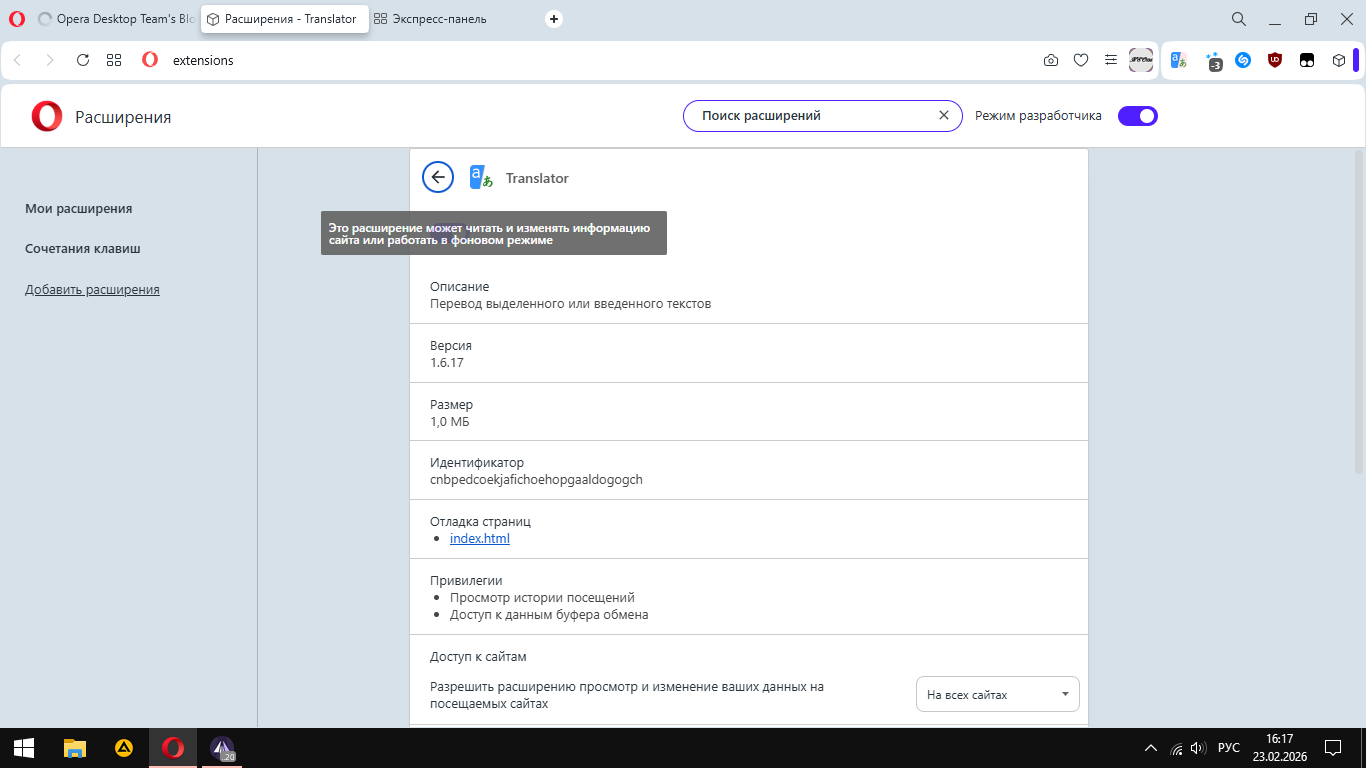
For several versions already, there has been a problem with the inability to enable and disable extensions due to a tooltip that closes the button.
-
rick2 last edited by
@Opera-QA-Team Well, must have been a glitch in tne Matrix 'cause I just upgraded Opera Stable in my notebook and I can't reproduce the address bar bug anymore.
Sorry for the noise. -
 Opera-QA-Team Opera last edited by
@neo136: Hi, thanks for sharing. We already know this bug, it's RNA-2008 and it's awaiting fix.
-
nadie-nada-nunca last edited by
Reported as OOD-747: Middle click on bookmarks bar folder opens in weird order
When you have some tabs open and middle-click on a folder in the bookmarks bar, the first bookmark in the folder opens to the right of the existing tabs, while the rest open to the left.
-
Opera-QA-Team Opera last edited by
@nadie-nada-nunca: Hello,thanks for reminding
 it will be fixed when possible.
 -
Referenced by
-
Oli-singer last edited by
Have you created a new (blue-white) icon on the starting page, in the center above the search bar? Or is it malicious? Today I noticed something looking like a white-lined project of a drop with sparkles around...
-

-
48unl1mitsss last edited by
@leocg Hello Leocg, I have a question from your response that happened to be in 2023, sorry for the late reply but I have a major question.
As you have said in the reply, If you reset the synchronization Passphrase, Then the data will also be erased from the servers, but the fact is that the info said that before resetting, data will be saved on the devices that had them synchronized before, so therefore could I still recover my data after resetting passphrase and years of data if i could connect with the support to do it?
Thanks for the future response. -
leocg Moderator Volunteer last edited by
@48unl1mitsss It seems that you have misunderstood the warning. It says that your data will be removed from the servers, but that the data on your devices will not be affected.
-
-
Locked by leocg