Opera 132 Stable
-
 whisperer last edited by
@whisperer said in Opera 131.0.5877.74 Stable update:
Crash when not using %s in site search definition (Opera for Windows)
Create a shortcut to go to the Opera website:
- Go to opera://settings/searchEngines
- Click the Add button to add a site search
- Enter these details:
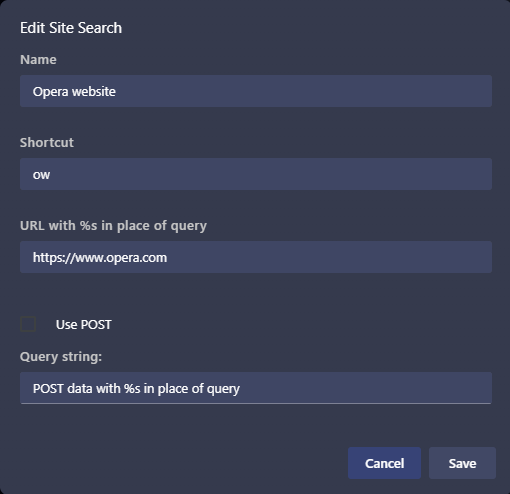
(Notice that no %s in used in the URL) - Click Save
Now test it:
- Open a new tab (Ctrl+T)
- Type "ow", then press Space, then press Enter
Opera crashes.
(Tested with Opera 131.0.5877.97)
Not fixed in version 132.0.5905.11.
-
andrew84 last edited by
@Sopronman said in Opera 132 Stable:
On the left side is a 5-6 cm wide empty column
just turn of the vertical tabs option, it's buggy.
-
whisperer last edited by whisperer
@whisperer said in Opera 131.0.5877.24 Stable update:
Still crash when switching to a tab with playing youtube video using Ctrl+Tab and releasing Ctrl late.
Not fixed in version 132.0.5905.11.
-
Sopronman last edited by
By horizontal tabs empty left side, by vertical tabs close the browser spontaneously....unusable....version 131 with horizontal tabs ok, with vertical tabs always tab jumping
-
 Opera-QA-Team Opera last edited by
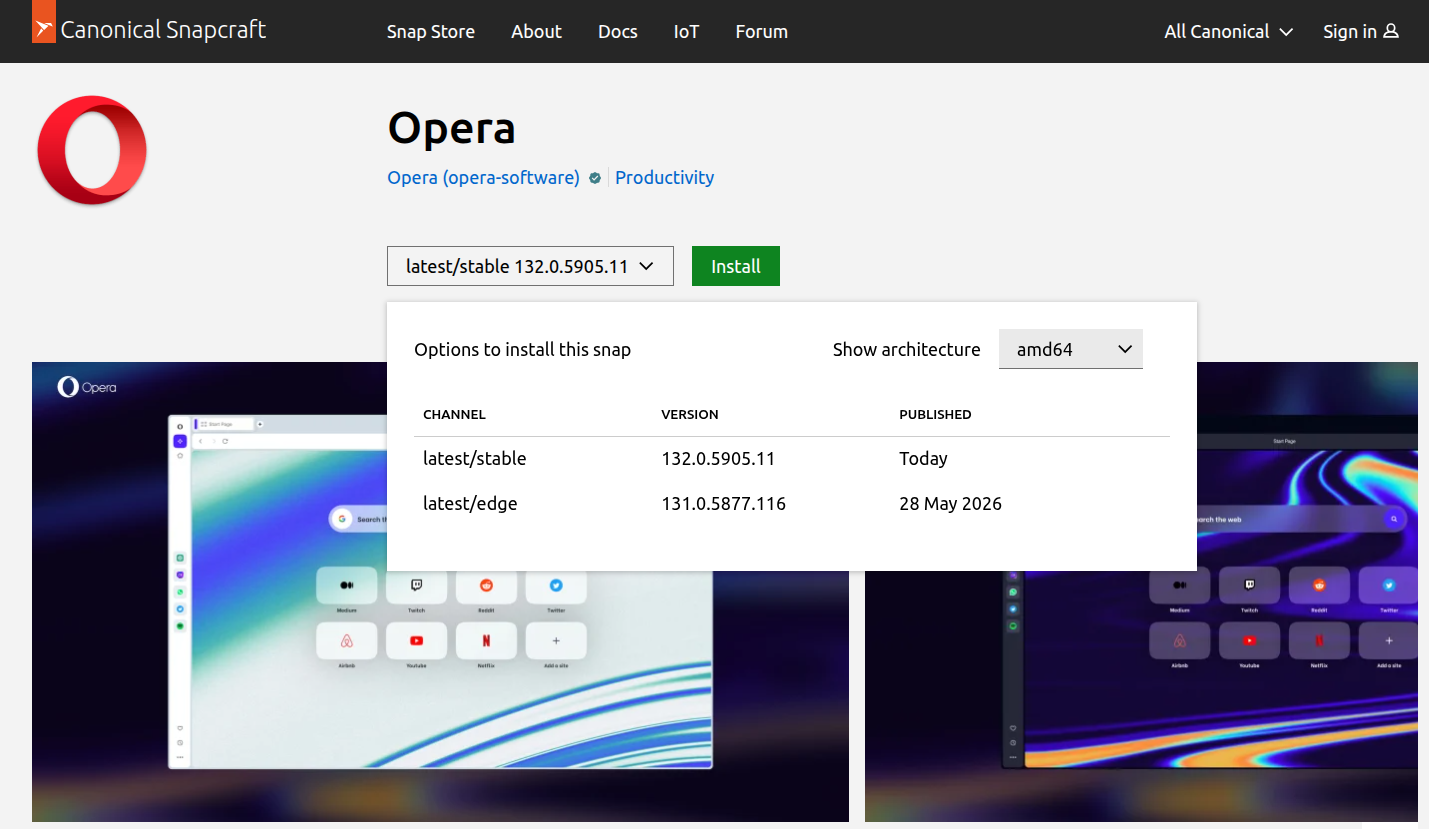
@albano23: Hello, it was our mistake, but should be fixed now, could you please check if you can reach .11 version from Snap?
-
albano23 last edited by
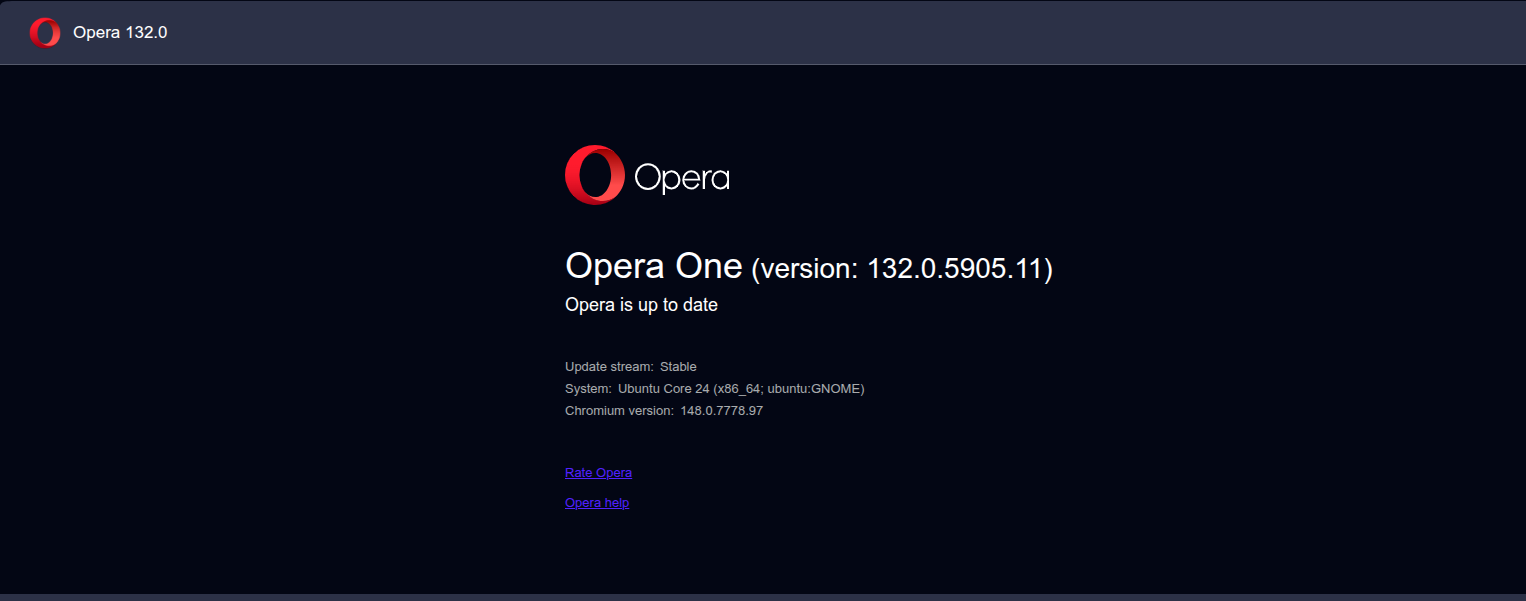
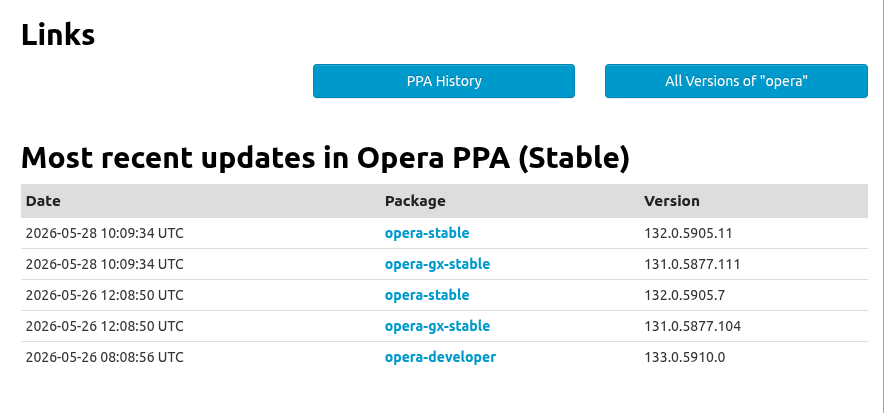
@Opera-QA-Team Sorry for the late reply. Version 132.0.5905.11—the current stable release—is already available on Snap. I can confirm this because I’m using it right now. I’ve included some screenshots so you can see it more clearly. Thanks for your reply. I really appreciate it. I’m browsing without any issues.