Opera 124.0.5705.65 Stable update
-
-
jedi-am last edited by
yesterday already could open opera ( 124.0.5705.70) snap version, on ubuntu 24.04.3.
so far videos like using youtube are working fine.
The step are down.i did some testing and for those using linux with wayland with snap ( like me, which i am using ubuntu gnome) with version
with version 124.0.5705.70 and try if you can open it.i recommend doing the following:
- if you are not last version: 124.0.5705.70, do it
with last version, using wayland, you can not open then:
- switch to x11, by using this command in terminal: opera --ozone-platform=x11
- export yours bookmarks, close the terminal
- uninstall opera snap: snap remove opera ( or via software store)
- install it again: snap install opera ( or via software store)
- try to open it
- if it can open then, import your bookmarks.
Some issue that i detect, in snap using wayland:
- main menu icon, small
- main menu icon when menu is open, is on top of icon
- on "easy setup" menu > layout section, when choosing autohide, the browser crash
i dont know what you change, but you have to fix, because x11 is working fine, however few desktop env and linux distros are starting to move on to wayland, so it is important that work in same way in x11 as well as wayland.
thank you
-
 deathcat last edited by
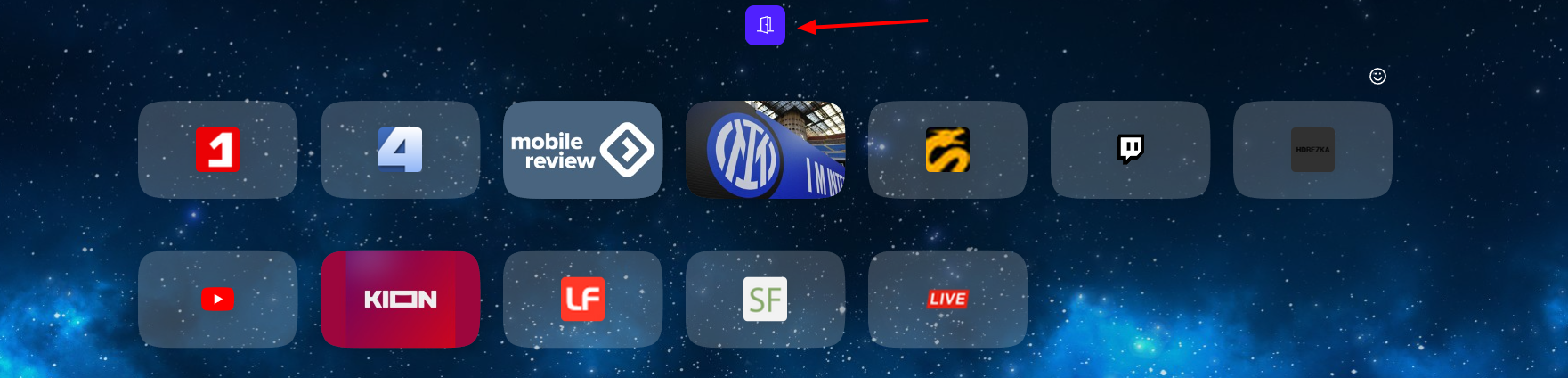
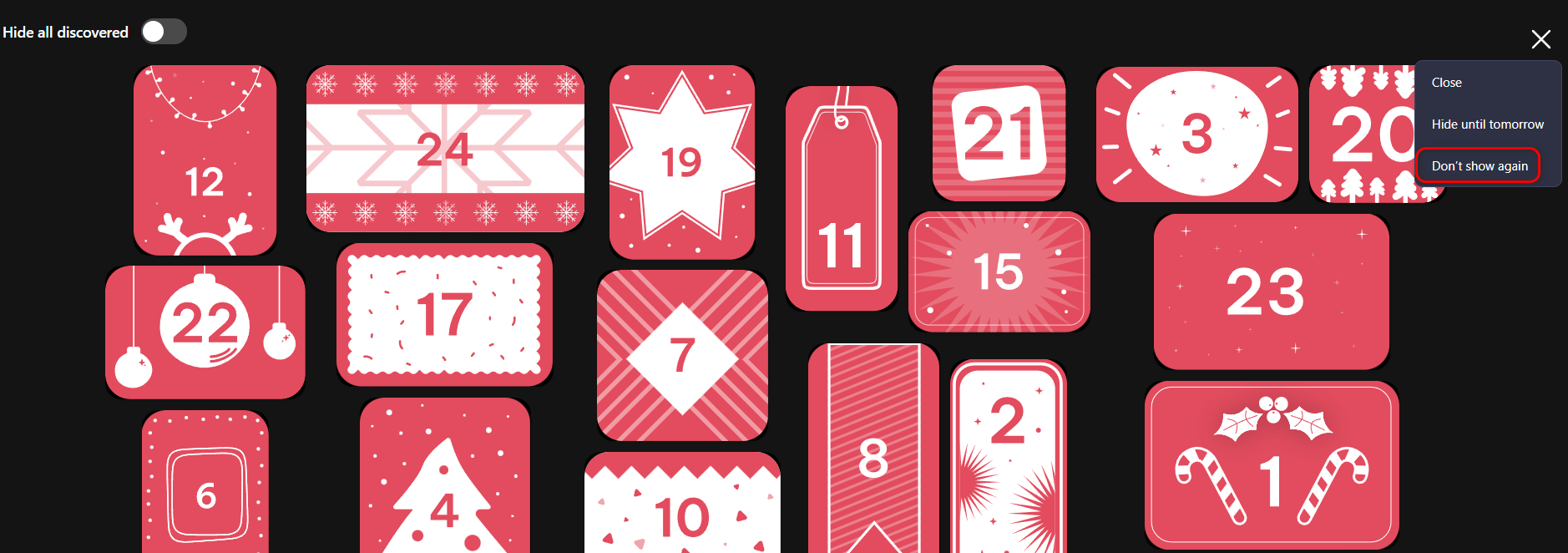
What's this crap that's appeared, and why can't I remove it? I click "Don't show again," but it reappears after opening a new tab or restarting the browser. They can't update the engine, but they still manage to shove in more junk.
-

-