• Login
    • Search
    • Categories
    • Recent
    • Tags
    • Users
    • Groups
    • Rules
    • Help

    Do more on the web, with a fast and secure browser!

    Download Opera browser with:

    • built-in ad blocker
    • battery saver
    • free VPN
    Download Opera

    Opera 139.0.6053.38 Stable update

    Blogs
    desktop blog comments
    5
    11
    219
    Loading More Posts
    • Oldest to Newest
    • Newest to Oldest
    • Most Votes
    Reply
    • Reply as topic
    Log in to reply
    This topic has been deleted. Only users with topic management privileges can see it.
    • S
      sicu220 last edited by sicu220

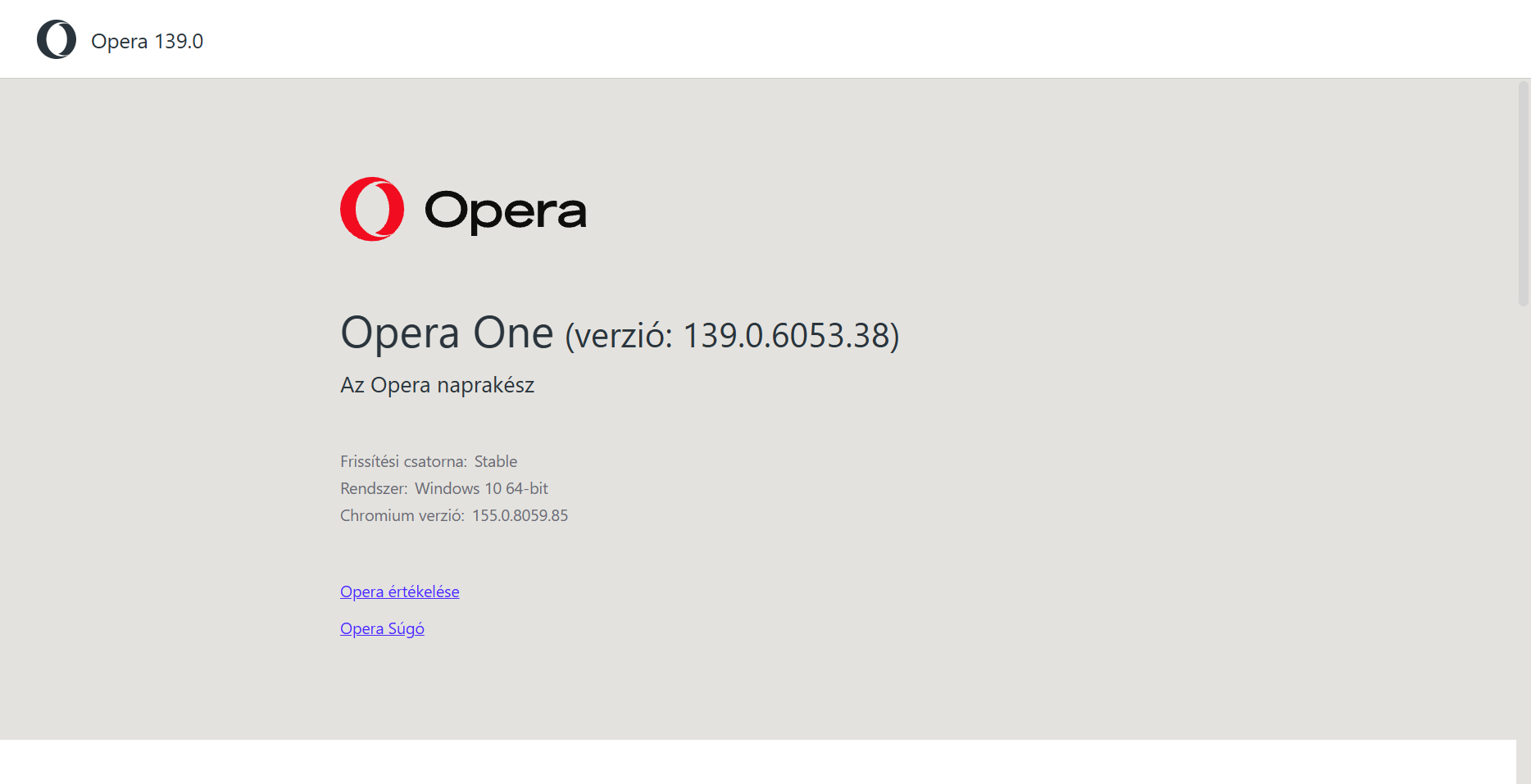
      Dear Opera! Why did you have to ruin the browser? I have been using the Opera browser for 20 years. Please restore the old Opera, it was perfect. Opera subtitles are not good. The black color on it is ugly. The background color is not good for my eyes, the old one was good for the Classic theme.
      9d75e95e-f2c0-4629-bb13-5a7f1dd9a2bb-image.png

      Reply Quote 0
        1 Reply Last reply
      • S
        steeveboy last edited by steeveboy

        Same here... I just noticed the different colors in Classic Default Mode. Why? Color is not changed I think but the tone of grey surrounding that theme changed. It's ugly. Before this update it was just perfect.

        Now I have to change the default theme to the blue color (see picture attached) just to restore the same hue of grey like before. But the color is then blue and not the stylish purple like in default.

        Please give us default look of classic theme in dark mode back just like it was in the version right before this update. 👍

        Opera Momentaufnahme_2026-11-04_114231_opera.png

        Reply Quote 1
          tastodd 1 Reply Last reply
        • tastodd
          tastodd @steeveboy last edited by

          @sicu220 @steeveboy
          Set the flag opera://flags/#opera-one-rebranding to "disabled."
          Then, select any other theme and switch back to your preferred one. It should return to how it was before.

          Reply Quote 2
            S S 2 Replies Last reply
          • S
            sicu220 @tastodd last edited by

            @tastodd Thank you very much 🙂 How can I go back to the old interface on mobile?

            Reply Quote 0
              1 Reply Last reply
            • cookie-drummer
              cookie-drummer last edited by

              This update is ugly. Why did you touch default color palette of classic theme? It looks so bad now! I'm shocked someone at Opera has approved such change. 😞

              Reply Quote 1
                S 1 Reply Last reply
              • S
                sicu220 @cookie-drummer last edited by

                @cookie-drummer Set the flag opera://flags/#opera-one-rebranding to "disabled."
                Then, select any other theme and switch back to your preferred one. It should return to how it was before.

                Reply Quote 0
                  cookie-drummer 2 Replies Last reply
                • cookie-drummer
                  cookie-drummer @sicu220 last edited by

                  @sicu220: yea, that works, thank you. Have also seen this workaround before posting my comment, only wanted to show my frustration to this unexpected and unnecessary changes Opera brings to us...

                  Reply Quote 1
                    1 Reply Last reply
                  • cookie-drummer
                    cookie-drummer @sicu220 last edited by

                    @sicu220: I'm also curious of what else will be reverted back while changing this flag to "Disabled". Is it only color pallete and new Opera logo, or is there anything else?

                    Reply Quote 0
                      S 1 Reply Last reply
                    • S
                      sicu220 @cookie-drummer last edited by

                      @cookie-drummer I don't know about anything else.

                      Reply Quote 0
                        1 Reply Last reply
                      • S
                        steeveboy @tastodd last edited by

                        @tastodd Wow! That's it! Genius! Thank you very much for this tip. Everything back to normal, just as it used to be before this update. 👍😎

                        Reply Quote 1
                          1 Reply Last reply
                        • First post
                          Last post

                        Computer browsers

                        • Opera for Windows
                        • Opera for Mac
                        • Opera for Linux
                        • Opera beta version
                        • Opera USB

                        Mobile browsers

                        • Opera for Android
                        • Opera Mini
                        • Opera Touch
                        • Opera for basic phones

                        • Add-ons
                        • Opera account
                        • Wallpapers
                        • Opera Ads

                        • Help & support
                        • Opera blogs
                        • Opera forums
                        • Dev.Opera

                        • Security
                        • Privacy
                        • Cookies Policy
                        • EULA
                        • Terms of Service

                        • About Opera
                        • Press info
                        • Jobs
                        • Investors
                        • Become a partner
                        • Contact us

                        Follow Opera

                        • Opera - Facebook
                        • Opera - Twitter
                        • Opera - YouTube
                        • Opera - LinkedIn
                        • Opera - Instagram

                        © Opera Software 1995-