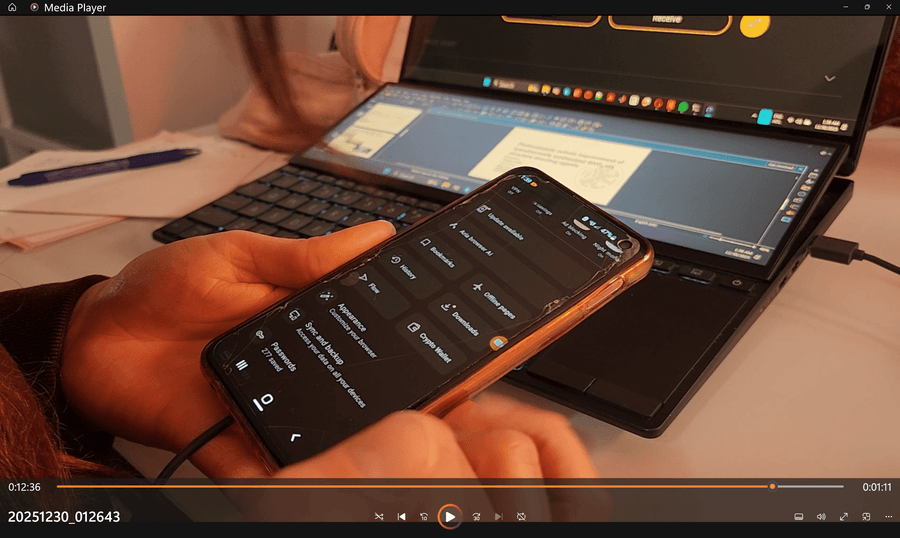
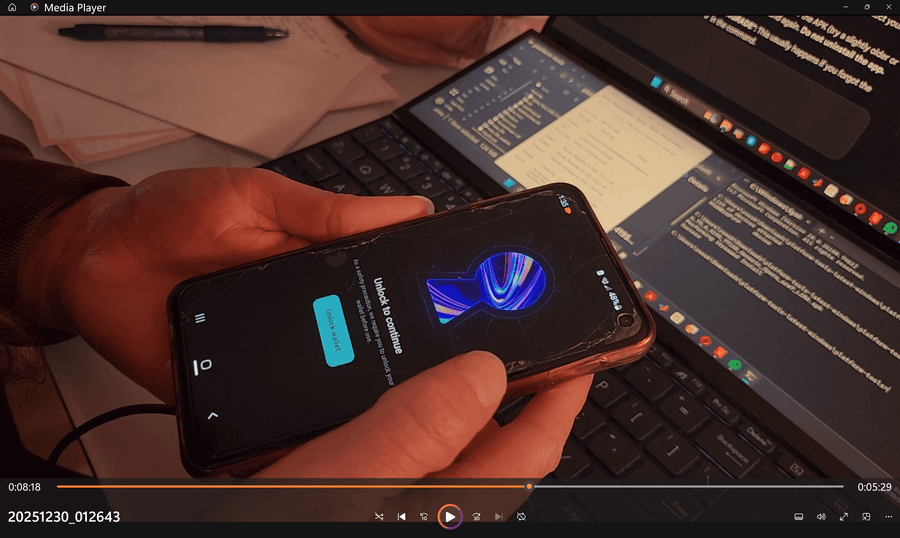
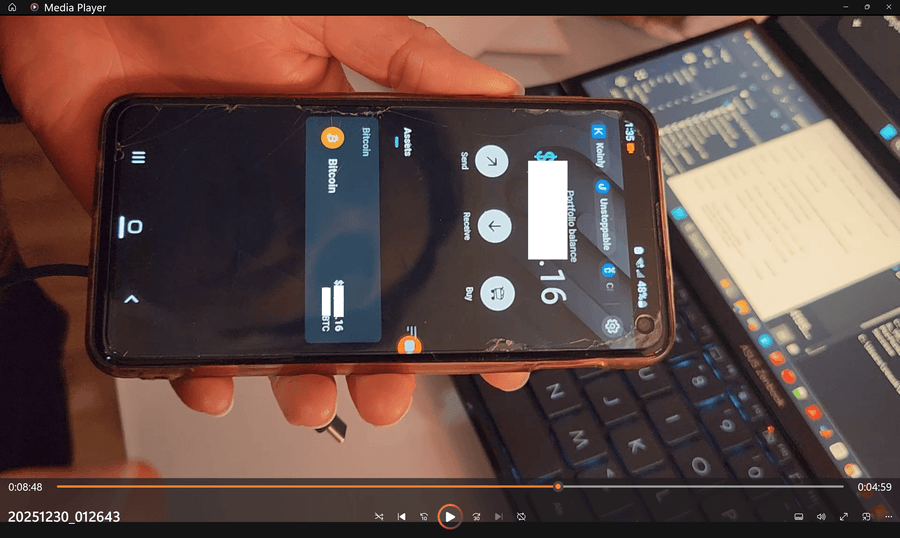
How to migrate your Opera Crypto Wallet on Desktop
-
 abitkulova Opera last edited by
@reesjank The key storage error is an Android system limitation. Unfortunately, this is something that we are unable to directly address. We are sorry for any impact this may have.
-
Felix-Mr last edited by
Hi
I'm trying to access my wallet to recover my assets, but it won't let me.
I get a notification that Opera Crypto Wallet is closing.
I see the option "Transfer your assets now." It takes me to the settings page.
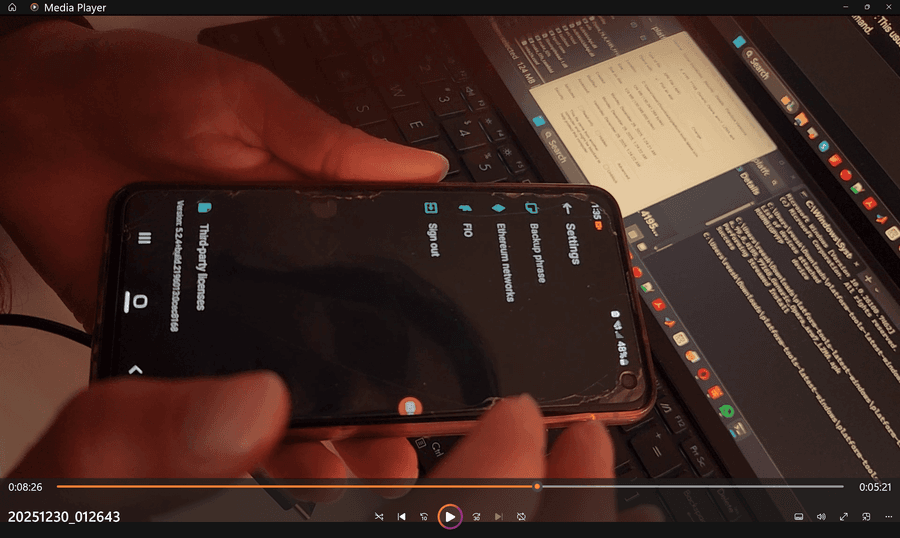
There are options for Backup Phrase, Backup, and Log Out. When I try to create a backup, nothing happens.
In the Backup Phrase section, it asks for my password, which I enter.
It says it will generate another phrase, even though I already have the one that was created when I set up the wallet. A few days ago, it asked for the phrase, but nothing happened when I entered it.
This isn't right.
I want my assets back.
What should I do? -

-
Megan-Muck last edited by
to migrate to a new wallet you will need your 12 secret words and use a wallet that supports your crypto. I only have Bitcoin and I use BlockStream Green which Is a Bitcoin only wallet.
Try a few different wallets until you fine one that works for your cyrpto . -
reesjank last edited by
@abitkulova Attention Dev Team: the transition is failing users due to software issues. There has been no support on this topic from the company. I have had to resort to dedicating many hours to research troubleshooting despite no training.
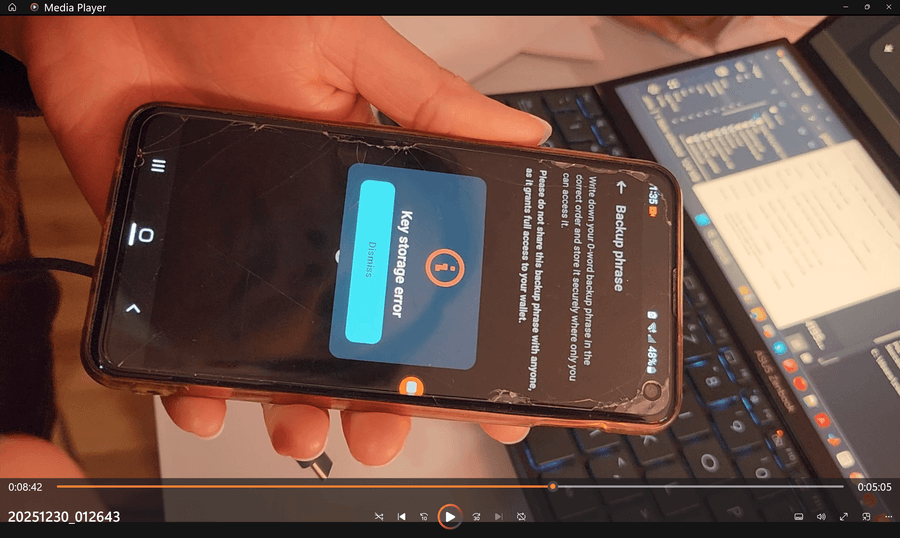
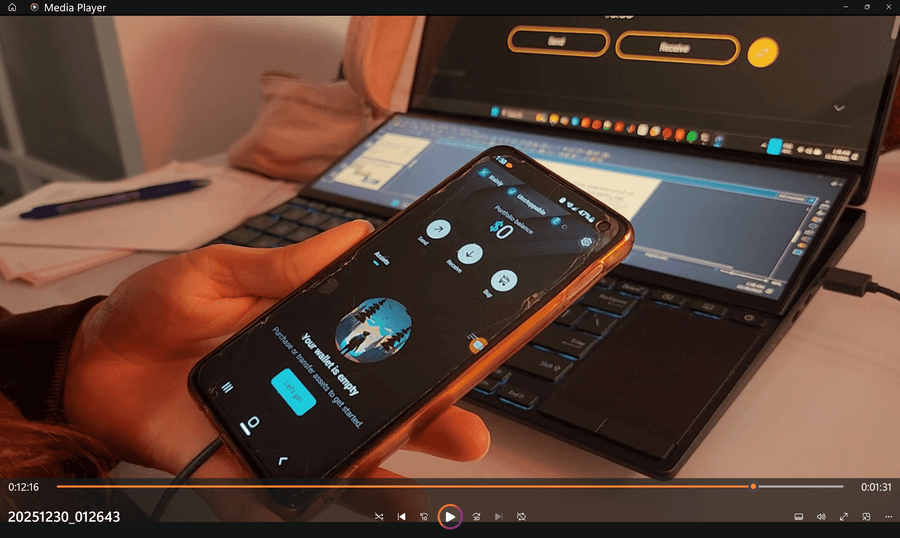
This actually appears to be a software-induced lockout on my Samsung, Android 12, running version 90.5 at the time initially. I checked my Knox security status tripping and it is 0x0, meaning untripped. I was able to do an APK mirror via adb while preserving app data (not overwriting the app or uninstalling it). Trying different versions, I am able to get into the wallet via lockscreen pattern consistently meaning the keys are not invalidated as presumed. However, the wallet is showing a "key storage error" message and a "0-word backup phrase" being mentioned. The first downgrade resulted in a view of my funds in the wallet, and these error messages were only tripped when navigating to the settings to access the backup phrase (that was never initially revealed). Then the funds suddenly showed $0, which is false as they still show up on the blockchain address.
Trying various versions the key storage error persists. This indicates rather a binding conflict between 90.5 and legacy builds.
This technical defect prevents the extraction of recovery phrases, effectively "orphaning" user assets. This is an issue on Opera's software side and not my Android. I demand immediate technical remediation or a "Recovery Build" to bypass this conflict. The lack of an exit strategy counteracts acting in the best interest of the provider's clients.