@andrew84 Thank you for teaching! I can change location of this button!

Do more on the web, with a fast and secure browser!
Download Opera browser with:
@andrew84 Thank you for teaching! I can change location of this button!
Is this a bug or a change in specifications? After updating Opera to the latest version, the position of the "Open new tab" button in vertical tab mode has changed.

It used to be at the very bottom, but now it appears between the regular tabs and the pinned tabs. This makes it very difficult to click.
If this is a design change, I would like it reverted to the previous layout.
@kyu3 said in [Suggestion] Vertical Tabs UI:Add tab button and Close tab feature:
The first is the close button. When using vertical tabs, the close button is hard to distinguish from the other tabs. I think it would be better to use just the close button icon, like in Vivaldi.
I mistook.
✗ the close button icon
◯ the plus button ( + ) icon
Hello. The vertical tabs are great! However, there are two things that caught my attention while using them.
The first is the close button. When using vertical tabs, the close button is hard to distinguish from the other tabs. I think it would be better to use just the close button icon, like in Vivaldi.
Opera ↓↓

VIvaldi ↓↓

Also, when the vertical tab width is minimized, the close button for the tabs is hidden, making it difficult to close them.
To resolve this, how about adding a feature where double-clicking a tab closes it?
By the way, I know that when the tab width is minimized, the close button appears if you hover over the favicon while the open page is still visible.
(This text was written using DeepL.)
こんにちは。久しぶりに書き込みます。新しく追加されたタブ分割表示機能、UI自体はよく考えられてて。良いなと思いました。
ただ分割時に表示されるUIの日本語の説明(?)が、ちょっと分かりづらいなと思いました。「ドロン、影分身の術」とか「タブ分割で鬼に金棒」とか。


たぶん英語版もここにジョークや格言めいた内容が書かれてて。それを元に日本にあわせたアレンジをしたのだと思いますが。
ここはもっとシンプルに。1つ目の画像で言うなら「上側に配置」「左側に配置」「右側に配置」とか。2つ目の画像で言うと「左から2番目に配置」「右端に配置」「縦2列2列表示に変える」とかにした方が、多くの人は分かりやすいと思いますし。
私もそうだったのですが。現行だと何を表してるのかが分からず。戸惑ってしまう人も多いのではと。
"Music Player to the toolbar" is geat!!!!!
And I hope to be added Mastodon to sidebar!
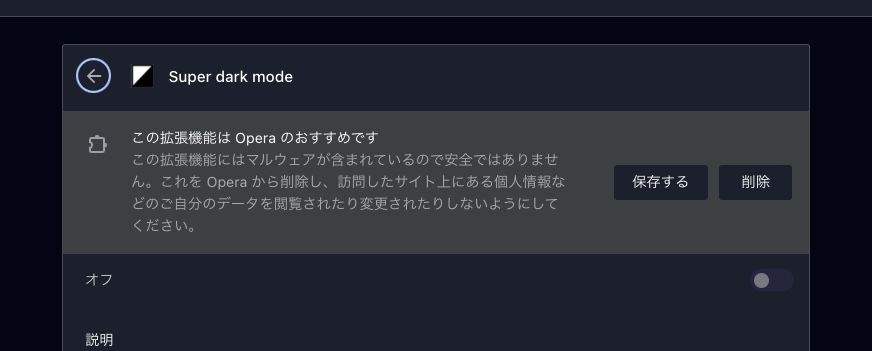
こんにちは。今日 Opera を起動すると「『Super dark mode』と言う拡張機能にマルウェアが含まれている」と通知されました。
それ自体は助かって良かったのですが。その通知の文章に少しおかしなところが。
タイトル部分に「この拡張機能は Opera のおすすめです」となっていました。もともと Opera がオススメしてた拡張だったからこれが表示されてるのか。あるいは「削除することをおすすめします」と言う意味だったのかは分かりませんが。とりあえず後者の可能性が高いんじゃないかと思い、一応こちらに書き込みました。
I have been waiting for this spec change for a long time. The keyboard shortcut to show speed dial has been changed to open the speed dial in the active tab.
I am very happy, I wrote this request 9 years ago.
Hopefully this spec change will not be undone.
@glitchzero I think so! I hope it.
And I think it may be good to be added mastodon web client "Elk". This web client is looks like Twitter. I think it is easy to use by users.
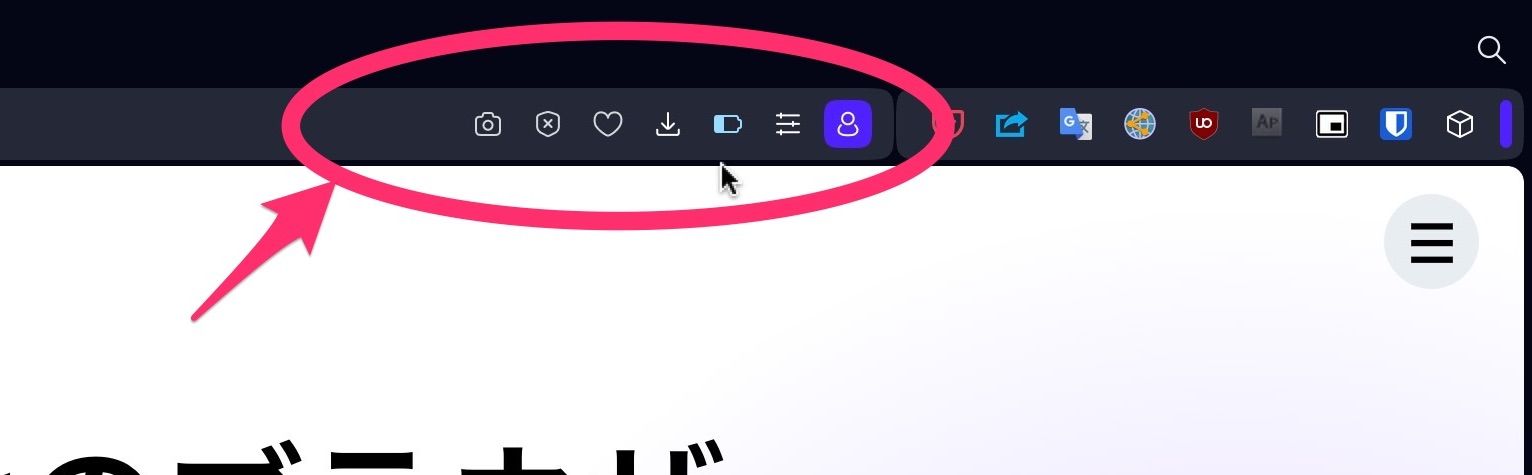
Opera one is nice! But I want to hide this area of address bar. Because I often use Extensin buttons, but I don't use these feature in this area much. Please!
I downloaded Opera for iOS for the first time in a while. This is because I can use the generative AI "Aria" on Opera for iOS.
To use Aria, I need to login to my Opera account. So, I loged in it. Aria is nice!
But I notice one thing. I was able to login to my Opera account, but "My Flow" feature was not working. The reason is that I need to login by QR code to use My Flow.
QR code login is great! Because users don't have to enter a password. It is very easy and safty.
But logging in twice is a hassle. I think these should be unified if possible. I would like to be able to use both of these features if I log in with either of them.
Opera for iOS is nice! But I hope it to add Dark mode to Opera for iOS like Opera GX.
This wrong translate is in Opera GX for Android, too. ↓↓
https://twitter.com/shajiku_works/status/1673733536019521541
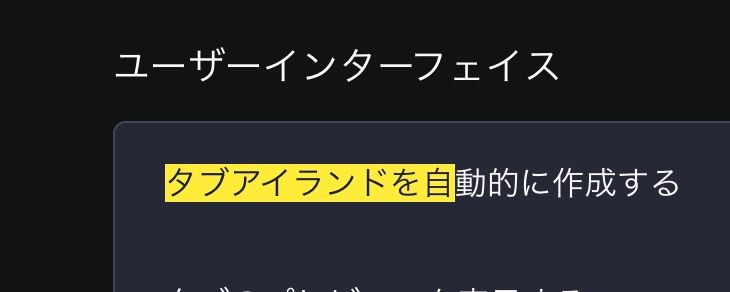
There still are funny Japanese translate "タブ島" in Right click menu. These menu are "Make tab-islands" and "Take this tab out from tab-islands".


And in the menu closeing all tabs in tab-islands, too. I think it is good to translate this menu "アイランドを閉じる".

@kyu3 Thank you for fixing! I can upload the image to Opera forum. 
Opera One and Aria is nice! But I found the bug. When I type a question into Aria, Problem happen by using Japanese. In Japanese, I have to press Enter to confirm the character I want to type. But when I press Enter to confirm a character in text area, the current input is sent to Aria. So, Before I finish typing all the Japanese question, the question are submitted to Aria.
Opera One 100.0.4815.21
macOS Venture 13.4(ARM)
Hi! I can't upload image to this forum. When I uploaded the image to this forum, Forum showed this error.
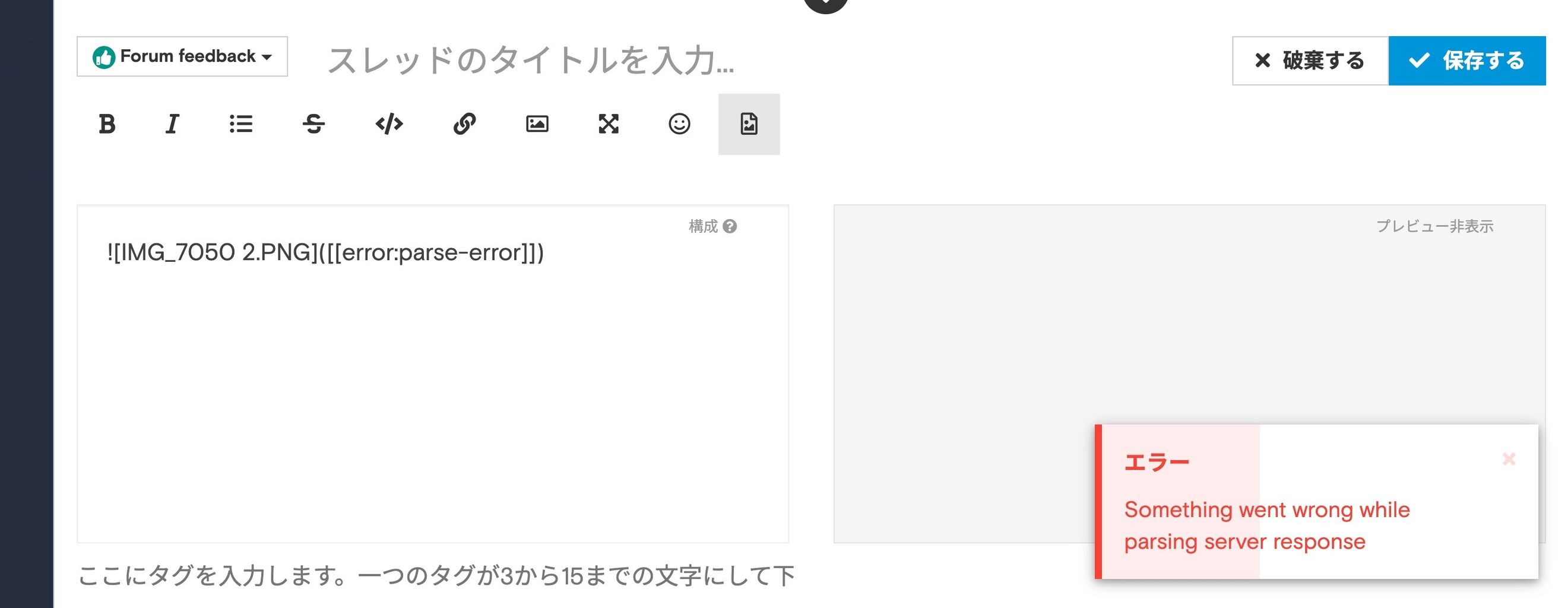
The image I tried to upload did not exceed the limit.