Language change to Hebrew
-
 leocg Moderator Volunteer last edited by
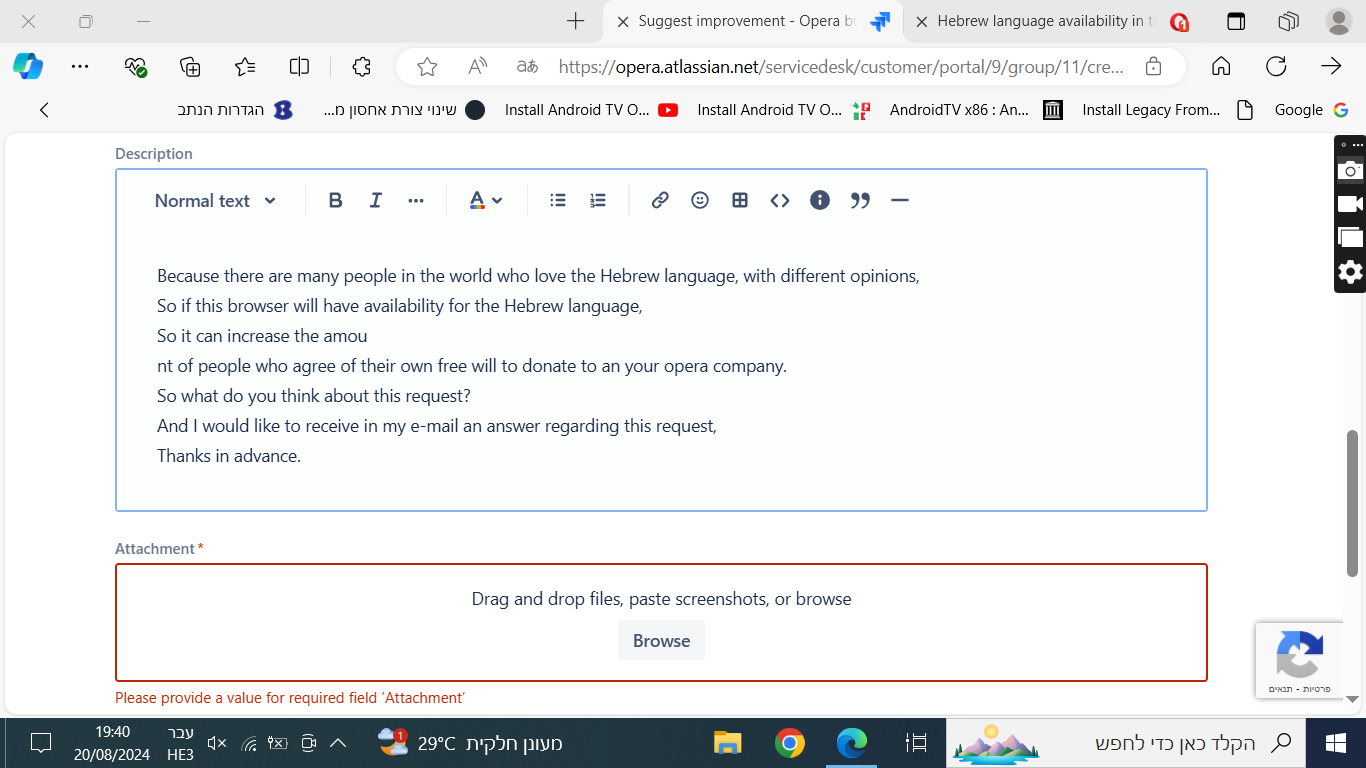
@rami1234 Go to https://opera.atlassian.net/servicedesk/customer/portal/9 and choose the Suggest improvement option
-
A Former User last edited by
@leocg
What exactly to write there in system information?
To send the page there, it requires a file attachment,
But how can I show what is not there? -
-
-
donq last edited by donq
@rami1234
Attach the same screenshot of Opera settings you posted previously, should be enough. -
burnout426 Volunteer last edited by
Do any RTL languages (Arabic and Persian too for example) work in Opera's UI? If not, it's probably a general RTL-support issue.
-
A Former User last edited by
@donq
Even after attaching the file it requires system information,
What should I write in system information?

-
donq last edited by
@rami1234
You don't post that from Opera?
Inside Opera it is prefilled with Opera version, Windows version, Graphic card info. -
A Former User last edited by A Former User
@donq
Where exactly in Opera do I get to system information? -
-
A Former User last edited by A Former User
@burnout426
Those languages don't work there,
so, how do I fix the RTL general support problem? -
burnout426 Volunteer last edited by
@rami1234 There's nothing you can do. Opera would have to fix it.
-
burnout426 Volunteer last edited by burnout426
@rami1234
Open up Opera, type:
https://opera.atlassian.net/servicedesk/customer/portal/9/group/11/create/6in the address field and press enter.
-
A Former User last edited by
@burnout426
And how in one screenshot I can show that
Is this a problem with all languages that are written in RTL form? -
burnout426 Volunteer last edited by
@rami1234 said in Language change to Hebrew:
Is this a problem with all languages that are written in RTL form?
I didn't test all of them, but seems like that's the case.
-
burnout426 Volunteer last edited by
@rami1234 said in Language change to Hebrew:
And how in one screenshot I can show that
Show what specifically?