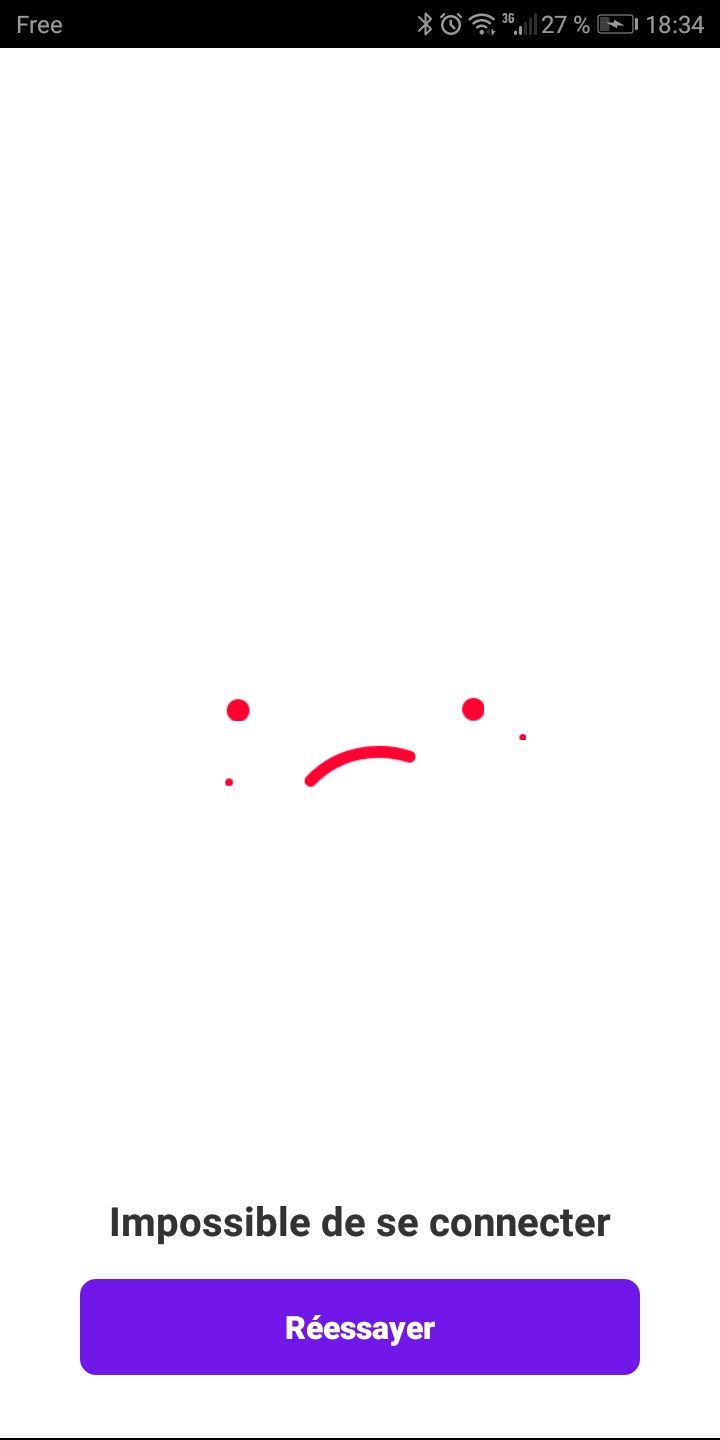
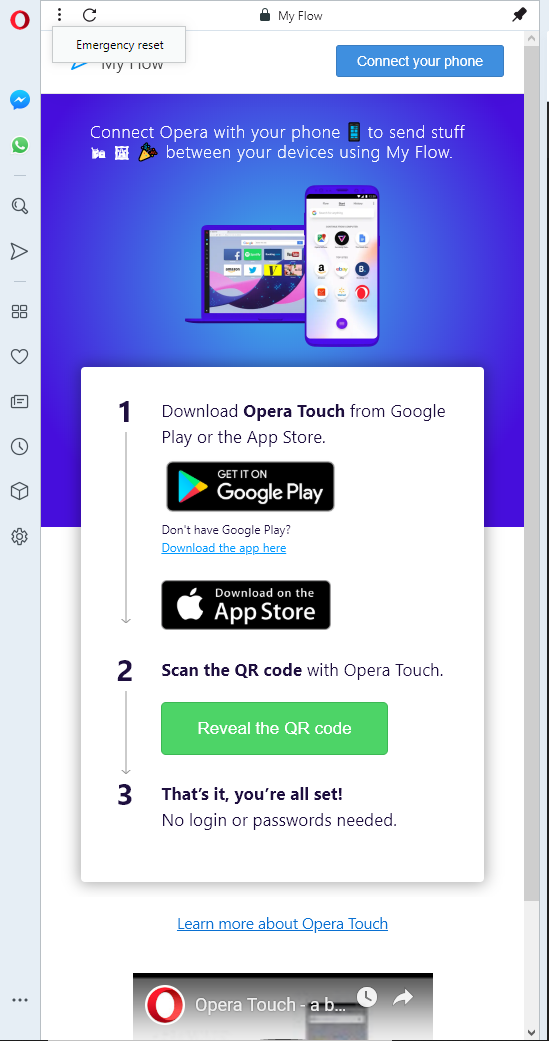
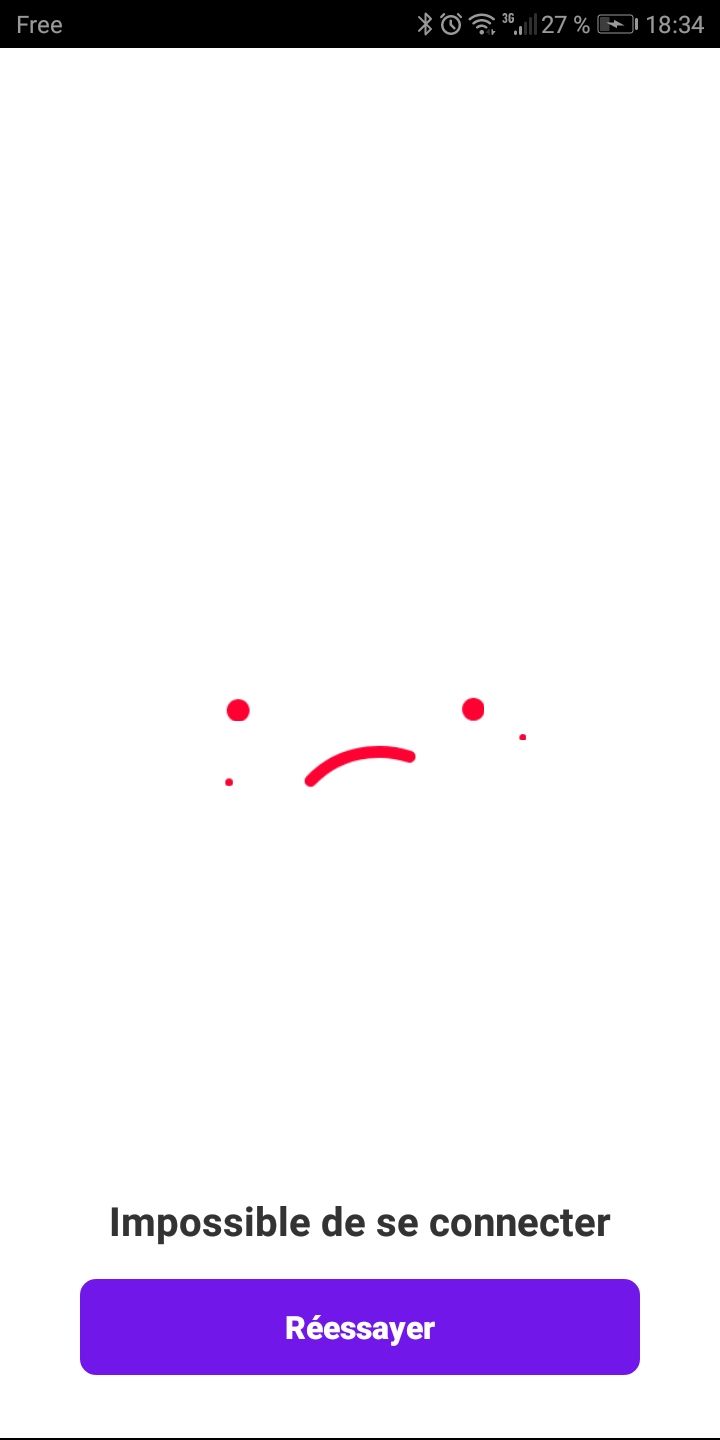
My flow "failed to connect"
-
-
老用户 最后由 编辑
Opera for Windows 57.0.3098.116
Opera for Mac 58.0.3135.53
Opera Touch for iOS 1.4.0
Minneapolis, Minnesota, USARunning the latest version of Opera for Windows, Mac OS, and iOS (one iPhone and one iPad, and none of them can connect without doing an emergency reset, which means I have to reconnect all of my devices. The connection always works the first time, but never the second time, on either the Mac or the Win machine. This feature is seriously borked, and I was hoping to replace Apple's iCloud service since I don't like using Safari and I can't run Safari on Windows. Looking at the posts on here, there doesn't seem to be any fix available so I'm just adding my voice to the rest.
-
oleksa 最后由 编辑
@Rassnul thank you for sharing your solution It helped me to connect Opera Touch 1.16.7 to Opera 60.0.3255.27 on Windows 10 x64 (located in Ukraine, Kyiv city)
Opera Touch refused to connect first several times
however when I've disconnected computer from flow Opera Touch has connected -
daniprin 最后由 编辑
I have the same problem. I solved it. You need to go into my flow settings on pc an press the "DELETE" button and then try to connect again.
-
老用户 最后由 编辑
@daniprin said in My flow "failed to connect":
I have the same problem. I solved it. You need to go into my flow settings on pc an press the "DELETE" button and then try to connect again.
I did the same but still no luck, I always got the sad face

-
老用户 最后由 编辑
@klawchi try turning off the ad blocker in the Opera settings... It worked for me.
Unfortunately for Flow to work it seems the Ad Blocker can't be on at all. But that's ok download another ad blocker extension.
-
-
-
 m4ssacre 最后由 m4ssacre 编辑
@zarespx Somehow it got fixed for me. Unfortunately I forgot how I fixed it, but - as far as I can remember - I logged out & in of everything, re-installed the android app and it worked.
Opera Touch 1.21.1 on Oxygen OS 9.5.11GM21BA @ Android 9
Opera 63.0.3368.75 on macOS High Sierra 10.13.6 -
-
-
-
m4ssacre 最后由 m4ssacre 编辑
@zarespx You are on mobile, did you try removing them in the Desktop version as @lifefeast suggested?
-
-
oleksa 最后由 编辑
@zarespx go to the Opera desktop web browser (on computer)
Click on My flow triangle icon (pop up panel is shown)
Click on My flow settings icon (gear on pop up panel)
You will see list of devices (or one device)
Disconnect all of them. If it marked as (This device) disconnect it too.Press "Connect a phone" button (or something like that)
-
-
SonicWeaver 最后由 编辑
Same "Failed to Connect" error with my new Note 9 but my old Note 4 and Nexus 5X work fine. Tried all of the above suggestions but no luck. Uninstalled Touch, deleted Flow from PC browser, made sure camera is enabled on phone, tried QR scan and manual code entry. Weird thing is that after deleting my Nexus connected with no problem but no luck with Note 9. PC Browser version is up to date and all phones are running version 2.00.
Really frustrating because I like Touch and My Flow on my old phones and ditched Chrome for it. But I like my Note 9 better than Opera and will have to return to Chrome if a fix can't be found.
-
Mospeada 最后由 编辑
On my computer that I wanted to connect, I deleted the flow and was able to connect my phone. Luckily, I didn't have anything in the flow that I wished to save. Hope this helps others.
-
 missyyahoo 最后由 编辑
@Mospeada ** My Bookmarks keep disapearing on iphone 7 Opera only 1 version wots going on i want mini or mobile Sucking all the fun out out of it.,.. Can i use flow connect my laptop even if forgot windows password Anybody any idea**
-



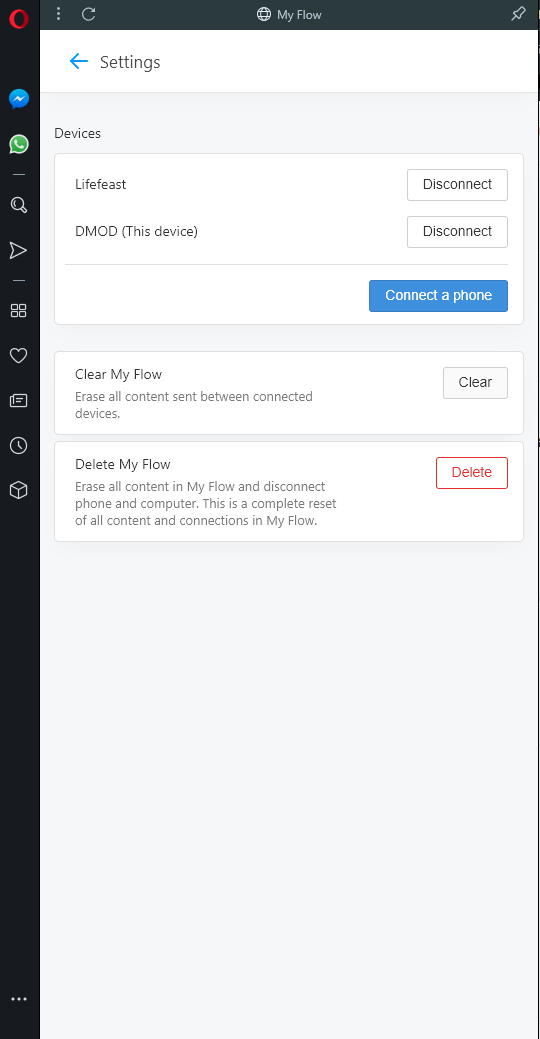 Delete all devices that isn't your PC, and then try again. Worked for me.