My flow "failed to connect"
-
老用户 最后由 编辑
Hello everyone! Thank you all for reporting the problem and providing information related to your setups.
Could you also provide the locations where you are (countries)? I try to find some common point among all reports, but neither the phone model nor the Android version indicate anything specific.
I also want to remind you that when you try to reproduce the problem again, always make sure you have the latest version of desktop browser and Opera Touch app, because they can already have fixes for your specific case. Also, after updating, you can try to erase application data and perform "Emergency Reset" in the browser (option accessible from "three dots menu" in My Flow's panel).
-
老用户 最后由 编辑
Country : INDIA
City : BengaluruOpera Touch Version : 1.6
OS : Pixel Experience ROM (Android Oreo 8.1)Opera Developer Version : 55.0.2962.0
Opera Stable Version : 53.0.2907.68
OS : Windows 10 (1803) (Build 17677.1000) -
Rivalus 最后由 编辑
Country : Indonesia
City : Bandar LampungOpera Touch Version : 1.5
OS : Asus Zenfone 2 Stock ROM (Android 6.0.1)After scanning QR code, the animation for connection appear, but then failed. Try to enter the code manually, but result is the same. Also, resetting connection in phone, still not working.
FAILED:
Opera Stable Version : 53.0.2907.68
OS: Windows 10 64-bit (WoW64) Enterprise 2016 LTSBBut, in my other computer, it worked. The differences is in the operating system.
SUCCESS:
Opera Stable Version : 53.0.2907.68
OS: Windows 10 64-bit Pro -
-
-
Rivalus 最后由 编辑
@skamieniarz all (phone and both computers) in the same network, accessing internet through the same Access Point.
-
-
-
lukkam 最后由 编辑
@soheil707 Same here... Running Android 7.1.2 (ViperOS 3.1.1) Asus Z00A (Zenfone 2), but Opera Touch 1.5. And nothing...
-
老用户 最后由 编辑
@rivalus, are there any significant differences between those two desktops apart from operating system? I mean something like different antivirus software, firewall configuration, VPN or anything similar that might affect connection procedure. Please drop me a private message if you don't want to share such information on the forum. Thanks in advance.
-
老用户 最后由 编辑
@lukkam, @Rivalus, please try to connect using regular code (by manually typing it in the mobile - make a screenshot of it so that it won't disappear) and after failed attempt to connect, please share that code with me. It would certainly help in diagnosing the problem. Thanks in advance.
-
老用户 最后由 编辑
I got the same problem.
My phone is an OnePlus Two running Lineage OS 15.1 Android 8.1.0
Opera touch cannot connect with the QR code aswell as manually inputting the code.
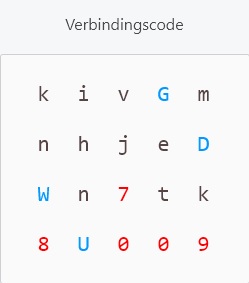
Hope the code will help
-
老用户 最后由 编辑
Hi, @maurice-1991. Thank you for sharing the code. Is this the code that caused failed connection? I'm asking because we can see that it wasn't used to connect at all. We need one you entered and received an error.
-
vladdx 最后由 编辑
Same here, neither QR code scanning nor manually inputing the connection code works. In my case, it worked before but I just reinstalled Windows a few days ago.
Opera Touch 1.6
Opera Stable 53.0.2907.68
Windows 8.1 64 bit -
老用户 最后由 编辑
@skamieniarz
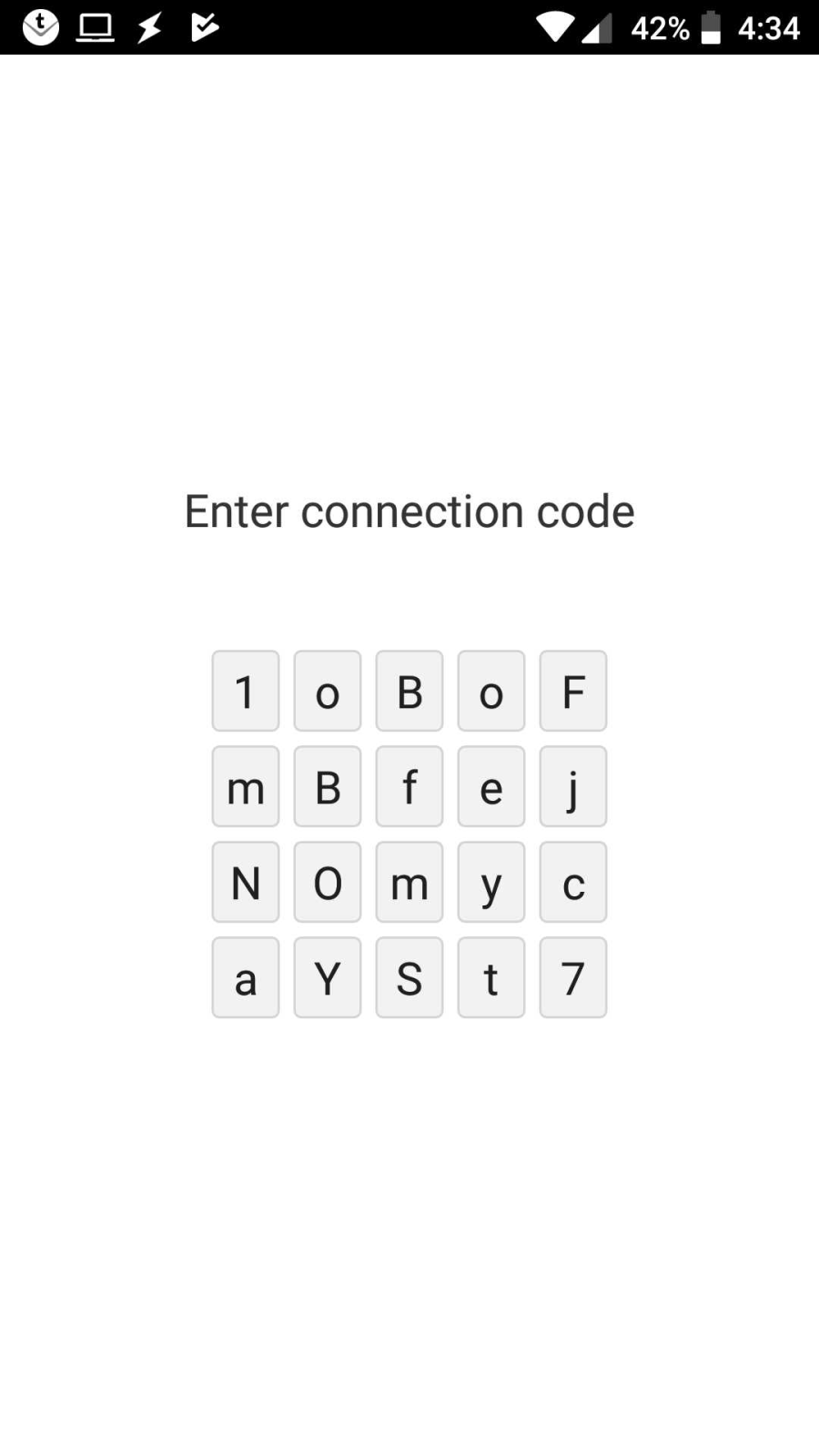
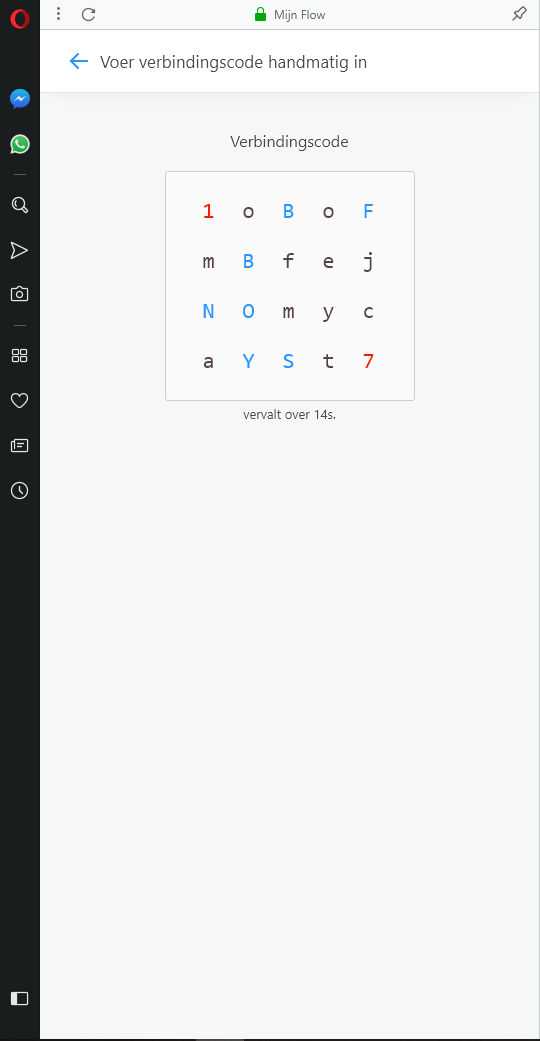
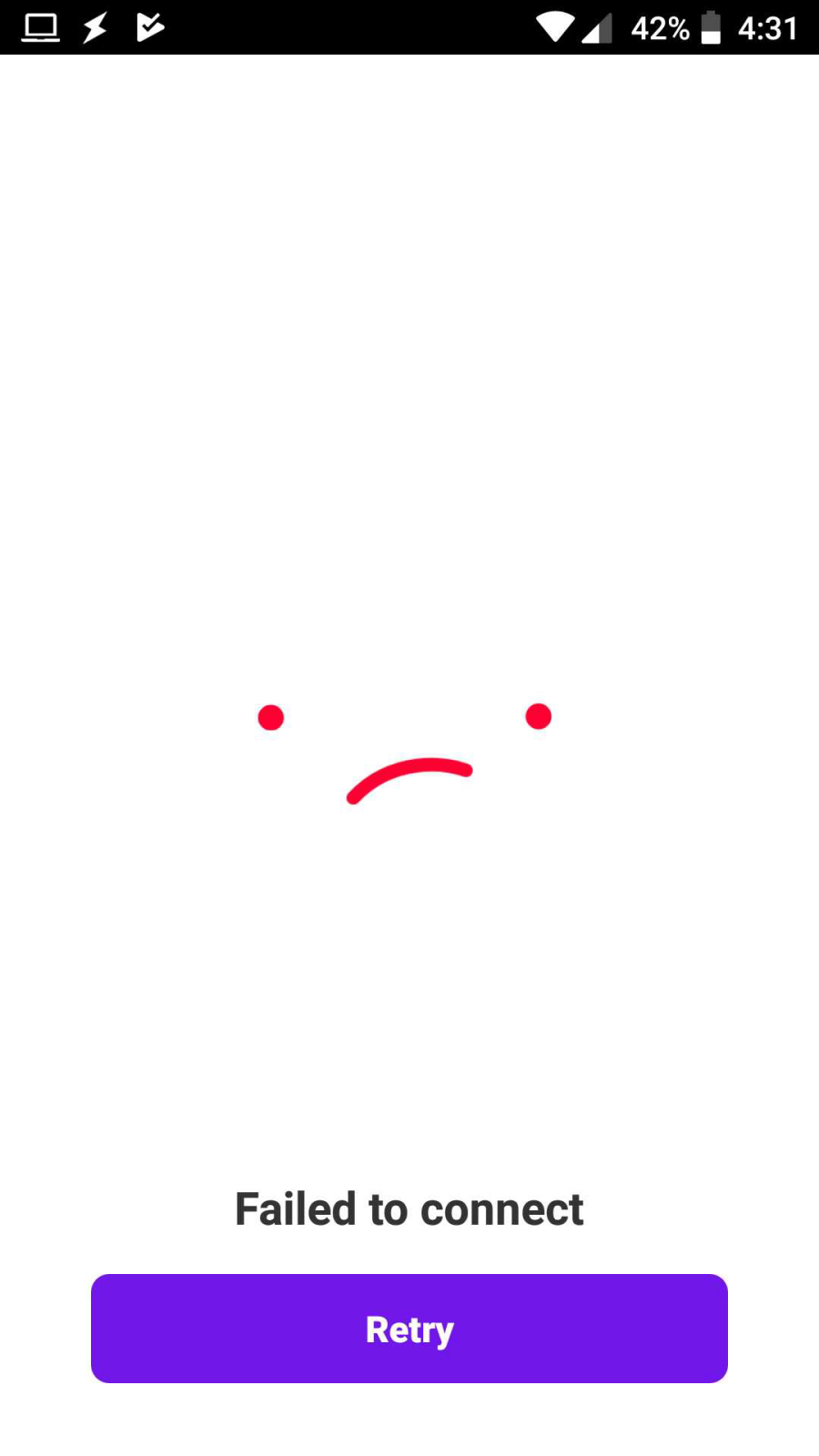
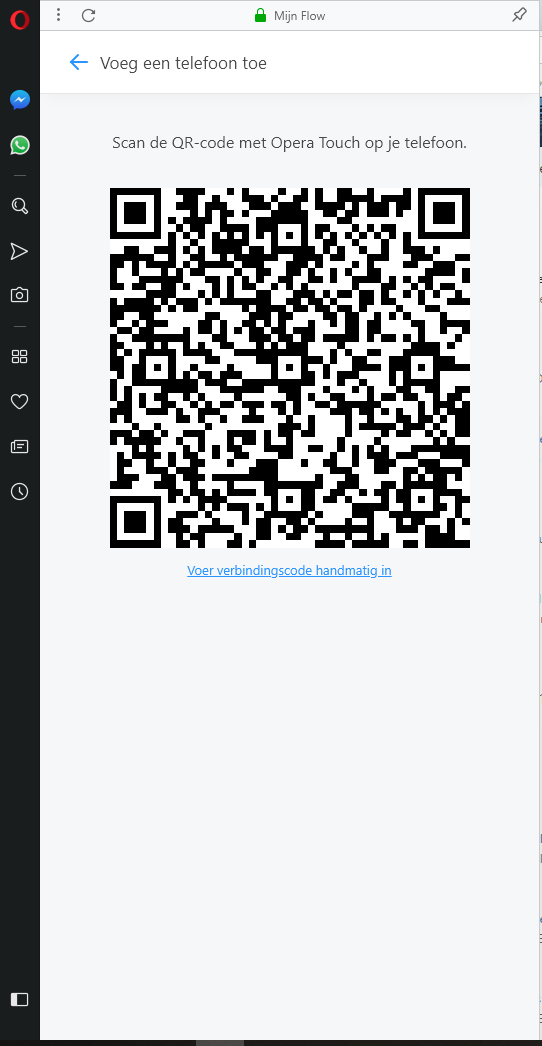
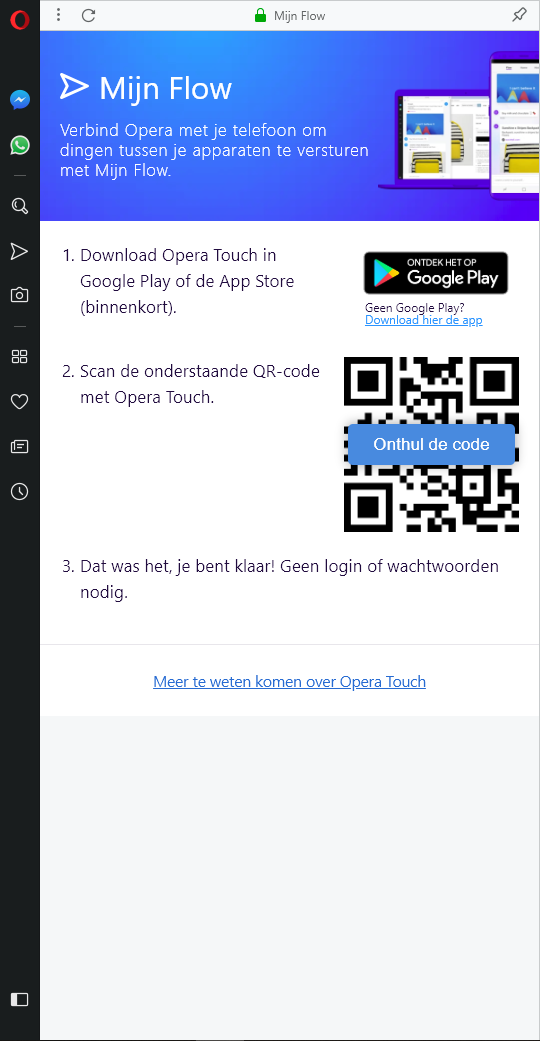
Hello Skamieniarz,
Yes this was the code I tried which gave me a failed connection error. Weird that it show you that it wasn't used at all, maybe that is where the problem lies.
I tried it again just now and recorded my steps with some screen shots from my PC and my phone.
Scanning the QR code and manually inputting the code both didn't work and gave a failed connection error. My PC and phone are connected to the same router. Is there anything I should try to resolve the problem?
Thank you for your help by the way.
-
-
-