Requesting the option to private my Opera activity.
it's very nonsensical not to have the option to hide your opera forum activity in one's profile. Why is it at all time public?
Do more on the web, with a fast and secure browser!
Download Opera browser with:
Requesting the option to private my Opera activity.
it's very nonsensical not to have the option to hide your opera forum activity in one's profile. Why is it at all time public?
@leocg Wdym it should be working?? It literally isn't working, are you kidding?
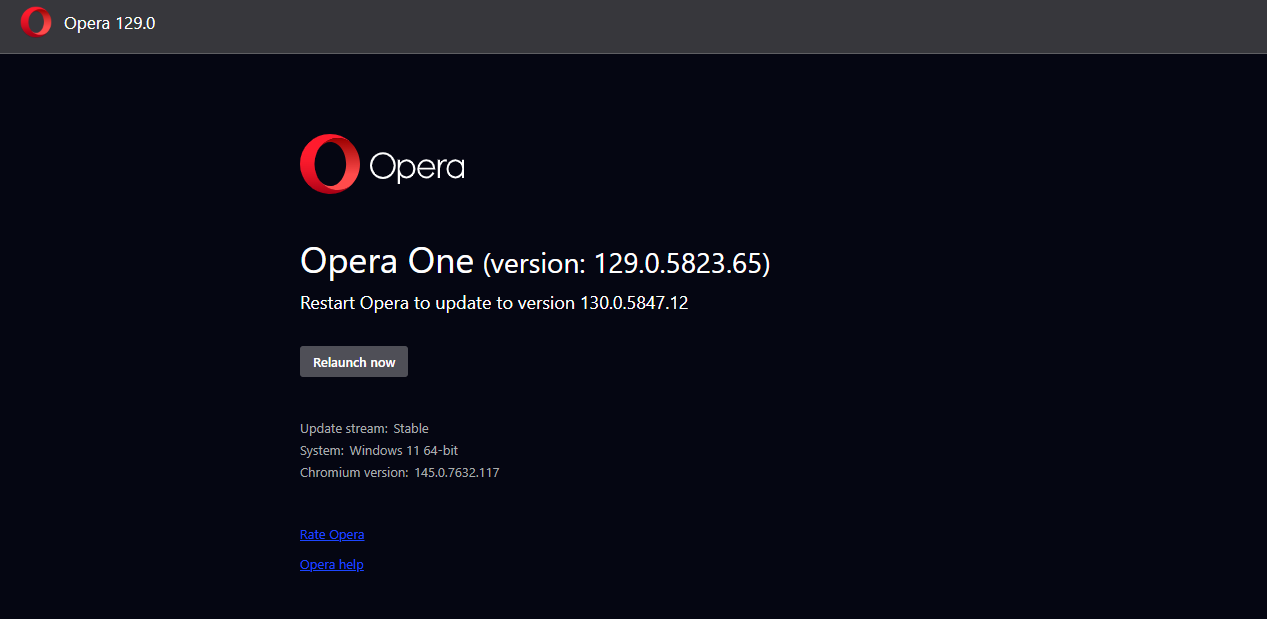
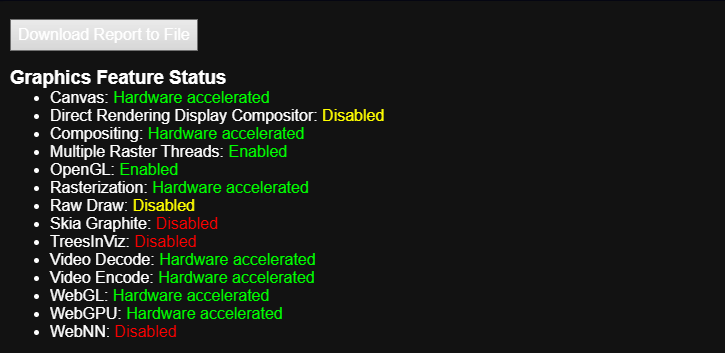
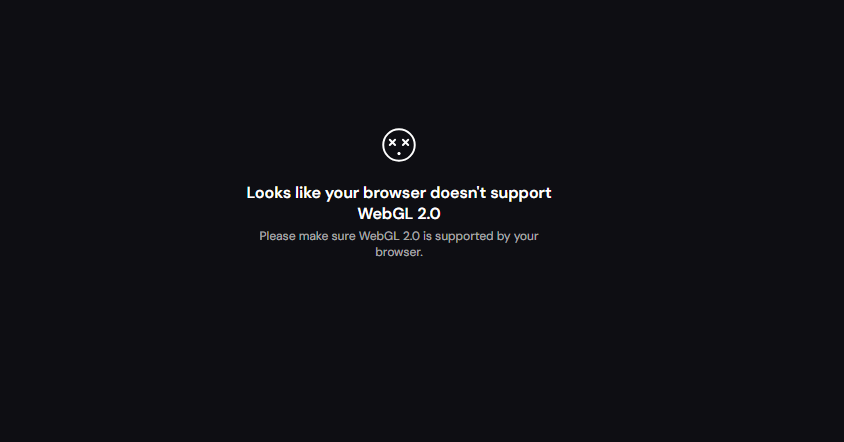
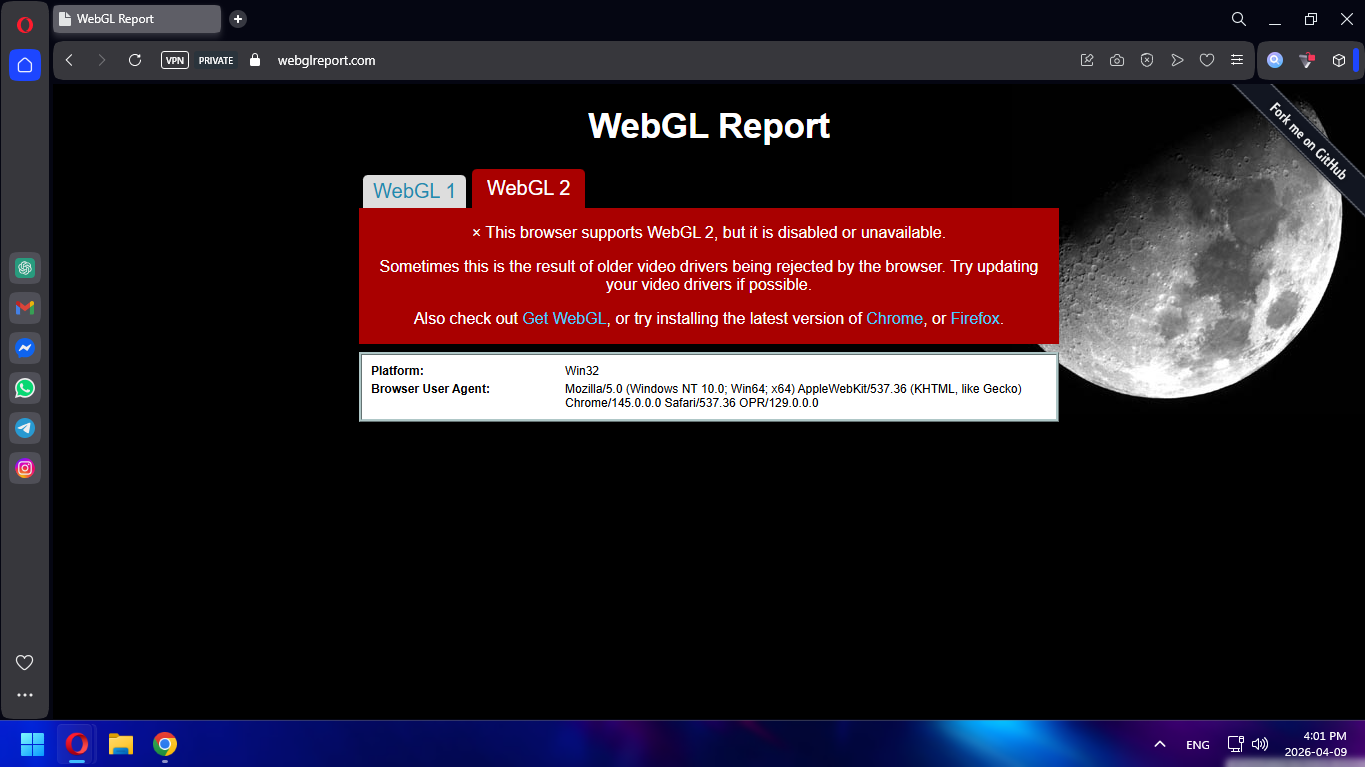
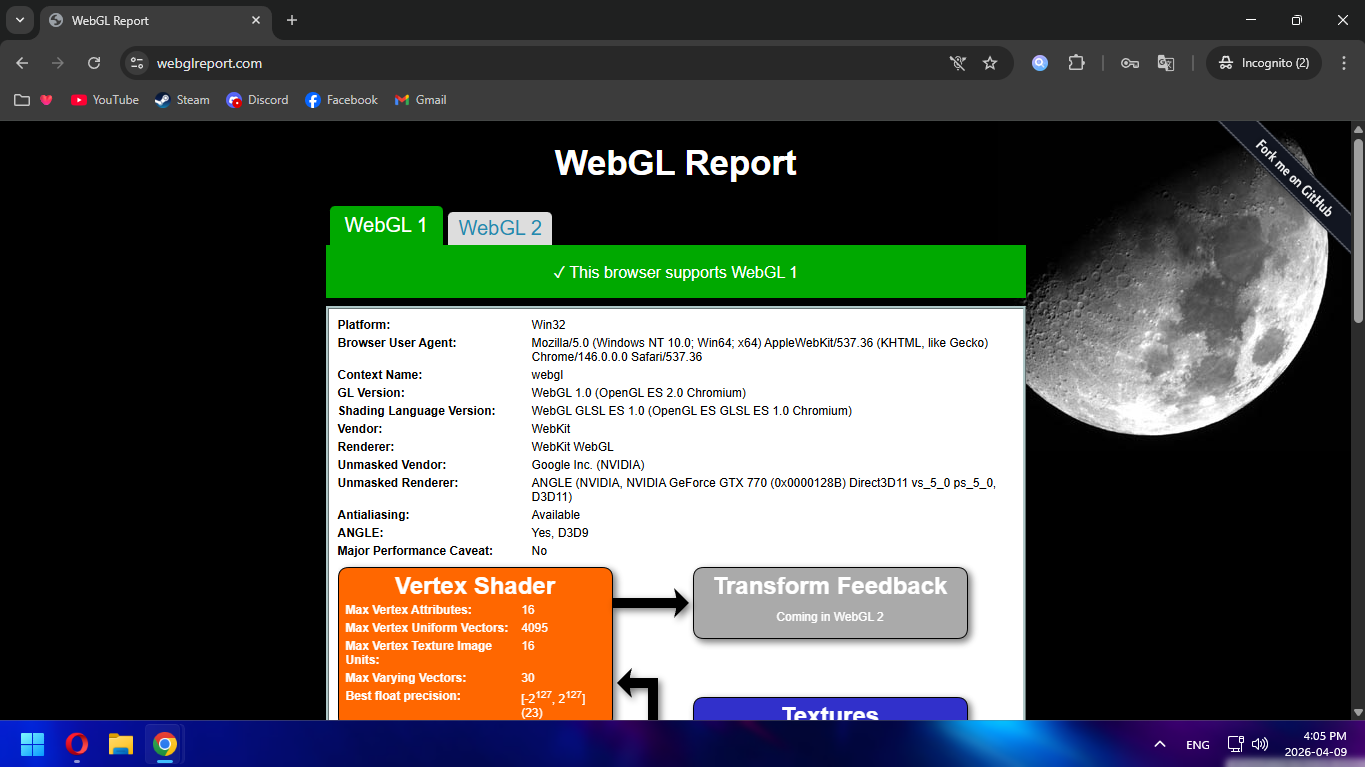
Out of all browsers that I have tried, Opera is the only browser being persistent against my WebGL 2.0. I have a GTX 770 and all settings and flags state that hardware acceleration and WebGL and OpenGL are enabled. Why is it that only Opera doesn't want to give in? 
Opera:

Chrome:

Can Opera developers fix this loophole asap?
@leocg Opera One.
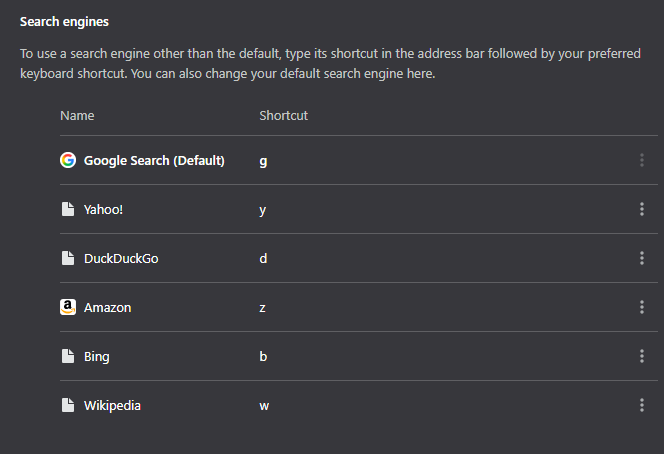
Why not? Why not? It's a very redundant feature that is found no where in other Chromium based browsers. Not in Chrome, not in Edge. Why not have the ability to remove it? It's so disruptive. It's been like that since 2020

They are genuinely annoying and I just want to use the default google search and not any, using letters interrupts my searches immensely

Can we just please get this fixed asap?
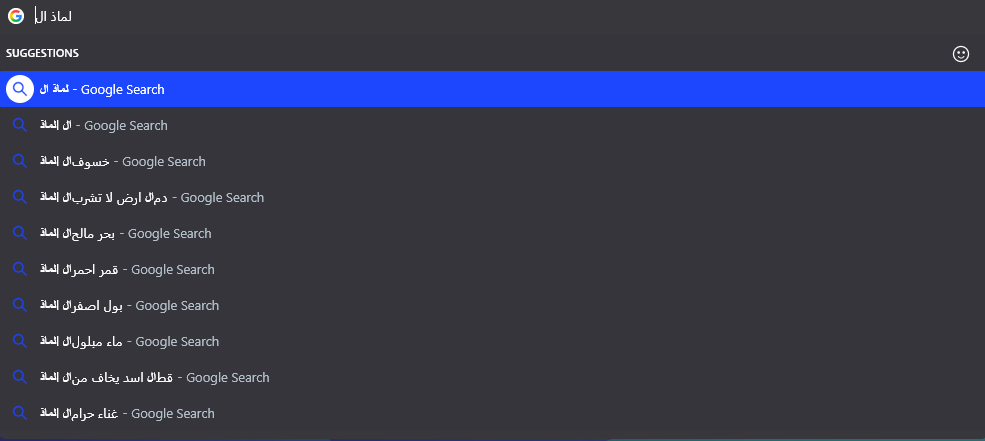
As you can see, the whole text is being reverted from the inside out, if you don't know what I'm saying, it's like saying:
Why did the fox chase the rabbit?
Rabbit the chase fox the did why?
totally mindfrying and pain in the ass, this has been basically since the new era of Opera around 2 years ago.
and YES, I am using normal Opera.
@Paul-the-Walker Thanks, I fixed it by adding -no-experiments command line in the shortcut target. It was Opera causing problems with OpenGL, I need OpenGL for many things
@leocg I've mentioned multiple times that I use normal Opera only. Can you help me solve the problem? I have work to do
Hello,
just opened my browser after restarting my PC and this is what I got

Transparentish blank screen.
Why?
@sgunhouse It's really just built-in in-game chat box, nothing too advanced, I send a message, they get to reply back. I tried this on Chrome and Edge, both work fine. It seems that there is some kind of cookie or cache which I have already cleared that are making this issue. Remind you that this wasn't a thing until around August
After the July 2025 update, I am no longer able to chat in chess.com, whereas I can normally chat in other browsers. What is the problem?
@Noras25 There is an option but those 3 dots can't be clicked for some reason
Greetings! I'm experiencing an exasperating situation with Opera GX auto-starting despite disabling the option in the settings. This behavior is contrary to what I want, and it's driving me crazy. Any ideas on how to tackle this problem and regain control over the startup behavior?
I've double-checked the settings and made sure that the start up with Windows option (Both Opera GX, msconfig and start up software) is turned off, but it still insists on launching itself when my PC boots up.
I would like to report a persistent issue with the Opera GX browser. Every time I launch the browser, a notification button appears in the corner of Opera's logo and does not go away, regardless of my attempts to close it. This behavior seems buggy or glitchy. I kindly request your assistance in troubleshooting and resolving this issue.
Thank you for your attention to this matter.