Opera 139.0.6053.38 Stable update
-
 Opera Comments Bot last edited by
Hi everyone! A new Opera Stable update is here! Say hello to version 139.0.6053.38. What’s new You can find the full list in the changelog. Happy browsing! Installation links:
Read full blog post: Opera 139.0.6053.38 Stable update
-
sicu220 last edited by sicu220
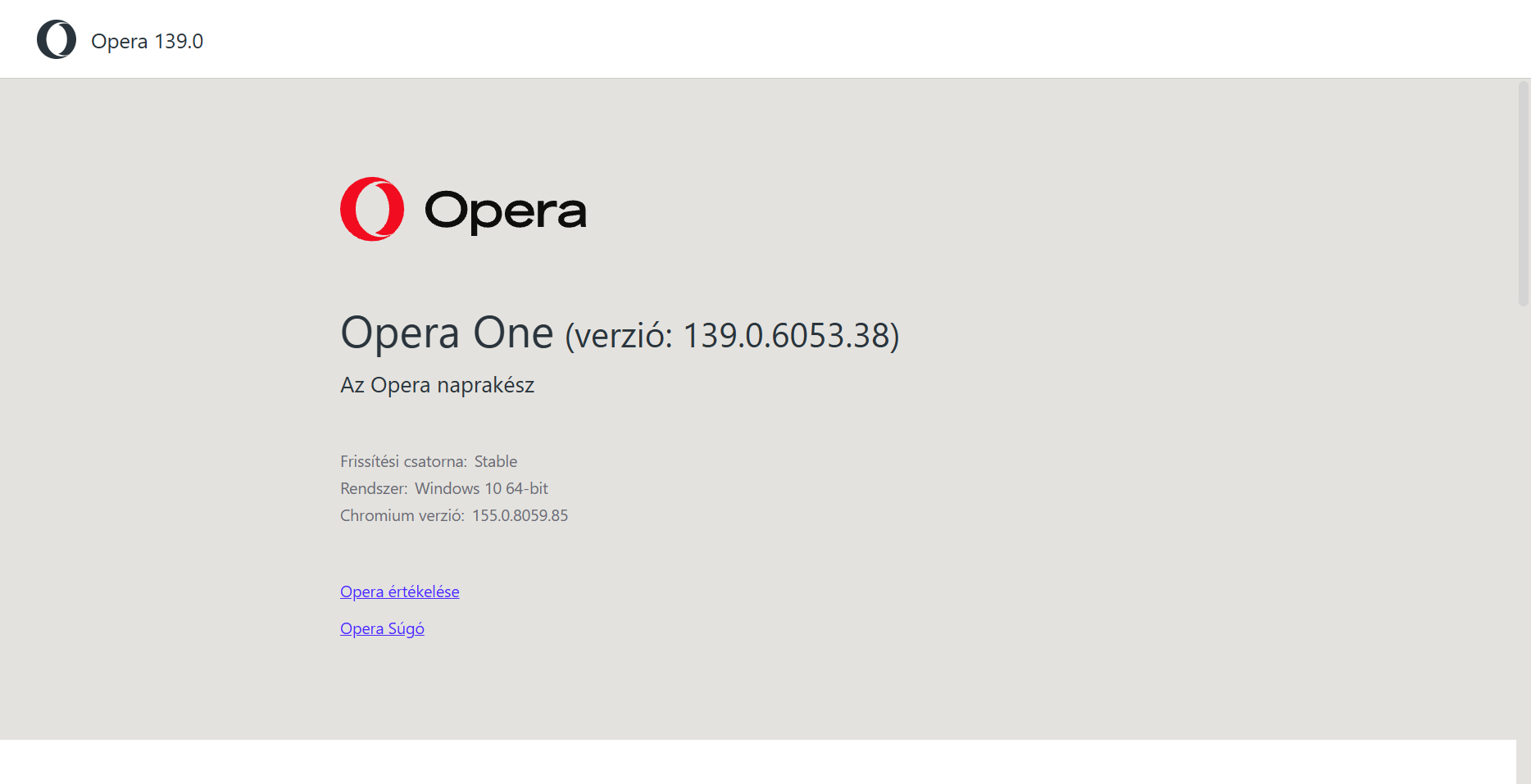
Dear Opera! Why did you have to ruin the browser? I have been using the Opera browser for 20 years. Please restore the old Opera, it was perfect. Opera subtitles are not good. The black color on it is ugly. The background color is not good for my eyes, the old one was good for the Classic theme.
-
steeveboy last edited by steeveboy
Same here... I just noticed the different colors in Classic Default Mode. Why? Color is not changed I think but the tone of grey surrounding that theme changed. It's ugly. Before this update it was just perfect.
Now I have to change the default theme to the blue color (see picture attached) just to restore the same hue of grey like before. But the color is then blue and not the stylish purple like in default.
Please give us default look of classic theme in dark mode back just like it was in the version right before this update.


-
 tastodd last edited by
@sicu220 @steeveboy
Set the flagopera://flags/#opera-one-rebrandingto "disabled."
Then, select any other theme and switch back to your preferred one. It should return to how it was before. -
 cookie-drummer last edited by
This update is ugly. Why did you touch default color palette of classic theme? It looks so bad now! I'm shocked someone at Opera has approved such change.

-
sicu220 last edited by
@cookie-drummer Set the flag opera://flags/#opera-one-rebranding to "disabled."
Then, select any other theme and switch back to your preferred one. It should return to how it was before. -
cookie-drummer last edited by
@sicu220: yea, that works, thank you. Have also seen this workaround before posting my comment, only wanted to show my frustration to this unexpected and unnecessary changes Opera brings to us...
-
cookie-drummer last edited by
@sicu220: I'm also curious of what else will be reverted back while changing this flag to "Disabled". Is it only color pallete and new Opera logo, or is there anything else?
 How can I go back to the old interface on mobile?