mp4 videos not showing on page after recent updates
-
 Mlipka Opera last edited by
Ok, we got into little version chaos, let me clarify.
-
Problematic 128 was released at the beginning of the march, it was withdrawn after a day but some people got it.
-
During the rest of the March there were several new versions of 128 with fixes. Latest this Friday (13.03.2026).
-
Yesterday (18.03.2026), we release version 129.

Apologies for confusion.
Anyway, please update browser manually to 129, if it didn't automatically yet, and check reported issues.
-
-
misterrr last edited by
@Mlipka Just updated to the new version:
From:
Versiune Opera One: 128.0.5807.77
Versiune Chromium: 144.0.7559.173To:
Versiune Opera One: 129.0.5823.15
Versiune Chromium: 145.0.7632.117Unfortunately nothing changed. The problem is still here: black screen instead of video (with adblocker enabled) and unwanted behaviour (with adblocker enabled and site added to exceptions).
I think this 129 version should also be withdrawn as soon as possible to avoid spreading and replaced with 127 working version., until the problems will be solved.
-
-
-
misterrr last edited by
@Mlipka No, I don't have any other AdBlocker (excepting Opera AdBlocker).
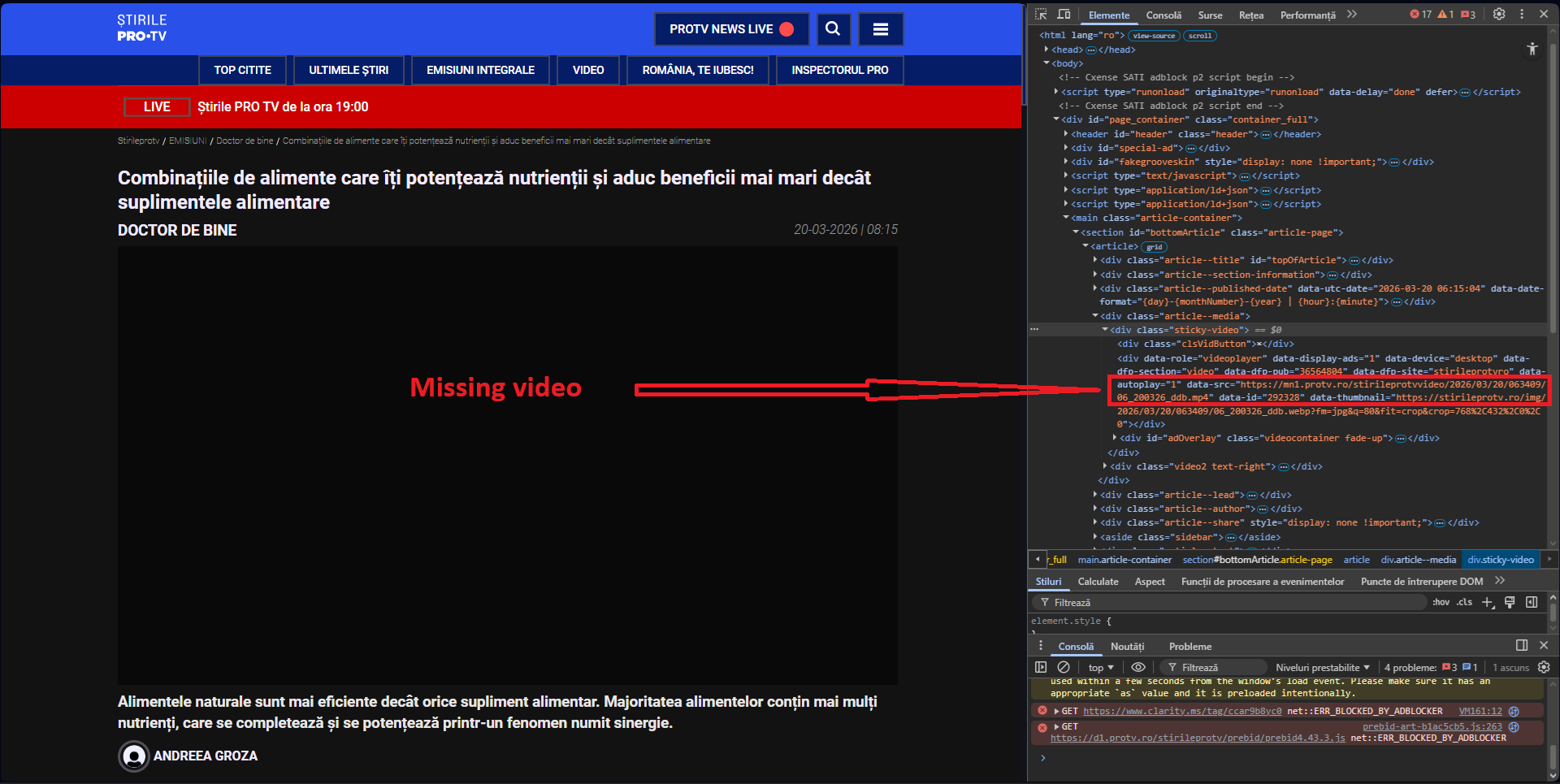
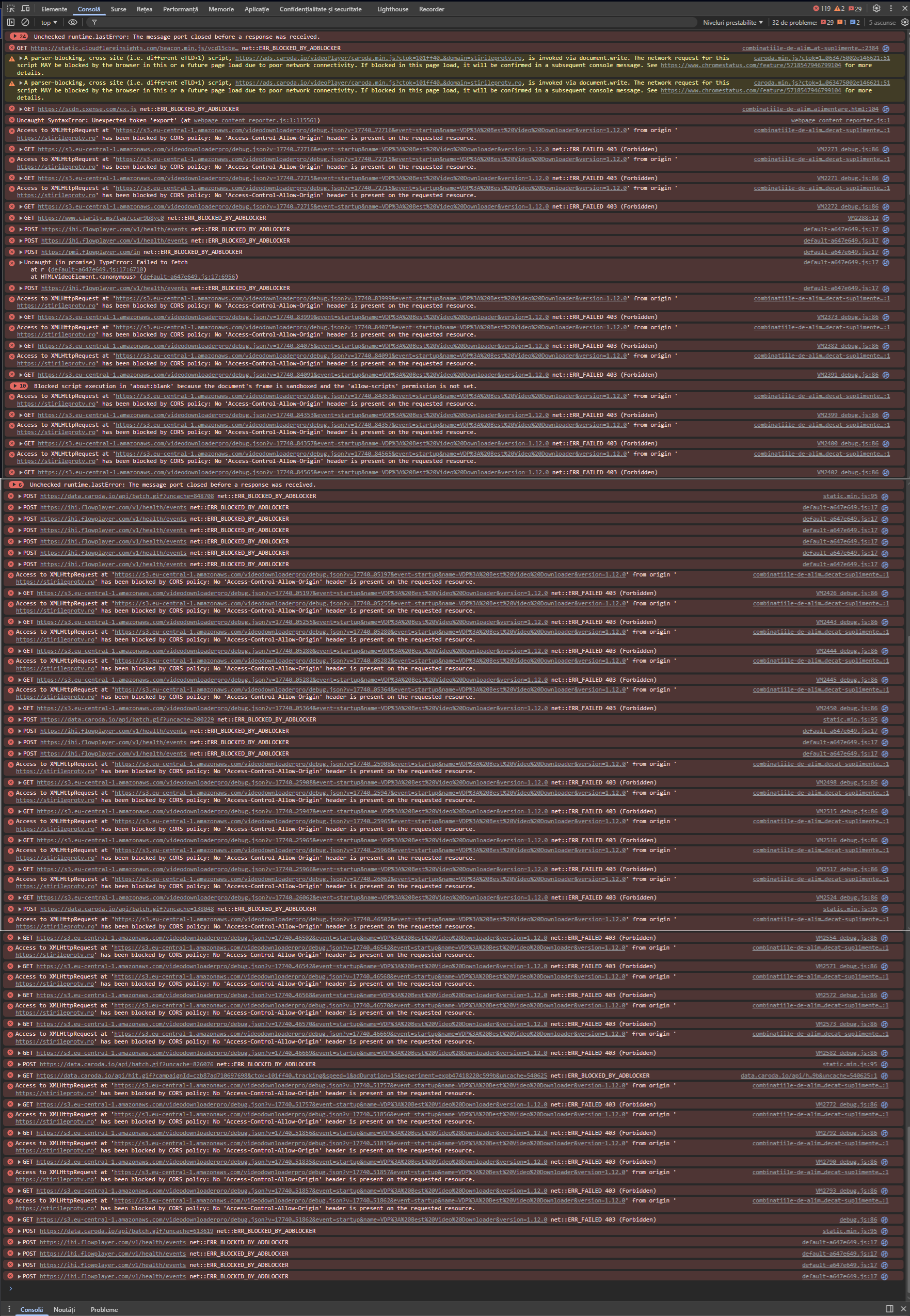
Console with adblocker on and no exceptions added (video does not load):
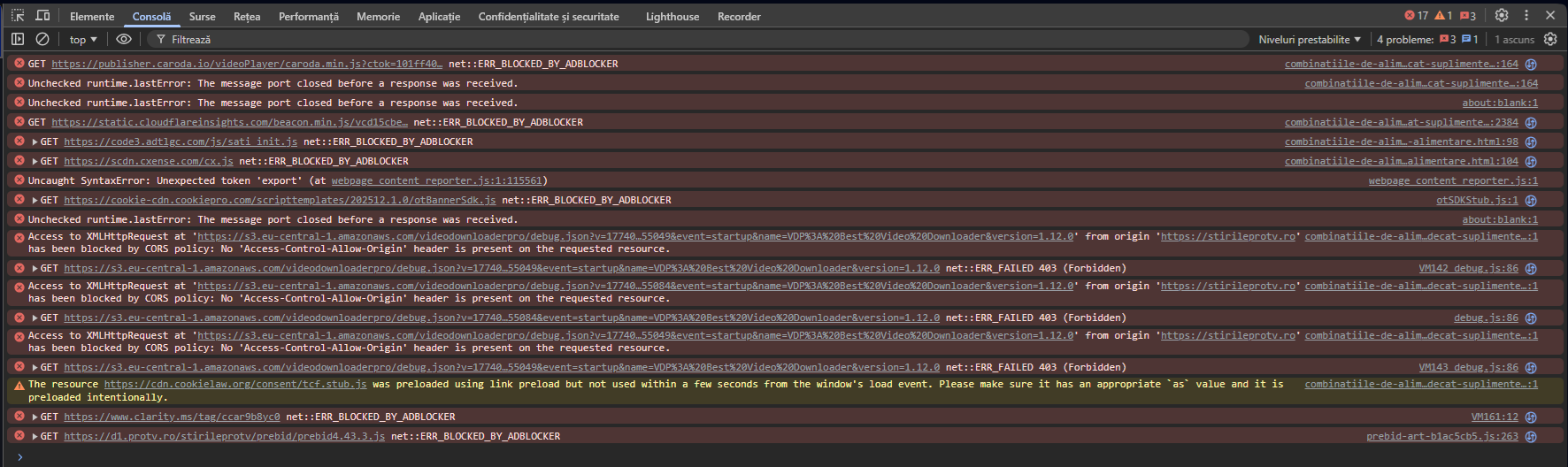
Console with adblocker on and website added to exceptions (video is loaded):
I see that I can't attach har file (for network) or console log file.
-
-
misterrr last edited by
Just updated to the new version:
From:
Versiune Opera One: 129.0.5823.15
Versiune Chromium: 145.0.7632.117To:
Versiune Opera One: 129.0.5823.28
Versiune Chromium: 145.0.7632.117Unfortunately nothing changed. The problem is still here: black screen instead of video (with adblocker enabled) and unwanted behaviour (with adblocker enabled and site added to exceptions).
I don't understand why non-working versions are published, instead of maintaining in place the last 127 working version, until the problems will be solved.
-
Mlipka Opera last edited by
Hey @misterrr,
This issue seems very specific, and we haven’t received reports of it affecting other users on a large scale. We tested the links you provided but were unable to reproduce the problem. Therefore, there’s no need to roll back to a previous version.
There was a problematic version 128 that had multiple issues and wasn’t stable, which was withdrawn the next day. All versions released after that have been stable.
If you haven’t done so already, please create a bug report following this guide: https://forums.opera.com/topic/88353/report-your-bug-here
Simply include this thread in the description, and the team will review it.
-
misterrr last edited by
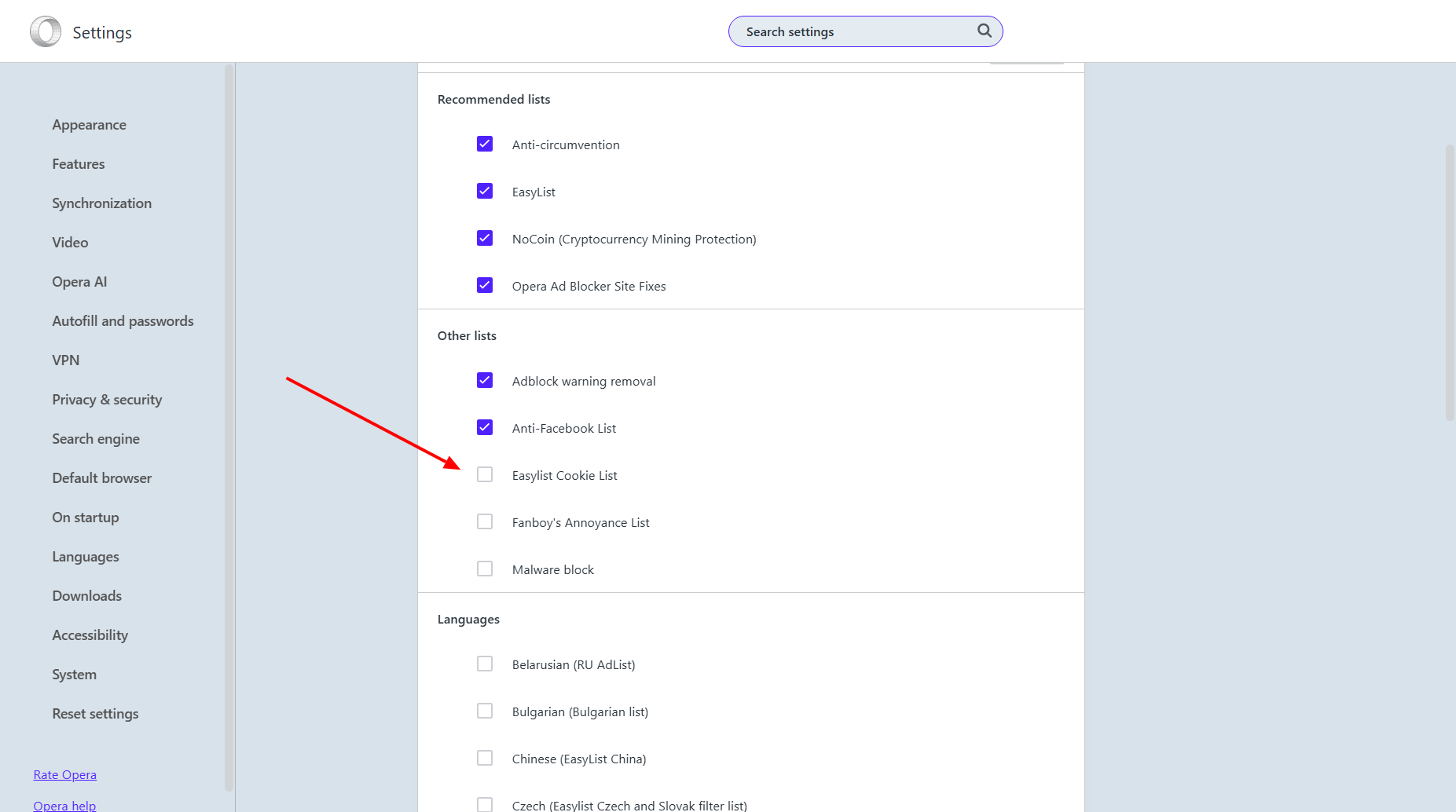
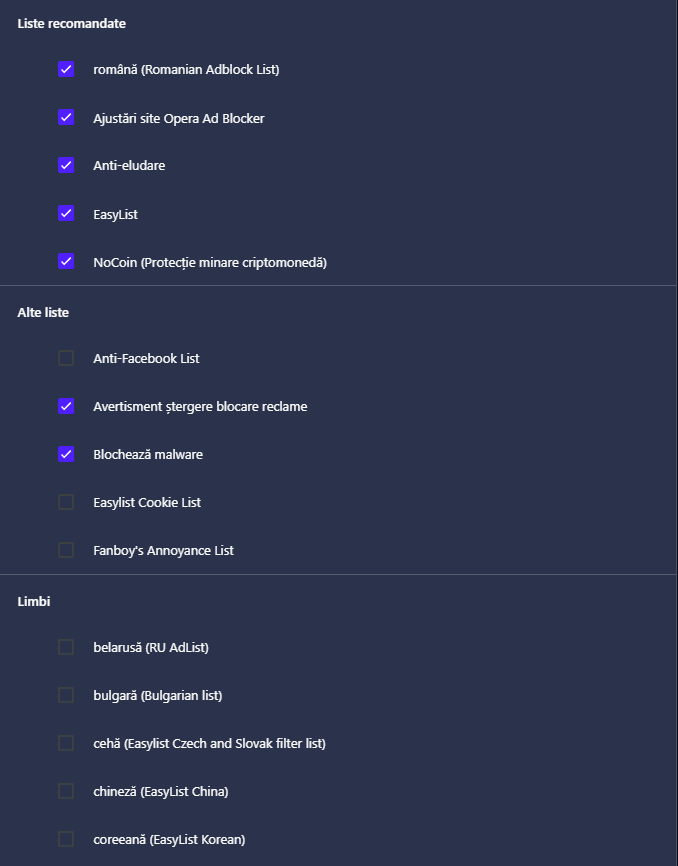
I did some further investigation into my settings in the adblocker / exceptions / lists area because I think that's where the problem is:
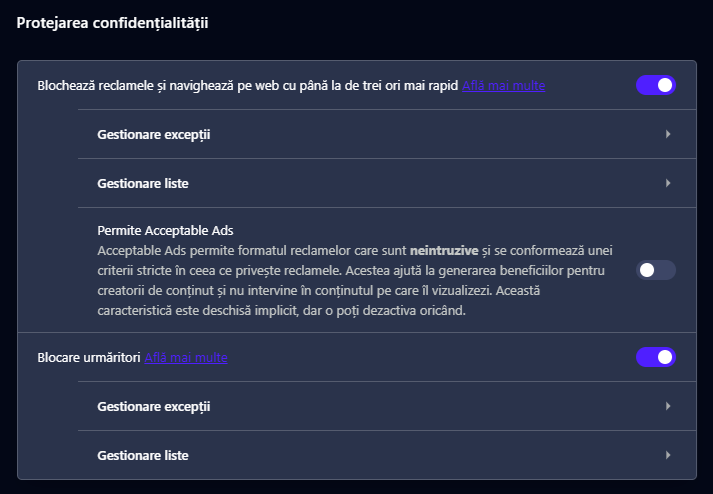
I found something that makes a small difference if I remove it. It's a list I added in 2024 but I haven't had any problems with it so far:
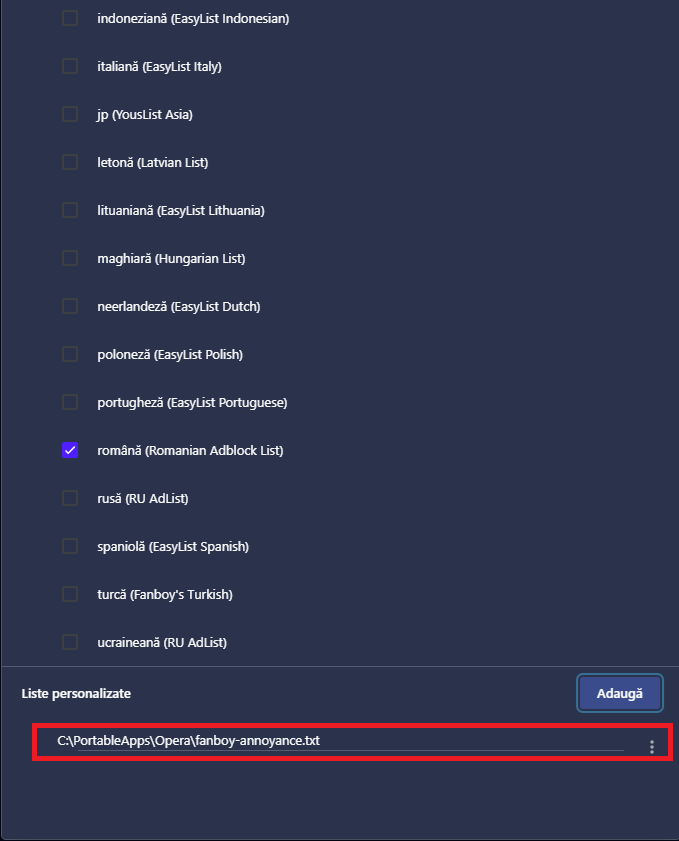
If I remove this list, the videos load when the page loads (the video frame is no longer black without the video) and can be started, but the other problems (which I think are related to Opera's behavior) remain:
- when the page loads, the videos start by themselves, without me giving the "play" command
- when the page loads, the videos are on "mute" and must be put on "unmute"
- when scrolling down the page, when the video clip goes off screen, a pop-up appears with the clip in the lower right corner of the page, without me asking for this
- when scrolling down the page, when the video clip goes off screen, a pop-up appears with the clip in the lower right corner of the page, which restarts even if the clip in its main frame was stopped, without me asking for this
I mention that all the settings for detached video and for Video Popout | Picture-in-picture video are disabled, but Opera does not apply these settings:
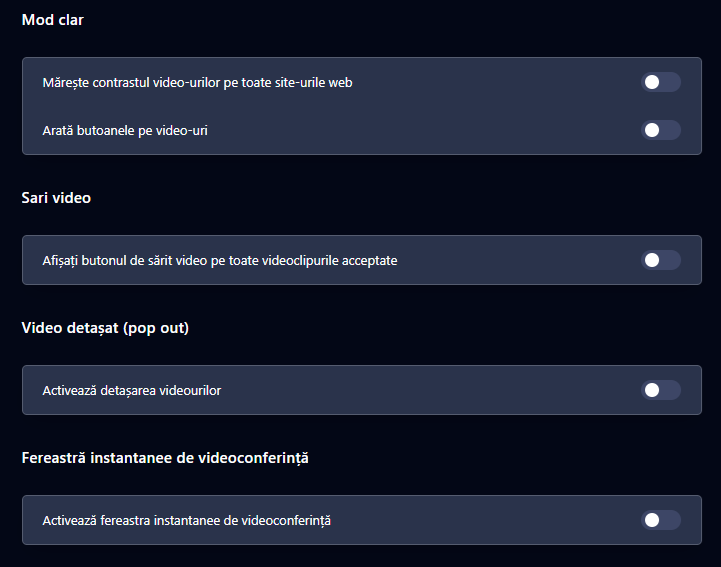
These are unwanted behaviors that should not exist.
I would like the videos to be stopped on page load (and not start on their own even if I scroll the page) and to be unmuted. Now it is the opposite.
-
misterrr last edited by
Just updated to the new version:
Versiune Opera One: 130.0.5847.41
Versiune Chromium: 146.0.7680.178Nothing changed. The problem is still here.
I created a bug report about that, as you suggested:
BUG-23740The only result is that I got an automated answer, which unfortunately has nothing to do with the problem.
Any help?
-

-
misterrr last edited by
Just updated to the new version:
Versiune Opera One: 131.0.5877.5
Versiune Chromium: 147.0.7727.56Nothing changed. The problem is still here.
After update, the promo says:
What’s new in Opera
Now watching videos in Opera is a whole lot better.
Video Popout
Detach online videos into their own adjustable, movable, floating window. YouTube, Netflix, Twitch, football streaming sites - almost any video provider.
With Opera, start a YouTube video or any supported online video, and a new button will appear at the top center. Click it to open the video in a smaller popout window.
The button appears in the top-center when you mouse over an online video.
You can resize this floating window and place it anywhere on your screen.
You can move it wherever you want, as well as adjust the size.
The popout window has its own controls, letting you pause, close it with one click, or return it to the original tab.Unfortunately, there is nothing "a whole lot" better. Or even true:
- the main video in page has no such button at the top center for detach the video (when mouse over the video)
- the video popout opens by himself despite the fact that this feature is disabled in Opera settings
- the video popout appears in the lower right corner of the page and it cannot be moved or resized
- the video popout has no controls to return it to the original tab
So, I think that it is a lot of work to do to make this promo to be real.