@Mlipka Ok, thanks!
I hope to hear from you soon.
Latest posts made by misterrr
-
RE: mp4 videos not showing on page after recent updatesGeneral
-
RE: mp4 videos not showing on page after recent updatesGeneral
Just performed the latest update (Opera One: 128.0.5807.66 / Chromium: 144.0.7559.173). The problem persist.
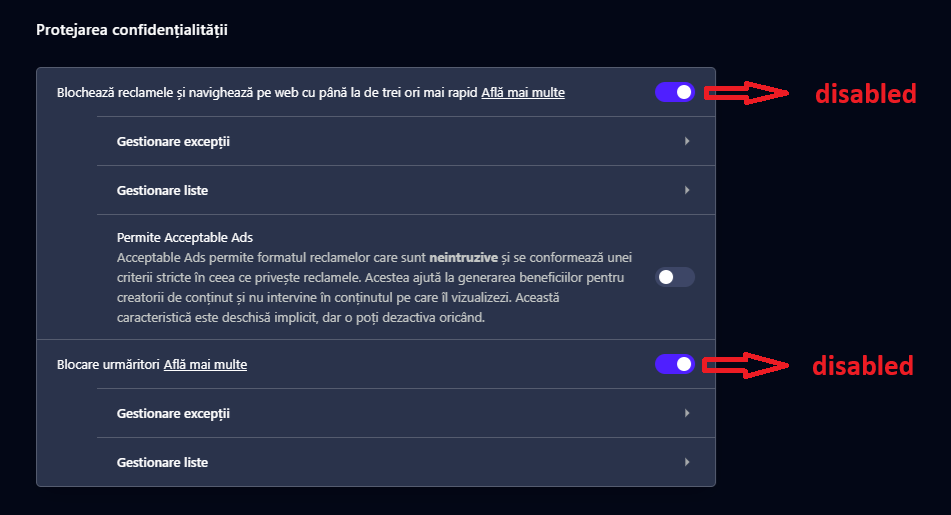
So, I understand that after the recent updates the adblocker is broken. Could it be reverted to the previous (working) version, until the problem is solved? -
mp4 videos not showing on page after recent updatesGeneral
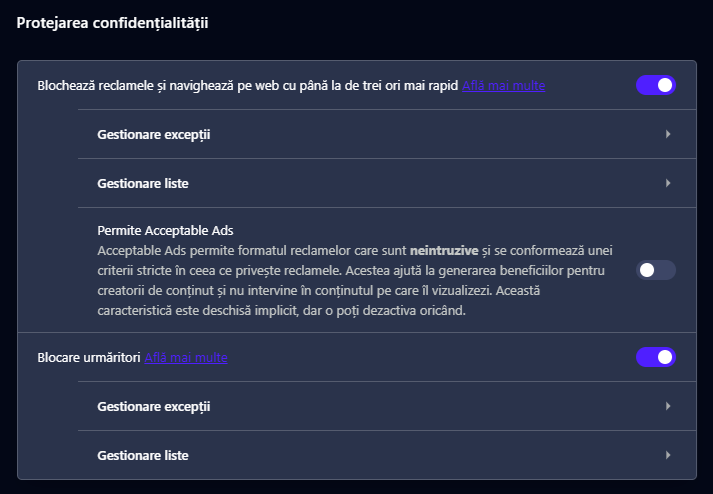
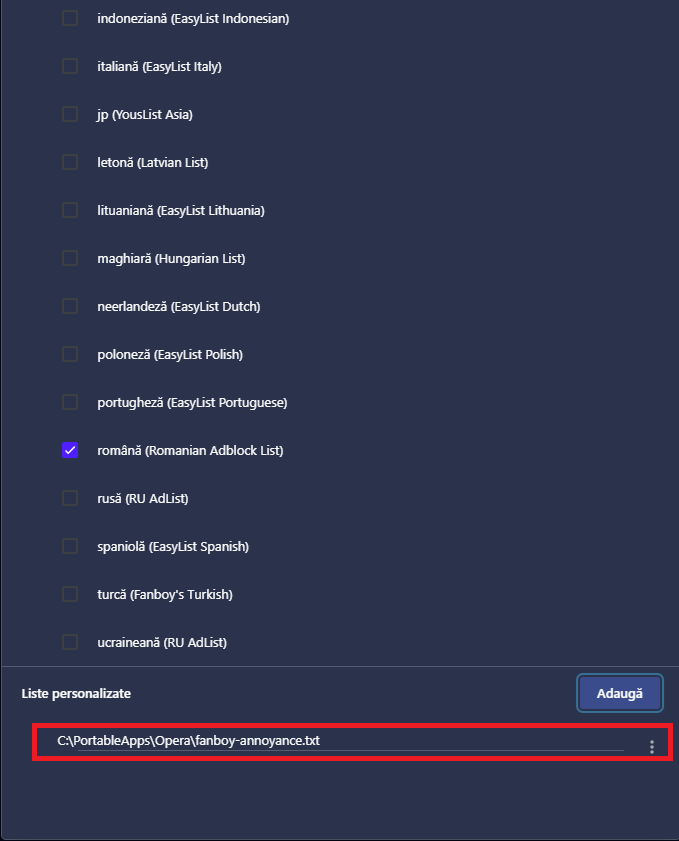
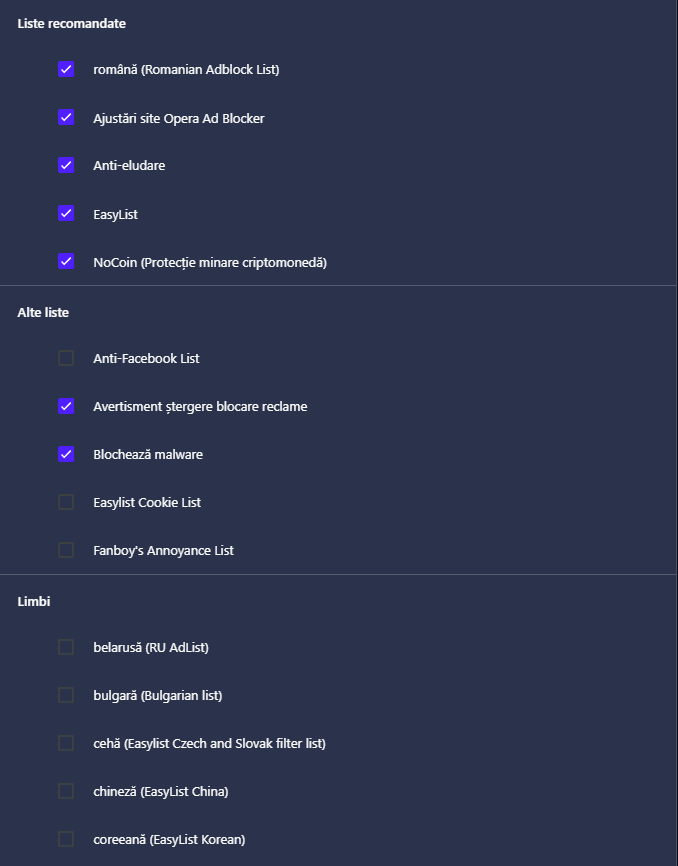
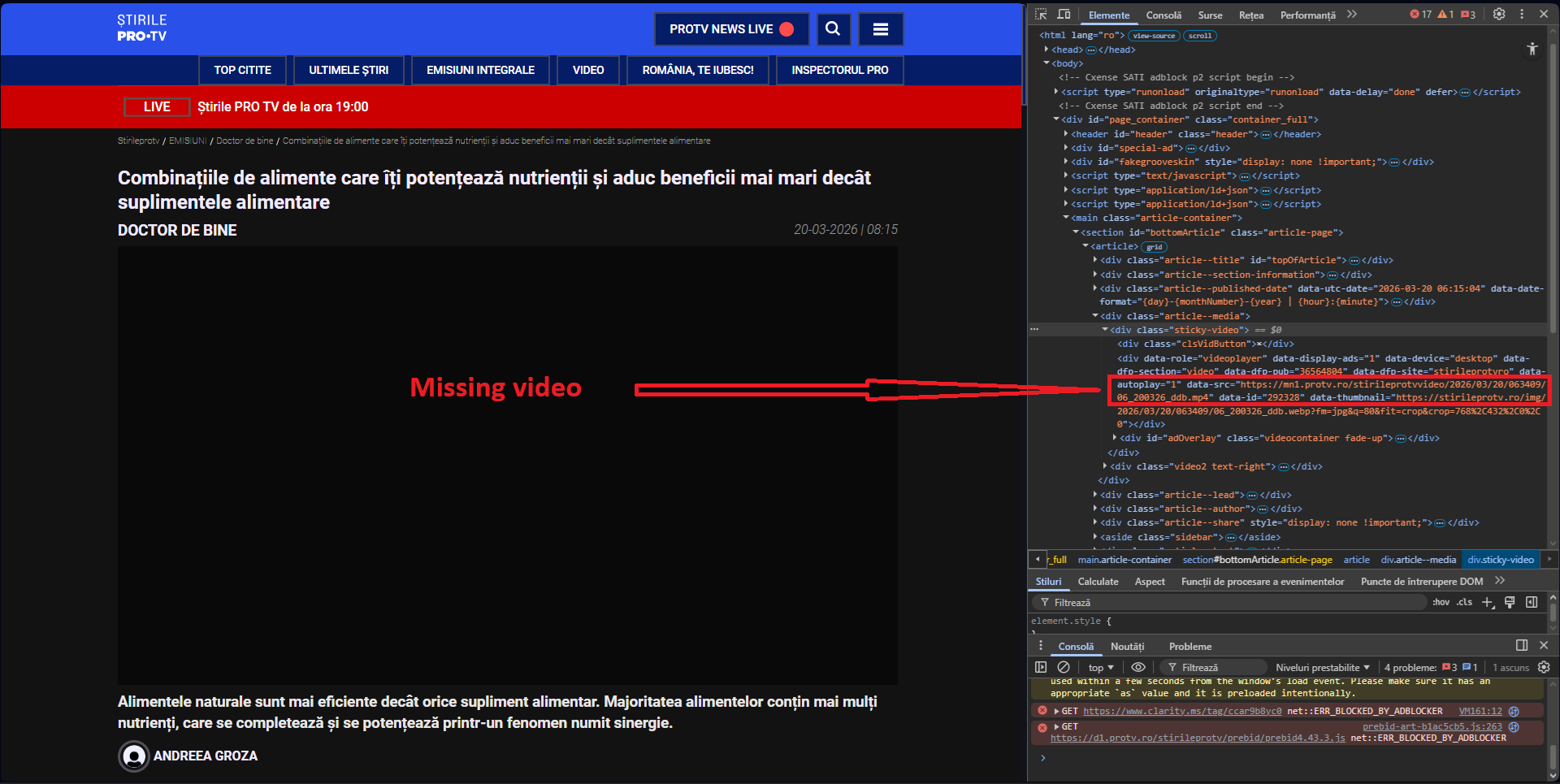
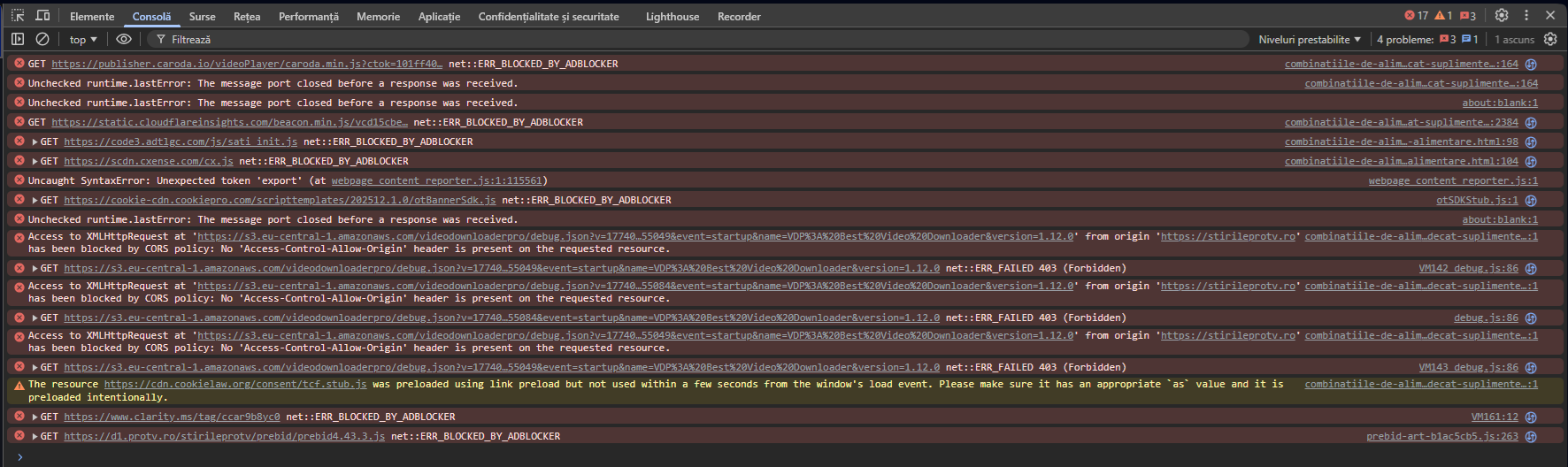
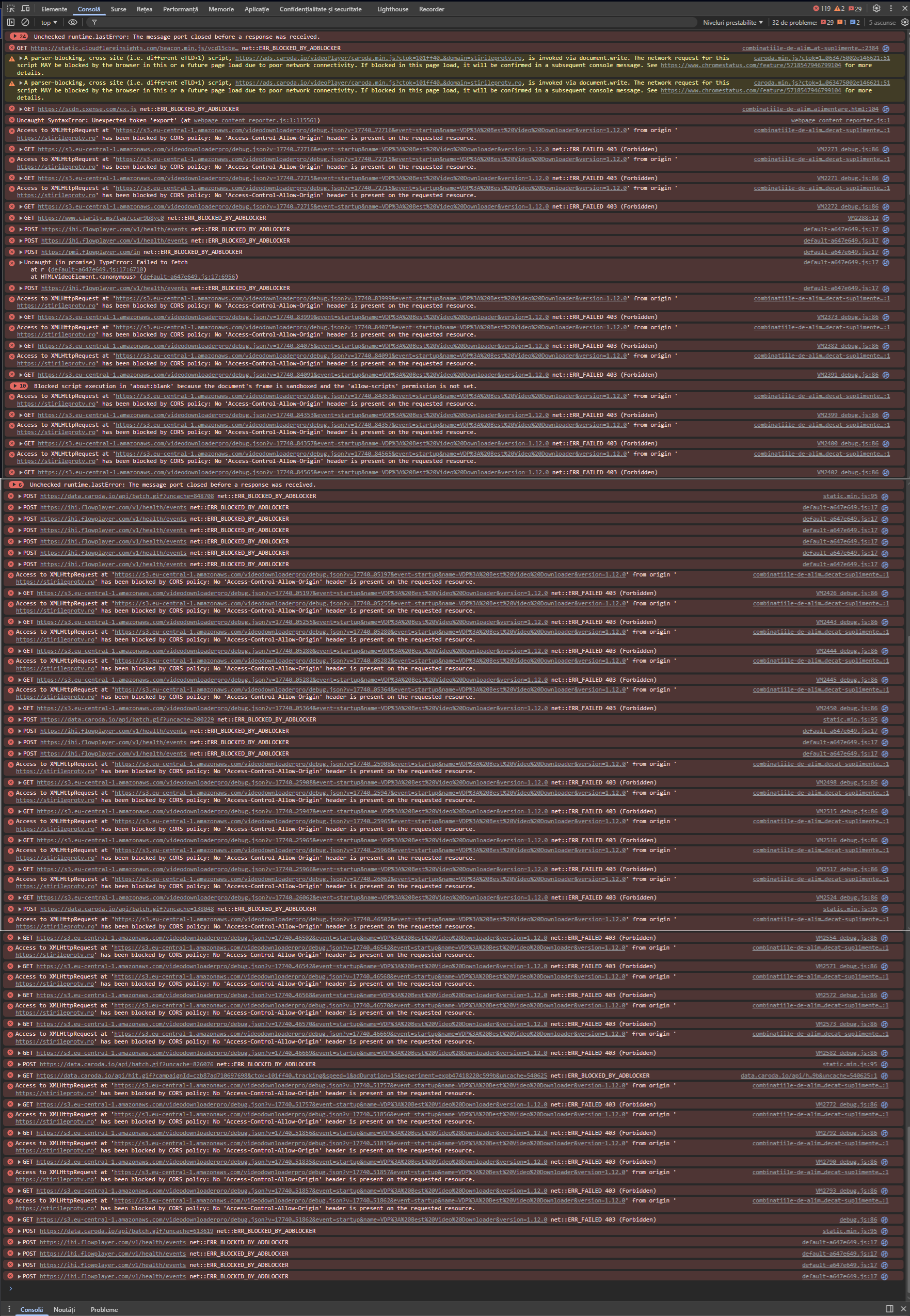
After recent Opera updates, with adblocker still enabled and without exceptions added, legit mp4 videos are no more loaded and displayed on page.
Even with the site added to exception list, I get an unwanted behaviour:- the legit video is finally loaded and can be played after several page refreshes
- the sound of legit video is muted (I have to unmute it manually)
- the page is populated with mixed frames of advertising (some displayed and playing, some black / masked)
- when scrolling down the page, even if the legit video is ended or manually stopped, a popup with the video appears on right bottom of the page and plays again (with sound), which is unwanted and annoying
Before the recent updates, with adblocker enabled and without exceptions added, all was ok (legit video loaded and playing (with manual start - no autostart) and no advertising on page).
Windows version: Windows 11 Home 25H2 (26200.7840)
Opera version: Opera One (128.0.5807.52)
Chromium version: 143.0.7499.194
Example site (which I have to add to exceptions): https://stirileprotv.ro/
Example pages:
https://stirileprotv.ro/stiri/ilikeit/inventii-surprinzatoare-la-ces-de-la-frigiderul-care-citeste-retete-pana-la-prosopul-smart.html
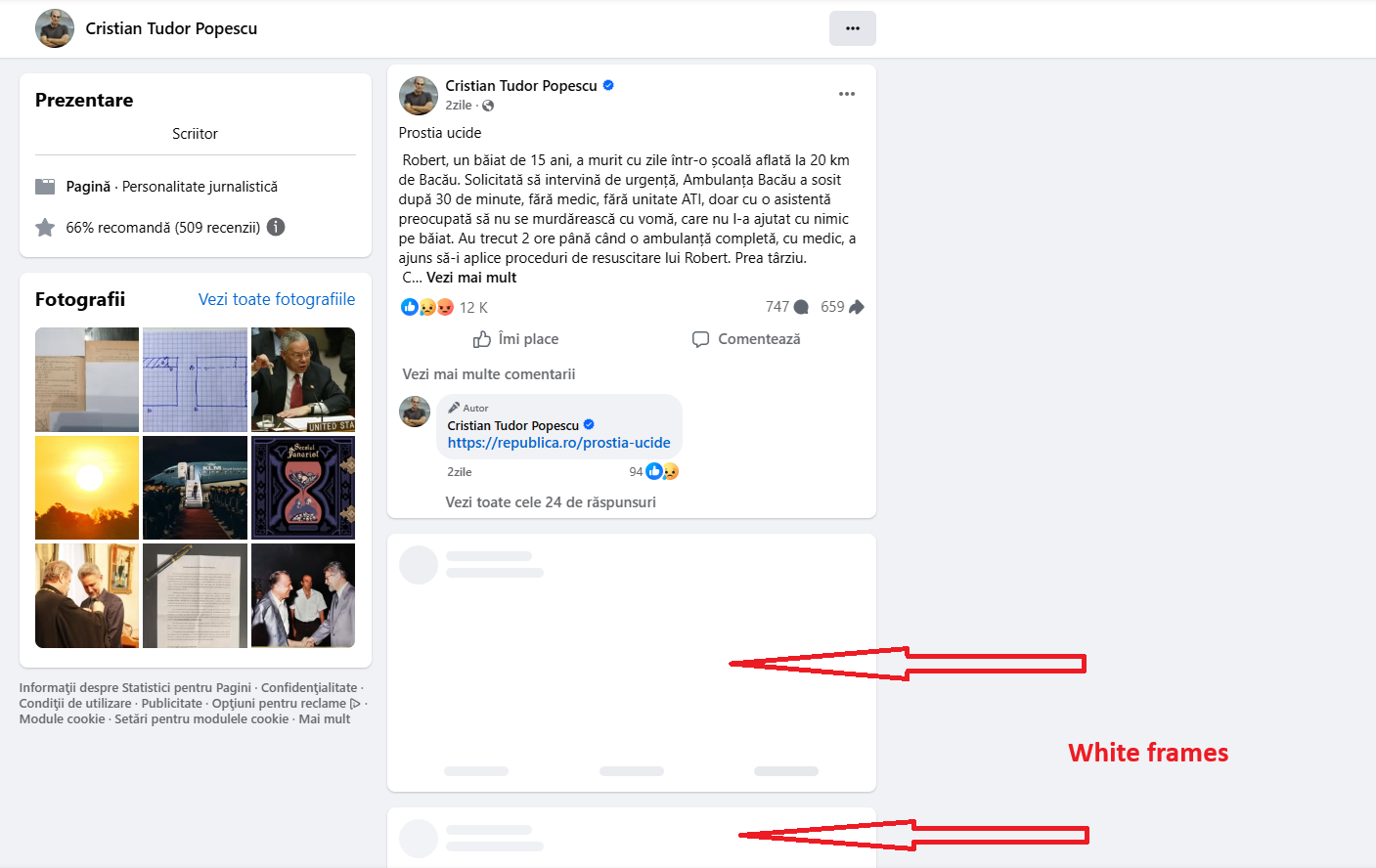
https://stirileprotv.ro/stiri/ilikeit/project-zomboid-unul-dintre-cele-mai-complexe-jocuri-de-supravietuire-unde-fiecare-decizie-conteaza.htmlScreenshot of the page with adblocker enabled and no exceptions added (after recent updates):

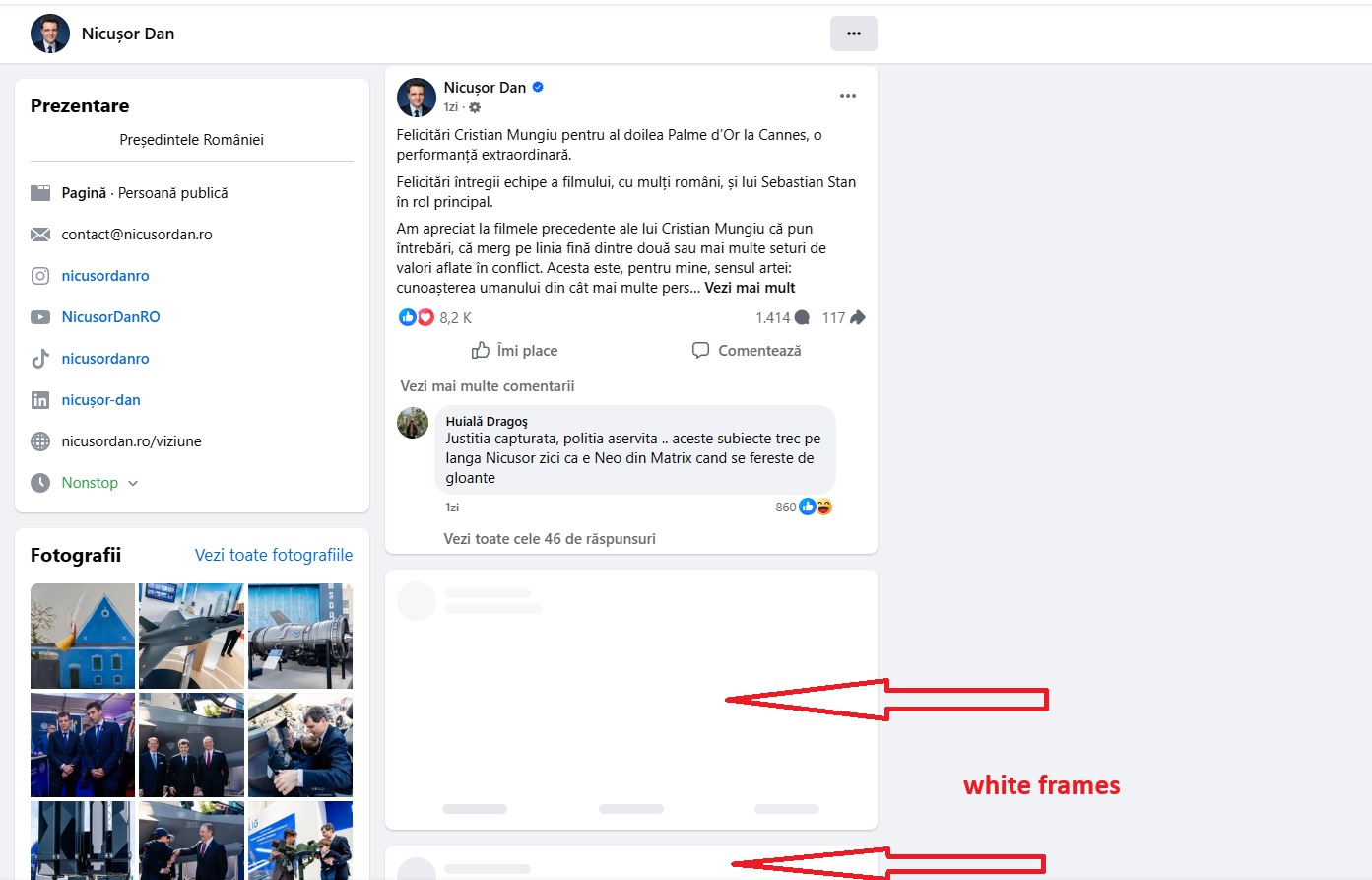
Screenshot of the page with adblocker enabled and website added to exceptions (after recent updates):

Example of page with mixed videos (advertising / legit video unwanted popup):

Hope you can help.
-
RE: New Opera does not support HLSOpera for Windows
I just tested this unofficial version (36.0.2130.75). You are right, it doesn't solve the problem.
- Opera for Windows
-
New Opera does not support HLSOpera for Windows
Recently, websites changed streaming to HLS, but unfortunately Opera does not support yet this protocol.
Example: videos from this page: Știri de ultimă oră, știri online - ProTV
When I try to open a video, I get this message: „Opera a crăpat...” ("Page crashed..."), and page crashes. I mention that I have no extension installed, so there is no possible conflict.
Currently I'm running Opera 36.0.2130.65, but I tried also Opera developer (36.0.2129.0), with same result.
There is any chance to support HLS in the near future?
Thank you.