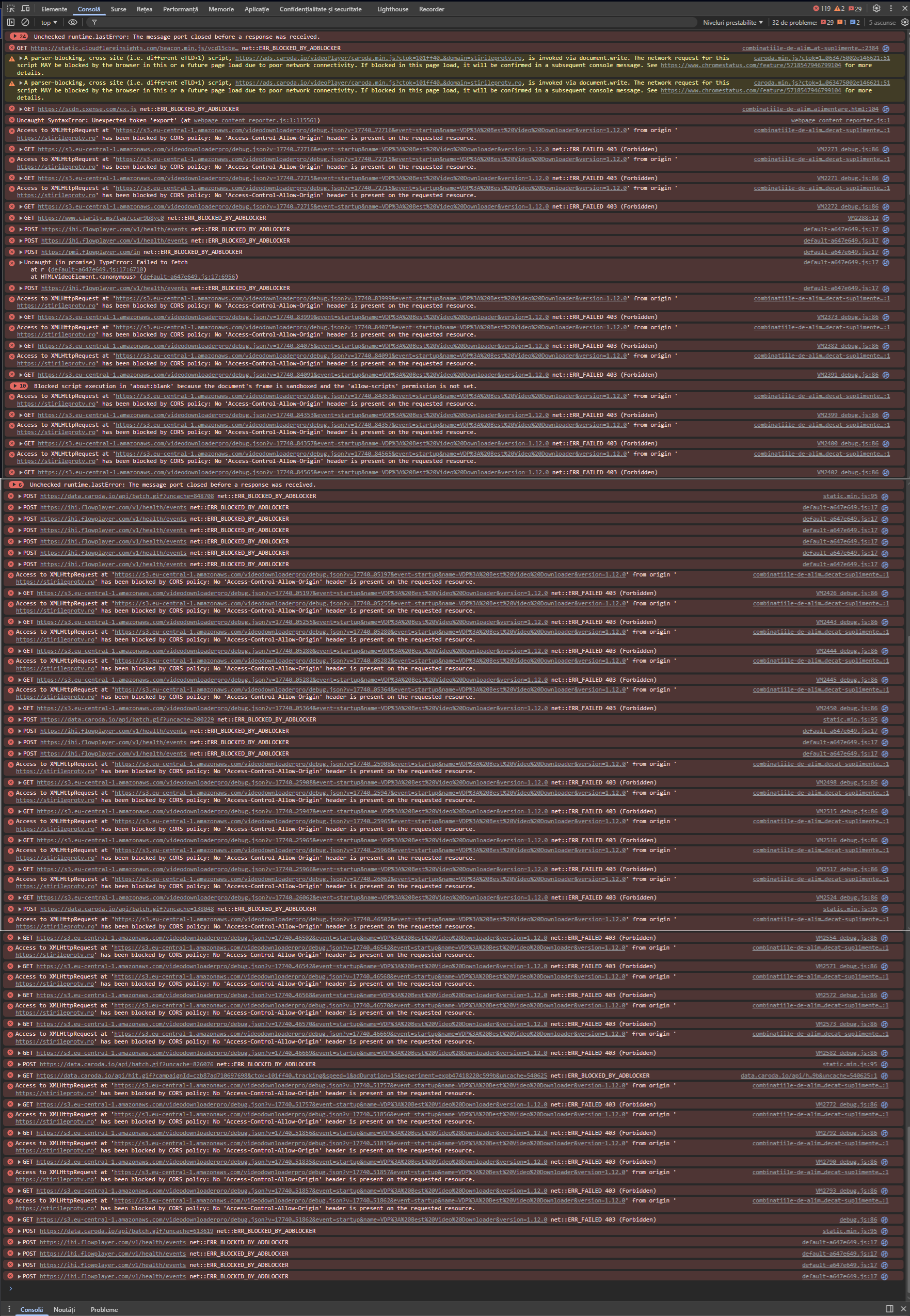
Just updated to the new version:
Versiune Opera One: 131.0.5877.55
Versiune Chromium: 147.0.7727.138
Nothing changed. The problem is still here.
Do more on the web, with a fast and secure browser!
Download Opera browser with:
Just updated to the new version:
Versiune Opera One: 131.0.5877.55
Versiune Chromium: 147.0.7727.138
Nothing changed. The problem is still here.
Just updated to the new version:
Versiune Opera One: 131.0.5877.5
Versiune Chromium: 147.0.7727.56
Nothing changed. The problem is still here.
After update, the promo says:
What’s new in Opera
Now watching videos in Opera is a whole lot better.
Video Popout
Detach online videos into their own adjustable, movable, floating window. YouTube, Netflix, Twitch, football streaming sites - almost any video provider.
With Opera, start a YouTube video or any supported online video, and a new button will appear at the top center. Click it to open the video in a smaller popout window.
The button appears in the top-center when you mouse over an online video.
You can resize this floating window and place it anywhere on your screen.
You can move it wherever you want, as well as adjust the size.
The popout window has its own controls, letting you pause, close it with one click, or return it to the original tab.
Unfortunately, there is nothing "a whole lot" better. Or even true:
So, I think that it is a lot of work to do to make this promo to be real.
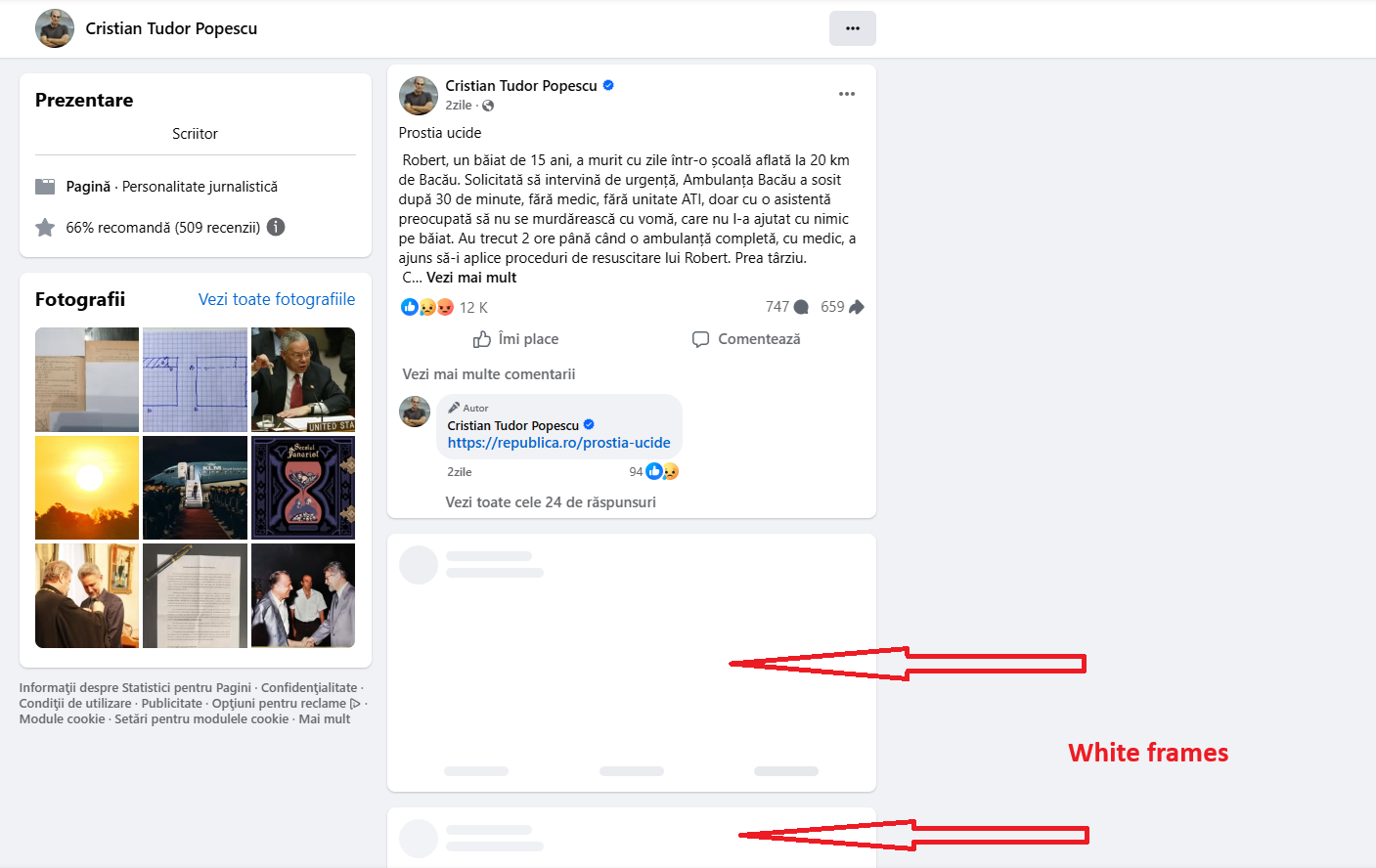
Just updated to the new version:
Versiune Opera One: 130.0.5847.41
Versiune Chromium: 146.0.7680.178
Nothing changed. The problem is still here.
I created a bug report about that, as you suggested:
BUG-23740
The only result is that I got an automated answer, which unfortunately has nothing to do with the problem.
Any help?
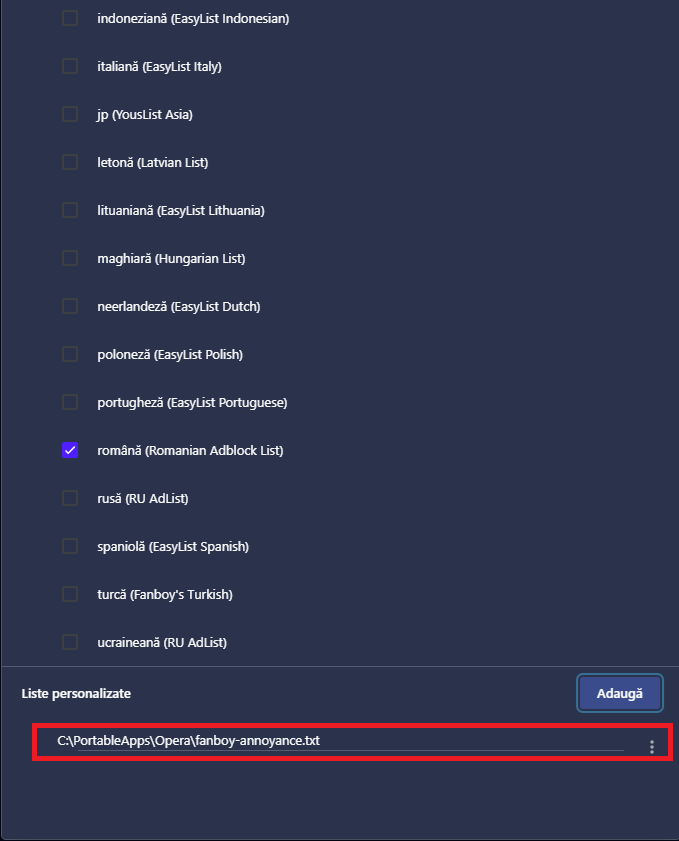
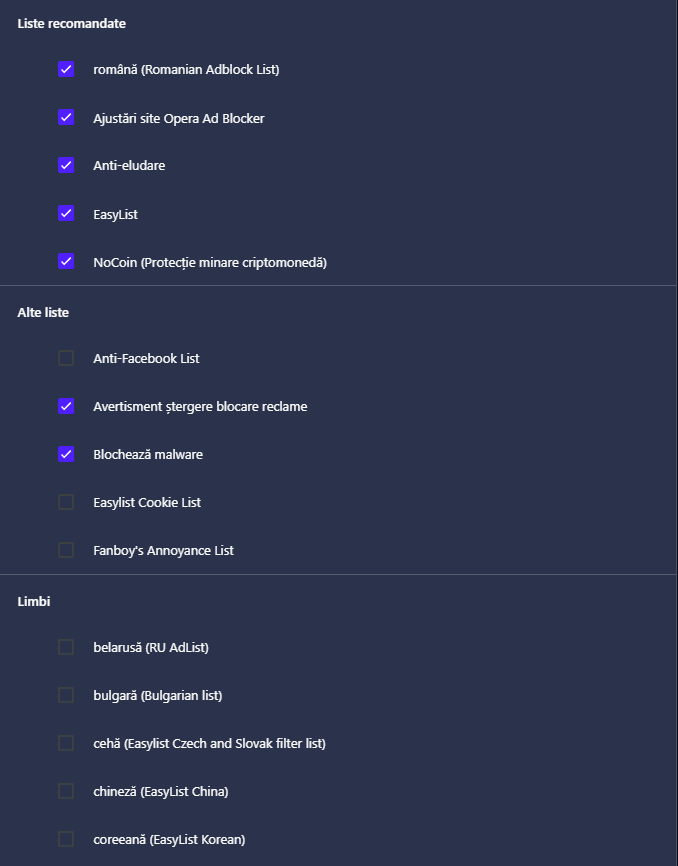
I did some further investigation into my settings in the adblocker / exceptions / lists area because I think that's where the problem is:

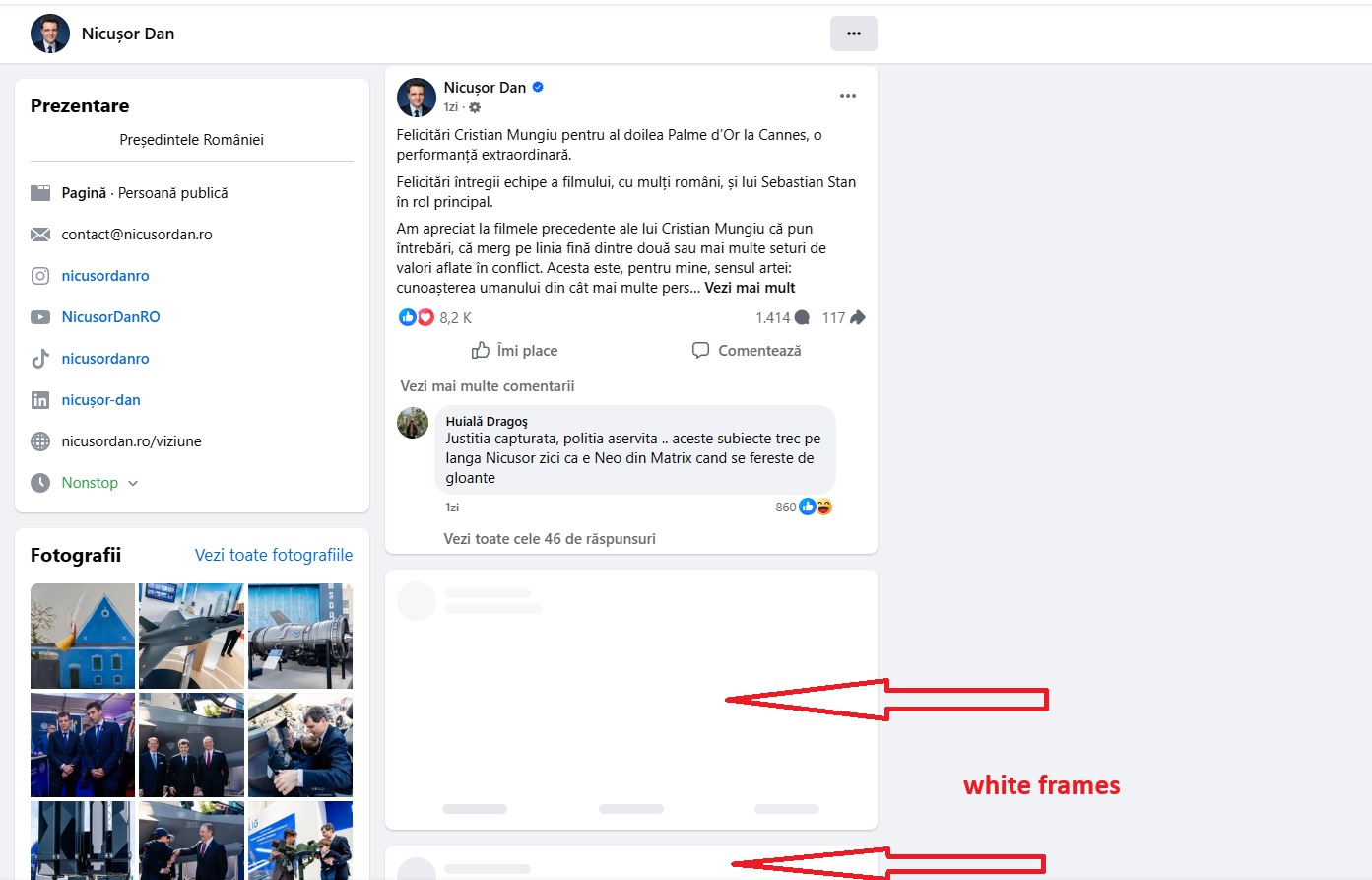
I found something that makes a small difference if I remove it. It's a list I added in 2024 but I haven't had any problems with it so far:

If I remove this list, the videos load when the page loads (the video frame is no longer black without the video) and can be started, but the other problems (which I think are related to Opera's behavior) remain:
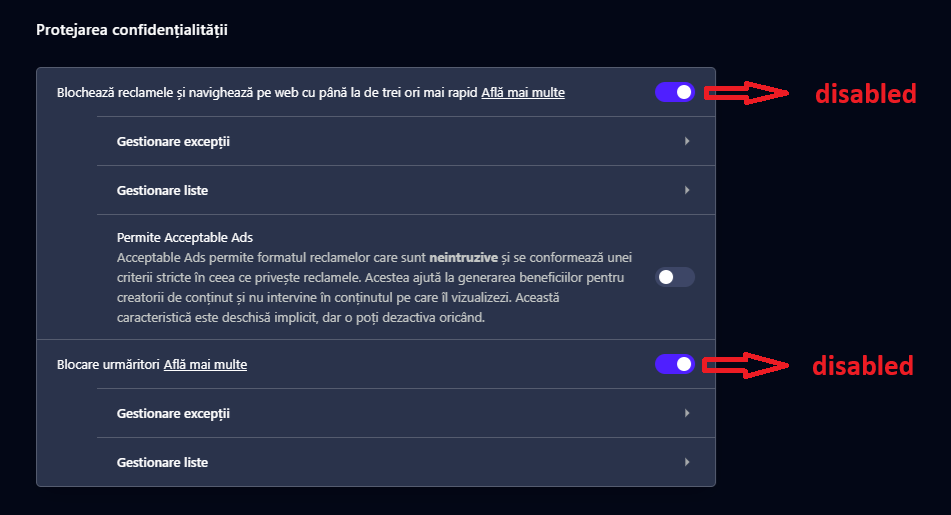
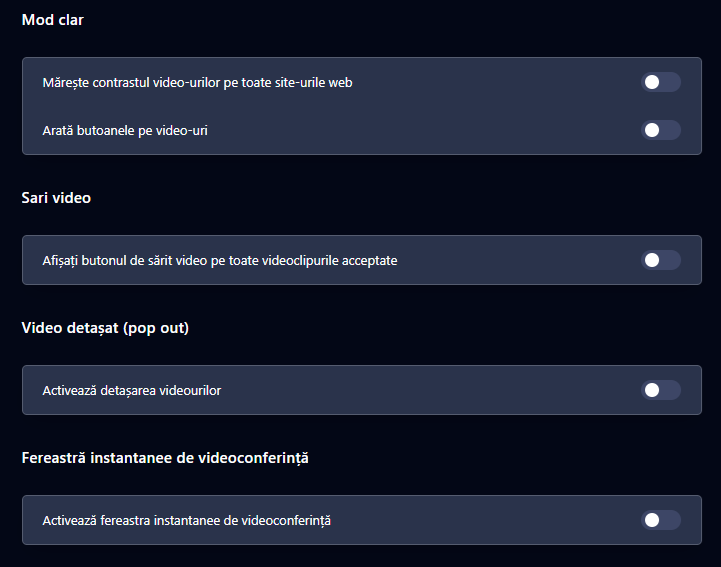
I mention that all the settings for detached video and for Video Popout | Picture-in-picture video are disabled, but Opera does not apply these settings:

These are unwanted behaviors that should not exist.
I would like the videos to be stopped on page load (and not start on their own even if I scroll the page) and to be unmuted. Now it is the opposite.
Just updated to the new version:
From:
Versiune Opera One: 129.0.5823.15
Versiune Chromium: 145.0.7632.117
To:
Versiune Opera One: 129.0.5823.28
Versiune Chromium: 145.0.7632.117
Unfortunately nothing changed. The problem is still here: black screen instead of video (with adblocker enabled) and unwanted behaviour (with adblocker enabled and site added to exceptions).
I don't understand why non-working versions are published, instead of maintaining in place the last 127 working version, until the problems will be solved.
@Mlipka No, I don't have any other AdBlocker (excepting Opera AdBlocker).

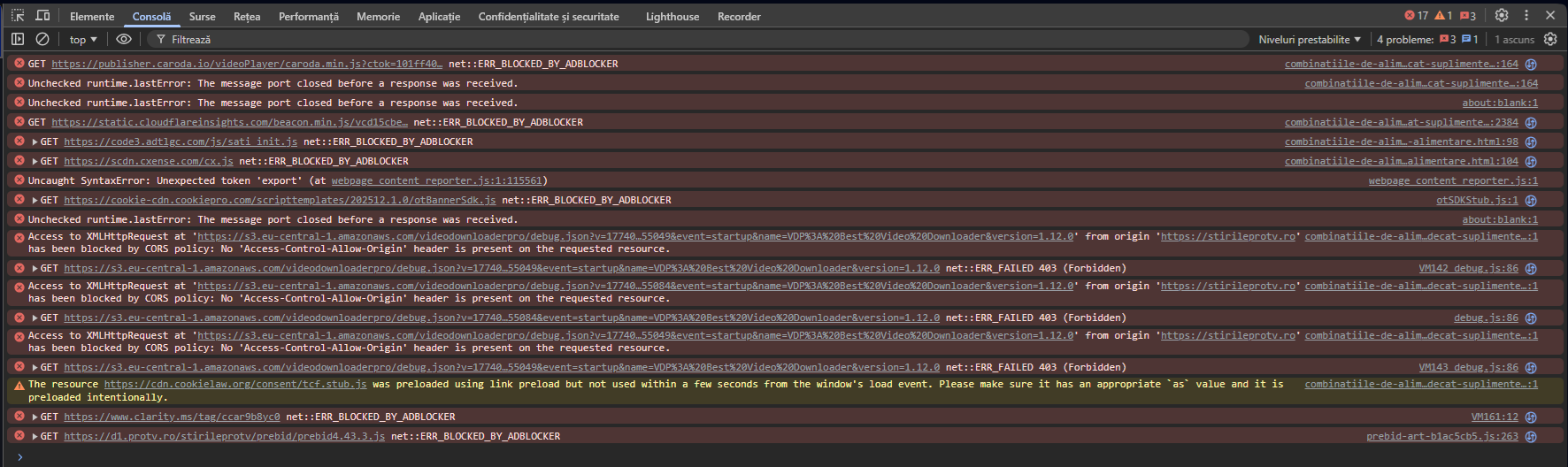
Console with adblocker on and no exceptions added (video does not load):

Console with adblocker on and website added to exceptions (video is loaded):

I see that I can't attach har file (for network) or console log file.
@Mlipka Just updated to the new version:
From:
Versiune Opera One: 128.0.5807.77
Versiune Chromium: 144.0.7559.173
To:
Versiune Opera One: 129.0.5823.15
Versiune Chromium: 145.0.7632.117
Unfortunately nothing changed. The problem is still here: black screen instead of video (with adblocker enabled) and unwanted behaviour (with adblocker enabled and site added to exceptions).
I think this 129 version should also be withdrawn as soon as possible to avoid spreading and replaced with 127 working version., until the problems will be solved.
@Mlipka In order to avoid a fresh install, and to update automatically to all users, it would be possible to publish an update that in fact is the last working version (127), obviously with a version number greater than the current non-working version?
@burnout426 So, to summarize, until now we have three behaviours in Opera 128:
Strange...
@Mlipka Ok. I hope that in the next Opera update the problem will be solved. I will keep you informed.
Thank you all!
@burnout426 Yes, but I think that in order to be able to play the videos with adblocker on, you have to add the site to exceptions. In Opera 127 that was not necessary.
@leocg Also, if DNS blocking were active, videos would be blocked regardless of Opera adblocker enabled or disabled.
@leocg That doesn't explain why Opera 128 is not workinkg anymore and Opera 127 works without issues.
I didn't changed the DNS provider. Only updated Opera from 127 to 128.
Did you tested with Opera 127?
@leocg I would like to mention that I tested also in Chrome, Edge and Firefox. Video loads ok, with no error.
@leocg I said in the first message:

I tested now with Opera 127.0.5778.76 and it works ok, as expected (as before update to 128).
So, definitely Opera 128 is broken and should be withdrawn until solved.
@leocg Sorry, I didn't see any error message. Could you be more explicit?
Just performed the latest update (Opera One: 128.0.5807.77 / Chromium: 144.0.7559.173). The problem persist (the adblocker is still broken), but with no error message.
@Mlipka Ok, thanks!
I hope to hear from you soon.
Just performed the latest update (Opera One: 128.0.5807.66 / Chromium: 144.0.7559.173). The problem persist.
So, I understand that after the recent updates the adblocker is broken. Could it be reverted to the previous (working) version, until the problem is solved?
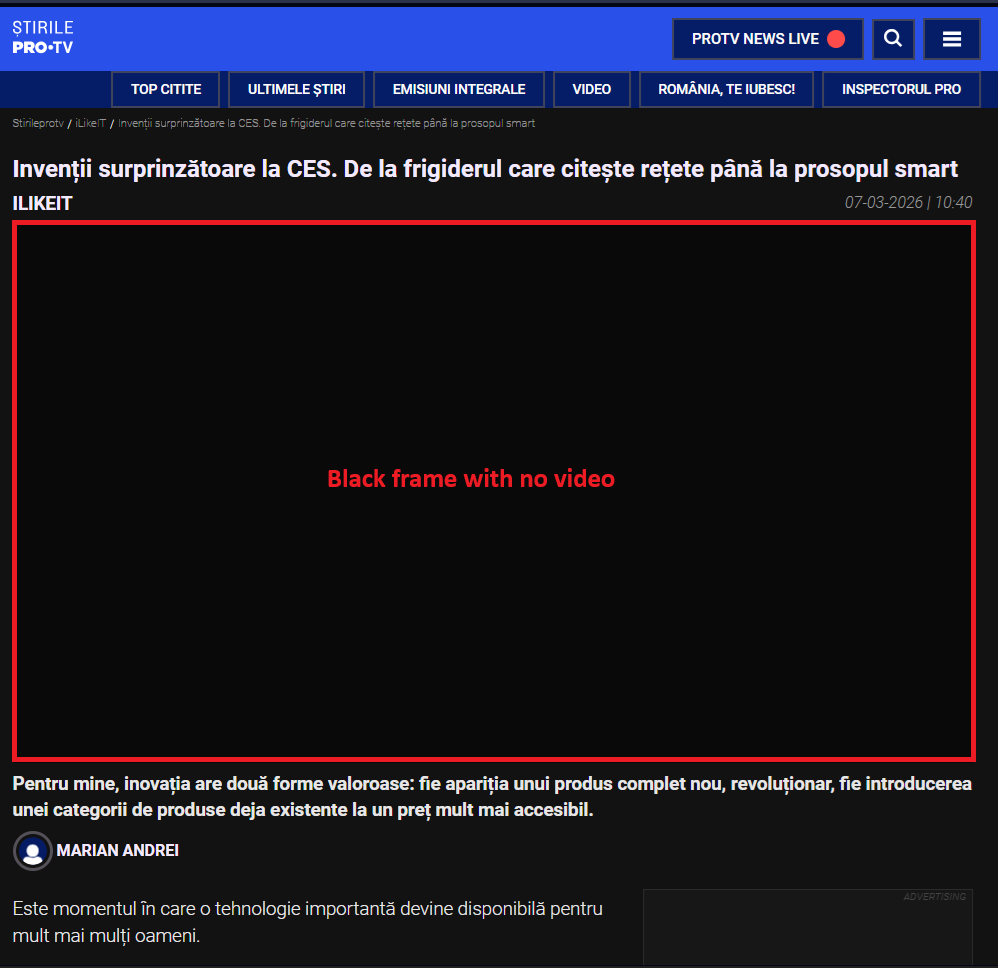
After recent Opera updates, with adblocker still enabled and without exceptions added, legit mp4 videos are no more loaded and displayed on page.
Even with the site added to exception list, I get an unwanted behaviour:
Before the recent updates, with adblocker enabled and without exceptions added, all was ok (legit video loaded and playing (with manual start - no autostart) and no advertising on page).
Windows version: Windows 11 Home 25H2 (26200.7840)
Opera version: Opera One (128.0.5807.52)
Chromium version: 143.0.7499.194
Example site (which I have to add to exceptions): https://stirileprotv.ro/
Example pages:
https://stirileprotv.ro/stiri/ilikeit/inventii-surprinzatoare-la-ces-de-la-frigiderul-care-citeste-retete-pana-la-prosopul-smart.html
https://stirileprotv.ro/stiri/ilikeit/project-zomboid-unul-dintre-cele-mai-complexe-jocuri-de-supravietuire-unde-fiecare-decizie-conteaza.html
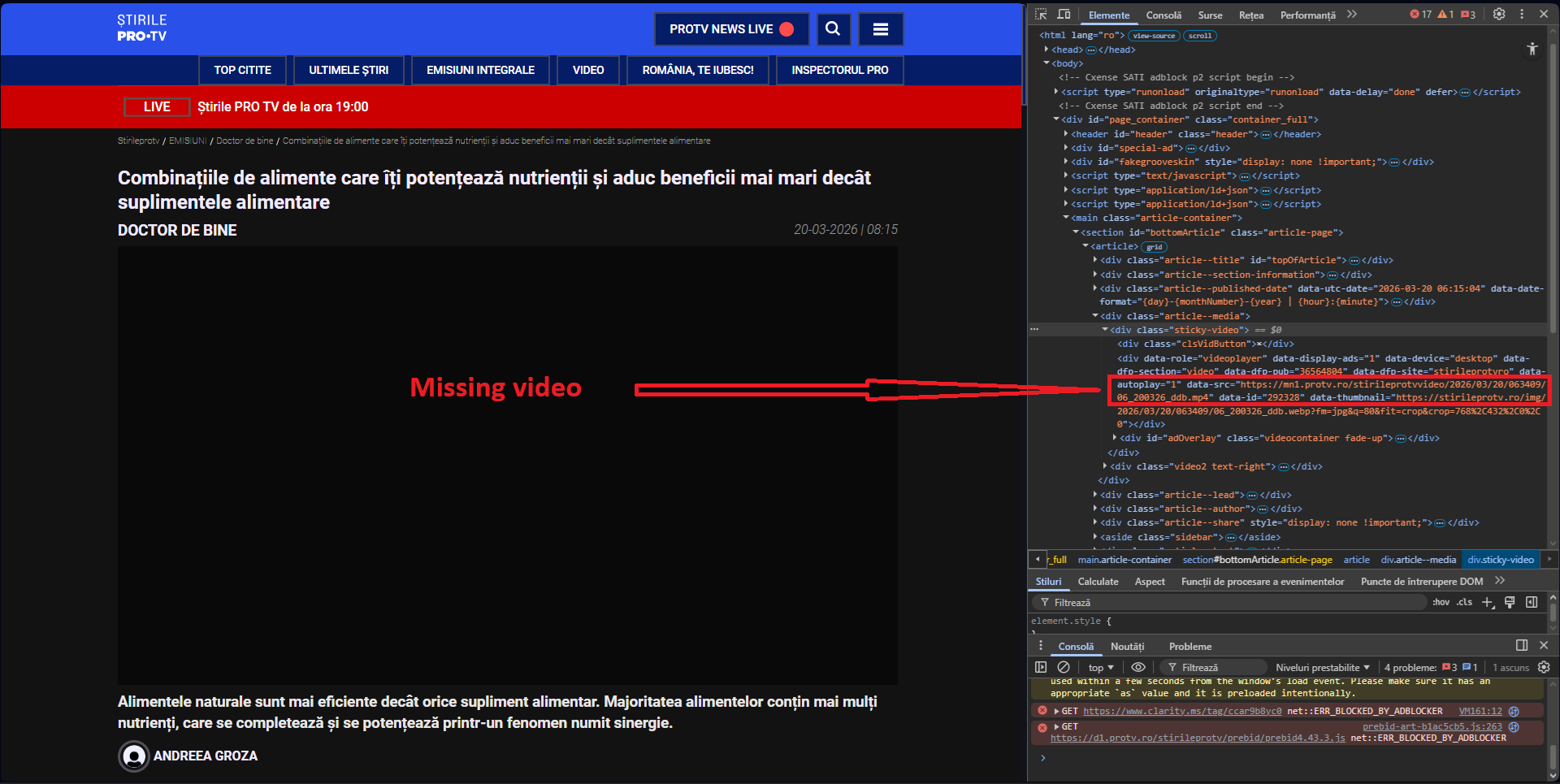
Screenshot of the page with adblocker enabled and no exceptions added (after recent updates):

Screenshot of the page with adblocker enabled and website added to exceptions (after recent updates):

Example of page with mixed videos (advertising / legit video unwanted popup):

Hope you can help.