• Login
    • Search
    • Categories
    • Recent
    • Tags
    • Users
    • Groups
    • Rules
    • Help

    Do more on the web, with a fast and secure browser!

    Download Opera browser with:

    • built-in ad blocker
    • battery saver
    • free VPN
    Download Opera

    Netflix Appearing Blank

    Opera GX
    4
    6
    196
    Loading More Posts
    • Oldest to Newest
    • Newest to Oldest
    • Most Votes
    Reply
    • Reply as topic
    Log in to reply
    This topic has been deleted. Only users with topic management privileges can see it.
    • J
      JinaeW last edited by

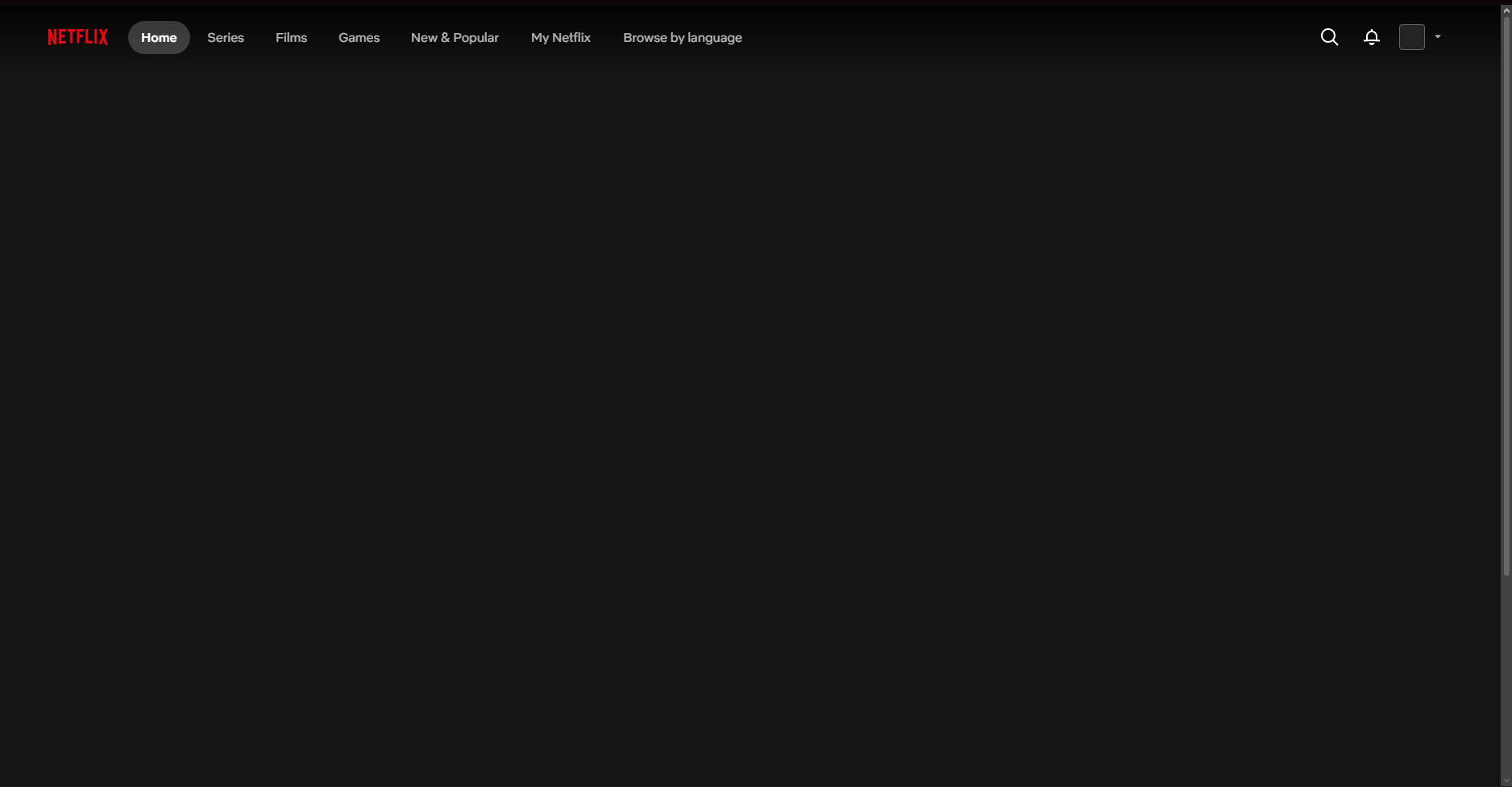
      Screenshot 2026-10-29 131439.png
      I'm having an issue with Netflix in Opera GX and wondered if anyone else has experienced this or knows how to fix it.

      When I open Netflix in a normal Opera GX window, the website frame loads, including the navigation bar at the top, but the main content area is completely blank. No shows, thumbnails or other content appear.

      However, Netflix works perfectly in a Private Window in Opera GX.

      I've tried the following troubleshooting steps so far:

      Disabled/removed all browser extensions.

      Tried accessing opera://browserjs/, but this didn't resolve the issue.

      Confirmed that Netflix works in a Private Window, suggesting the issue may be specific to my normal browser profile.

      The issue is still occurring after these attempts.

      I'm reluctant to reset or reinstall the entire browser without knowing whether this is a known issue, especially as Netflix works in Private mode.

      Has anyone else encountered this recently? Is this a known Opera GX compatibility issue, or is there another setting or profile-related fix I should try?

      Any suggestions would be appreciated. Thanks!

      Reply Quote 0
        M leocg 2 Replies Last reply
      • M
        malcolmparkedhere @JinaeW last edited by

        @JinaeW Since Netflix works in a Private Window, I'd suspect something in your normal Opera profile rather than a compatibility issue. Try clearing Netflix's site data and cookies first, then sign in again. If that doesn't help, check whether hardware acceleration or Opera's built-in ad blocker is interfering. You could also test with a fresh Opera profile before resetting your current one.

        Reply Quote 0
          1 Reply Last reply
        • J
          JinaeW last edited by

          @malcolmparkedhere Thank you!

          Tried everything and just decided to reset and start fresh, seems to all work with the same extensions and settings as before.

          Reply Quote 0
            1 Reply Last reply
          • T
            Tor3129 last edited by

            Got exactly the same problem few days ago... And now I can't even access the website, it shows an error 500 immediatly. But it works on a private window.
            Tried to delete cookies but the problem persists..df4ca90b-707d-42e4-b2dc-107042309bf6-image.png

            Reply Quote 0
              1 Reply Last reply
            • T
              Tor3129 last edited by

              After some research, it seems to be a recent problem that affects a lot of ppl : https://www.reddit.com/r/OperaGX/comments/1xda7nn/netflix_not_loading_only_on_gx_browser

              Reply Quote 0
                1 Reply Last reply
              • leocg
                leocg Moderator Volunteer @JinaeW last edited by

                @JinaeW When a page works on a private windows but not on a regular one, it usually means problems with an extension.

                Reply Quote 0
                  1 Reply Last reply
                • First post
                  Last post

                Computer browsers

                • Opera for Windows
                • Opera for Mac
                • Opera for Linux
                • Opera beta version
                • Opera USB

                Mobile browsers

                • Opera for Android
                • Opera Mini
                • Opera Touch
                • Opera for basic phones

                • Add-ons
                • Opera account
                • Wallpapers
                • Opera Ads

                • Help & support
                • Opera blogs
                • Opera forums
                • Dev.Opera

                • Security
                • Privacy
                • Cookies Policy
                • EULA
                • Terms of Service

                • About Opera
                • Press info
                • Jobs
                • Investors
                • Become a partner
                • Contact us

                Follow Opera

                • Opera - Facebook
                • Opera - Twitter
                • Opera - YouTube
                • Opera - LinkedIn
                • Opera - Instagram

                © Opera Software 1995-