The "Search with" context menu bug was finally fixed.
The issue ID (RNA-3999) was mentioned in 135.0.5973.41 changelog.
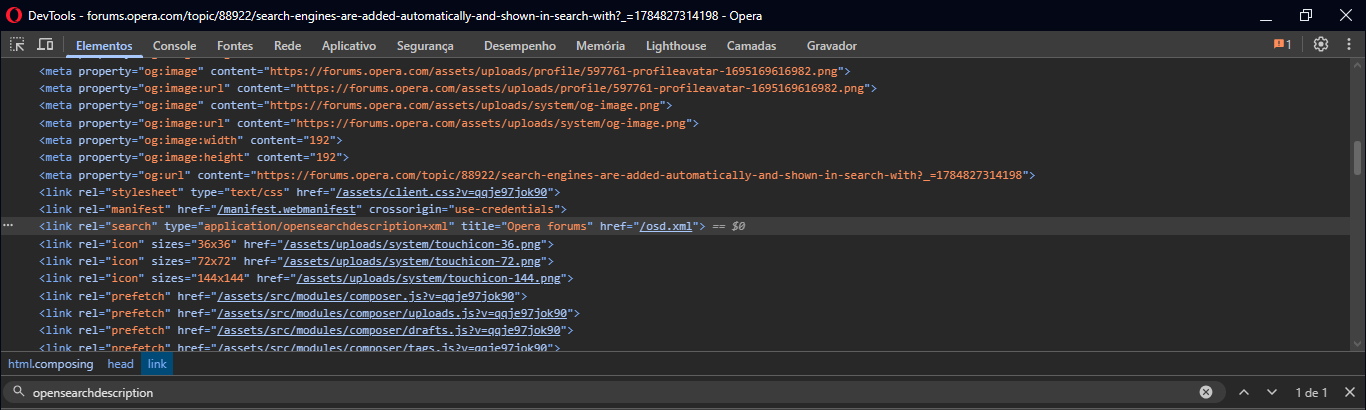
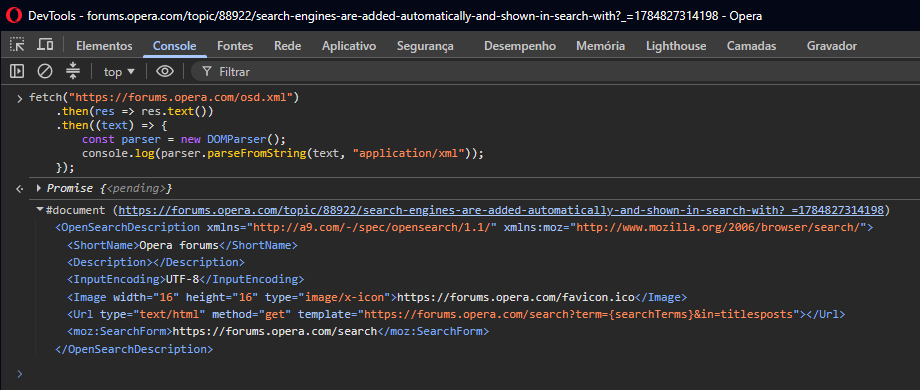
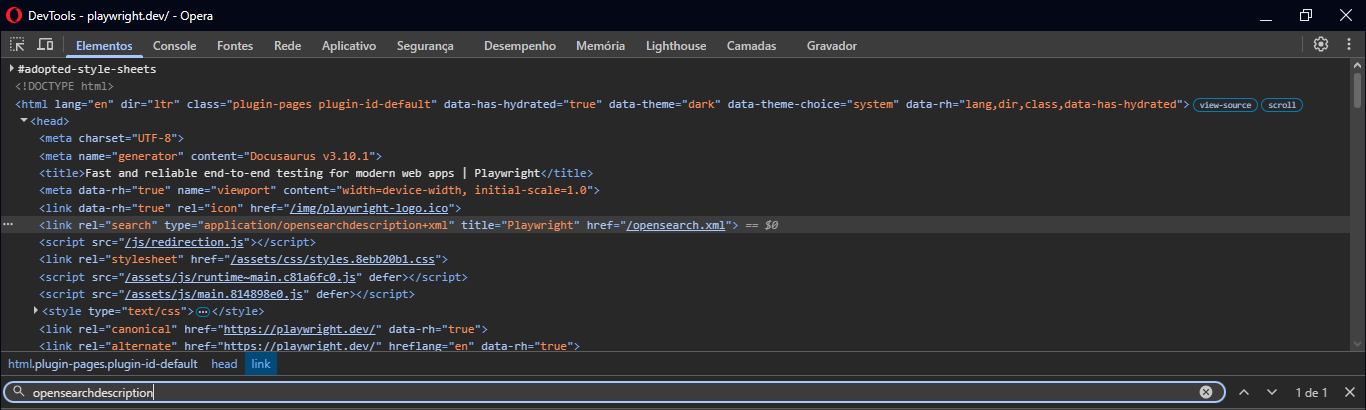
A few days ago, I updated the browser to version 135.0.5973.66, opened the same websites (Playwright, Opera Forums, Google Drive, etc.) and the inactive search engines didn't show up in context menu anymore.
I still think that Opera should add an option that disables the auto-add search engine to inactive shortcuts, for the reasons I mentioned in my previous comment.
There is another bug in "Search with" context menu, the search engine icons are not showing properly. I know this is a different type of bug, and I should create a new topic, but I think it's worth mentioning here.
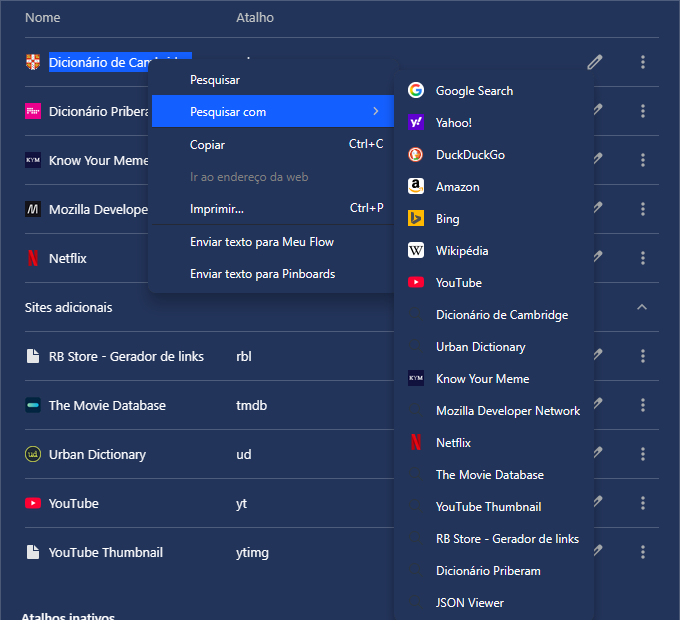
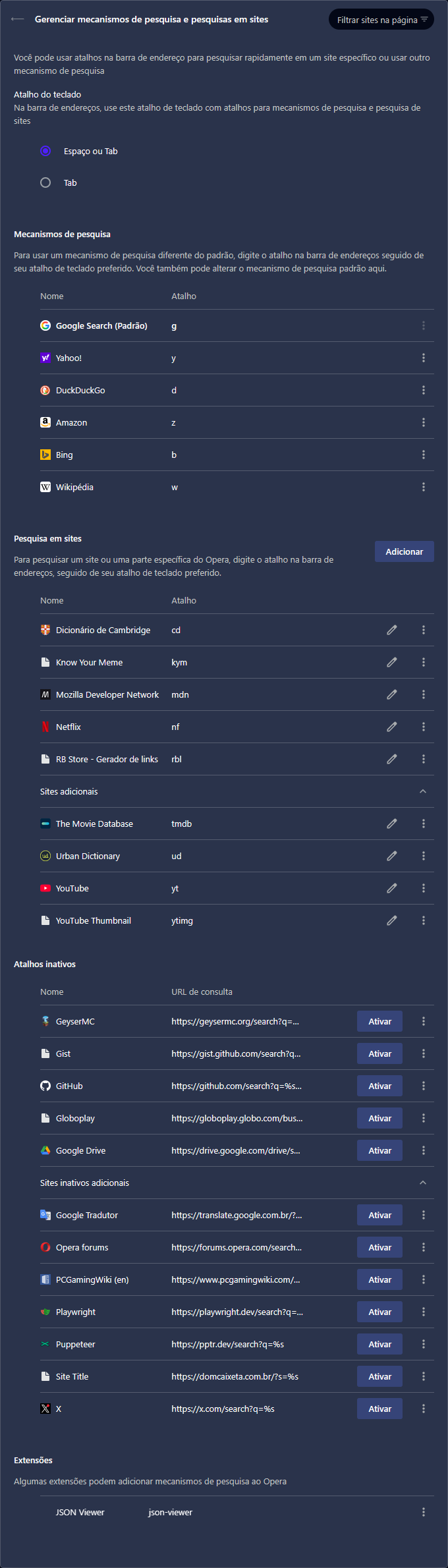
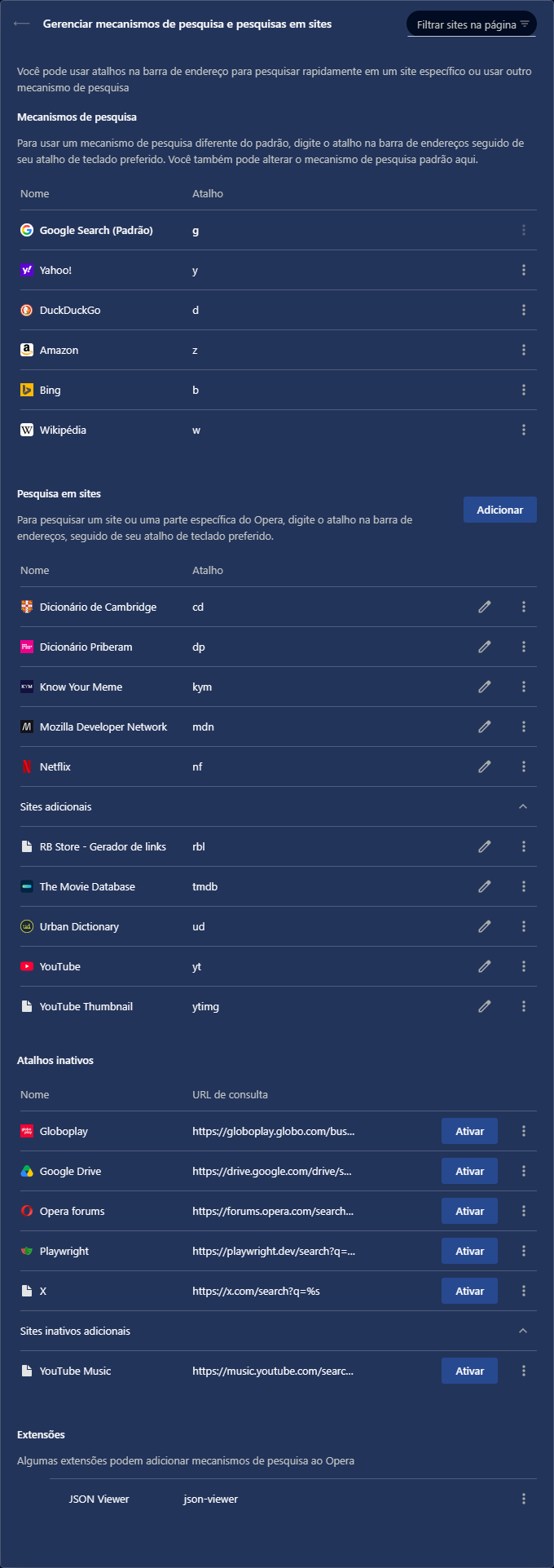
Sometimes on opera://settings/searchEngines page, most of them display the blank-page icon (like the "YouTube Thumbnail" in the image below), and if I edit the URL, removing the %s and adding it again, the icon updates properly there.
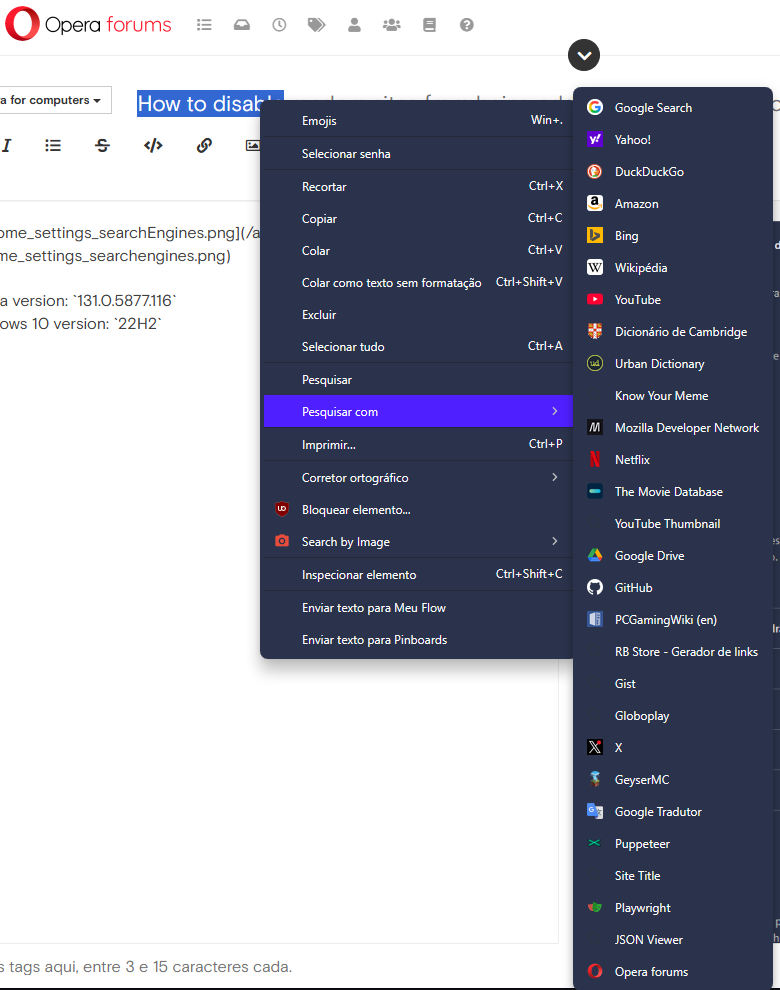
But it doesn't update in context menu, and the search engine icons keep showing the magnifying glass, except for the default ones, plus YouTube, Know Your Meme, and Netflix, for some reason.
My Opera search engine settings:
"Search with" context menu: