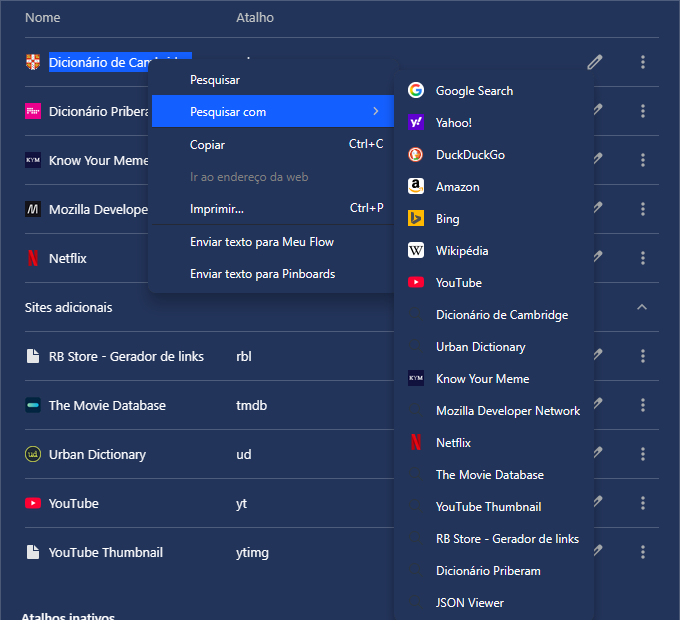
Search engines are added automatically and shown in "Search with"
-
 Mormani last edited by
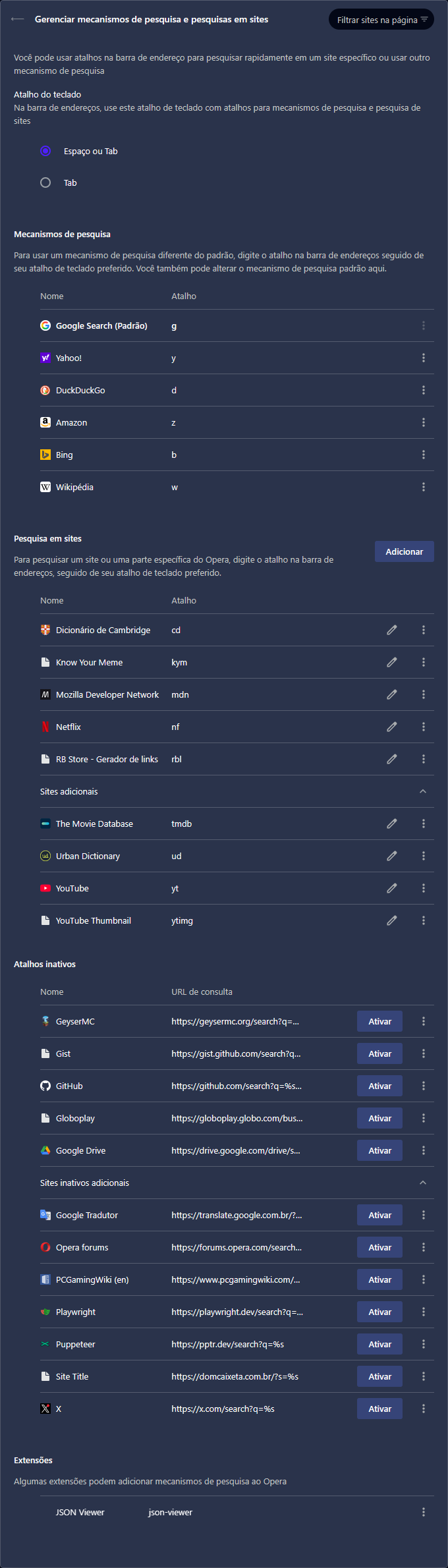
It has been annoying to use custom search engines in Opera because every time I visit a website, it looks like Opera finds some common search URLs and adds them to Inactive shortcuts (Atalhos inativos).
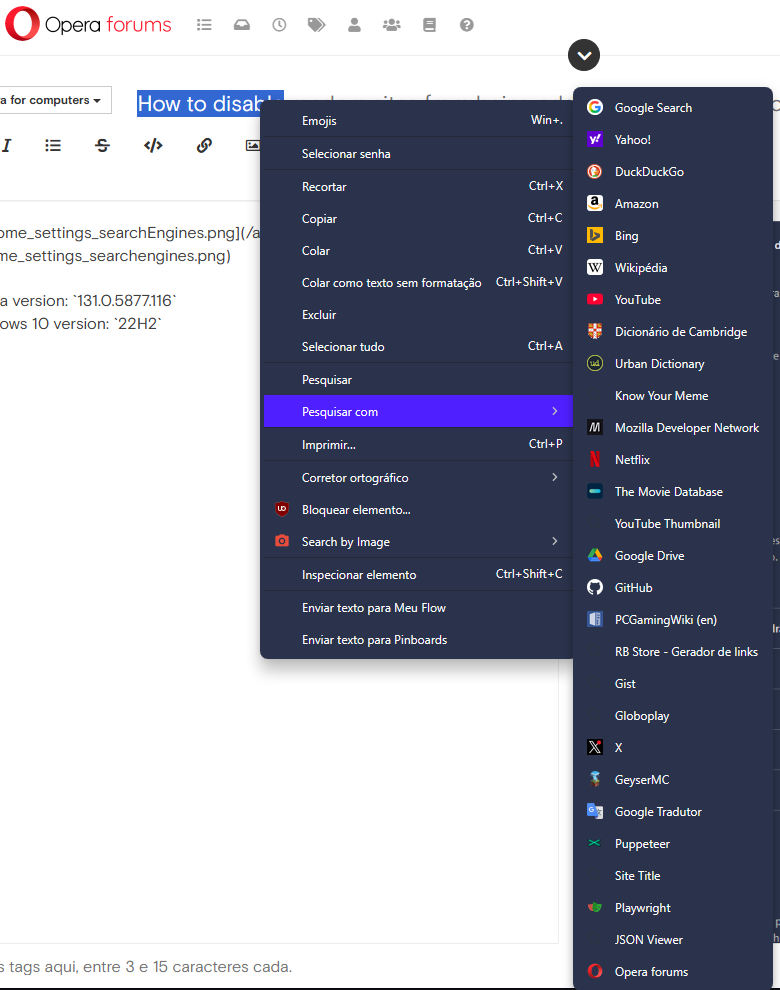
The worst part is that inactive shortcuts are visible in "Search with" (Pesquisar com) context menu feature, making it impossible to quickly find and select the desired engine after selecting text.
Two screenshots are available at the end of this description.
The only search engines I actually added are the ones in Site search (Pesquisa em sites) section, I've never added nor deactivated those search engines listed under Inactive shortcuts section.
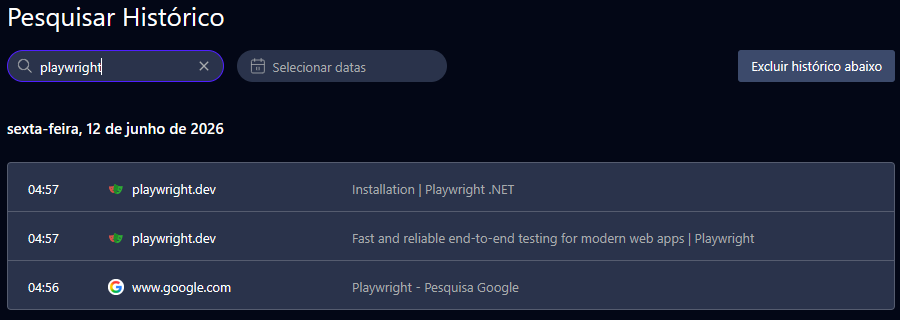
Taking Playwright as example. I searched about it last friday and I visited only its homepage and .NET installation page, but after that, without using its website search feature, the search URL was listed there.
The same goes for GeyserMC, Globoplay, Google Translate, PCGamingWiki, Puppeteer, Dom Caixeta (a restaurant wordpress website that is not even working). I access other websites often, but it does not mean I want their search engines added to my browser.
I don't visit Opera forums often and when I started writing this topic, its search engine was added to inactive section and visible in the last position of the search with context menu.
Then I have some questions:
- Is it possible to disable this auto-add search engine? If so, how can I do it?
- Is it possible to hide the "inactive" engines? If so, how?
- Can Opera dev team fix both issues if they are bugs?
Opera version:
131.0.5877.116
Windows 10 version:22H2
My Opera search engines settings:
"Search with" context menu:
-
Referenced by A andrew84
-
Mormani last edited by
An update for anyone reading this. First, I wanna thank @andrew84 for mentioning my topic along with others in a comment on an Opera blog post. After that, I was able to find useful information about the issues I pointed out here.
@burnout426 said in I'm missing the "Create search engine" entry:
However, when you visit supported sites like Youtube that tell browsers how to search the site, you will see that a search engine for it is now automatically added to the
opera://settings/searchEnginespage where all you have to do is click "Activate" for it, and then edit its keyword if you want.@burnout426 said in I'm missing the "Create search engine" entry:
The whole autodetect + activate thing just comes from Chromium that Opera turned on. Opera's context menu search engine enumeration just isn't set up to skip inactive engines yet. I consider that a bug.
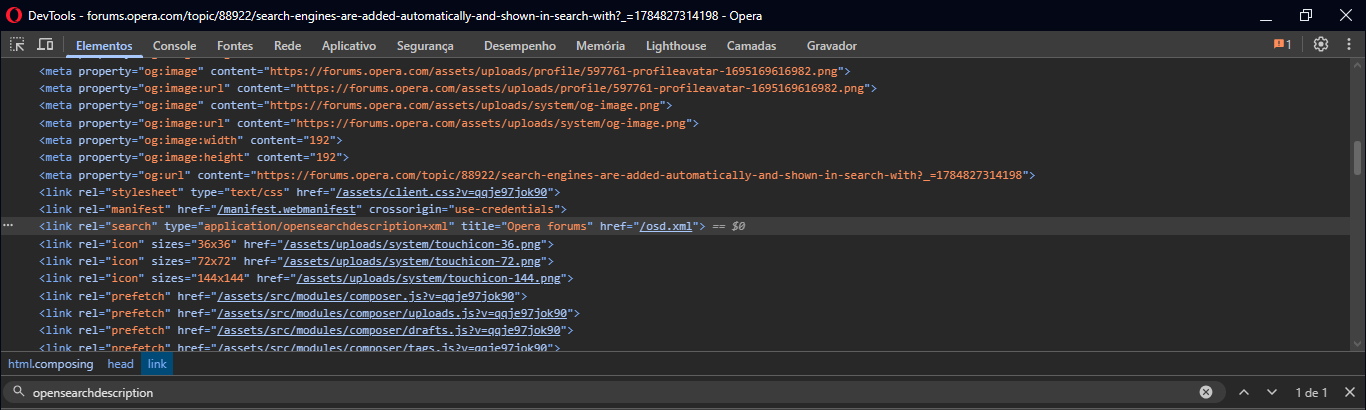
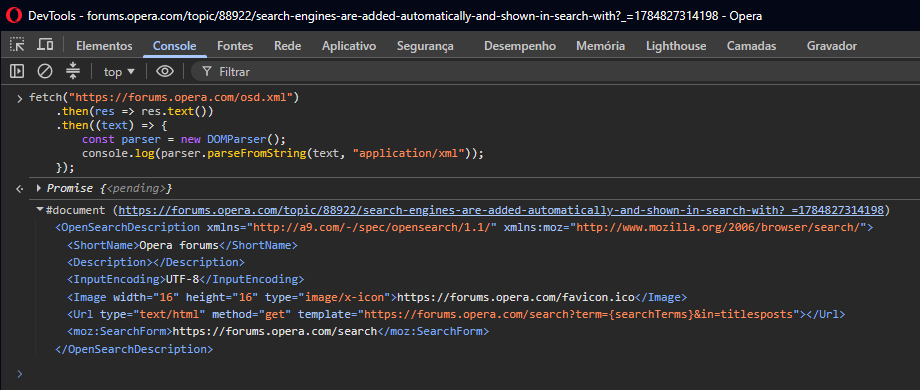
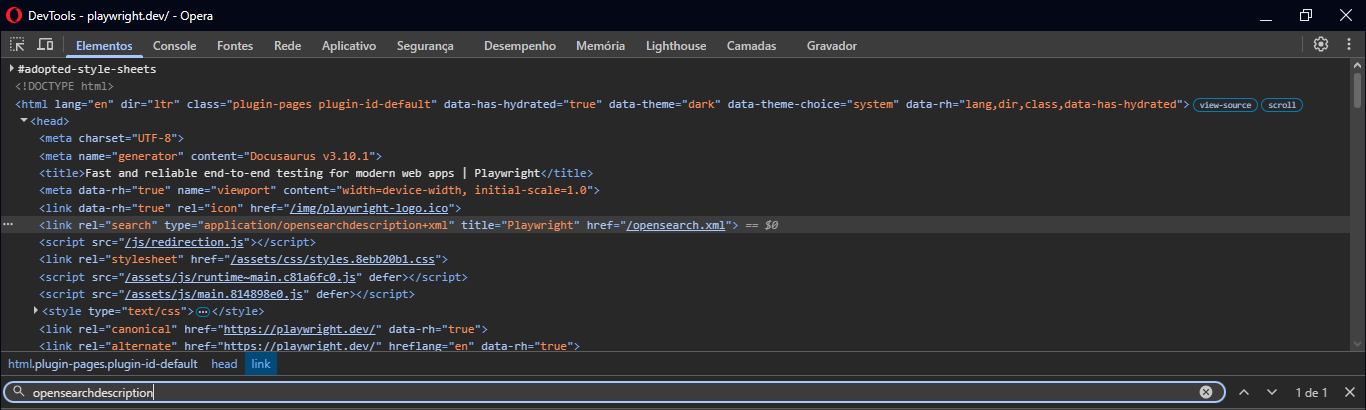
So, as burnout426 said there, Chromium added the feature "Tab to search", basically, the website provides the URL used in its searches, and the browser might automatically add it as a search engine. For these websites, DevTools shows the OpenSearch document they expose.
Opera Forums:
Playwright:

The Chromium article also explains why visiting homepage (commonly origin without a path) adds the search engine:
For 1 and 2 Chromium only adds sites that the user navigated to without a path. For example
http://mysite.com, but nothttp://mysite.com/foo.That being said, I can answer my own questions.
- Currently there is no option to disable this feature, but it would be great to have it, saving bandwidth, disk space and preventing the inactive shortcuts list from growing. It's worth mentioning that Vivaldi uses a newer Chromium version (150) and doesn't auto-add search engines, so the Opera dev team could add this option.
- Not skipping inactive engines is considered a bug by burnout426, they assigned RNA-3999 ID for this bug, and said it's fixed internally. Unfortunately there is no mention of this code in recent changelogs (v133, v134, v135), so I guess we need to wait for this fix reach developer release and even longer for stable release (the one I use).
My Opera version is now
133.0.5932.60, and the bug still persists. -
Mormani last edited by
The "Search with" context menu bug was finally fixed.
The issue ID (RNA-3999) was mentioned in
135.0.5973.41changelog.
A few days ago, I updated the browser to version135.0.5973.66, opened the same websites (Playwright, Opera Forums, Google Drive, etc.) and the inactive search engines didn't show up in context menu anymore.I still think that Opera should add an option that disables the auto-add search engine to inactive shortcuts, for the reasons I mentioned in my previous comment.
There is another bug in "Search with" context menu, the search engine icons are not showing properly. I know this is a different type of bug, and I should create a new topic, but I think it's worth mentioning here.
Sometimes on
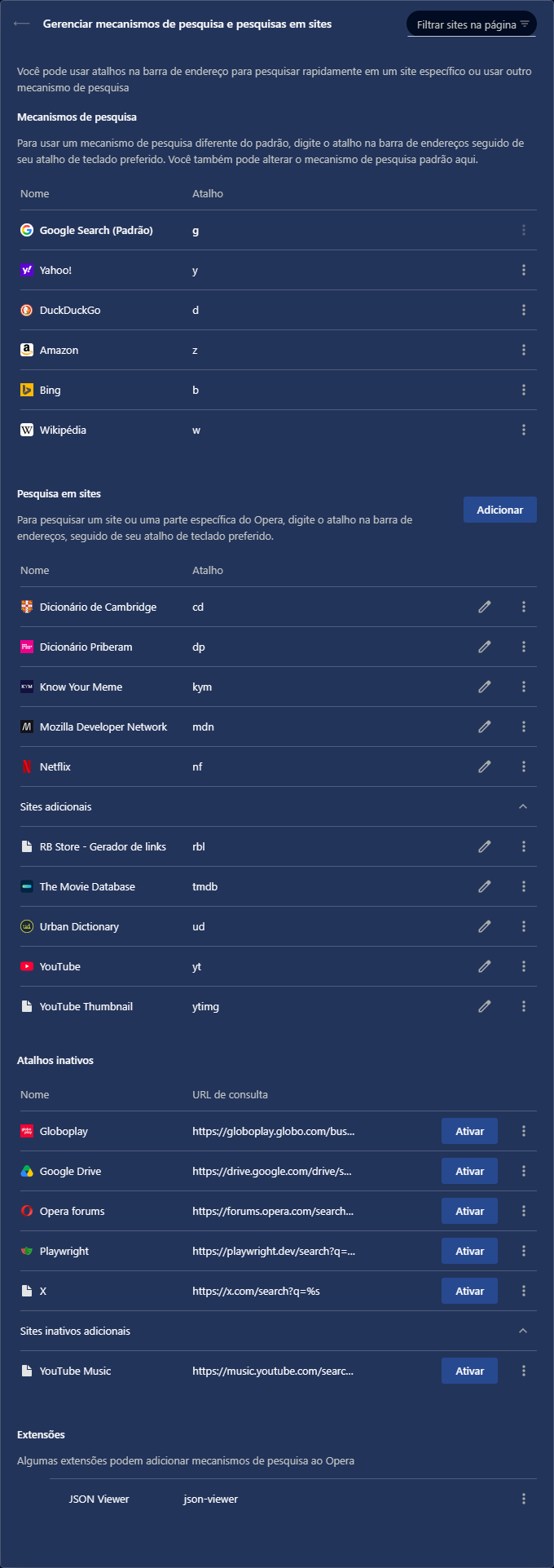
opera://settings/searchEnginespage, most of them display the blank-page icon (like the "YouTube Thumbnail" in the image below), and if I edit the URL, removing the%sand adding it again, the icon updates properly there.But it doesn't update in context menu, and the search engine icons keep showing the magnifying glass, except for the default ones, plus YouTube, Know Your Meme, and Netflix, for some reason.
My Opera search engine settings:
"Search with" context menu: