@passenger-chi
I wish that would work with my flow as well. With this new update, even with my disabling my flow in settings it is still in the address bar. been trying for 2 days to get rid of that one as well.
L
Best posts made by lot3rd1
-
RE: How to disable Pinboards?Opera for Mac
-
RE: History EraserOpera add-ons
this app no longer closes the app after cleaning, have tried removing the checkmark to close the app after it has run and closing the app and the opening it again and putting the checkmark back to have it close after running, tried closing browser, opening it again and making the selection and all sorts of combinations, it just does not close after running. No problems when used in the chrome browser
Latest posts made by lot3rd1
-
RE: How to disable Pinboards?Opera for Mac
@passenger-chi
I wish that would work with my flow as well. With this new update, even with my disabling my flow in settings it is still in the address bar. been trying for 2 days to get rid of that one as well. -
RE: History EraserOpera add-ons
this app no longer closes the app after cleaning, have tried removing the checkmark to close the app after it has run and closing the app and the opening it again and putting the checkmark back to have it close after running, tried closing browser, opening it again and making the selection and all sorts of combinations, it just does not close after running. No problems when used in the chrome browser
-
RE: Flash Player stopped workingOpera for Windows
forgot to mention that I did try doing a complete uninstall of flash player and then downloading and installing it again, and that goes well, but the problem still exists. I tried everything I could find to get it to work and I did disable my anti-virus while downloading and installing the flash player again as well as clearing the cache, history and everything else and then rebooting the pc after each step with the same results every time. It just will not work

-
RE: Flash Player stopped workingOpera for Windows
The odd thing is that it was working perfectly until the browser stopped responding for a few minutes and then I got the screen on that game page telling me that I needed to install flash player.
The site is already listed as being allowed in the flash settings section of the browser. It was already in the list of allowed sites and was working perfectly until the browser stopped responding yesterday. I have even tried adding the site in different formats in the list of allowed sites and nothing is working.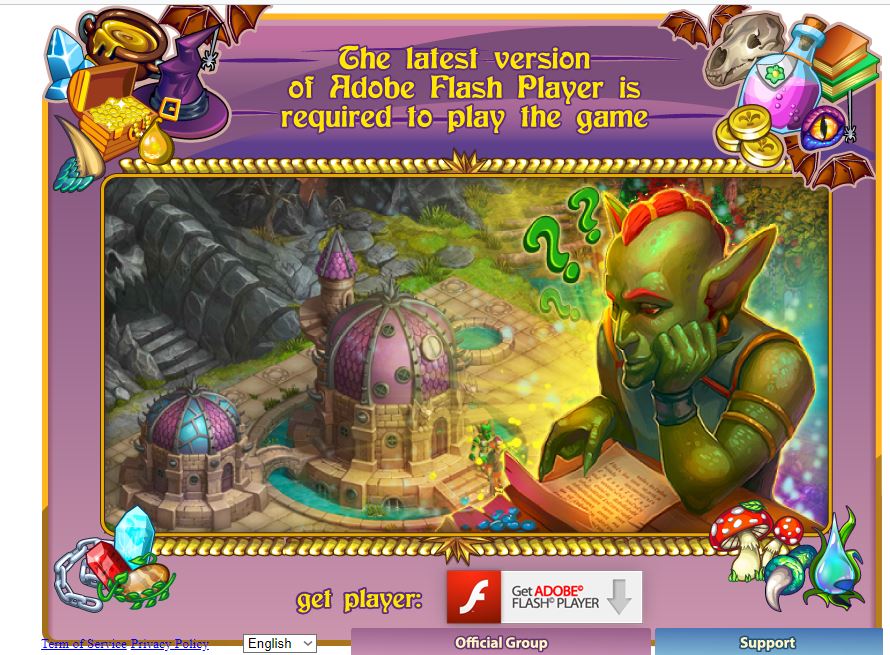
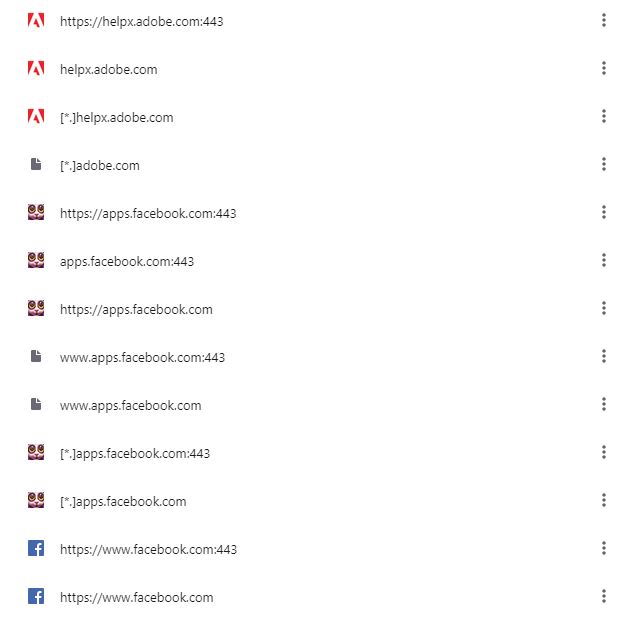
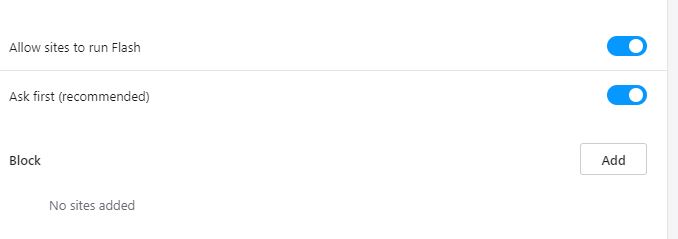
I can play the game using the google chrome, firefox and vivaldi browsers as well as ms edge. But I just like the way opera works so much better (until now). I thought about uninstalling the browser and then downloading and installing it again, but I will loose all of my speed dials as well as my other bookmarks as they are currently set. If I backup and export my bookmarks and then import them again after reinstalling opera (in hopes of getting things working again) they are not going to be already in their individual folders as well as the speed dials not being already set up. Not to mention the rest of my preferences for Opera
-
Flash Player stopped workingOpera for Windows
I was using my browser this afternoon and then opera stopped responding for a few minutes and when it started working again, the website I was on that uses flash player would not load and stated that I needed to install flashplayer. I went to the flashplayer website and it was stating that it was not installed and that I needed to download and install it. Not sure why that would be since before the browser froze up it was working just fine and I had not changed anything. Anyway, I downloaded the flashplayer installed and when I started to install it, I got a screen stating that I needed to completely uninstall the flashplayer first. So I followed all of the instructions for doing a clean uninstall, rebooted the computer, disabled the anti-virus program and then did the install. Yet it is still showing as not being installed when I check to see if it is installed as well as at the FB website with the game I was playing. I have been looking for a way to fix this issue for over 4 hours now and tried all sorts of things - all with the same result and I have uninstalled the flash player multiple times and tried different versions to install as well. I can get the flashplayer to work just fine in the google chrome browser as well as in the vivaldi browser.
Can someone please suggest a way to get the flash player working in my Opera browser again. I really don't want to have to use chrome again nor to I want to have to transfer all my bookmarks, speed dials to chrome . -
RE: Opera updated to 49 and now having flash player problemsOpera for Windows
just adding the site to the exceptions list does not always work. I was doing that yesterday and it is not working when I add some sites to that list. I am not sure what the opera turbo is, but is definitely is not showing as any option when I click on the O in the upper left corner of my browser.
I had also contacted Adobe about this issue and they were doing quite a lot to try to get the issue resolved for me and in the end it was decided that this is browser behaviour, and not Flash Player, and it was recommend that I contact Opera for assistance.
Did that as well, but Opera certainly has not been of any help at all. At this point, I am going to start looking for another browser or just go back to using Google Chrome or Firefox and just dump Opera! If I could figure out how to go back to version 48.0 without loosing all of my settings, bookmarks and speed dials I would at least do that, but I can't find any information on how to do that either.
- Opera for Windows
-
RE: Opera updated to 49 and now having flash player problemsOpera for Windows
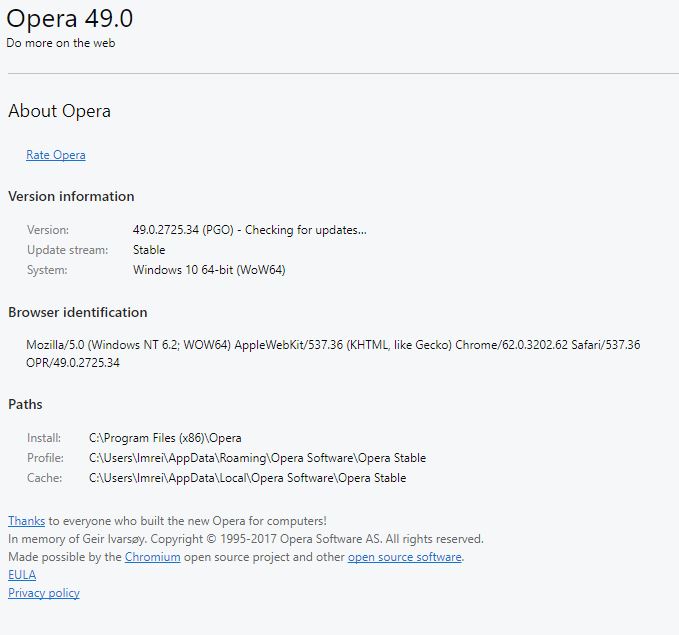
I have been working on this issue for almost 11 hours now and at this point in time, I would rather just go back to Opera 48.0 if possible (and without loosing all my bookmarks and speed dial links) and just not update the browser for the time being. (and hope that things will work themselves out).
I have also run multiple scans - anti-virus, malware and spyware and that is not an issue either. And as I had mentioned - all was working without any issues up until the update to the browser
-
RE: Opera updated to 49 and now having flash player problemsOpera for Windows
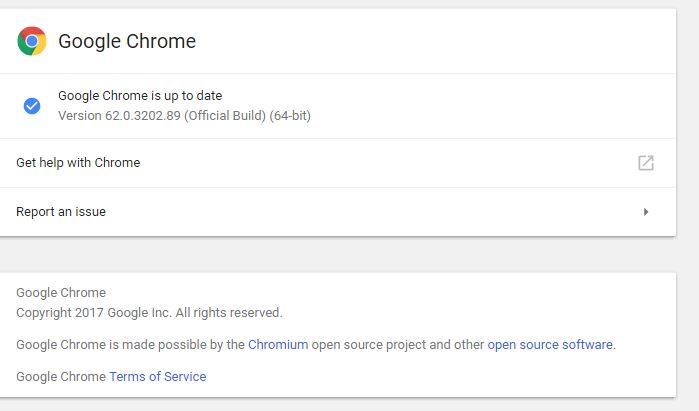
I am now using the chrome browser - at least until this gets resolved and I am not having any issues with chrome and I am not getting any message to allow or deny flash on a site.
I am running Windows 10 Home and it is up to date.
-
RE: Opera updated to 49 and now having flash player problemsOpera for Windows
@leocg
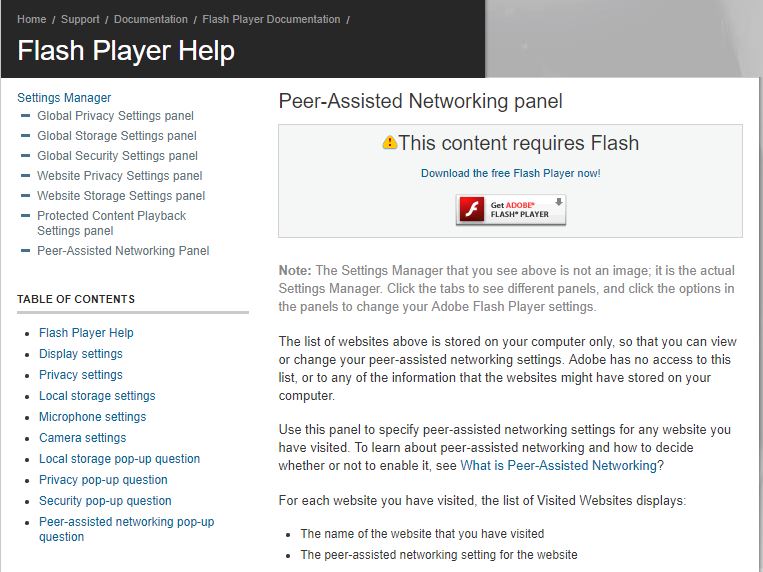
yes, I go there and click to check and it says Sorry, Flash Player is not installed or not enabled and to go to step 2. When I click on step 2 it takes me to the download page for the flash player