Does Opera Aria Still Work? Can I still use tabs management?
-
belac0023 last edited by leocg
Does Opera Aria still work, or is there a way to manage tabs on Opera. With Opera Aria we had the option of using commands to clean out tabs? Opera Aria doesn't seem to work on recent versions anymore, are there any alternatives?
-

-
Eric05Bee last edited by Eric05Bee
@belac0023
Apparently Opera has worked with Google to include Gemini AI in Opera AI, but it reports:I do not have the capability to directly close browser tabs for you, as I cannot control your browser's interfaceChatGPT has an ability to assess and delete open tabs in Opera ...
(Claude, too, apparently)You have to create accounts for Opera and ChatGPT, install an Opera Extension 'Opera Browser Connector' .
(Look for an [Install] button in Opera Settings > AI, and more switches in Settings > Early Bird).
Then install the ChatGPT PlugIn 'Opera Browser Connector', and go back-and-forth authenticating.It lets you access Opera from ChatGPT, not the other way round.
Mention 'Opera tabs' in your prompt and it should invoke automatically.
Or Click + in ChatGPT inbox to select 'Opera Browser Connector' explicitly.
Or begin your prompt "Hello Opera: ..."
It seems "Hello Opera: ..." loads a 'Greeting' when first run, as part of the install/authenticate process?
I half-remember you can use "@Opera: ..." but it didn't seem to work today ...Of course, you can run ChatGPT in the Opera SideBar, but install and authenticate is easier in full-screen web UI.
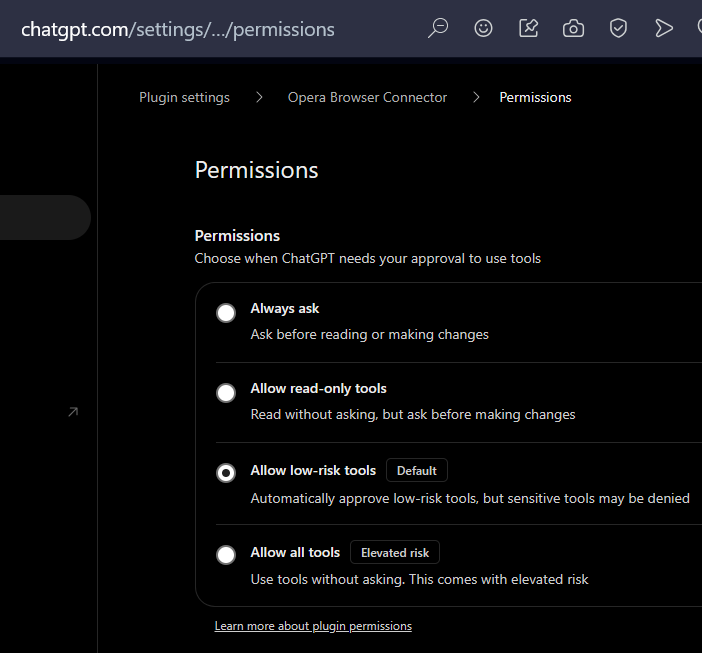
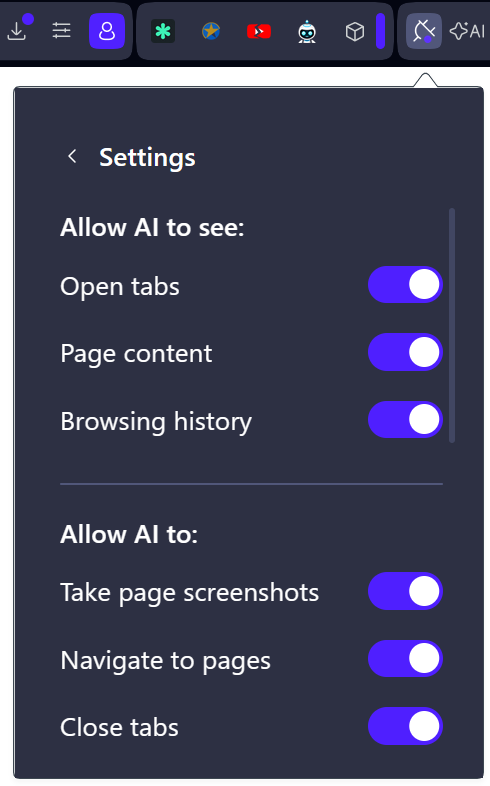
I don't know how well it works: the ChatGPT PlugIn lets you select how much access you give.
( Manage > Permission)
Opera’s new Browser Connector brings Claude & ChatGPT into the browser
Opera’s new Browser Connector lets ChatGPT & Claude see your browsing and use it as context
Opera Adds Browser Connector Feature to Integrate AI Chatbots Into Browsers
How to set up Opera Browser Connector for ChatGPT
I think it works in Opera Air and GX as well as the main One and Developer versions of Opera, but Opera Neon has its own approach to AI.
'Opera Browser Connector' seems to lump all tabs from all windows of all Opera browsers together, as far as I can see. Best to only run one browser at once?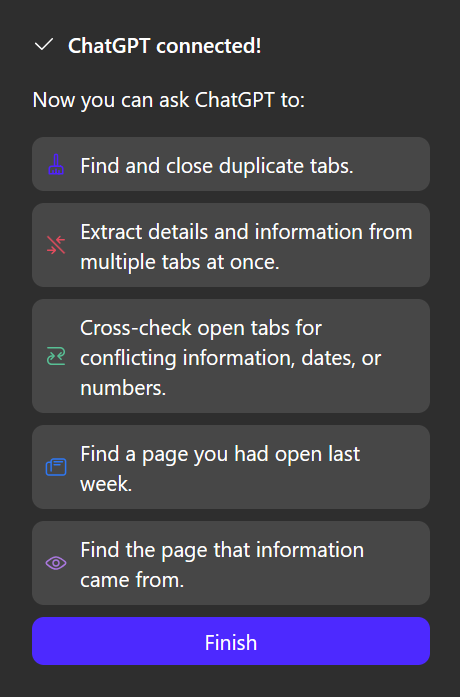
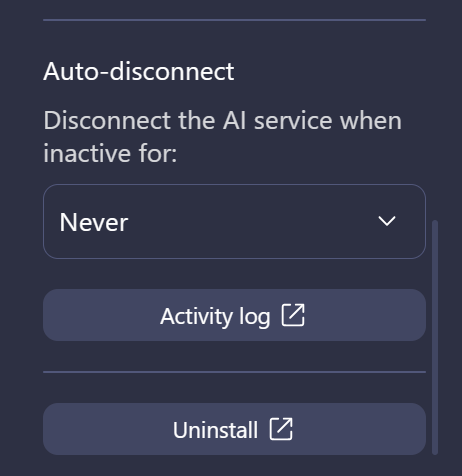
Even set to 'Never' disconnect, it sometimes needs to be hooked-up again!
-
Eric05Bee last edited by Eric05Bee
@Eric05Bee
Oddly, the GX flavor of Opera browser website is pushing AI tab management as a feature, this week!
I am updating, to test ...Maybe gamers are considered not-risk-averse enough to not just close tab islands manually?
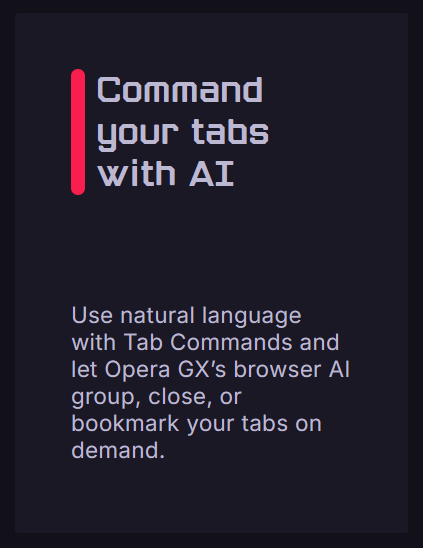
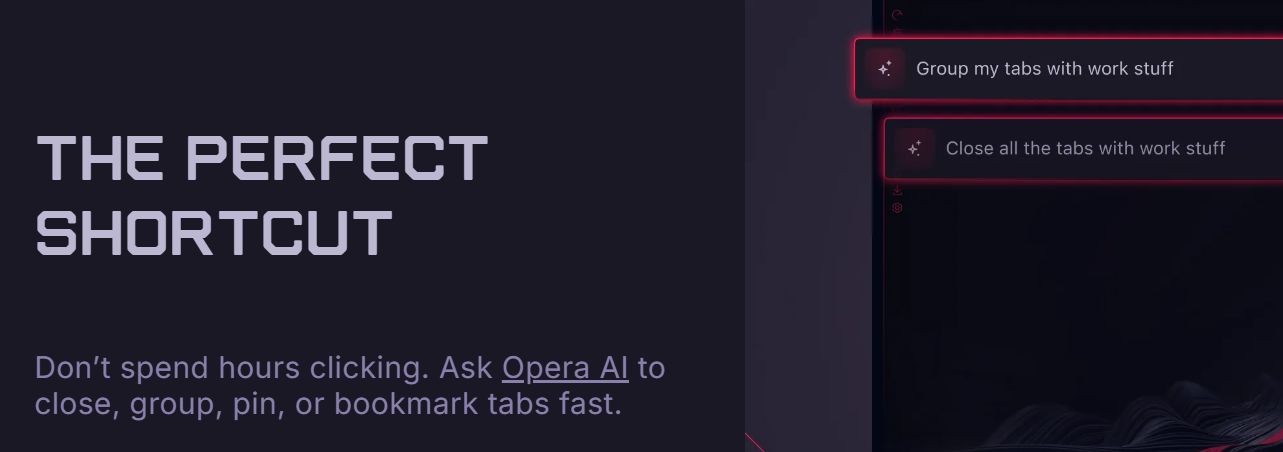
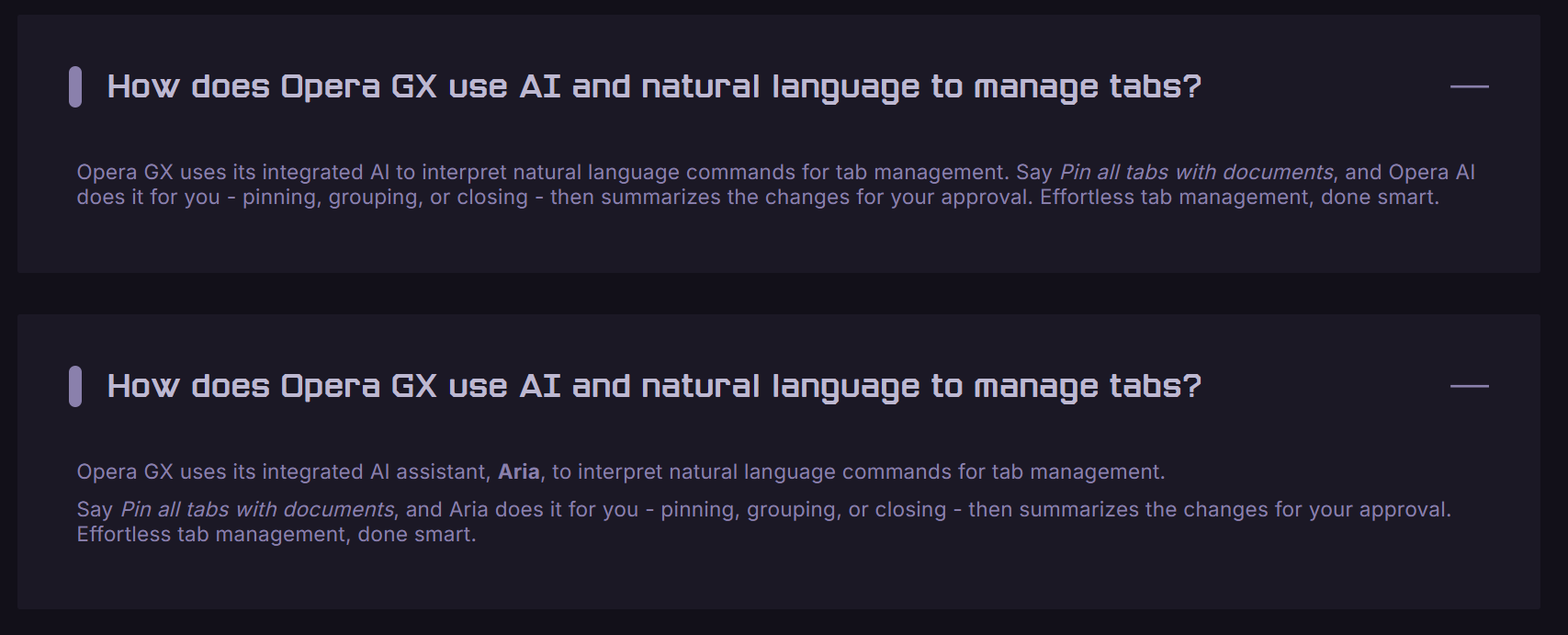

Tested.
Failed.
"I am an AI assistant and do not have the capability to directly close tabs in your browser."
ChatGPT does. -
Eric05Bee last edited by Eric05Bee
ChatGPT Browser extensions have broad browser support
-
Use Chrome, Edge, Brave, Opera, or Vivaldi with ChatGPT
-
Use the ChatGPT browser extension to work in Google Chrome, Microsoft Edge, Brave, Opera, or Vivaldi from the ChatGPT desktop app. ChatGPT can read or act on sites where you’re already signed in, such as LinkedIn, Salesforce, Gmail, or internal tools.
-
All five browsers support tab mentions and browser control from the desktop app. Chrome, Edge, Brave, and Vivaldi also support side chat. Opera doesn’t support side chat; start its tasks in the desktop app instead.
https://learn.chatgpt.com/docs/chrome-extension
If you show ChatGPT in Opera sidebar, the browser connector does work there.
Ignore "Opera doesn’t support side chat"?
Did that mean right-side pane, not left-side pop-up overlay? -
-
Eric05Bee last edited by Eric05Bee
Ah!
The link in the last post is for OpenAI's Chrome extension "ChatGPT".
https://chromewebstore.google.com/detail/chatgpt/hehggadaopoacecdllhhajmbjkdcmajg
Not Opera 'Browser Connector'.Installed.
It does now load a right-side panel in Opera and Opera GX
(probably Air and Developer flavors of Opera, too, but I guess not Neon)It detects the tab-lists from each browser separately.
You can also now use ChatGPT desktop app: it even names 'Opera' and 'Opera GX' tab-lists explicitly!
I guess it is not using the Opera Connector (no ChatGPT key needed).
And would control the other listed Chrome-based browsers, too.So we have two ways of working.
-
I guess 'Opera Browser Connector' run in the Opera Sidebar ChatGPT is nicest for keeping alive, and overlaying web-pages, but it disconnects, even if set to 'Never disconnect'.
-
The Chrome Extension reduces browser-width, and stays connected, but tends to re-start new chats. Also works with browsers other than Opera.
Time will tell.
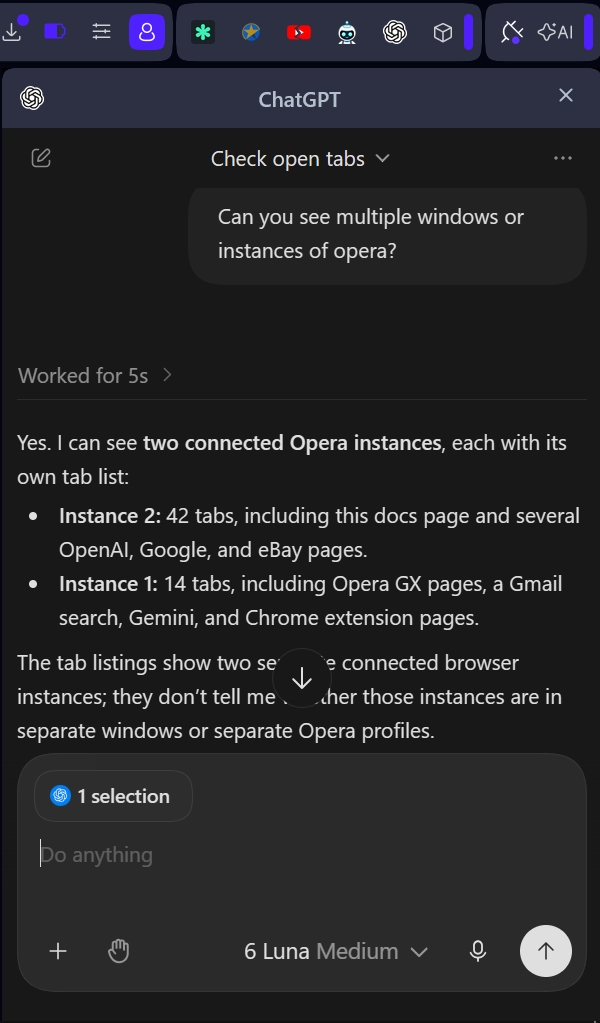
-
-
Eric05Bee last edited by Eric05Bee
You can compare the chrome extension in the right sidebar and the ChatGPT WebUI pop-up on the left sidebar with the same prompts.
The left pop-up has Opera Browser Connector plugin installed.
'@opera' summons it: click to invoke it.The right side-panel has Chrome Extension 'ChatGPT' installed.
'@chrome' summons it: click to invoke it.I don't see a way to install either plugin to the other side,
but the left pop-up sometimes detects browsers with the chrome extension, even without a plugin explicitly installed.Nothing (Extensions and AI) works reliably, possibly because my PC is of very limited spec.
-
Eric05Bee last edited by Eric05Bee
The right side-panel has Chrome Extension 'ChatGPT' installed.
'@chrome' still summons it: but the connector has re-named itself to '@Opera' !Having created a new connection, you seem to have to toggle
'AI connection disabled'
'AI connection enabled'
to let it start.Using another AI, I explored whether these connectors could be extended to Gemini as well, and there is a way.
I don't know why Opera doesn't seem to have documented this (AFAICS)."Can it be easily extended from ChatGPT and Claude to Gemini?"
Probably yes, and you may not need to change any code.
Nothing in either extension depends on ChatGPT or Claude, so whether it works mostly comes down to Opera's server, which I can't see.Why the extensions aren't the obstacle
They don't know which AI is connected.
Requests arrive over the connection to Opera's server with only an ID and a name for each AI app.
The permission checks and the 7-tool filter work the same whichever app is calling.ChatGPT and Claude only appear in the setup screens.
Their entire role in the code is the popup's provider choices, setup videos and two links.
Claude's link just pre-fills Opera's standard tool-server address,
https://connector.mcp.opera.com/mcpThat address uses the same open standard Gemini uses.
Adding Gemini doesn't require a new adapter.How to try it with Gemini
Gemini web app:
in Settings → Connected Apps, add a custom app and paste the server address.https://connector.mcp.opera.com/mcpGoogle says the server must follow the standard specification, and
you'll need to enter sign-in credentials if the server doesn't support
automatic registration of new apps.Gemini CLI:
run gemini mcp add --transport http opera https://connector.mcp.opera.com/mcpthen
/mcp auth operaif sign-in doesn't start by itself.
Then sign in with your Opera account when asked and make sure Browser Connector is switched on in Opera.
If it works, Gemini should show up in the connector's list of connected apps.
On Opera's forum, one user said they got it working with other AI agents but didn't give details.What could stop it
Opera's sign-in step: Opera's server may only accept sign-ins from ChatGPT's and Claude's own return addresses.
If so, the Opera sign-in for Gemini will fail, and only Opera can change that.Server-side blocking: the server could refuse unknown apps outright.
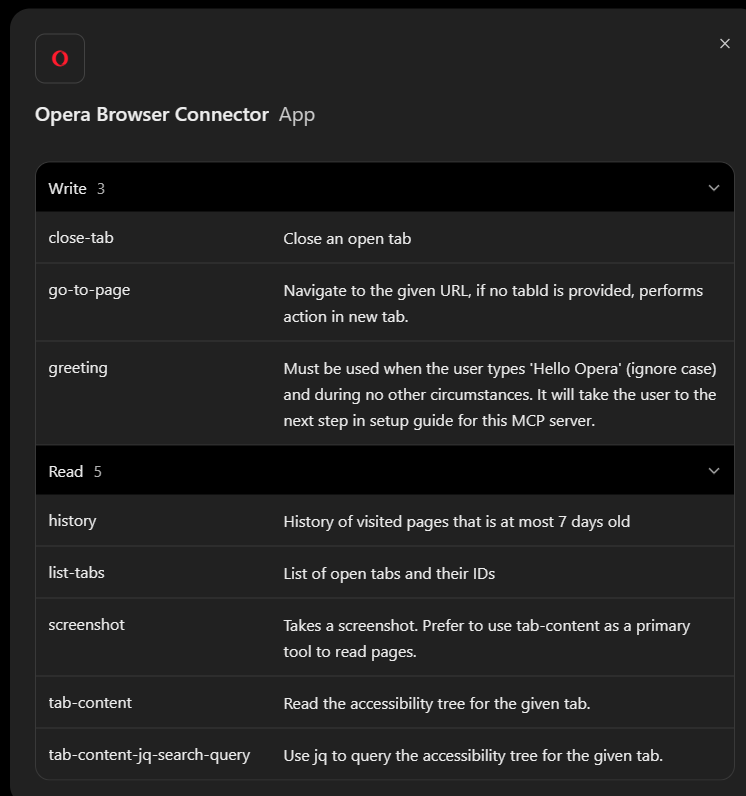
Same 7 tools: Gemini would get exactly what ChatGPT and Claude get.
Clicking, typing and key presses would still be hidden by Browser Connector's filter.My initial experience is that it works.
Connect & manage custom apps for Gemini Apps - Computer - Gemini Apps Help
says you have to be in US, and discusses safety implications.
Seems it is best to use Gemini Web UI in a browser, not mobile or desktop apps. -
Eric05Bee last edited by Eric05Bee
To clarify:
EitherGemini web app:
in Settings → Connected Apps, add a custom app and paste the server address.
https://connector.mcp.opera.com/mcp
Google says the server must follow the standard specification, and
you'll need to enter sign-in credentials if the server doesn't support
automatic registration of new apps.OR
Gemini CLI:
run gemini mcp add --transport http opera https://connector.mcp.opera.com/mcp
then/mcp auth opera
if sign-in doesn't start by itself.You don't need to do both!
-
Eric05Bee last edited by Eric05Bee
The original Aria Extension version 6.12.0.8 is still on the Opera Add-Ons site, but hidden from Search, because it doesn't work any more.
I am not sure if it was bundled in Opera Installer after Nov. 21, 2025 ...
One of the other connection methods above should be better than trying to resurrect Aria.
The 'ChatGPT for Chrome' extension seems to contain both ChatGPT and Codex, so looks like the most complete solution.That said, I don't see a way to select Codex, so that may need a subscription?
Or you have to install Desktop ChatGPT app, switch it to Codex, then that app can control Opera as an MCP server?