Pages not loading or loading incorrectly on Opera 135
-
winefiresong last edited by
@CommanderKetchup0
Had the same problem with sites not loading...
I turned off the Opera ad blocker and everything works fine now. -
imaginarybird last edited by
I don't have any solutions unfortunately, but I'm experiencing the same thing. I was actively using the browser and when I clicked to go to my next page, it stopped working. It's only on my desktop. Mobile works fine, as do my other available internet browsers. I tried clearing my cache, checking for updates, restarting the browser as well as my laptop, just in case, but no luck. Very few pages will load correctly.
-
Peter1480 last edited by
@CommanderKetchup0 said in Websites Visited on Opera are not Loading Properly:
I booted up Opera to browse games on Roblox, only for the website to end up looking like this when I visited it.
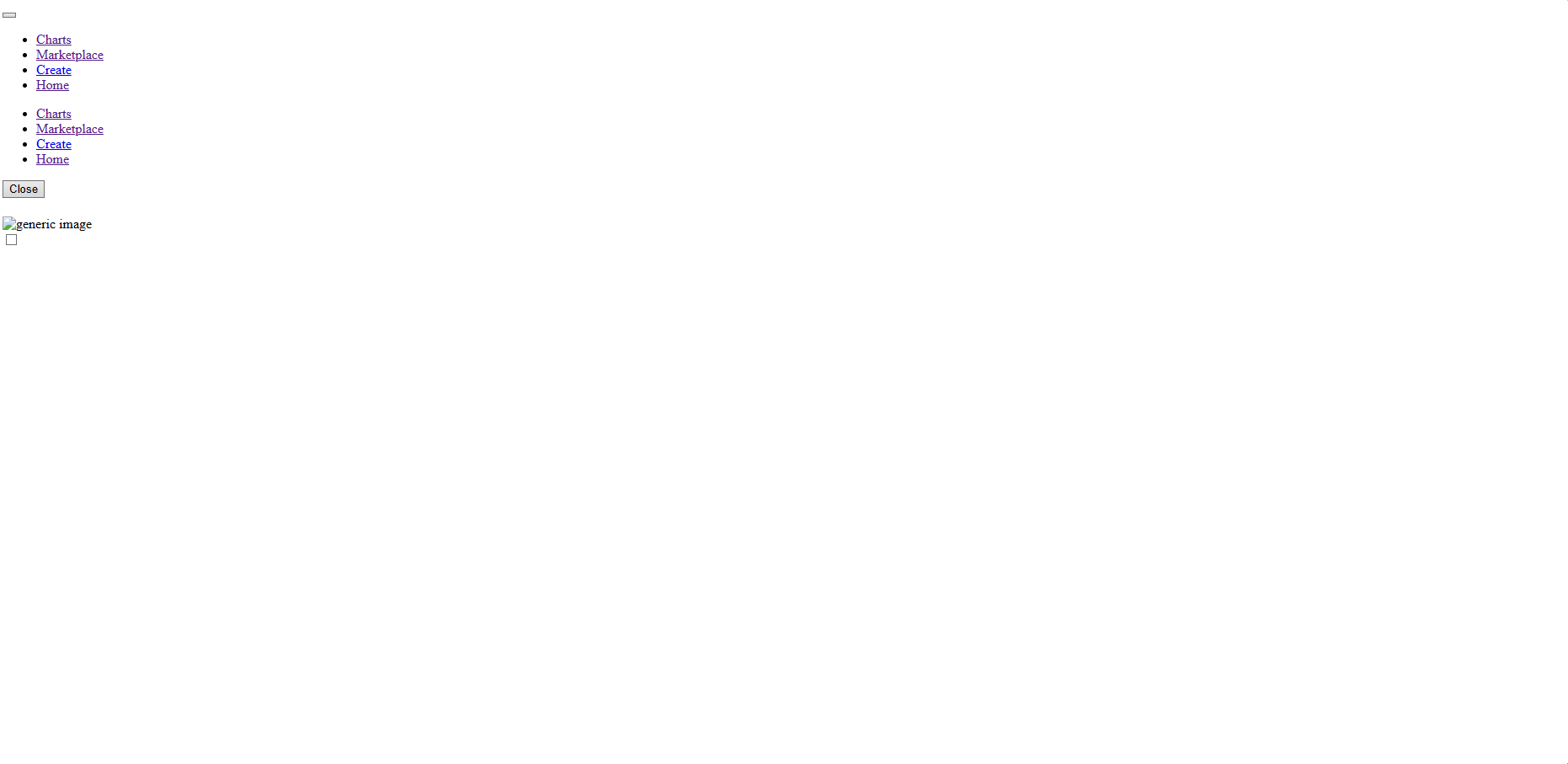
No idea what's going on here. I have made zero changes to Opera in recent memory, but not most websites are loading up unfinished and nonfunctioning. This is happening to reddit as well as pretty much any other website you can think of. The only websites not affected are YouTube, Google Docs, G-Mail and other seemingly google related websites/apps.
I also downloaded Chrome just to see if those websites loaded properly and they did, so this seems to be a browser specific issue as well.
Same problems since update a number of pages do not load. i.e. Youtube, ebay
-
bobkaka3 last edited by
lately Opera is not loading pages, gives HTMLs and code...
Same websires were working fine day before yesterday. Even after upgrading Opera to latest version, those websites are not loaded.
Please advise.
Thanks in advance.
-
-
rick2 last edited by
It's a bug, just disable "Acceptable Ads":
https://forums.opera.com/post/409354 -
 leocg Moderator Volunteer last edited by
@JamesneedHelp Try cleaning the cache. Try also disabling extensions
-
leocg Moderator Volunteer last edited by
Disable Acceptable Ads: https://forums.opera.com/post/409354
-
-
jesuismorasse last edited by
Hi,
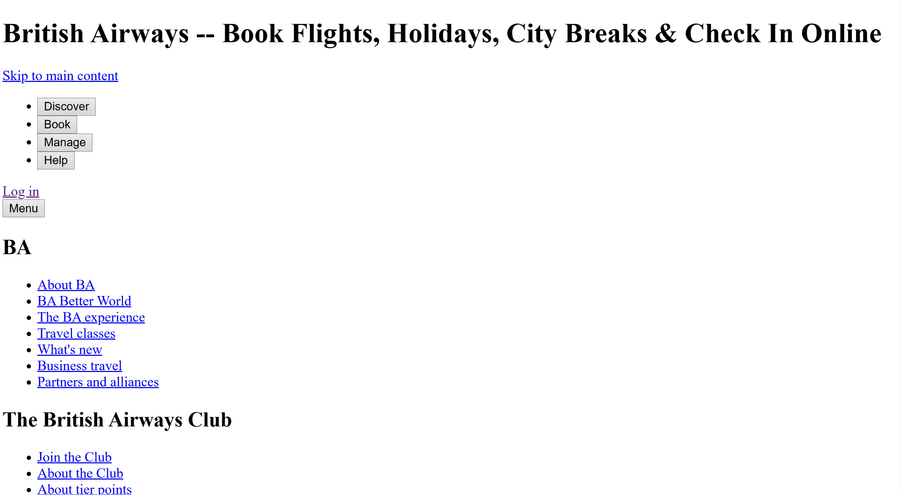
I'm having issues with web pages on opera,
I tried restarting opera, restarting my computer, updating opera and my computer. I also tried setting back opera back to factory default settings and nothings working. Everythings fine if I go on another navigator like chrome or Edge. Please Help
-
Eremite270 last edited by
I have also been facing this same issue with the majority of the websites I visit, with the exception of Google and YouTube.
I tried contacting Opera about the issue, but I couldn't find any proper email address. The only email address I had was the one from which I was contacted regarding a bug I had previously reported
Since the same issue was also occurring on your "Report a Bug" page, I ended up emailing that address about it. It has now been four days, and I still haven't received any response.
I was seriously considering leaving Opera, but thankfully I found this post, and disabling "Acceptable Ads" actually fixed the problem for me. However, I have to say that Opera's customer support has been extremely disappointing.
The bug I reported two weeks ago still hasn't been fixed. I was told that the fix would be available by the end of the week, but there has still been no update. The bugs are BUG-28294 and BUG-28293.
What I don't understand is why, if "Acceptable Ads" has been causing such widespread problems for the past week, it wasn't disabled temporarily for everyone, or at the very least, why wasn't a notification or message provided to users explaining the issue and the workaround?
I literally had no way of contacting Opera about this. I had to spend nearly a week searching for a solution before I eventually came across these forums.
Opera is otherwise a browser I genuinely like using, which makes this situation even more frustrating. But when a widespread issue affects basic website functionality, users should not have to spend a week searching through forums just to discover a workaround, especially when there is seemingly no accessible way to contact support.
-
cbfunk last edited by
@cbfunk said in Pages not loading or loading incorrectly on Opera 135:
I resolved it with allowing 3rd party cookies located in Privacy & Security
I still have the Opera Adblocker active.
But the 3rd Party cookie permission had inexplicably turned itself off during the latest update.