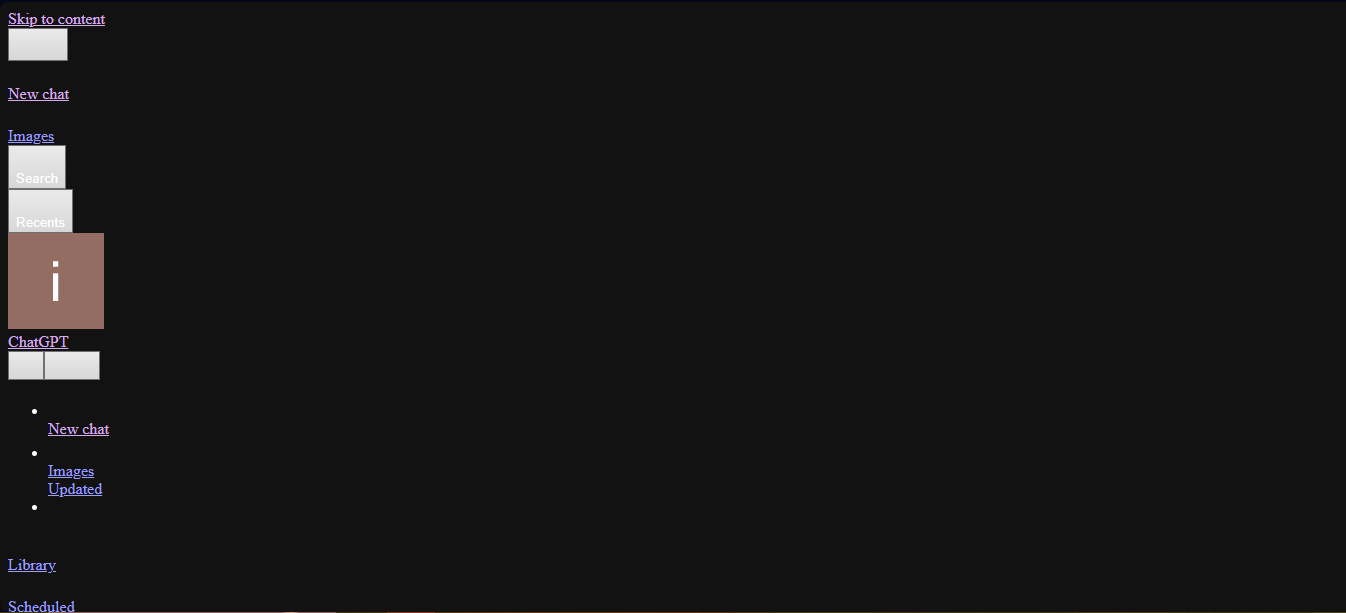
Pages not loading or loading incorrectly on Opera 135
-
Richard101 last edited by
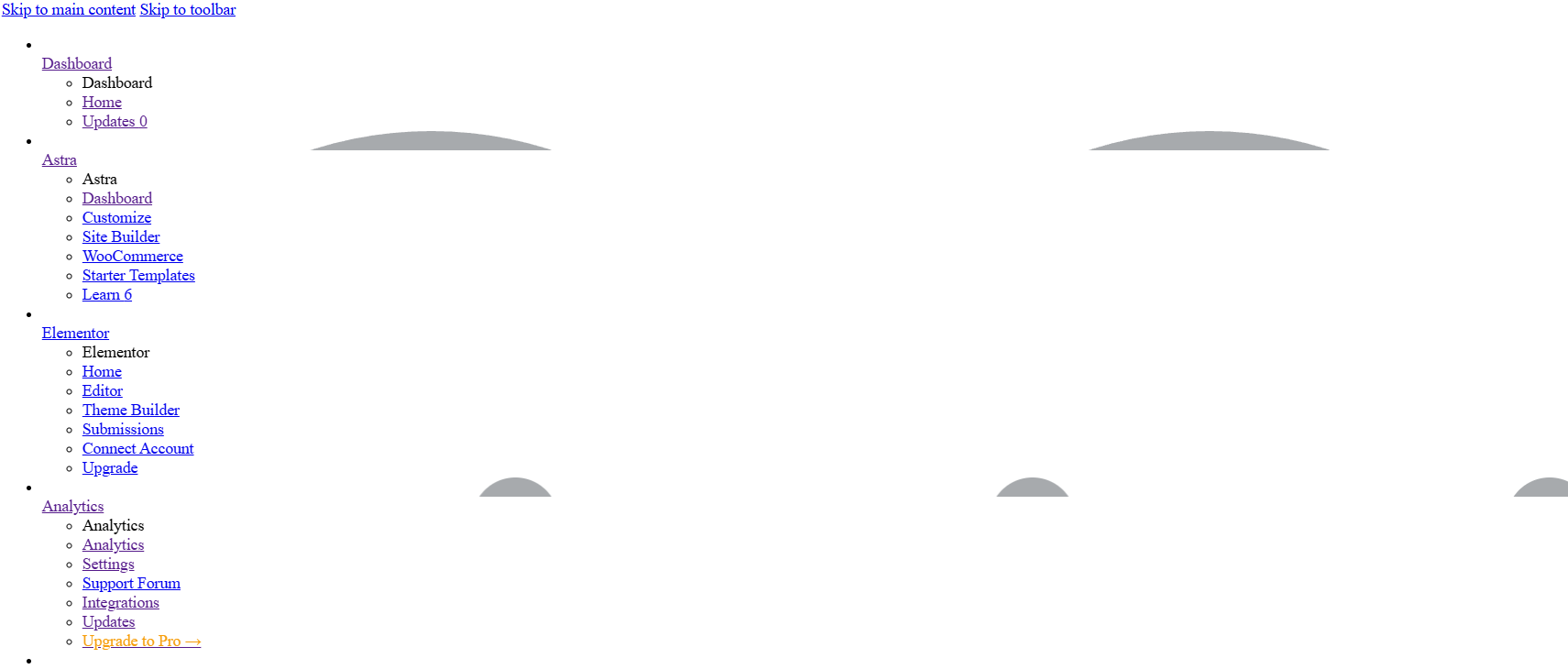
@ericssen I have the same problem. Went to google chrome and everything was working fine. Everything in this current Opera update does not load in correctly, no styles, incomplete pages and it's taking up CPU resources to complete something in the background. Here is just one capture.
-
dontyouevenask last edited by
Opera One(version: 135.0.5973.92)
Sites show as having dozens of "ads" blocked. Sometimes this leaves me staring at a completely blank page. Other sites have some navigation links that work, except the pages they go to fail to load. A few look like old ftp pages, just text-based navigation trees.
If I click the privacy protection button, and select the option on the ad blocker to "turn off for this site", the pages load normally. It's a workaround, I suppose, but I don't want to turn off ad blocking everywhere, so I can see websites anywhere.
I guess I'll find a different browser (

 ?) to use.
 -
toosleepy4 last edited by
Having the same problem, can get websites open with chrome but opera stopped working after last update.
-
Saduria last edited by
I've had the same problem for a few hours. Websites either look like this or won't load at all
-
winefiresong last edited by
@CommanderKetchup0
Had the same problem with sites not loading...
I turned off the Opera ad blocker and everything works fine now. -
imaginarybird last edited by
I don't have any solutions unfortunately, but I'm experiencing the same thing. I was actively using the browser and when I clicked to go to my next page, it stopped working. It's only on my desktop. Mobile works fine, as do my other available internet browsers. I tried clearing my cache, checking for updates, restarting the browser as well as my laptop, just in case, but no luck. Very few pages will load correctly.
-
Peter1480 last edited by
@CommanderKetchup0 said in Websites Visited on Opera are not Loading Properly:
I booted up Opera to browse games on Roblox, only for the website to end up looking like this when I visited it.
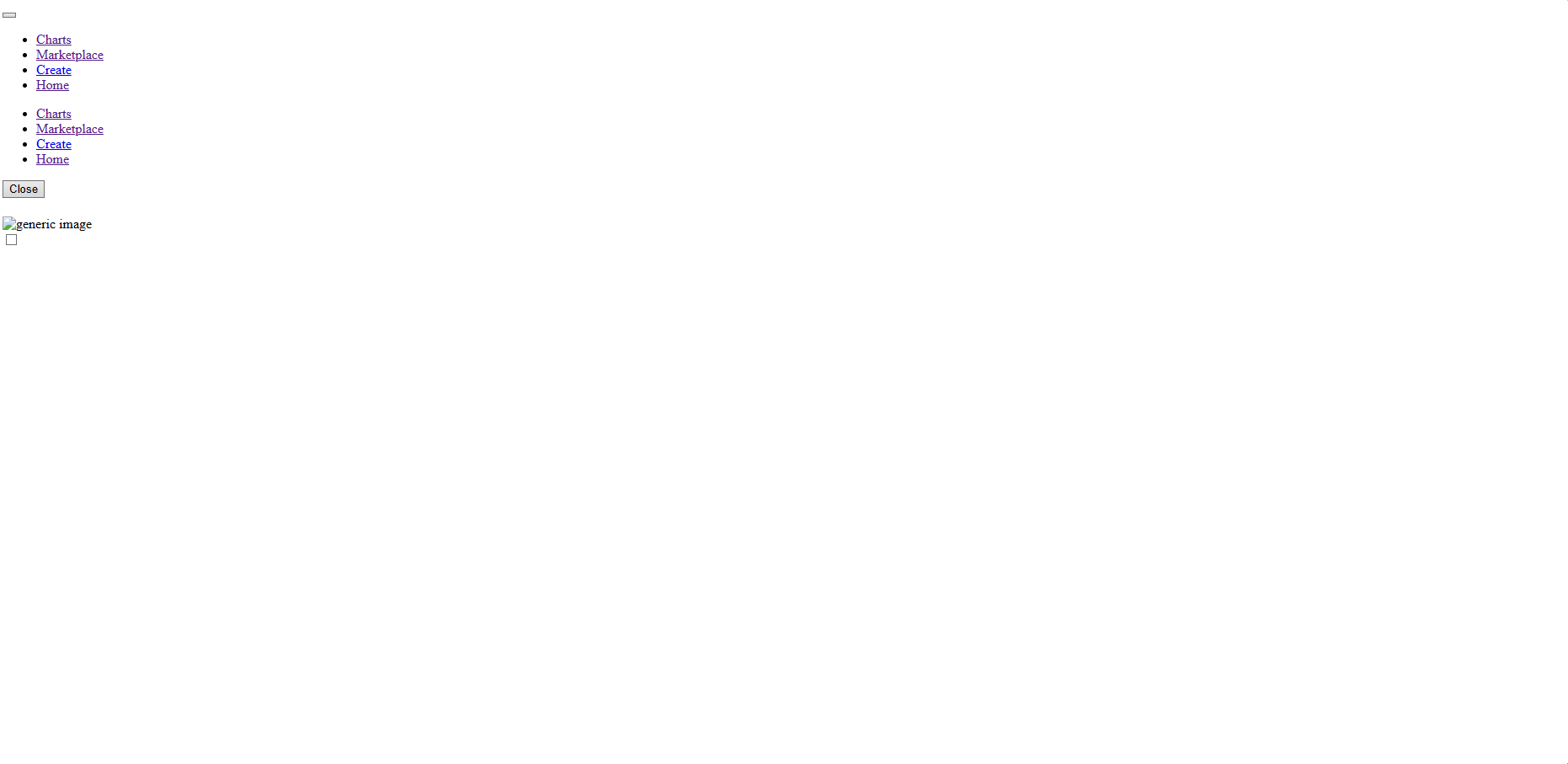
No idea what's going on here. I have made zero changes to Opera in recent memory, but not most websites are loading up unfinished and nonfunctioning. This is happening to reddit as well as pretty much any other website you can think of. The only websites not affected are YouTube, Google Docs, G-Mail and other seemingly google related websites/apps.
I also downloaded Chrome just to see if those websites loaded properly and they did, so this seems to be a browser specific issue as well.
Same problems since update a number of pages do not load. i.e. Youtube, ebay
-
bobkaka3 last edited by
lately Opera is not loading pages, gives HTMLs and code...
Same websires were working fine day before yesterday. Even after upgrading Opera to latest version, those websites are not loaded.
Please advise.
Thanks in advance.
-
-
rick2 last edited by
It's a bug, just disable "Acceptable Ads":
https://forums.opera.com/post/409354 -
 leocg Moderator Volunteer last edited by
@JamesneedHelp Try cleaning the cache. Try also disabling extensions
-
leocg Moderator Volunteer last edited by
Disable Acceptable Ads: https://forums.opera.com/post/409354
-