• Login
    • Search
    • Categories
    • Recent
    • Tags
    • Users
    • Groups
    • Rules
    • Help

    Do more on the web, with a fast and secure browser!

    Download Opera browser with:

    • built-in ad blocker
    • battery saver
    • free VPN
    Download Opera

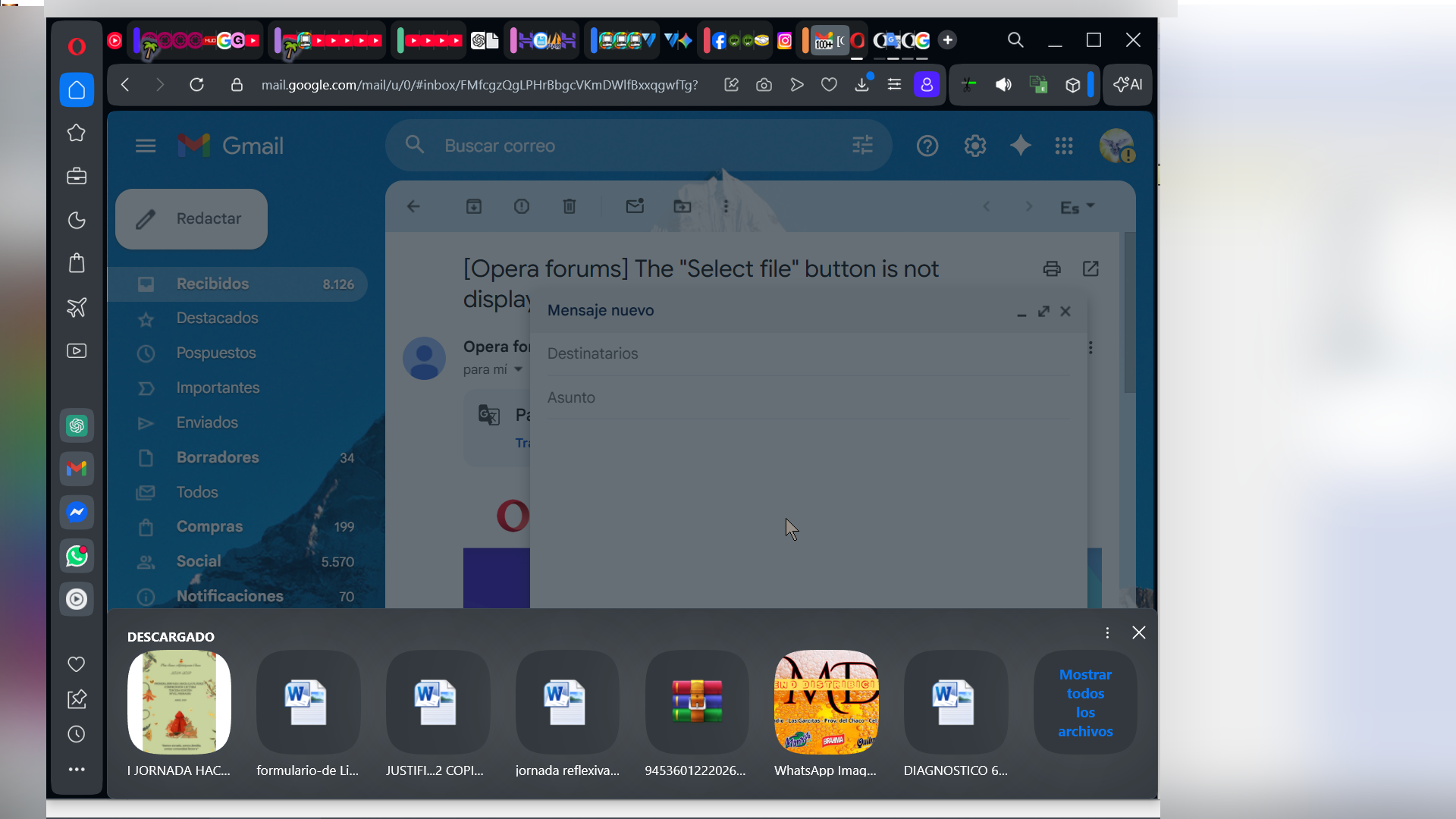
    The "Select file" button is not displayed in full screen.

    General
    4
    8
    2922
    Loading More Posts
    • Oldest to Newest
    • Newest to Oldest
    • Most Votes
    Reply
    • Reply as topic
    Log in to reply
    This topic has been deleted. Only users with topic management privileges can see it.
    • A
      alangonzalez91 last edited by

      5da1349c-49d4-4616-b233-3eab212856c1-image.png

      It appears in reduced size, in windowed mode.

      e5feaff8-1276-4483-abca-6a68b5fa6b8f-image.png

      de1f19ba-59ff-4d45-be0e-81ede55643a4-image.png

      2ac91264-42cf-42d9-b060-948c2c5f190e-image.png

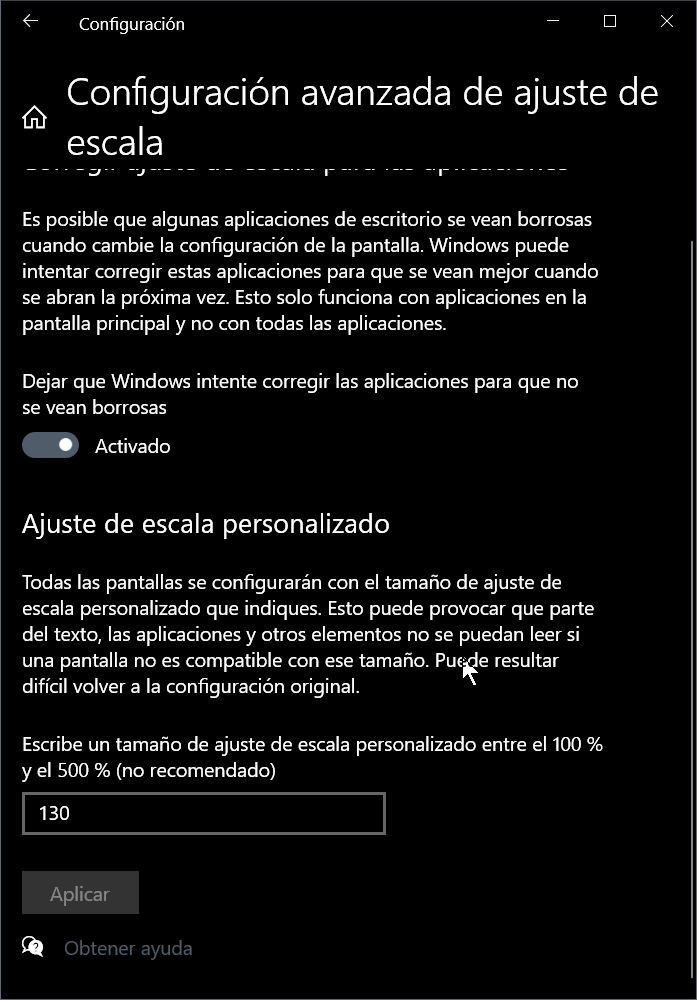
      My display settings have Custom Scaling at 130%.

      7ecff3c7-041a-4182-ab7a-21c1f36b8c88-image.png

      Reply Quote 0
        leocg Mlipka 3 Replies Last reply
      • leocg
        leocg Moderator Volunteer @alangonzalez91 last edited by

        @alangonzalez91 No UI should be displayed on full screen, so I guess it's kinda expected.

        Maybe there could be some kind of warning about it.

        Reply Quote 0
          1 Reply Last reply
        • Moved from Opera for Windows by  leocg leocg 
        • Mlipka
          Mlipka @alangonzalez91 last edited by

          @alangonzalez91 Thanks for reporting.

          I'm afraid this might be a bug. From what I know, it was fixed in December, however in some cases it's still appearing.

          I'll reach development team.

          To speed things up, I'd recommend to report it officially using this: https://forums.opera.com/topic/88353/report-your-bug-here

          You don't need make new description, you can just past the link to this thread.

          Reply Quote 0
            1 Reply Last reply
          • Mlipka
            Mlipka @alangonzalez91 last edited by

            @alangonzalez91

            Is this still happening? Ask we really can't reproduce it.

            If yes, can you share latest:

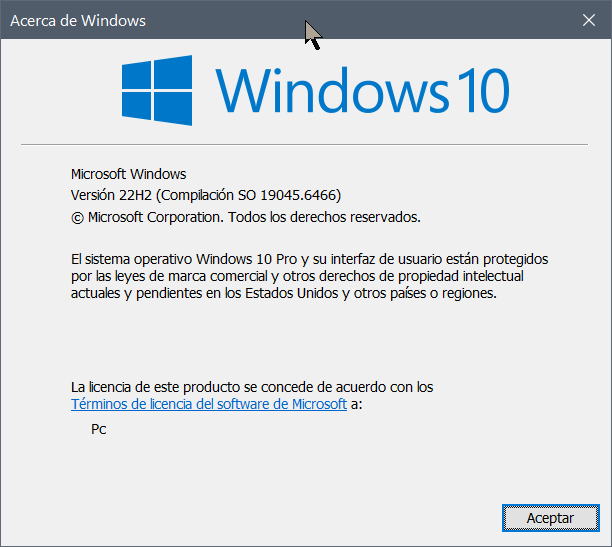
            OS version
            resolution
            scaling
            is it happening on an external display or not
            is it happening only in full-size/full screen window or it doesn't matter

            Reply Quote 0
              A 1 Reply Last reply
            • A
              alangonzalez91 @Mlipka last edited by alangonzalez91

              @Mlipka

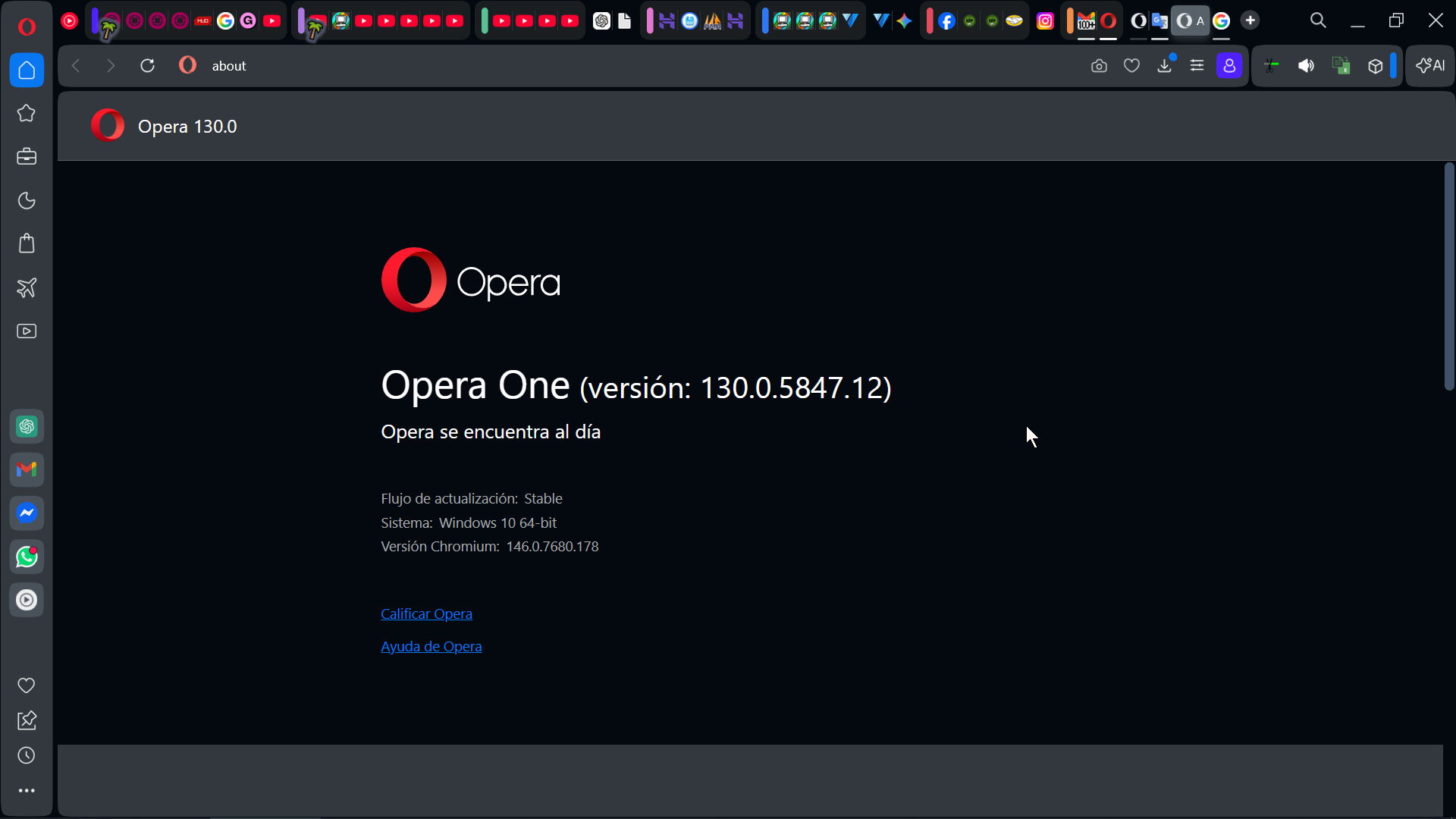
              After updating Opera One (version: 130.0.5847.12), the problem persists...
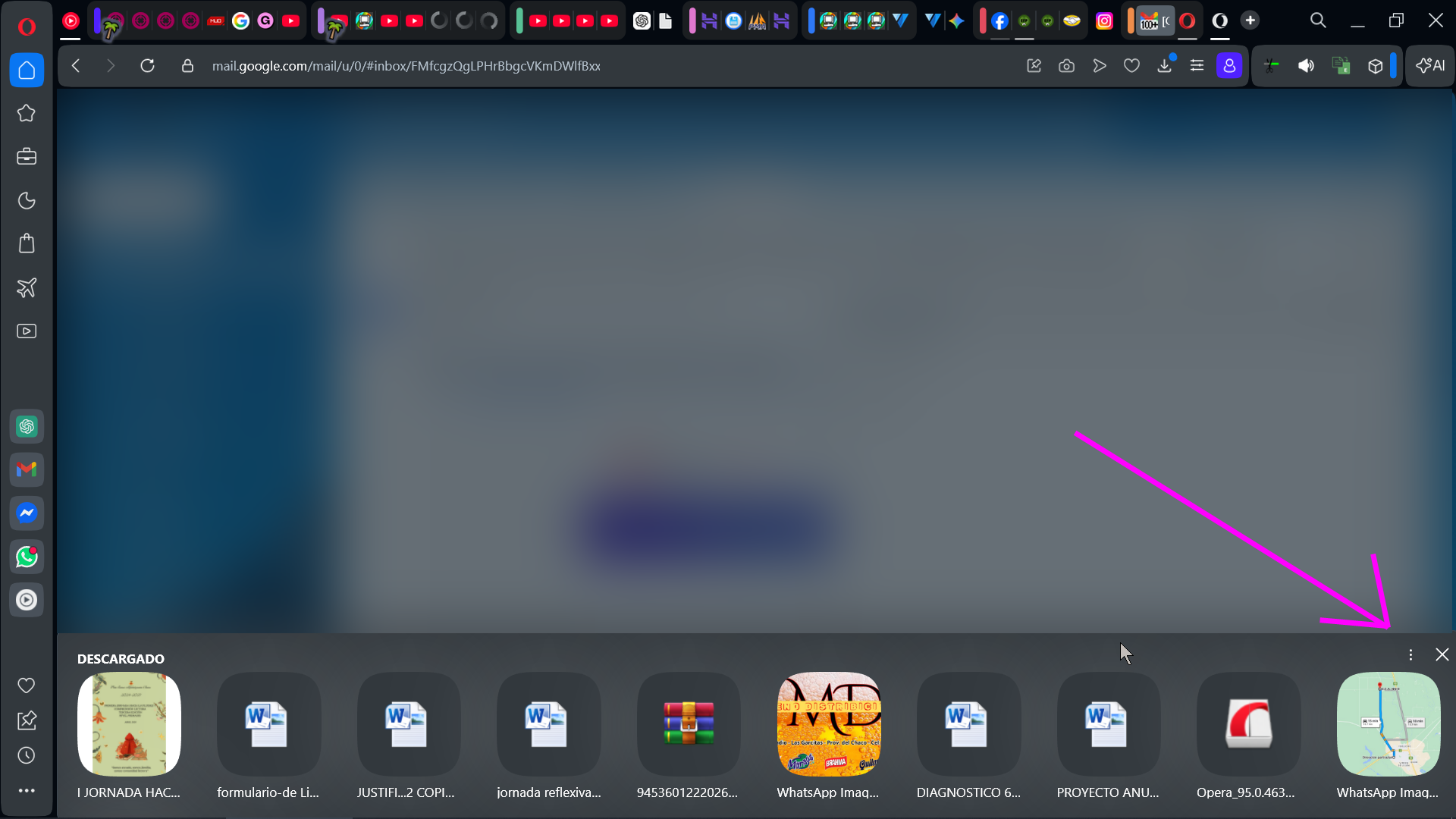
              fec23887-9090-45fd-b871-7f2264754d84-image.png

              Windowed:
              8cb25b71-b156-49c5-8366-0ed426b52c65-image.png

              My screen settings

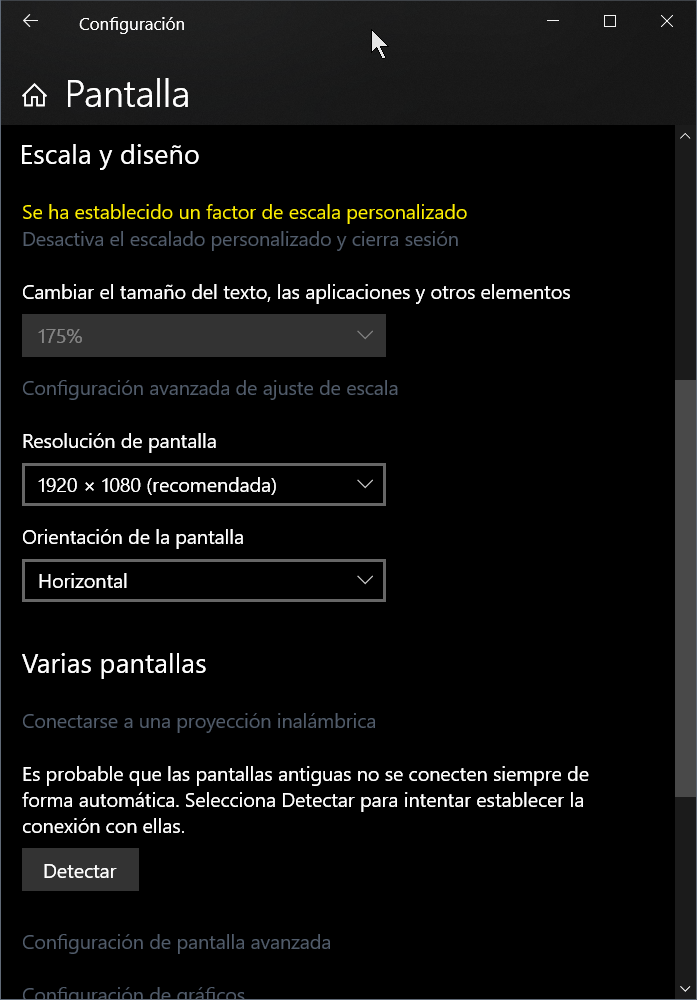
              Resolution:
              5aa7d509-8d70-4bbb-8a5b-2e57e89fc6da-image.png

              Scale:
              e42089c9-b2ad-44b4-87a3-2f725285c7a6-image.png


              Windows
              0cec72cd-abc7-43db-8b25-b02d622d3635-image.png

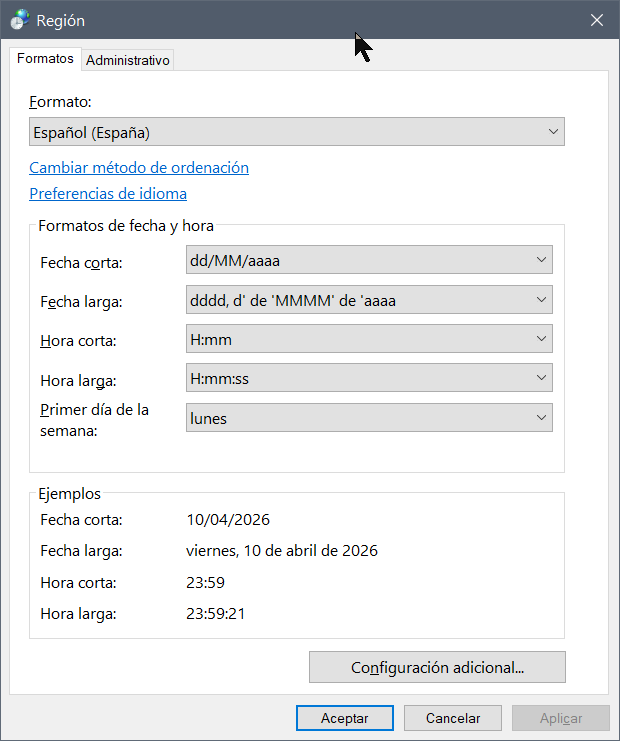
              Regional config -> Español(España)
              8cc21bf4-4e31-4549-88b1-1ab64e8a1c8b-image.png

              Opera versión:
              53e7da90-99d2-4a5c-8362-124a53f813eb-image.png

              Reply Quote 0
                1 Reply Last reply
              • A
                alangonzalez91 last edited by

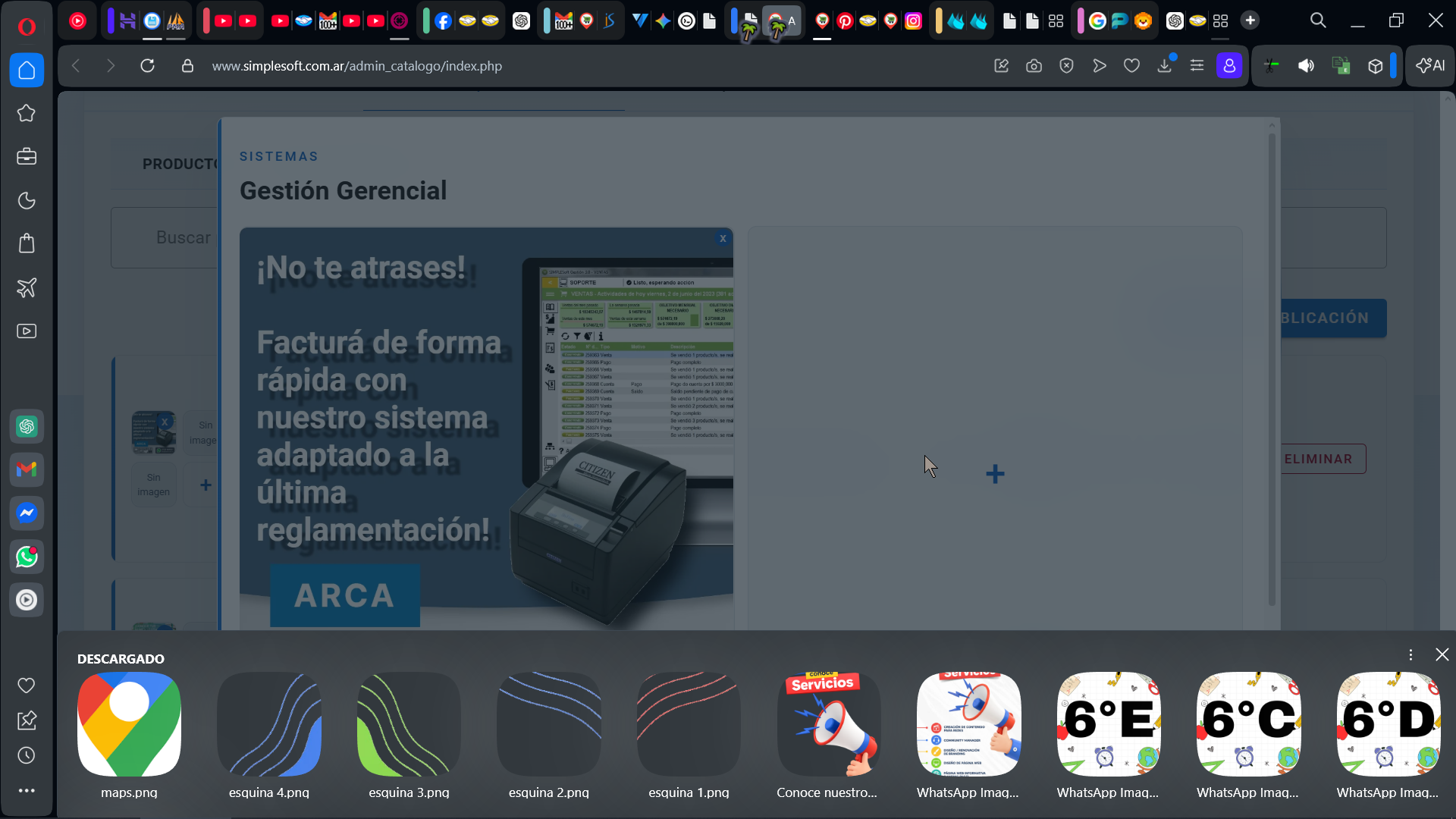
                The problem hasn't been resolved yet; maybe try a different browser.

                13de468f-b1c7-4ea3-9898-e0b7fe47cb5b-image.png
                8f582b20-977c-44dd-ab8f-87ab2b011632-image.png

                Reply Quote 0
                  1 Reply Last reply
                • A
                  alangonzalez91 last edited by leocg

                  Problem Solved In 135.0.5973.76 (2026-09)

                  Reply Quote 0
                    1 Reply Last reply
                  • S
                    sofiasmiths last edited by

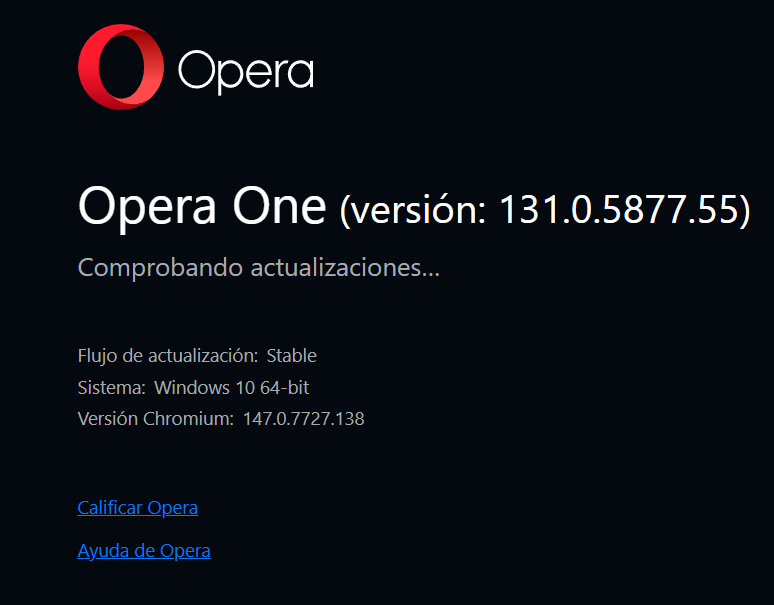
                    If the “Select File” button is not visible in full-screen mode, it may be caused by a display issue, browser zoom settings, or an unsupported website layout. Try refreshing the page, reducing the browser zoom to 80–90%, or exiting full-screen mode to see whether the button reappears.. You can also try opening the page in another browser or clearing the browser cache. If the problem continues, check whether the website requires specific permissions to access files on your device. Ensure you select files only from trusted websites and never upload sensitive documents unless necessary.
                    Reply Quote 0
                      1 Reply Last reply
                    • First post
                      Last post

                    Computer browsers

                    • Opera for Windows
                    • Opera for Mac
                    • Opera for Linux
                    • Opera beta version
                    • Opera USB

                    Mobile browsers

                    • Opera for Android
                    • Opera Mini
                    • Opera Touch
                    • Opera for basic phones

                    • Add-ons
                    • Opera account
                    • Wallpapers
                    • Opera Ads

                    • Help & support
                    • Opera blogs
                    • Opera forums
                    • Dev.Opera

                    • Security
                    • Privacy
                    • Cookies Policy
                    • EULA
                    • Terms of Service

                    • About Opera
                    • Press info
                    • Jobs
                    • Investors
                    • Become a partner
                    • Contact us

                    Follow Opera

                    • Opera - Facebook
                    • Opera - Twitter
                    • Opera - YouTube
                    • Opera - LinkedIn
                    • Opera - Instagram

                    © Opera Software 1995-