• Login
    • Search
    • Categories
    • Recent
    • Tags
    • Users
    • Groups
    • Rules
    • Help

    Do more on the web, with a fast and secure browser!

    Download Opera browser with:

    • built-in ad blocker
    • battery saver
    • free VPN
    Download Opera

    The "Select file" button is not displayed in full screen.

    General
    3
    5
    623
    Loading More Posts
    • Oldest to Newest
    • Newest to Oldest
    • Most Votes
    Reply
    • Reply as topic
    Log in to reply
    This topic has been deleted. Only users with topic management privileges can see it.
    • A
      alangonzalez91 last edited by

      5da1349c-49d4-4616-b233-3eab212856c1-image.png

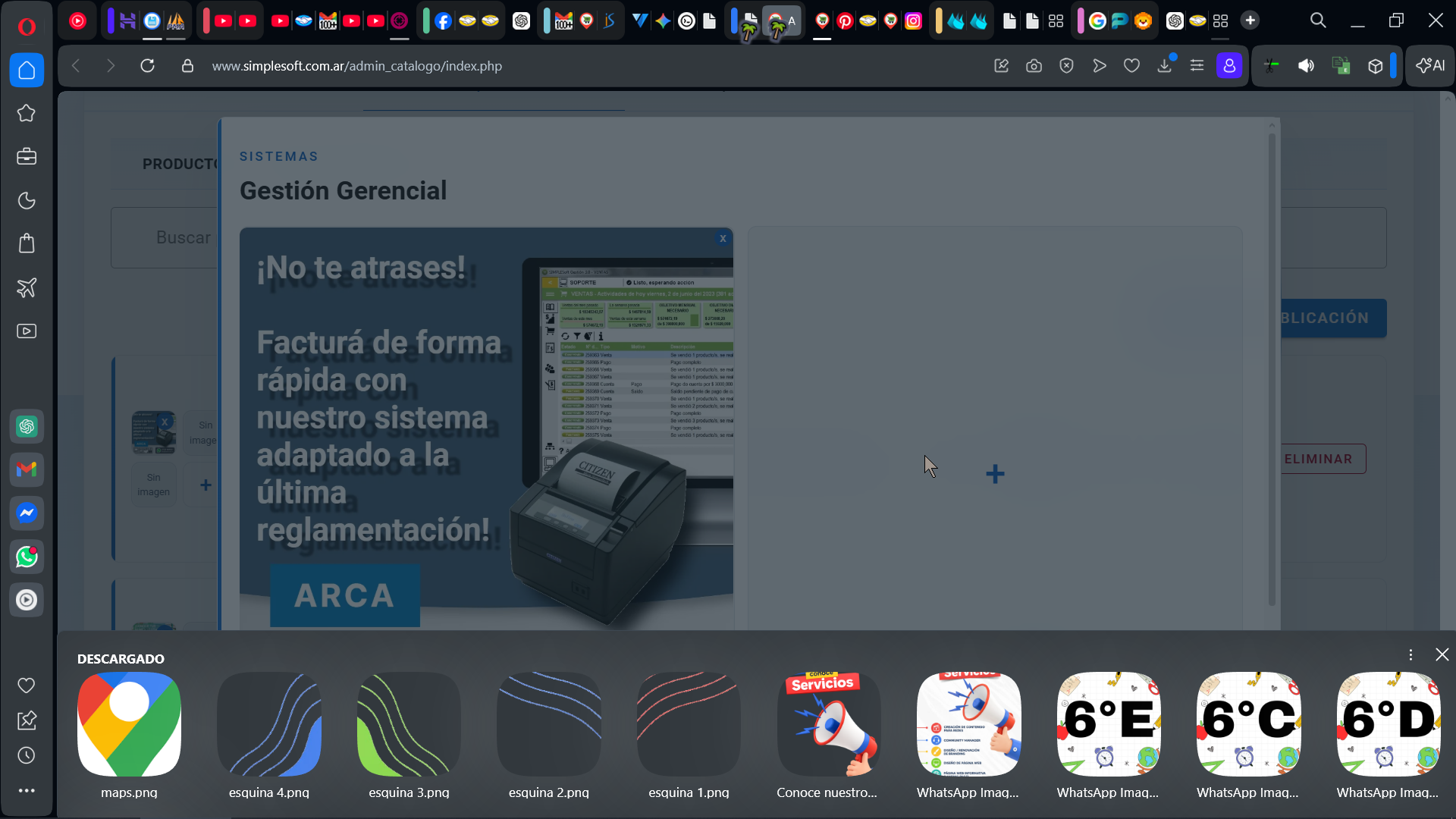
      It appears in reduced size, in windowed mode.

      e5feaff8-1276-4483-abca-6a68b5fa6b8f-image.png

      de1f19ba-59ff-4d45-be0e-81ede55643a4-image.png

      2ac91264-42cf-42d9-b060-948c2c5f190e-image.png

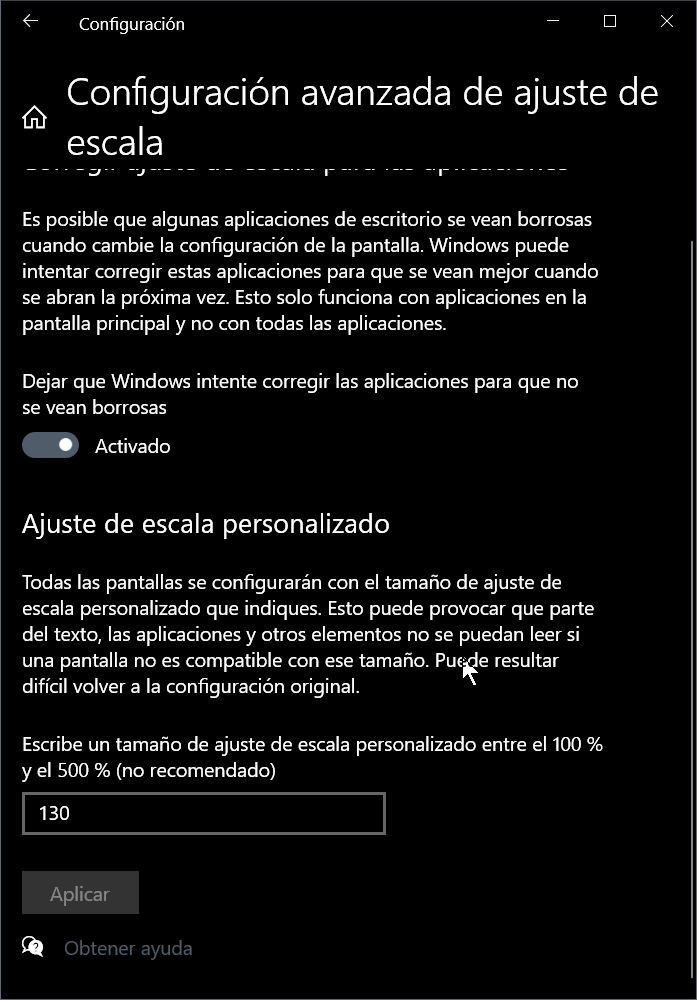
      My display settings have Custom Scaling at 130%.

      7ecff3c7-041a-4182-ab7a-21c1f36b8c88-image.png

      Reply Quote 0
        leocg Mlipka 3 Replies Last reply
      • leocg
        leocg Moderator Volunteer @alangonzalez91 last edited by

        @alangonzalez91 No UI should be displayed on full screen, so I guess it's kinda expected.

        Maybe there could be some kind of warning about it.

        Reply Quote 0
          1 Reply Last reply
        • Moved from Opera for Windows by  leocg leocg 
        • Mlipka
          Mlipka Opera @alangonzalez91 last edited by

          @alangonzalez91 Thanks for reporting.

          I'm afraid this might be a bug. From what I know, it was fixed in December, however in some cases it's still appearing.

          I'll reach development team.

          To speed things up, I'd recommend to report it officially using this: https://forums.opera.com/topic/88353/report-your-bug-here

          You don't need make new description, you can just past the link to this thread.

          Reply Quote 0
            1 Reply Last reply
          • Mlipka
            Mlipka Opera @alangonzalez91 last edited by

            @alangonzalez91

            Is this still happening? Ask we really can't reproduce it.

            If yes, can you share latest:

            OS version
            resolution
            scaling
            is it happening on an external display or not
            is it happening only in full-size/full screen window or it doesn't matter

            Reply Quote 0
              A 1 Reply Last reply
            • A
              alangonzalez91 @Mlipka last edited by alangonzalez91

              @Mlipka

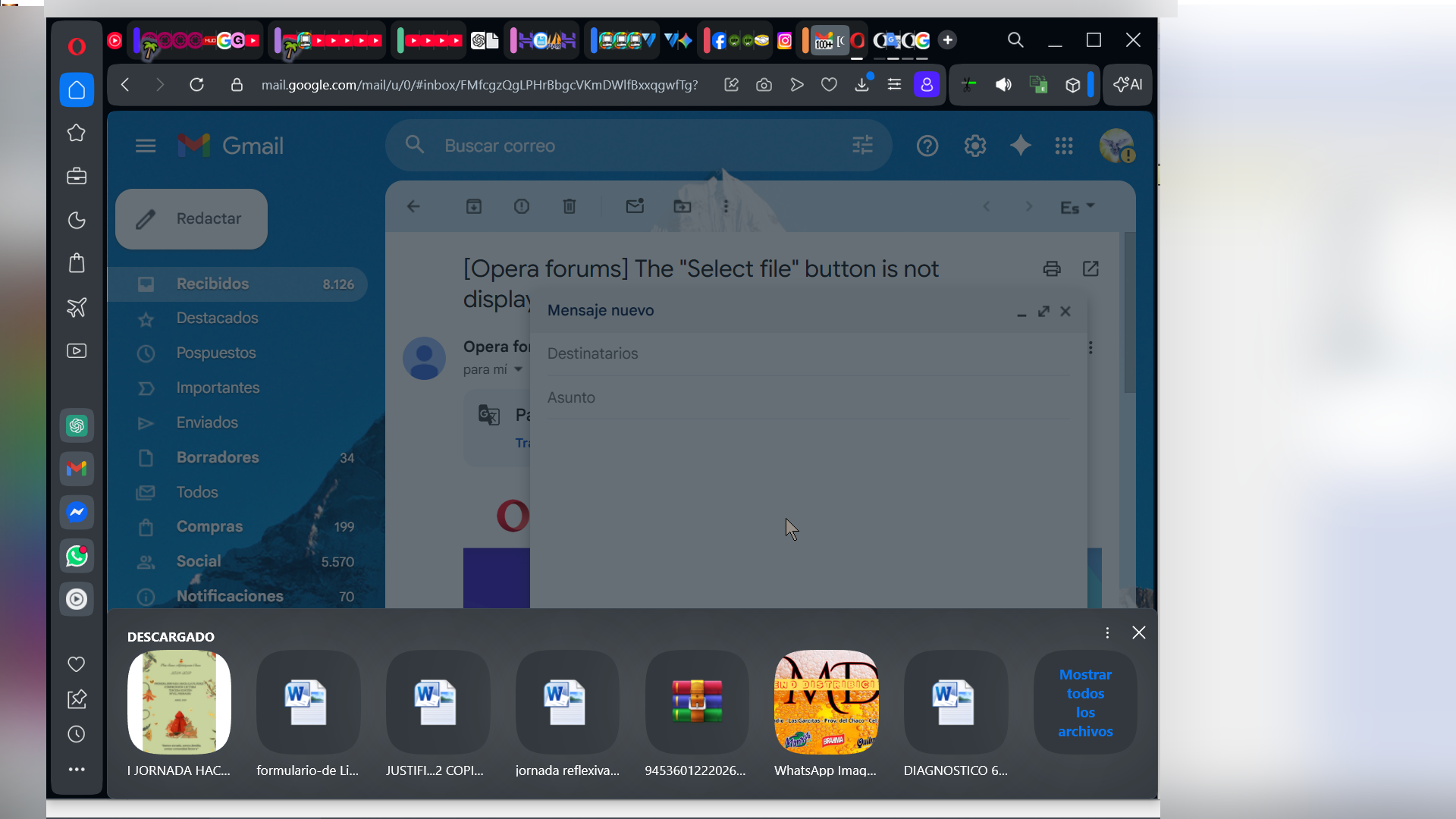
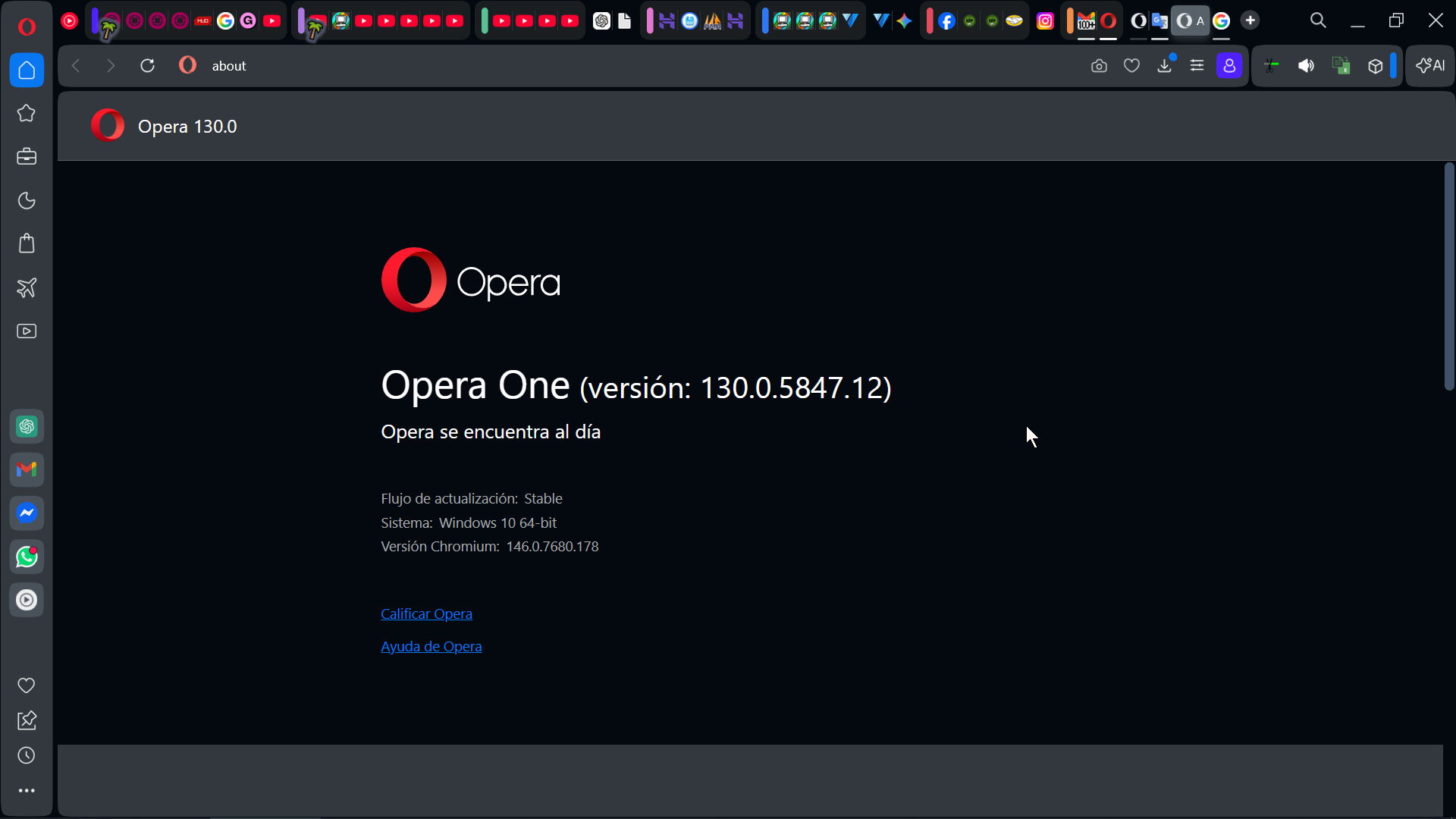
              After updating Opera One (version: 130.0.5847.12), the problem persists...
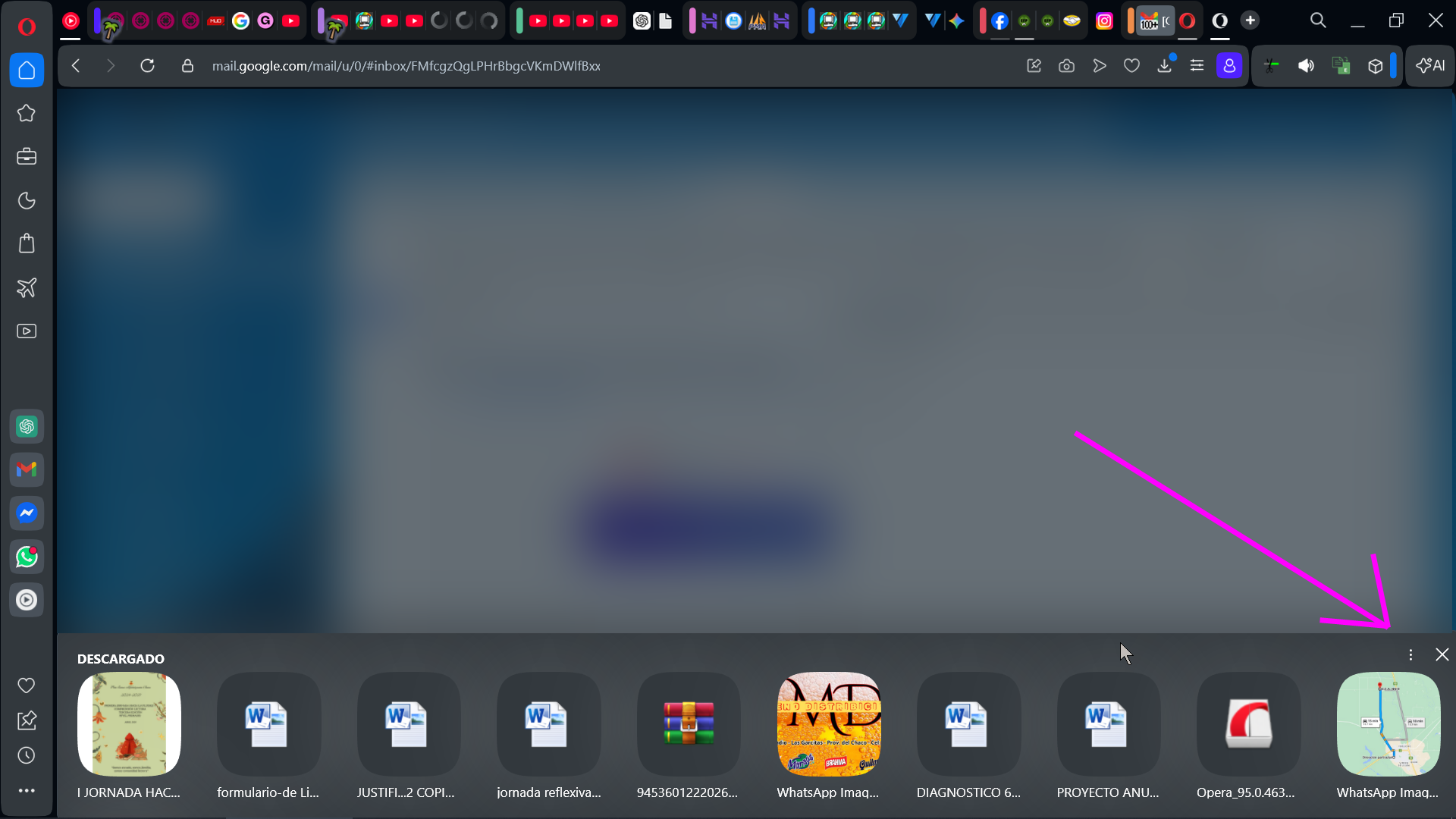
              fec23887-9090-45fd-b871-7f2264754d84-image.png

              Windowed:
              8cb25b71-b156-49c5-8366-0ed426b52c65-image.png

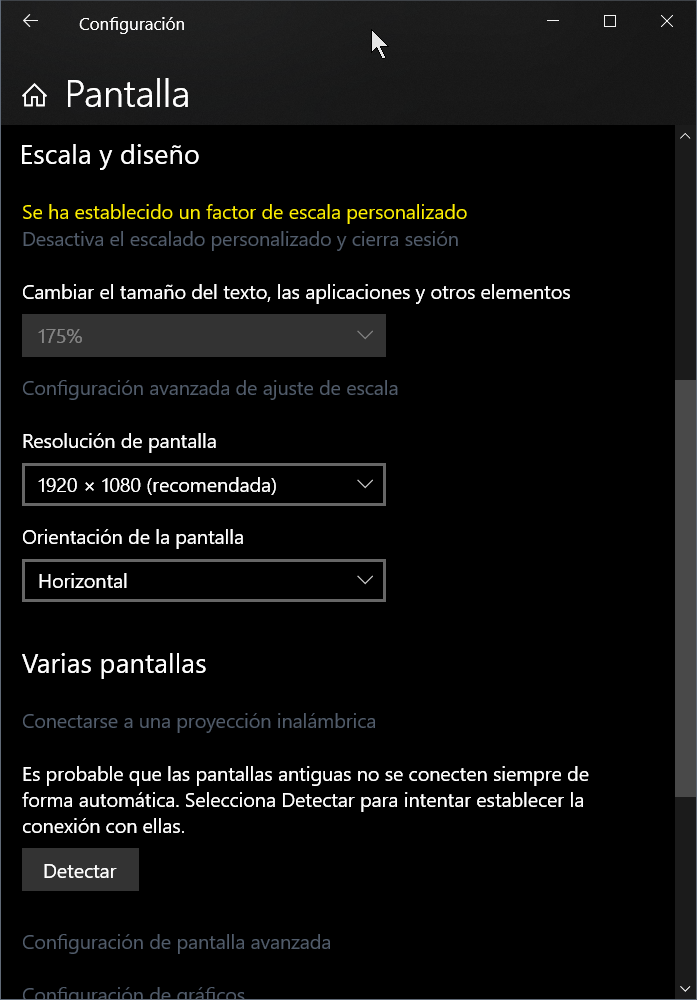
              My screen settings

              Resolution:
              5aa7d509-8d70-4bbb-8a5b-2e57e89fc6da-image.png

              Scale:
              e42089c9-b2ad-44b4-87a3-2f725285c7a6-image.png


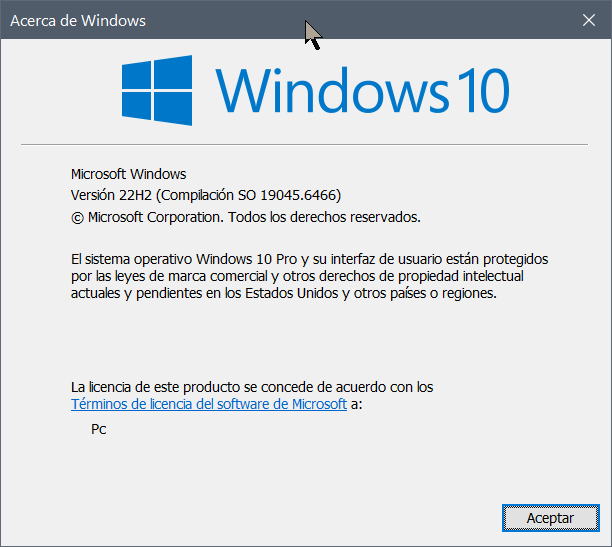
              Windows
              0cec72cd-abc7-43db-8b25-b02d622d3635-image.png

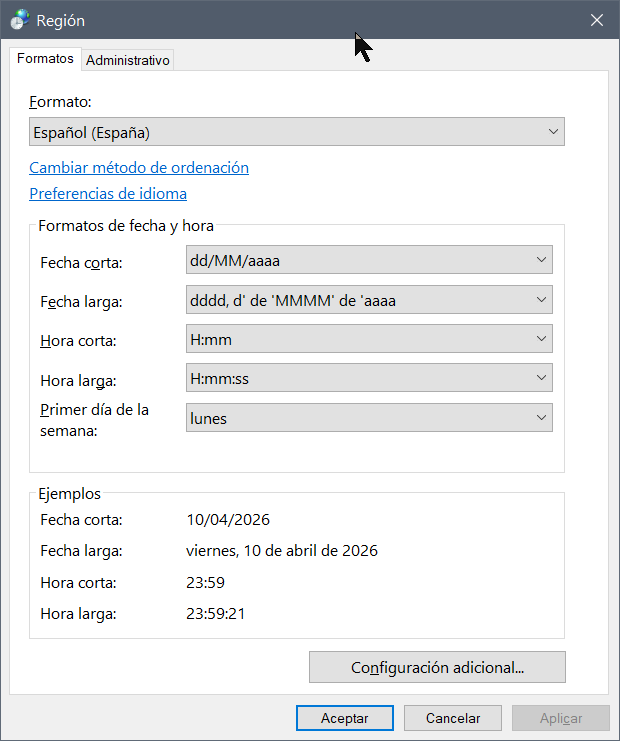
              Regional config -> Español(España)
              8cc21bf4-4e31-4549-88b1-1ab64e8a1c8b-image.png

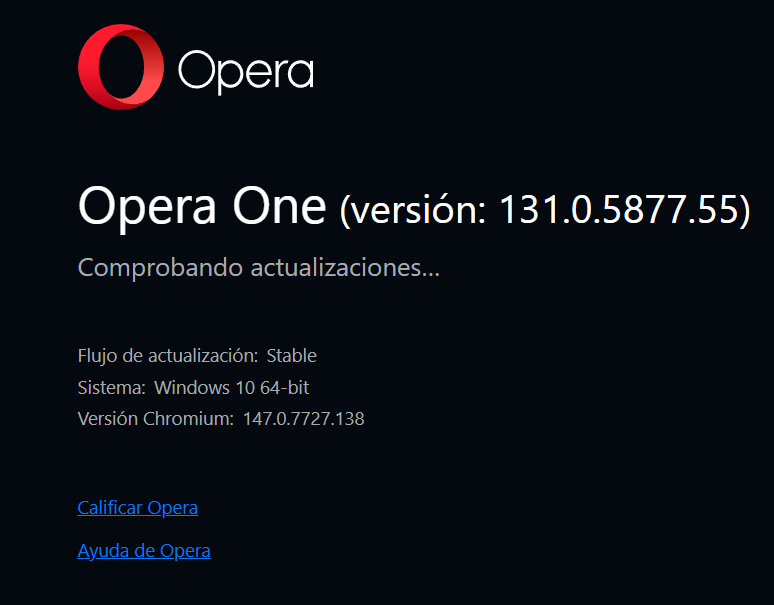
              Opera versión:
              53e7da90-99d2-4a5c-8362-124a53f813eb-image.png

              Reply Quote 0
                1 Reply Last reply
              • First post
                Last post

              Computer browsers

              • Opera for Windows
              • Opera for Mac
              • Opera for Linux
              • Opera beta version
              • Opera USB

              Mobile browsers

              • Opera for Android
              • Opera Mini
              • Opera Touch
              • Opera for basic phones

              • Add-ons
              • Opera account
              • Wallpapers
              • Opera Ads

              • Help & support
              • Opera blogs
              • Opera forums
              • Dev.Opera

              • Security
              • Privacy
              • Cookies Policy
              • EULA
              • Terms of Service

              • About Opera
              • Press info
              • Jobs
              • Investors
              • Become a partner
              • Contact us

              Follow Opera

              • Opera - Facebook
              • Opera - Twitter
              • Opera - YouTube
              • Opera - LinkedIn
              • Opera - Instagram

              © Opera Software 1995-