• Login
    • Search
    • Categories
    • Recent
    • Tags
    • Users
    • Groups
    • Rules
    • Help

    Do more on the web, with a fast and secure browser!

    Download Opera browser with:

    • built-in ad blocker
    • battery saver
    • free VPN
    Download Opera

    Opera instantly crashing upon running

    General
    crashing help crash
    2
    4
    224
    Loading More Posts
    • Oldest to Newest
    • Newest to Oldest
    • Most Votes
    Reply
    • Reply as topic
    Log in to reply
    This topic has been deleted. Only users with topic management privileges can see it.
    • A
      aviora last edited by

      Windows version - Version 25H2 (OS Build 26200.7840)
      Opera version - 128.0.5807.52

      It started off with Spotify web. When I switched tabs from Spotify web, Opera would crash, then reboot by itself. This has been happening for a while, but then today, when I switched workspaces (only 1 of my workspaces behaved like this), Opera did the same thing; crashing then rebooting by itself. Because of this, I decided to restart my laptop. Now, I can only go as far as this before Opera instantaneously crashes again:
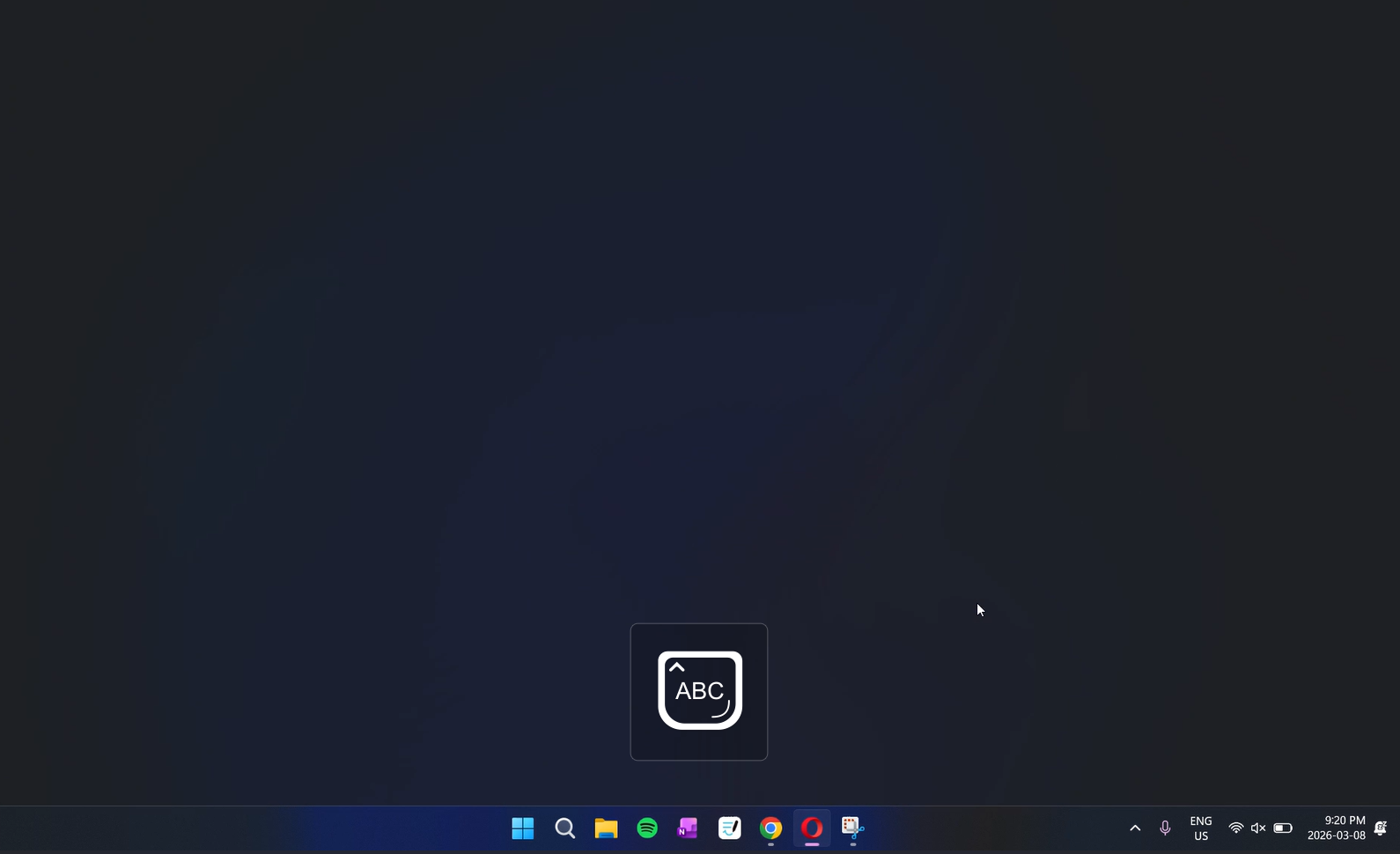
      Screenshot 2026-03-08 221817.png

      What's supposed to happen is that the browser is supposed to load properly, which is not what's happening. After it crashes, it tries about 3 more attempts to reboot, but it produces the same thing every time.

      Things I've tried:
      Running Opera as admin
      Deleting then re-installing (I did not wipe out my data)
      Restarting laptop

      Reply Quote 0
        1 Reply Last reply
      • F
        fitzydj last edited by

        Uninstall Opera, download and install an older build.
        If the older build works without issue you know its a problem with the current build.
        You can get previous builds from the link below.
        https://get.opera.com/ftp/pub/opera/desktop/

        Reply Quote 0
          A 1 Reply Last reply
        • A
          aviora @fitzydj last edited by

          @fitzydj I downloaded a build from 2024 and it worked! Thank you so much!!! Do you know when I can reinstall to a newer build or how I can get the newer builds to work? Thank you again!

          Reply Quote 0
            F 1 Reply Last reply
          • F
            fitzydj @aviora last edited by

            @aviora I don't work for Opera so I have no idea.
            If you are willing to try, you could Downland the current build from the FTP link in the previous post and see if that works.
            When you tried to reinstall the current build previously did you download the online or offline installer ?
            The files on the FTP link are the Offline Installers.

            Reply Quote 0
              1 Reply Last reply
            • Moved from Opera for Windows by  leocg leocg 
            • First post
              Last post

            Computer browsers

            • Opera for Windows
            • Opera for Mac
            • Opera for Linux
            • Opera beta version
            • Opera USB

            Mobile browsers

            • Opera for Android
            • Opera Mini
            • Opera Touch
            • Opera for basic phones

            • Add-ons
            • Opera account
            • Wallpapers
            • Opera Ads

            • Help & support
            • Opera blogs
            • Opera forums
            • Dev.Opera

            • Security
            • Privacy
            • Cookies Policy
            • EULA
            • Terms of Service

            • About Opera
            • Press info
            • Jobs
            • Investors
            • Become a partner
            • Contact us

            Follow Opera

            • Opera - Facebook
            • Opera - Twitter
            • Opera - YouTube
            • Opera - LinkedIn
            • Opera - Instagram

            © Opera Software 1995-


