Remove new search selection bar
-

-

-
cska133 last edited by cska133
@leocg i got more confused.
I upgraded to the current Beta version 96.0.5010. But still i dont see any new item on the search bar. It still looks exactely how it looks on my older Opera stable version 91 - no new search selection, no new search button, no AI button, absolutely nothing...See screenshots
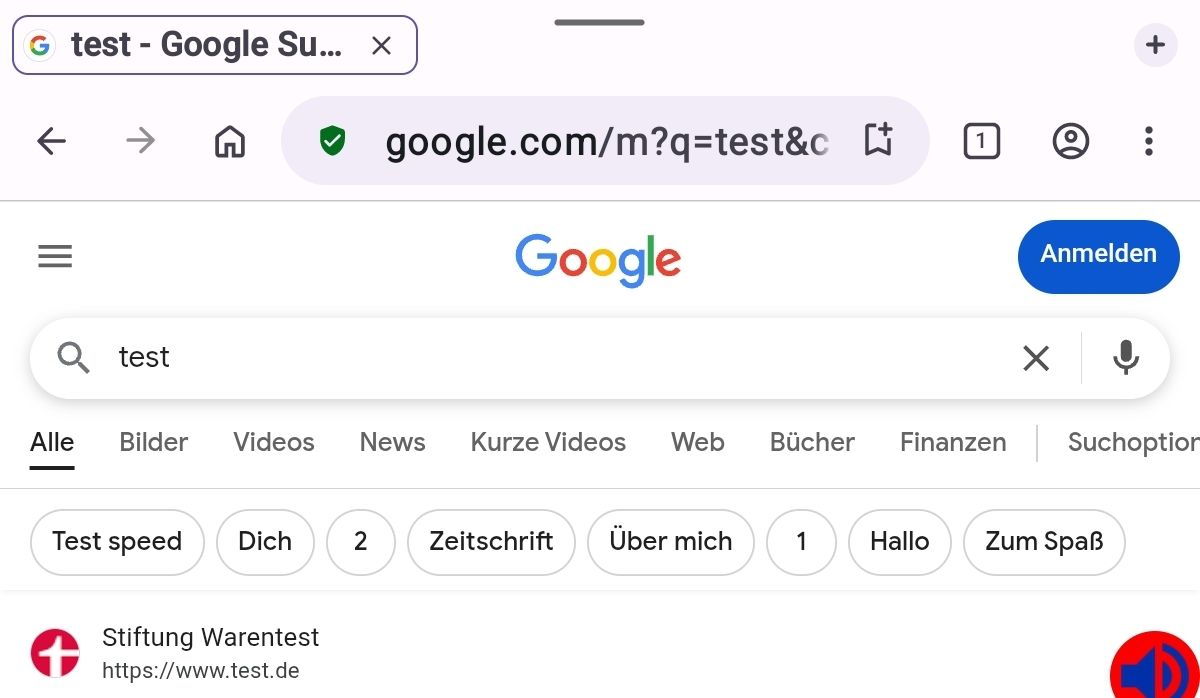
While searching...
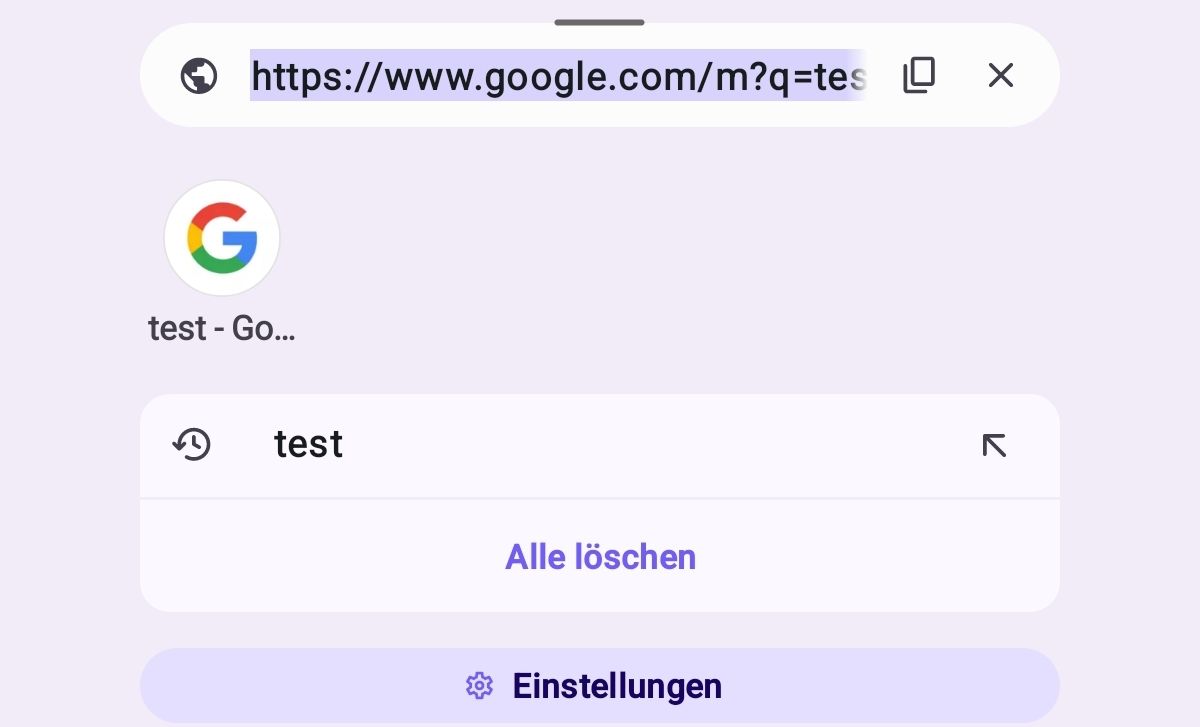
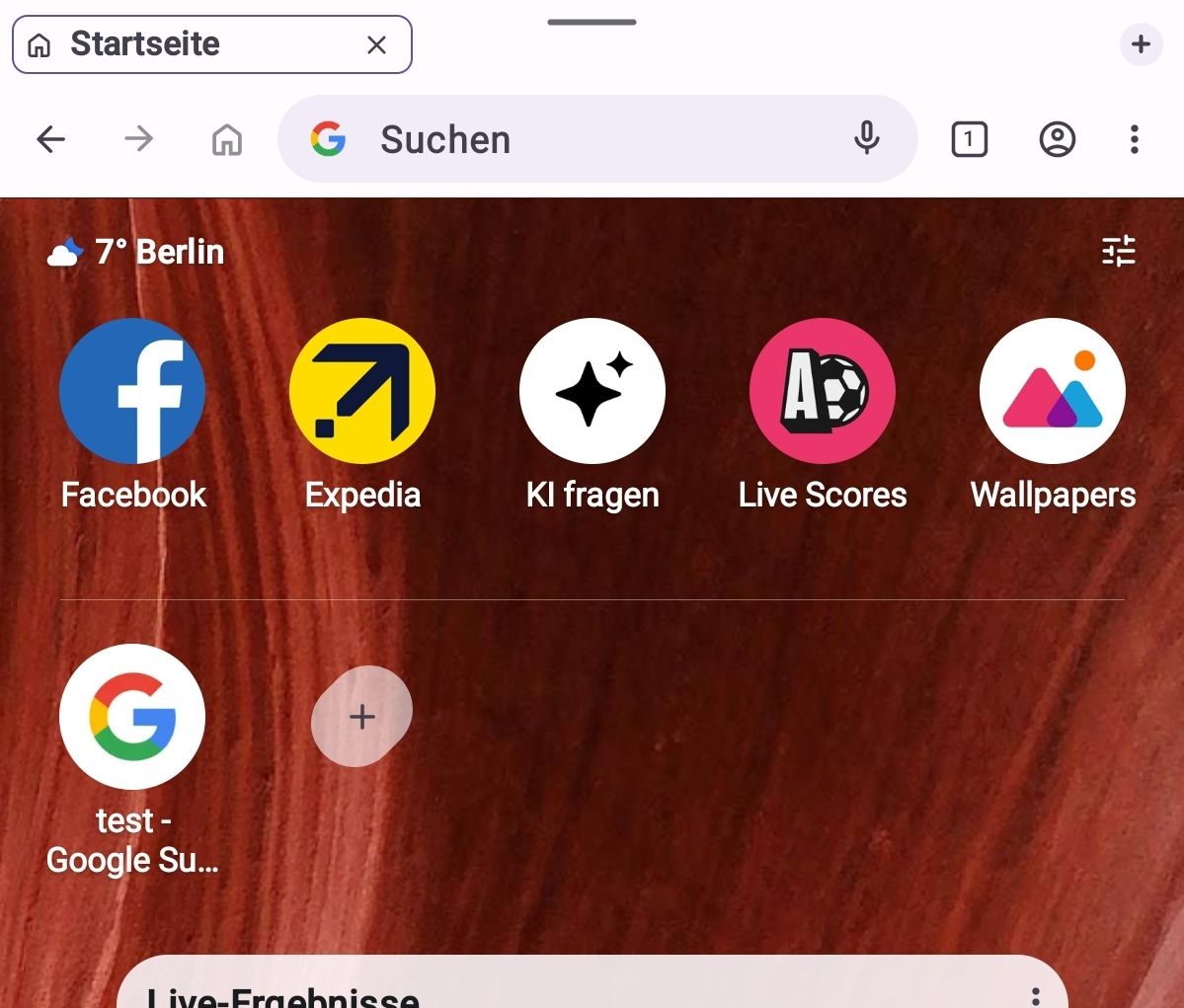
Only new is Opera logo and weather widget on the Opera start page (where the speed dials, news etc are) BUT these can be disabled in the settings, there is a toggle there. Next to the speed dials there was/is also a speed dial button "ask AI", but 1. this speed dial can be removed from the start page and 2. "Ask AI" leeds to the settings, where Ask KI option can be turned off.
So, dont know why you all here have such items in the search bar.
@leocfg sorry to bother you again , could you please check Opera for you and clarify (btw, i still can not understand are you using the beta or stable version, or have you installed/tested the beta version?)
Thank you -
-
-
-
cska133 last edited by cska133
@leocg said in Remove new search selection bar:
@cska133 Don't use the stable one
And you use beta or the stable version. Can not understand what you mean above, you dont use the stable one or i should not use it?
-
-
-
-
zerxx last edited by
That's very poor UX. The worst part is that you can't change search engine by tapping on it, instead you need to tap the arrow button that is to the right of the Ask AI button!
-
-
cska133 last edited by cska133
@zerxx its crazy, i dont have that view. When I tap on the adress field I get the old behaviour still looking like this screenshot
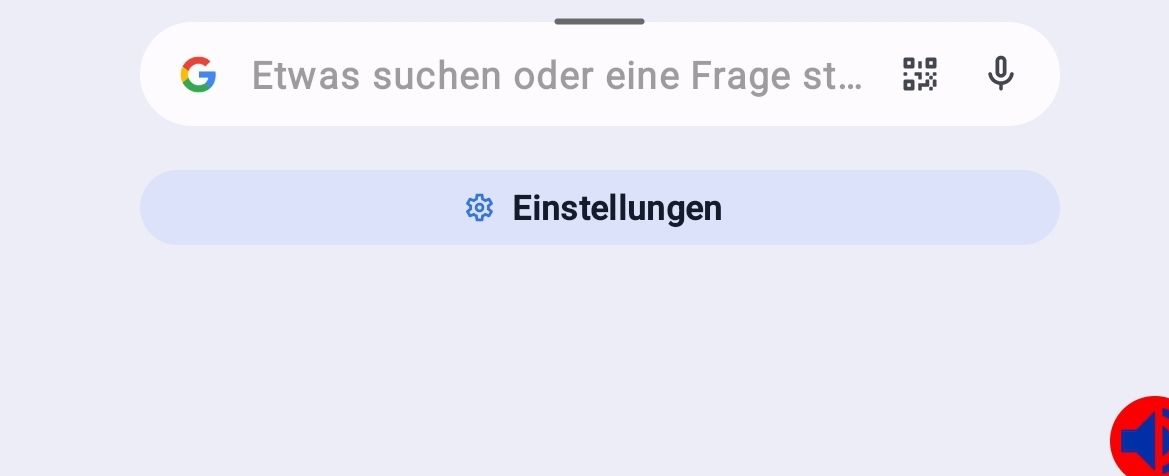
Maybe is has something to do with the tab bar view. I do have tabs enabled and sitting on top of the search/address bar. How it is on you? -
cska133 last edited by cska133
i think i got the aswer of at least my mysterium of why i dont have that view. It is because of the toggle of the setting "Opera AI" in the Opera settings. I have it disabled. When i enable it, than i get the same view and buttons over the search field as shown in the screenshot of @zerxx
