Opera Air’s mindful cat has a name now
-

-
JonathanTodd last edited by
@JonathanTodd said in Opera Air’s mindful cat has a name now:
Open up the easy setup window it should be on the far right-hand side of the address bar, open that, and about half way down will be 'cat settings'
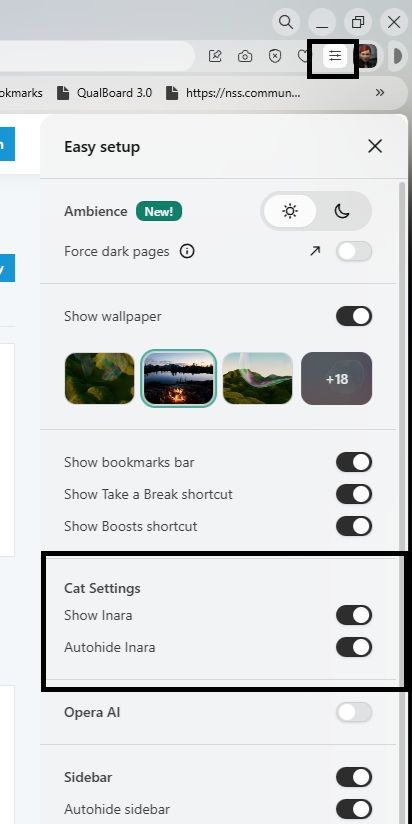
The image attached shows how to find the settings to hide or restore the cat.
-
CCa53 last edited by
@JonathanTodd Thank you for your help but it seems that it doesn't work

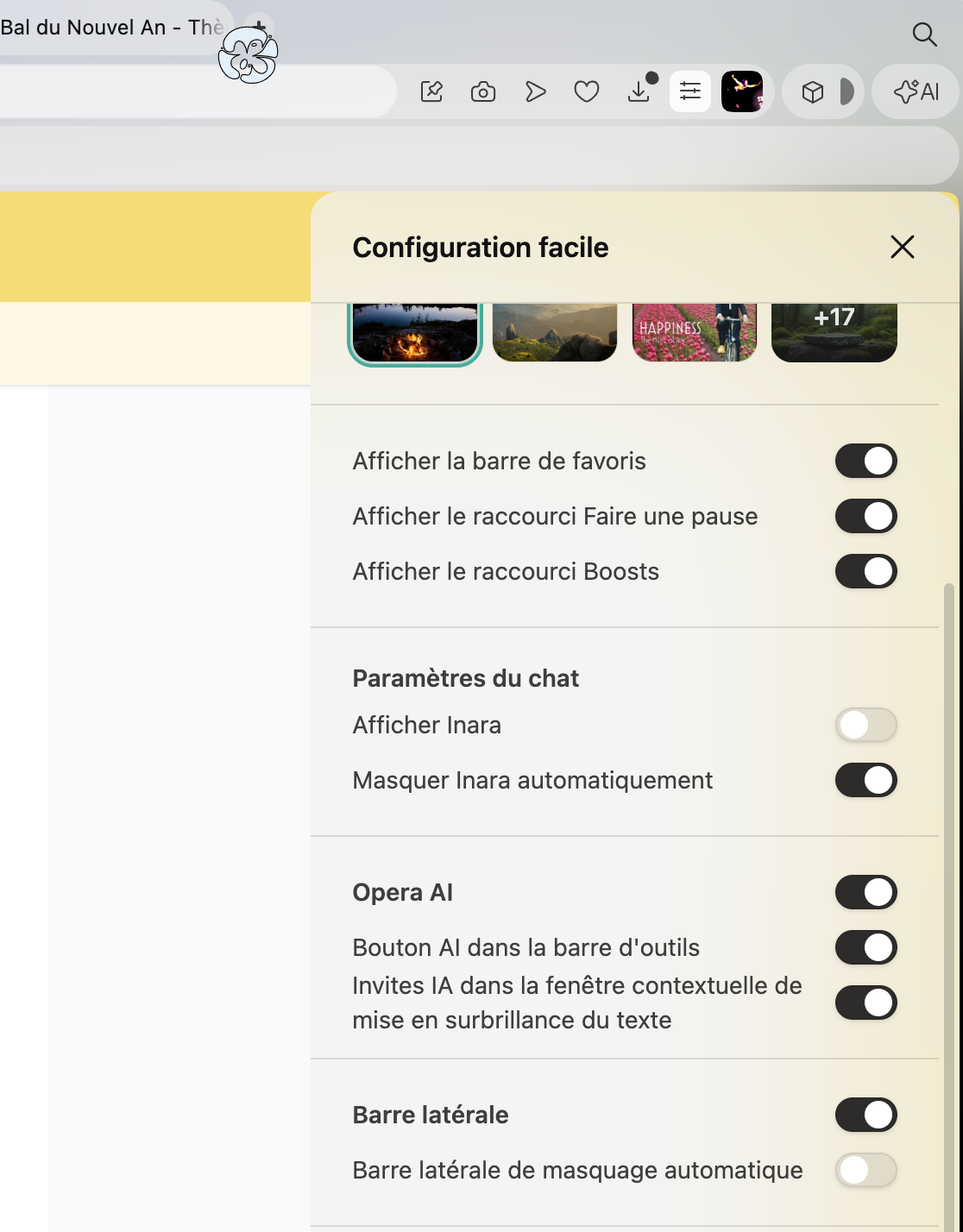
The cat disappear but there's another emoticon !!


-

-
RickyMac last edited by
I use my taskbar at the top and Inara gets kinda cut sometimes (partial head under the taskbar). Would be nice if this get corrected.
-

-
TjenbeRedTallawah last edited by
Love this cat, she is so cute!
Seeing Inara relieves my stress and anxiety.
