• Login
    • Search
    • Categories
    • Recent
    • Tags
    • Users
    • Groups
    • Rules
    • Help

    Do more on the web, with a fast and secure browser!

    Download Opera browser with:

    • built-in ad blocker
    • battery saver
    • free VPN
    Download Opera

    Alt-Enter in address bar no longer opens a new tab

    Opera GX
    5
    12
    2489
    Loading More Posts
    • Oldest to Newest
    • Newest to Oldest
    • Most Votes
    Reply
    • Reply as topic
    Log in to reply
    This topic has been deleted. Only users with topic management privileges can see it.
    • leocg
      leocg Moderator Volunteer @cpking last edited by

      @cpking Still working that way here

      Reply Quote 0
        cpking 1 Reply Last reply
      • cpking
        cpking @leocg last edited by

        @leocg Gx

        Reply Quote 0
          1 Reply Last reply
        • Moved from Opera for Windows by  leocg leocg 
        • cpking
          cpking @leocg last edited by

          @leocg which opera are you using? this is crippling for me.

          Reply Quote 0
            1 Reply Last reply
          • eduararley
            eduararley @cpking last edited by

            @cpking this is now also happening to me, starting from Opera version 122.0.5643.92. Right now, using version 121.0.5600.50, and it works as expected, with Alt+Enter opening a new tab and browsing to the requested URL. I've blocked the updates until this is solved.

            Opera Browser 122.0.5643.92 x64
            Windows 11 24H2
            Standalone Install (USB)
            No extensions loaded

            Reply Quote 0
              1 Reply Last reply
            • Courby
              Courby @leocg last edited by

              @leocg It's happening on Opera GX 122.0.5643.136

              Bought a brand new PC today and installed GX on it. Still got the issue. It's been one month since the bug has been reported 😶

              Reply Quote 0
                leocg 1 Reply Last reply
              • leocg
                leocg Moderator Volunteer @Courby last edited by

                @Courby I can confirm the issue on that version

                Reply Quote 0
                  1 Reply Last reply
                • Referenced by  davisk davisk 
                • Tharkon
                  Tharkon last edited by

                  How is this not fixed already?

                  Reply Quote 0
                    eduararley 1 Reply Last reply
                  • eduararley
                    eduararley @Tharkon last edited by

                    @Tharkon it's fixed now in v125.0.5729.21

                    Reply Quote 0
                      Tharkon 1 Reply Last reply
                    • Tharkon
                      Tharkon @eduararley last edited by

                      @eduararley Partially it seems yes.

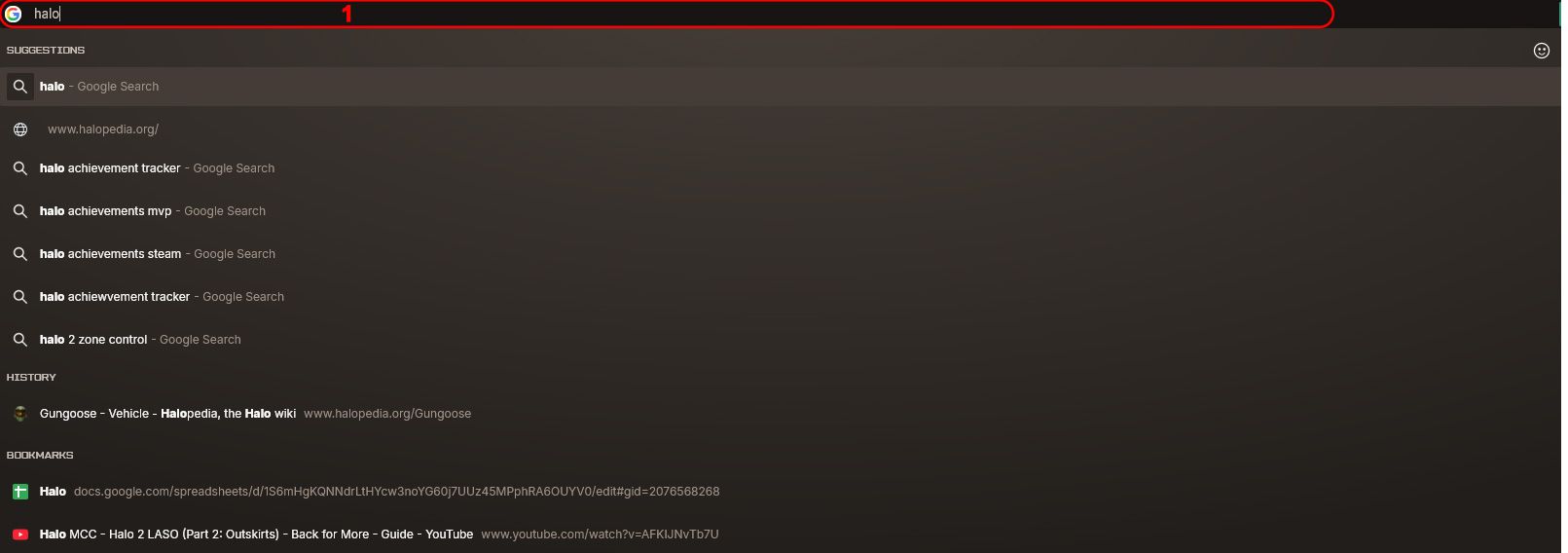
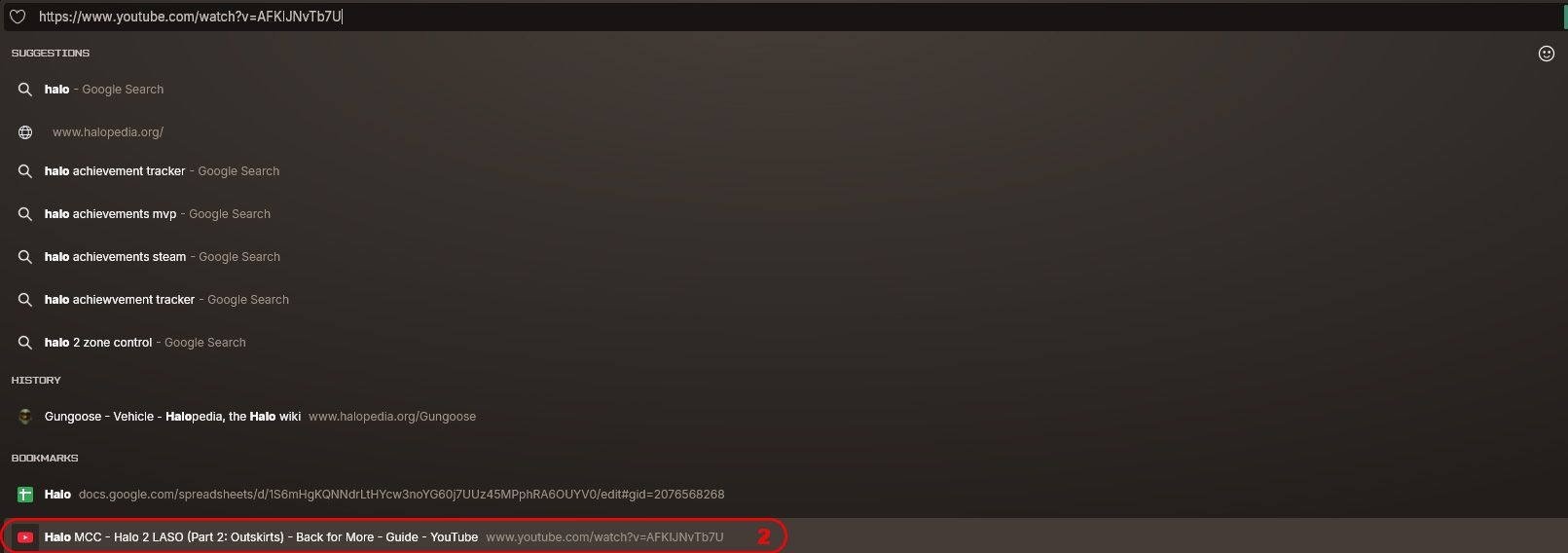
                      If I type something and hit Alt+Enter it works, but if I type part of something then use the arrows to autocomplete and hit Alt+Enter it does nothing.

                      This used to work in Opera and still does work in Chrome.

                      Reply Quote 0
                        eduararley 1 Reply Last reply
                      • eduararley
                        eduararley @Tharkon last edited by

                        @Tharkon you're right, I didn't test that case, but just tried and it doesn't work if tried from one of the drop-down items

                        Reply Quote 0
                          1 Reply Last reply
                        • First post
                          Last post

                        Computer browsers

                        • Opera for Windows
                        • Opera for Mac
                        • Opera for Linux
                        • Opera beta version
                        • Opera USB

                        Mobile browsers

                        • Opera for Android
                        • Opera Mini
                        • Opera Touch
                        • Opera for basic phones

                        • Add-ons
                        • Opera account
                        • Wallpapers
                        • Opera Ads

                        • Help & support
                        • Opera blogs
                        • Opera forums
                        • Dev.Opera

                        • Security
                        • Privacy
                        • Cookies Policy
                        • EULA
                        • Terms of Service

                        • About Opera
                        • Press info
                        • Jobs
                        • Investors
                        • Become a partner
                        • Contact us

                        Follow Opera

                        • Opera - Facebook
                        • Opera - Twitter
                        • Opera - YouTube
                        • Opera - LinkedIn
                        • Opera - Instagram

                        © Opera Software 1995-