Affirm pop-up showing up on some shopping related pages
-
 MewQuest last edited by
every single page i load on ebay.com has this dumb popup that is apart of the browser it doesn't matter if i close it it always loads back up when i load a new ebay page. how do i disable it completely? this wasn't a problem until today for some reason.
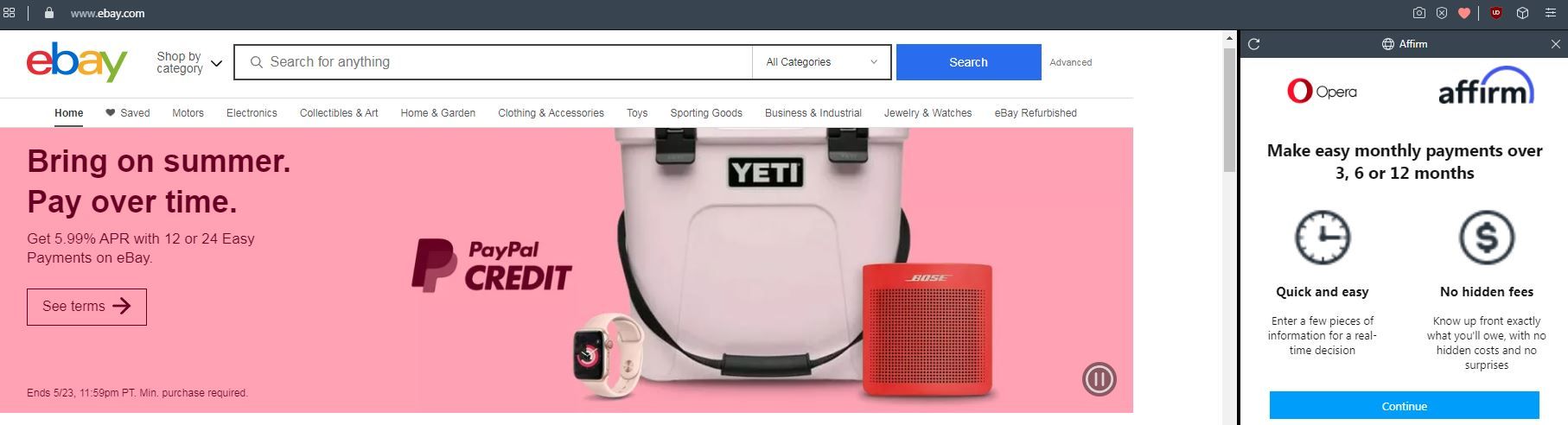
it says it is
chrome://affirm-gateway/ -
-
-
A Former User last edited by
@mewquest It just started for me today also. Very annoying and insulting. I disabled cookies, blocked anything I could and the most annoying thing is when you close it with the x it automatically pops up again and again. FU Affirm !!!!!!
-
A Former User last edited by
@mewquest How insulting that advertisers will no longer take no for an answer as if I would do business with them after they continuously harass me.
-
A Former User last edited by
Seems that Opera is in biz with Affirm and I can't find a way to stop the annoying affirm popup when I visit ebay.
Cookies and blocking don't help. Its not an add on. Closing out the affirm window doesn't work cuz it just reopens itself again and again.
I'll no longer be using Opera if this is how they will treat us -
 JD401 last edited by leocg
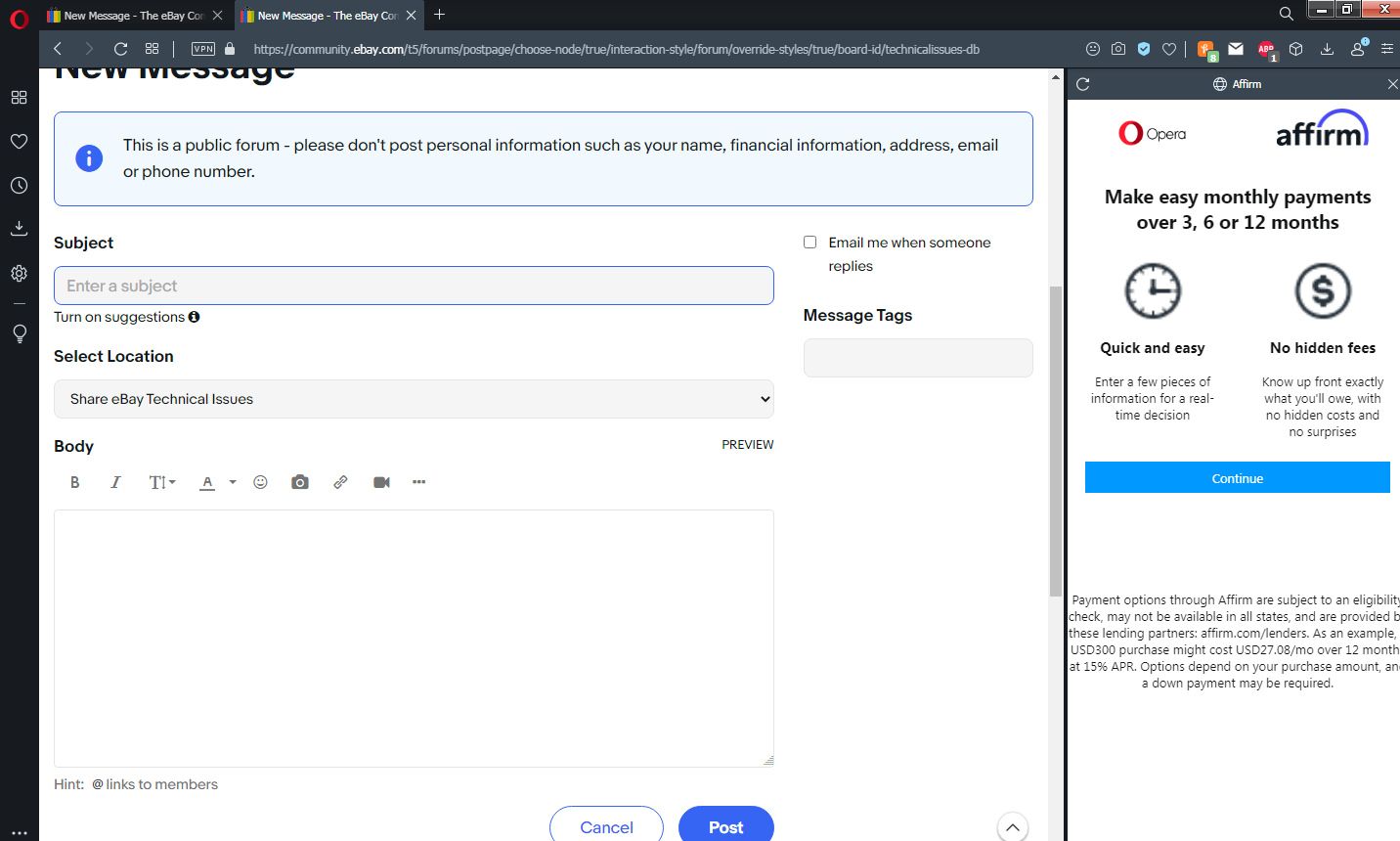
All of a sudden I am also getting this Highly annoying side window on Ebay. I don't know if it is Ebay or Opera that has the issue, but I don't DARE click on the Continue button. I also can't see it with the page inspector which scares me.
-
JD401 last edited by
I right-clicked on the link, copied the address, then pasted into Notepad... the link is:
-
JD401 last edited by
OK, it now appears on Tracfone and Samsung websites... related to any sites that are shopping related?
-
JD401 last edited by
Hi all
All of a sudden I am getting a highly annoying window that at first seemed to be an issue Ebay. But now it is showing up on other websites as well, like Samsung and Tracfone.
I close it and it just comes back. I don't dare click on the link/button, but the link address is:
https://www.affirm.com/shop/opera?domain_ref=ebay.com
-
Artyem last edited by
I found a file called "afirm_whitelist.json" in the C:\Users*user*\AppData\Roaming\Opera Software\Opera Stable folder. Deleting or changing this file causes the ad to stop appearing temporarily. Seems to overwrite after a refresh or new window being opened.
-

-
-