@burnout426 - Thanks for the detailed response. I'll go through them and report back my findings. Maybe I'll have to resolve to save as bookmarks. The problem with that, when you reopen a folder of bookmarks, lazy loading is not in effect. Btw, "--disable-features=UseEcoQoSForBackgroundProcess" still seems to work for me.
T
Posts made by trumpman
-
RE: Opera long hang on restartGeneral
-
RE: Opera long hang on restartGeneral
Additional information:
Platform
- Windows version: MS Windows 11 Home, version 10.0.26200 Build 26200
- Opera version: Opera One(version: 129.0.5823.28)
- Motherboard: ASUS B760M-A01
- Ram: 64GB (2x32GB DDR5s)
- Primary Storage: Samsung SSD 990 PRO 4TB
- Graphics: NVIDIA GeForce RTX 4060
-
Opera long hang on restartGeneral
On restart of Opera, the process locks up for around 45 minutes before it is
actually accessable.I've enjoyed using Opera on MS Windows as my primary browser for well over a decade.
I have the lazy loading option on. Admittedly, I have a great number of active tabs in my session. However, maybe in the past 6 months, restarting Opera to active status takes an inordinate amount of time. This is not how it used to be. Now it takes 45 minutes from when the windows are displayed until I can access them! For instance, it is 45 minutes before hovering over the close 'X' in the upper right corner so it turns red.
I've also had issues with the system locking up where the system clock widget actually stops for a few seconds to even minutes, but haven't experienced that of late so that is not related.
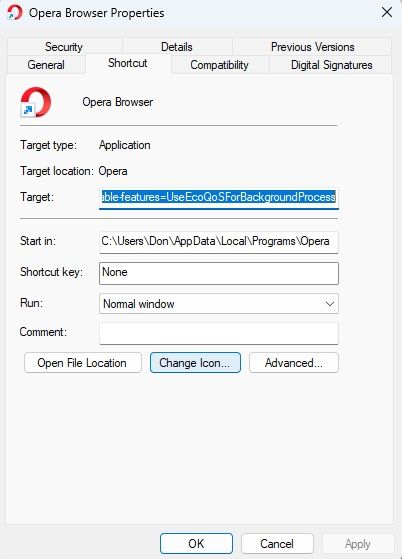
In the Task Manager there was an "efficiency mode" icon associated with the Opera process. I worked around this by adding an option to the Opera executable: "--disable-features=UseEcoQoSForBackgroundProcess". Regardless efficient mode or not, the "long time to restart" issue still persists.
You can understand that this issue has become untenable. I can't wait 45 minutes every time I have to restart Opera because of a hang, application crash, reclaiming memory, or OS restart. Maybe there is some action I can perform to alliviate this Opera hang? I want to continue to use the product because of its features, as double-click word/phase then Search. But what I'm really not wanting to create a clean session as I have way too many things I'm working on.
Please, any insights to fix this hang much appreciated!
Here are example screenshots with commentary:
-
Here is computer stats before restart:
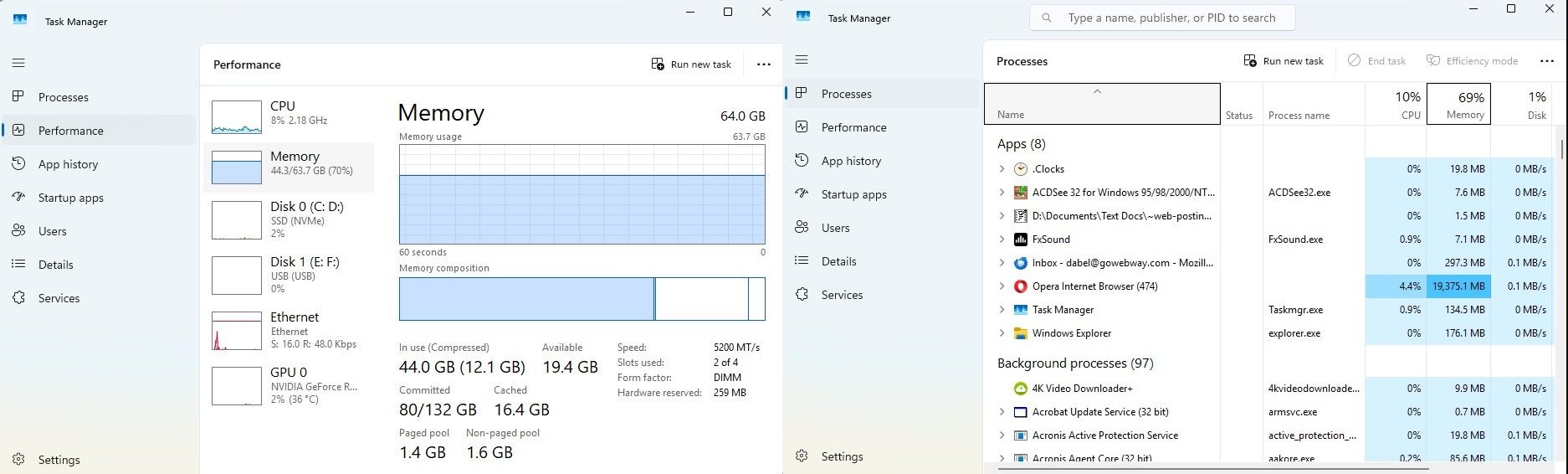
-
Quiting Opera:
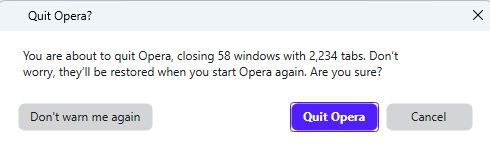
-
Sometimes one Opera process remains:
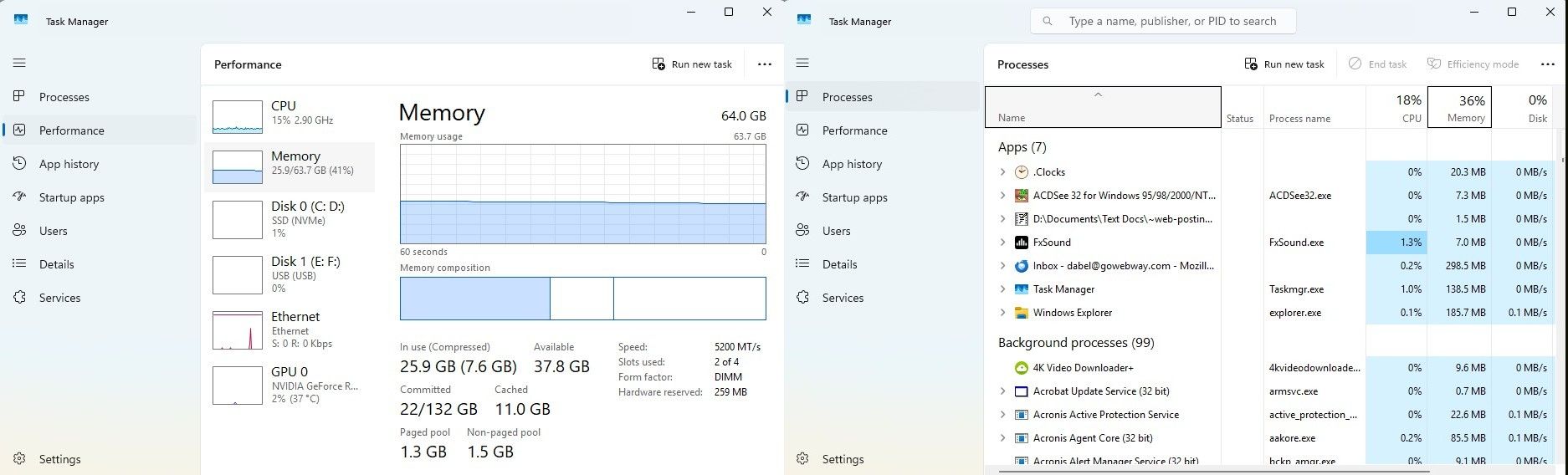
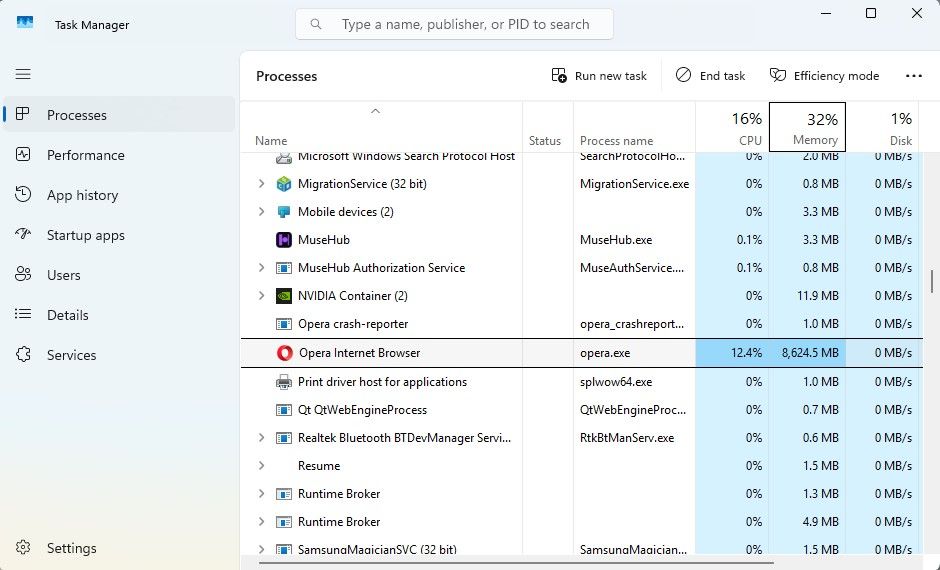
-
After killing rogue Opera process:
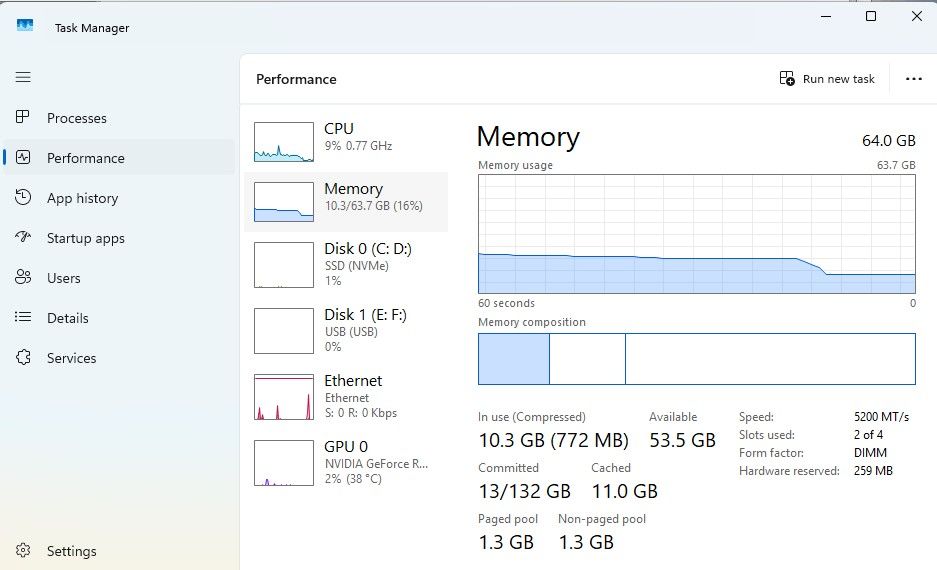
-
Restart Opera (with the --disable-features=UseEcoQoSForBackgroundProcess option:
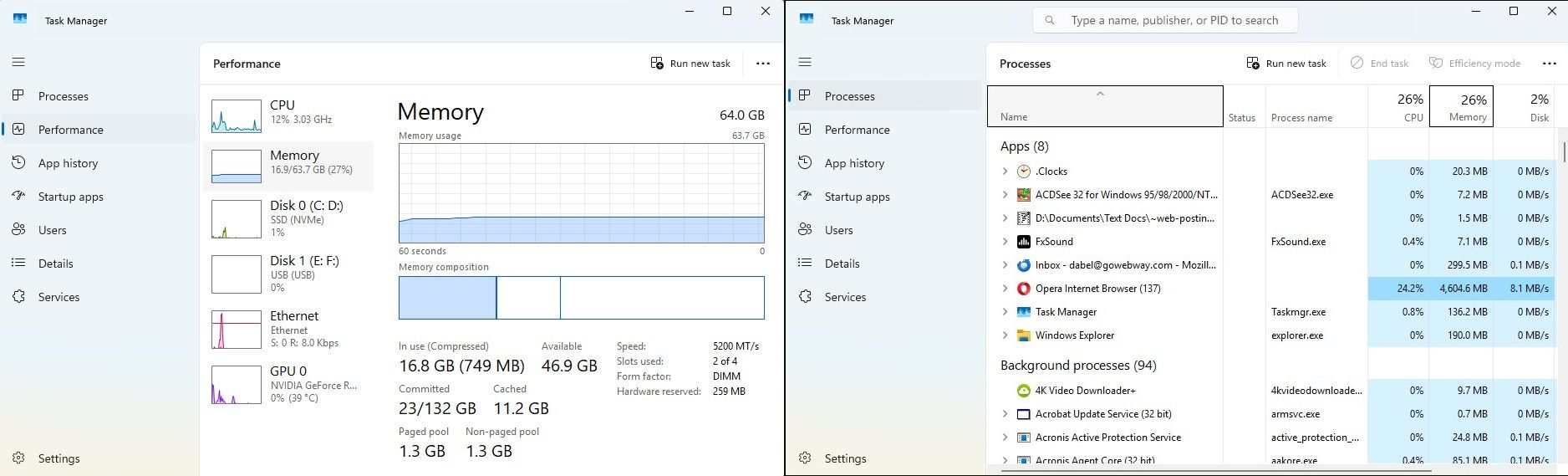
-
Opera locked up after 12 minutes:
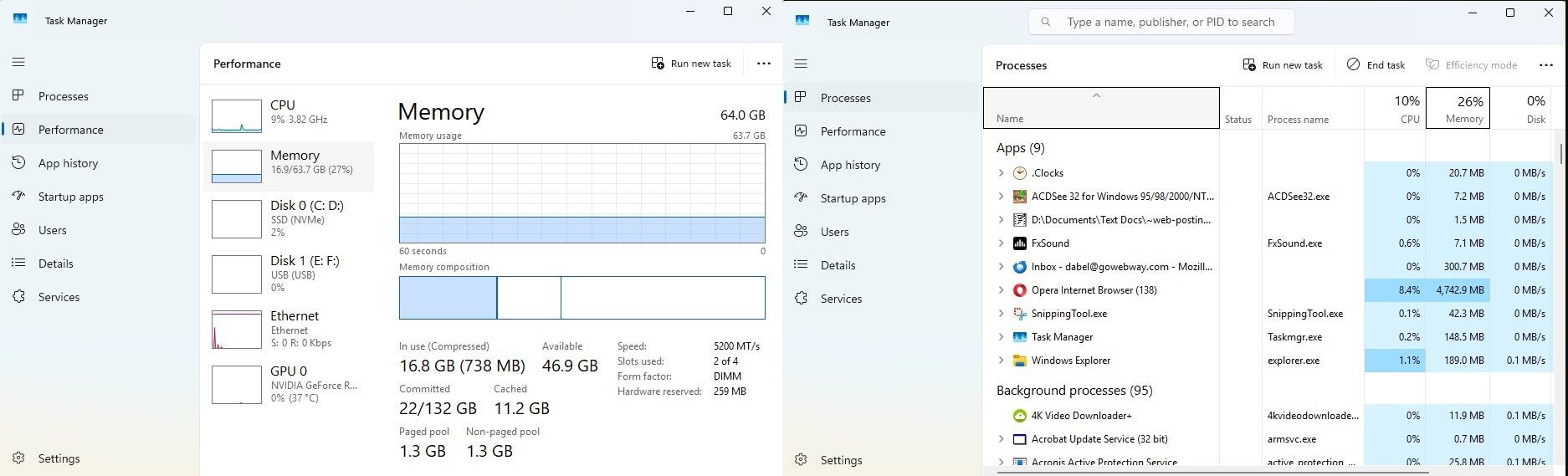
-
Opera still locked up after 30 minutes; note memory virtually unchanged:
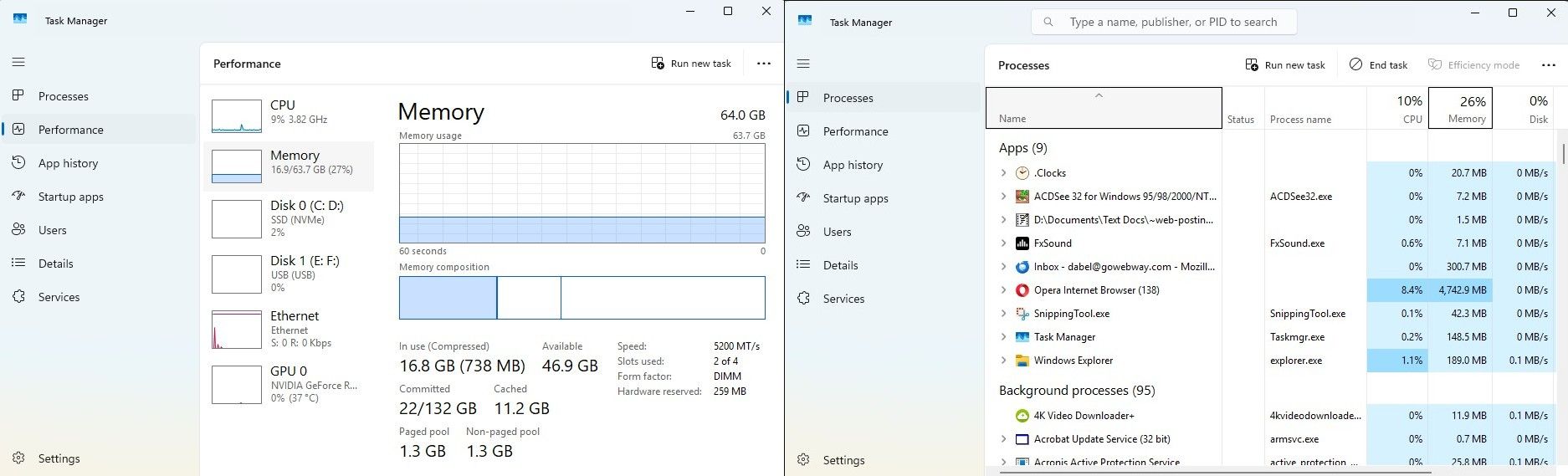
-
Opera unlocked at 37 minutes ('X' turns red => can finally access Opera
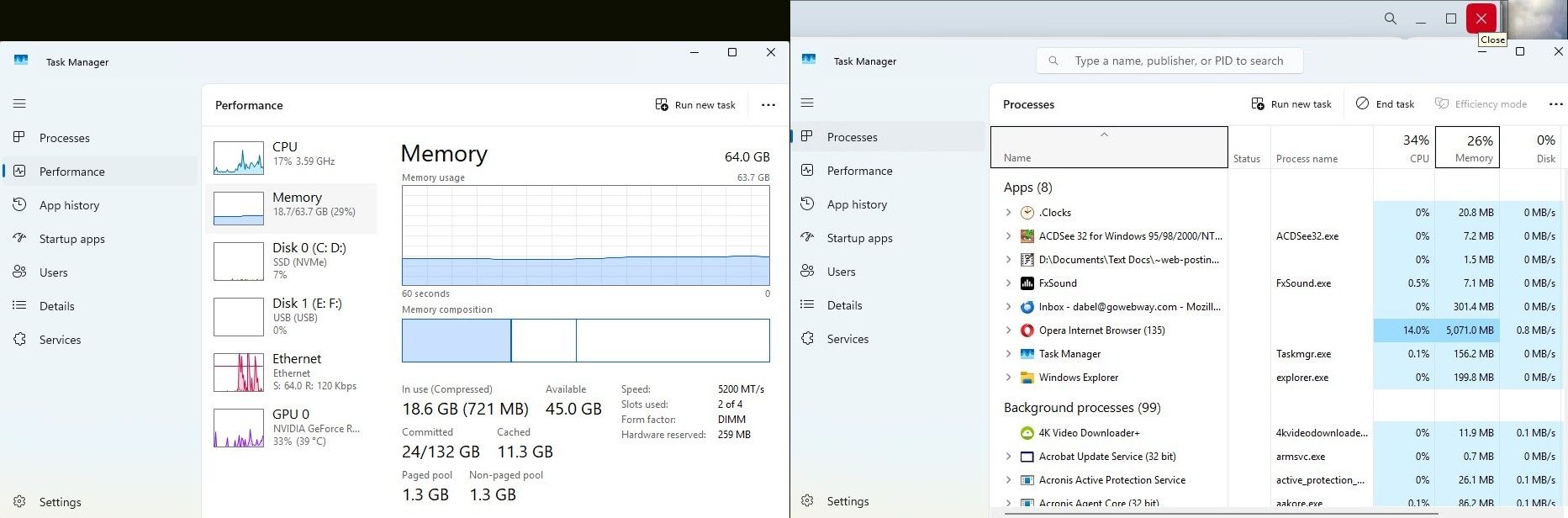
-
Opera at 42 minutes finally reloads active pages and returns Opera memory to nominal:
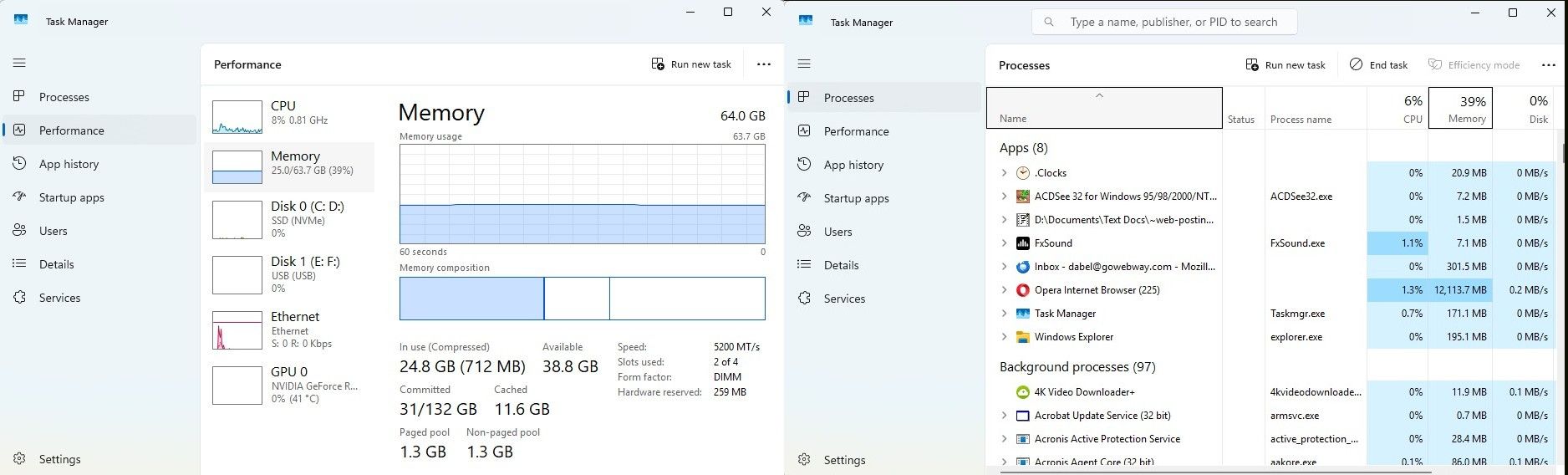
=== end ===
-
-
RE: How do I get more reputations on Opera forums.Feedback for the Forums
Hmm. I was searching for an answer on a forum post, and wanted to like one of the responses/comments. But all I get is an animated popup that says I lack "reputation".

Does that mean I actually have to make a post of my own and then get upvotes to that before I can even like a comment on another post?Btw, when I went to reply (comment) on this post, it tells me that this post is "quite old", although it was made only 3 months ago.
Thanks.
-
How do I delete individual cookies? (Opera ver. 96...)Opera for Windows
What happened to the feature to view and delete individual cookies from a website?
When I go to the page "Privacy and security / All sites" and click on a domain to expand, it shows the associated sub-domains as is normal, indicating how many cookies for each.
But then when I click on the right arrow on one of those entries, I no longer see the individual cookies as was the case all before. Instead, I just see a Permissions list and a Usage section to clear all the cookies. I no longer can see the contents of each of the cookies, nor the ability to delete specific ones. (Screenshots available upon request.)
Is there some alternate path in Settings that will allow me to view and delete individual cookies as I have always done in the past?
Note there is a related topic, but that applies to a really old version (55) of Opera: forums.opera.com/topic/28351/how-do-i-delete-individual-cookies
Please advise.
-
RE: Full Bookmark view?Opera for Windows
@trumpman (my previous reply was clipped off and no option to delete; here is the complete reply)
@violetphoenix - Actually, that is not totally correct. When you use Ctrl + Shift + B (or from the main menu), a pseudo-sidebar is opened on the left. You still have to click on the "Open full Bookmarks view" link at the bottom to get the former complete bookmarks edit page. This is per version 71.0.3770.284
-
RE: Full Bookmark view?Opera for Windows
@violetphoenix - Actually, that is not totally correct. When you use ```
Ctrl + Shift + B