fixed on this version:
Opera One - version: 136.0.6008.52
Update stream:Stable
System:Windows 11 64-bit
Chromium version:152.0.7977.130
Do more on the web, with a fast and secure browser!
Download Opera browser with:
fixed on this version:
Opera One - version: 136.0.6008.52
Update stream:Stable
System:Windows 11 64-bit
Chromium version:152.0.7977.130
@Dea-oep this would be great as I have the same problem with spotting active tab instantly
Hi everyone, and hello to the @Opera-QA-Team,
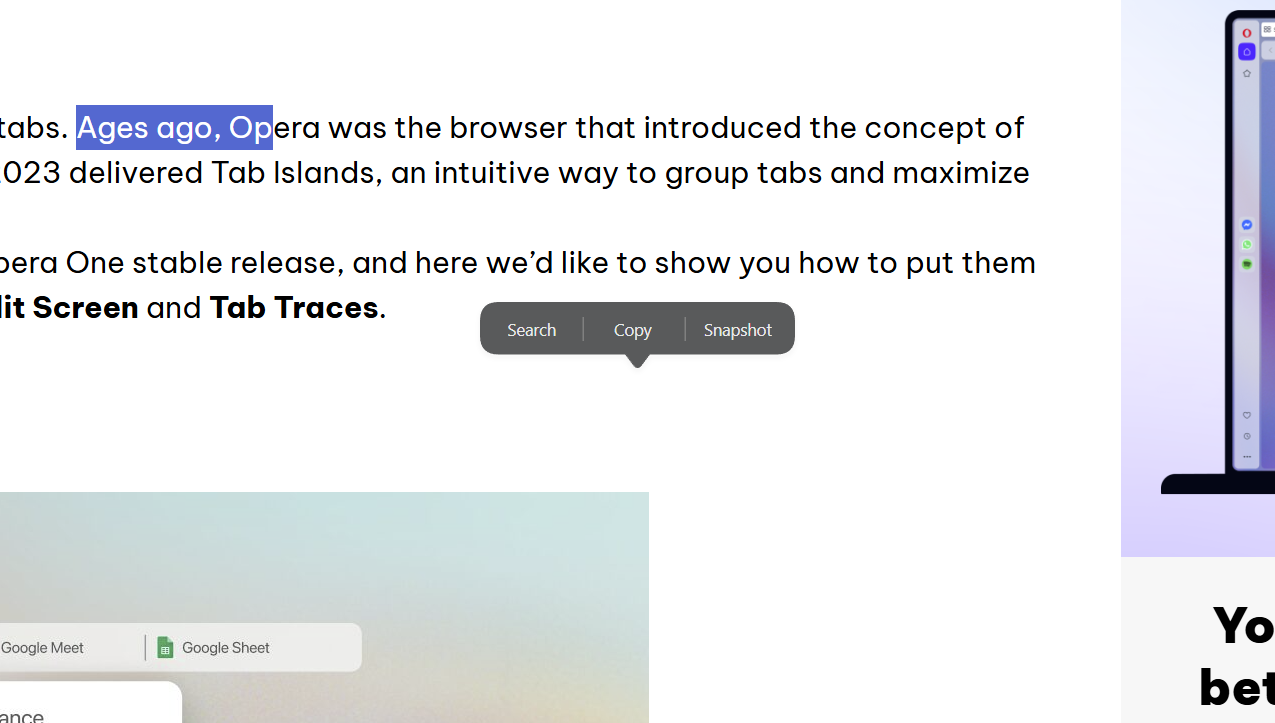
I am reporting a UI regression in yesterday's stable build of Opera One regarding the text selection popup menu (the little search/copy tooltip that appears when you highlight text).
It seems yesterday's update brought back the bug where the popup menu jumps out of alignment whenever the page is zoomed in or out:
• Above 100 percent zoom (e.g., 125 percent): The popup consistently appears offset down and to the right of the highlighted text.
• Below 100 percent zoom: The popup shifts up and to the left of the selection.
• At 100 percent zoom: The popup works normally and stays directly above the highlighted text.
Because I use a large screen and keep my default browser zoom at 125 percent for comfortable reading, this displacement is happening constantly. The floating menu keeps covering surrounding text and buttons, making it awkward to quickly click "Copy" or "Search".
Could the team please look into how the text selection menu calculates its position on zoomed pages so this can be fixed for good?
Is anyone else using page zoom experiencing this issue after yesterday's update?
Opera One(version: 135.0.5973.66)
Update stream:Stable
System:Windows 11 64-bit
Chromium version:151.0.7922.176
Hi everyone,
I am reporting a layout bug regarding the text selection tooltip (the search/copy popup menu) in the current stable build of Opera One. The positioning of the popup appears to be broken by page scaling, shifting incorrectly based on whether the page is zoomed in or out.
When highlighting text on a webpage, the popup menu shifts to the wrong position if the zoom level is altered from the default 100 percent. Because I use a large screen, I keep my browser set to a standard 125 percent zoom as my daily default, meaning this bug is constantly present for me.
The tracking behaviour changes depending on the zoom scale:
At 100 percent zoom: The popup positions itself perfectly directly above the selected text.
Above 100 percent zoom (e.g., 125 percent): The popup consistently spawns offset to the bottom right of the selection.
Below 100 percent zoom: The popup incorrectly shifts to the top left of the selection.
The moment any scaling factor is applied, the coordinates break, making the menu awkward to click and causing it to overlap other page content.
Try it by yourself:
Open any webpage.
Change the browser zoom level (try 125 percent, then try less than 100 percent).
Highlight a word, phrase, or sentence at each zoom level.
Observe the placement of the search/copy popup menu.
Expected Result: The popup should always appear directly above the selected text, maintaining its relative position regardless of the layout scale.
Actual Result: The popup tracking breaks, spawning bottom right when zoomed in and top left when zoomed out.
Is anyone else using page scaling (zoom) experiencing this tracking issue?
Opera Version: 133.0.5932.60
Update stream: Stable
System: Windows 11 64-bit
Chromium version: 149.0.7827.201
Hey Opera Team,
I’m writing this as a long-time, loyal Opera user. One of the main reasons I fell in love with this browser in the first place was because it always built smart, power-user tools directly into the UI rather than forcing me to rely on the Chrome Web Store.
Lately, I’ve been incredibly frustrated by the missing native Tab Auto-Reload function, and I really need it back.
Who is affected? (The user personas)
How this affects my daily workflow:
I use my browser for active, live tracking, and right now, the experience is broken. I fall squarely into these buckets:
Monitoring live data: I track live server dashboards where data changes by the minute.
Following live feeds: Whether it's a sports text-commentary, an auction countdown, or a forum thread, I need the page updated without having to constantly reach for Ctrl + R or F5.
The problem with the current workarounds
Because Opera doesn't do this natively anymore, I am forced to install third-party Chrome extensions. From a user experience perspective, this sucks for three reasons:
Privacy & security scares: Every auto-refresh extension I find demands permission to "read and change all your data on the websites you visit." That is terrifying, and it completely defeats the purpose of using Opera's secure, privacy-first browser.
Performance & battery drain: These extensions are poorly optimized. They don't respect Opera's native battery-saver or memory-saver modes, meaning they tank my laptop's performance in the background.
Broken features: They don't integrate with Tab Islands. If I group tabs, the extension often crashes or refreshes the wrong page.
The UX & business impact
Bringing this feature back gives us three distinct advantages:
Eliminating third-party friction & risk
Right now, to auto-refresh, users must install extensions that demand permission to "read and change data on all websites." This completely undermines Opera’s privacy-first branding. A native solution protects user data and ensures the feature respects our battery-saver mode and Tab Islands.
Boosting retention (giving a reason to stay)
When users have to build a patchwork browser experience using Chrome extensions, the switching costs drop to zero—it becomes easy for them to drift back to vanilla Chrome. Native, out-of-the-box utilities create a sticky product experience that keeps power users loyal.
True market differentiation
Neither Chrome nor Safari offers this natively. By implementing a modernized, resource-smart version of Auto-Reload, we stand out in a crowded market as the browser built for active workflows.
Ideally, I just want to right-click a tab, look right under the standard "Reload" and "Reload all tabs" options, click "Auto-Reload", and pick an interval (1 min, 5 min, etc.).
The engineering lift here is incredibly low because the core refresh logic already exists within standard web APIs—this is purely a UI and resource-gating play.
I’ve mapped out a clean placement approach in the tab context menu directly under the standard "Reload" commands to keep user mental models intact. Let's slot this into the upcoming sprint and win back some massive community goodwill.
Having this built-in is what makes Opera feel like a premium, specialized tool instead of just another boring Chrome clone. If I wanted to build a patchwork browser out of sketchy extensions, I’d just use standard Google Chrome. I stay with Opera because you guys usually think of these things out of the box.
Please consider bringing this feature back to the tab context menu. It would make life a whole lot easier for a lot of us!
Hi Opera team,
As a UX Designer and daily Opera user, I’ve found the Gmail and Google Calendar sidebar integrations to be excellent for reducing tab clutter. However, to make these tools truly indispensable for productivity, there are a few missing User Feedback loops that would greatly improve the experience.
I’d like to propose the following features:
1. Unread message badge count (Gmail)
Currently, the sidebar icon is static. This forces users into "manual polling"—interrupting their flow to click the icon just to see if a new email has arrived.
The request: A numerical badge on the sidebar icon for unread messages.
The UX value: This provides preattentive processing, allowing users to maintain "System Status Awareness" without leaving their active tab.
2. Custom sync intervals (Check for new emails every XX seconds)
To balance real-time awareness with system performance, users should have control over how often the sidebar "pings" the server.
The request: Add a setting in the sidebar app configuration: "Check for new messages every [30 / 60 / 300 / Custom] seconds."
The UX value: This empowers the user to define their own urgency vs. performance threshold, ensuring the browser remains fast while keeping them informed.
3. Native notifications for Google Calendar
The sidebar Calendar is great for a quick check, but it currently lacks the "push" factor necessary for time management.
The request: Enable system-level desktop notifications for upcoming events or a visual state change on the icon when a meeting is imminent.
The UX value: Without notifications, users must keep a redundant tab open to ensure they don't miss meetings, which negates the primary benefit of the sidebar.
UX analysis: Reducing cognitive load
In product design, we aim to move the user from proactive searching (manual checking) to reactive responding (notified checking). By adding badges, notifications, and adjustable sync timing, Opera can significantly reduce the "Cognitive Load" on the user, making the browser a more effective productivity command center.
Thanks for the continuous innovation. I'd love to see these high-impact "Quality of Life" improvements in a future build!