@Razwerkz Thanks for this hint!
The point is: ALL the other apps i use can handle this with the standard-functionality, because they have a regular title-bar.
Anyway, i will have a look at your suggestion.
Do more on the web, with a fast and secure browser!
Download Opera browser with:
@Razwerkz Thanks for this hint!
The point is: ALL the other apps i use can handle this with the standard-functionality, because they have a regular title-bar.
Anyway, i will have a look at your suggestion.
@mtopek This is a GNOME-Extension. I am a KDE-user.
Anyway, thanks for your answer 
@mtopek yes, it seems, the opera-staff is ignoring linux-user.
This is my partly-solution (in the menu):
Program: usr/bin/flatpak
Command-line-arguments: run --branch=stable --arch=x86_64 --command=opera --file-forwarding com.opera.Opera --window-size=2096,1580 --window-position=00,00 @@u %U @@
size seems to work, position is ignored.
btw: vivaldi has a window-header, so its very easy to change the behavier.
Unlike all other important browsers Opera has no window-title.
Because of no menu at the edge of the window title its not possible to set some "Special Application Settings ....", like position and size.
How can you set the position and size so that Opera is always launched in the desired position and size?
I am using Manjaro KDE
My commandline looks like this:
run --branch=stable --arch=x86_64 --command=opera --file-forwarding com.opera.Opera @@u %U @@
@rejzor Unlike all other important browsers Opera has no window-title.
Because of no menu at the edge of the window title its not possible to set some "Special Application Settings ....", like position and size.
I hate this fact too.
@3333e As i wrote: Its a quick solution for now.
The Opera-Crew has to deliver a browser who is able to play videos. Welcome to the 21. Century!
@3333e Thanks for the info. But my solution posted above is to me - as user - much more simpler ...
@valour47 Thanks for your Info. I solved the problem for now by copying libffmpeg.so from the Vivaldi directory to the Opera directory. Now everything is working as usual again.
@burnout426 Thank you for all the information. That's very kind of you.
I solved the problem for now by copying libffmpeg.so from the Vivaldi directory to the Opera directory. Now everything is working as usual again.
@alexs Are you kidding me? the linked opera-posting is from 2018!
Till few days ago all was as it should. The last update broke the video-functionality.
If opera is not able to fix it, its time to change to another browser. As simple as that.
@leocg lol the user has to fix it? not the opera-crew? seriously?
Why are ALL other browsers able to play videos from the scatch?
@sgunhouse "... you will need to do that yourself" ..... or you switch to another browser, who is able to play videos from the scratch.
@leocg previous versions of opera could play videos, current version not => bug.
If it is a "feature", it is time to switch to vivaldi.
@leocg previous versions of opera could play videos. all other browsers can play videos ...
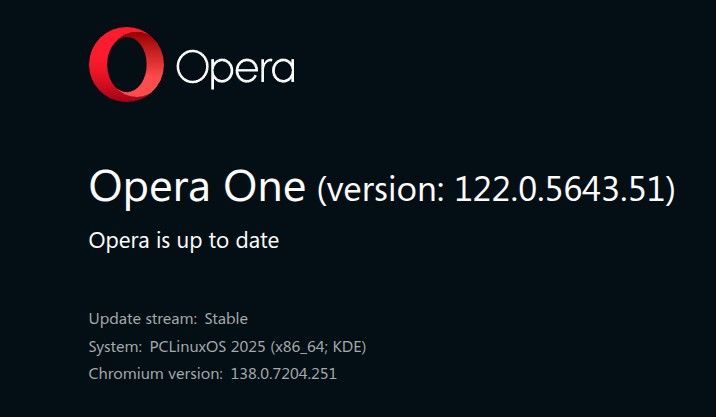
@Forgottenleo the same with PCLinuxOS. Previous version of opera worked as it should.
@9Dragons vivaldi and all other browsers handle it better. no need to do anything by the user.
@leocg It is the job of the opera-crew to fix this bug. Not users job!
A browser who doesn't play videos is useless.
@burnout426 I had the same problem like ude.
Your workaround solved it. Many thanks!
@bothie @cruz-jesus @skunkarific
thanks for your suggestions. in the meantime it works as it should. a distro-update long time ago did it ...