Problem Solved In 135.0.5973.76 (2026-09)
A
Posts made by alangonzalez91
-
RE: The "Select file" button is not displayed in full screen.General
-
RE: The "Select file" button is not displayed in full screen.General
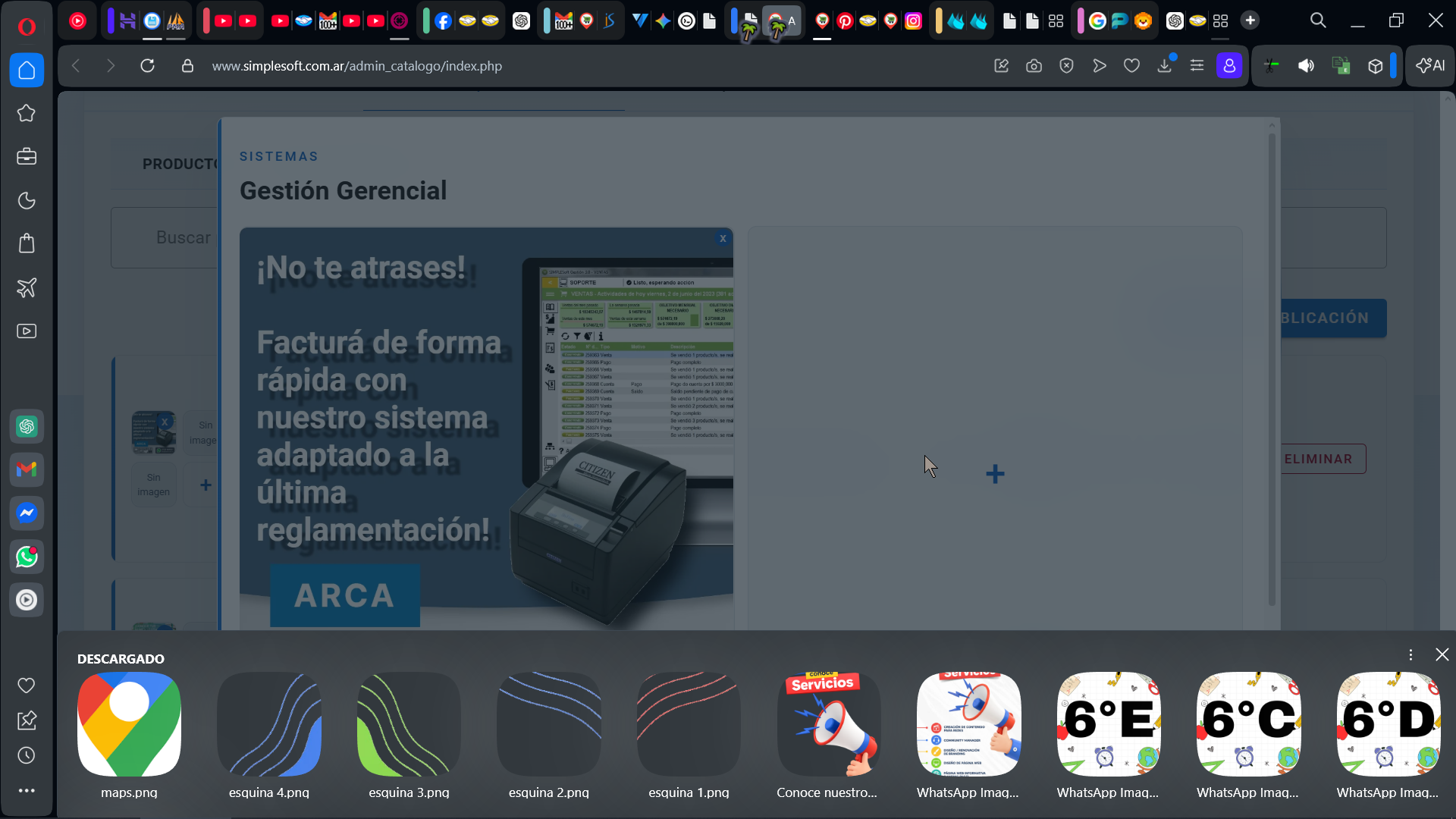
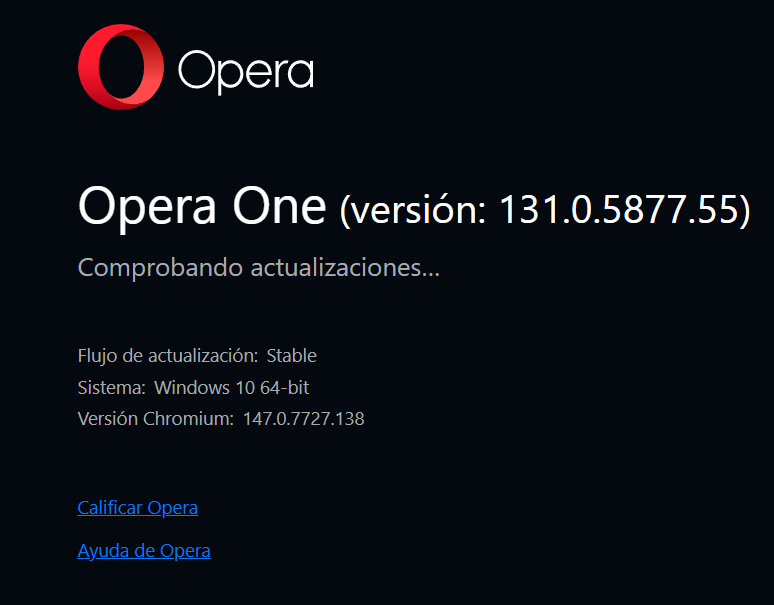
The problem hasn't been resolved yet; maybe try a different browser.
-
RE: The "Select file" button is not displayed in full screen.General
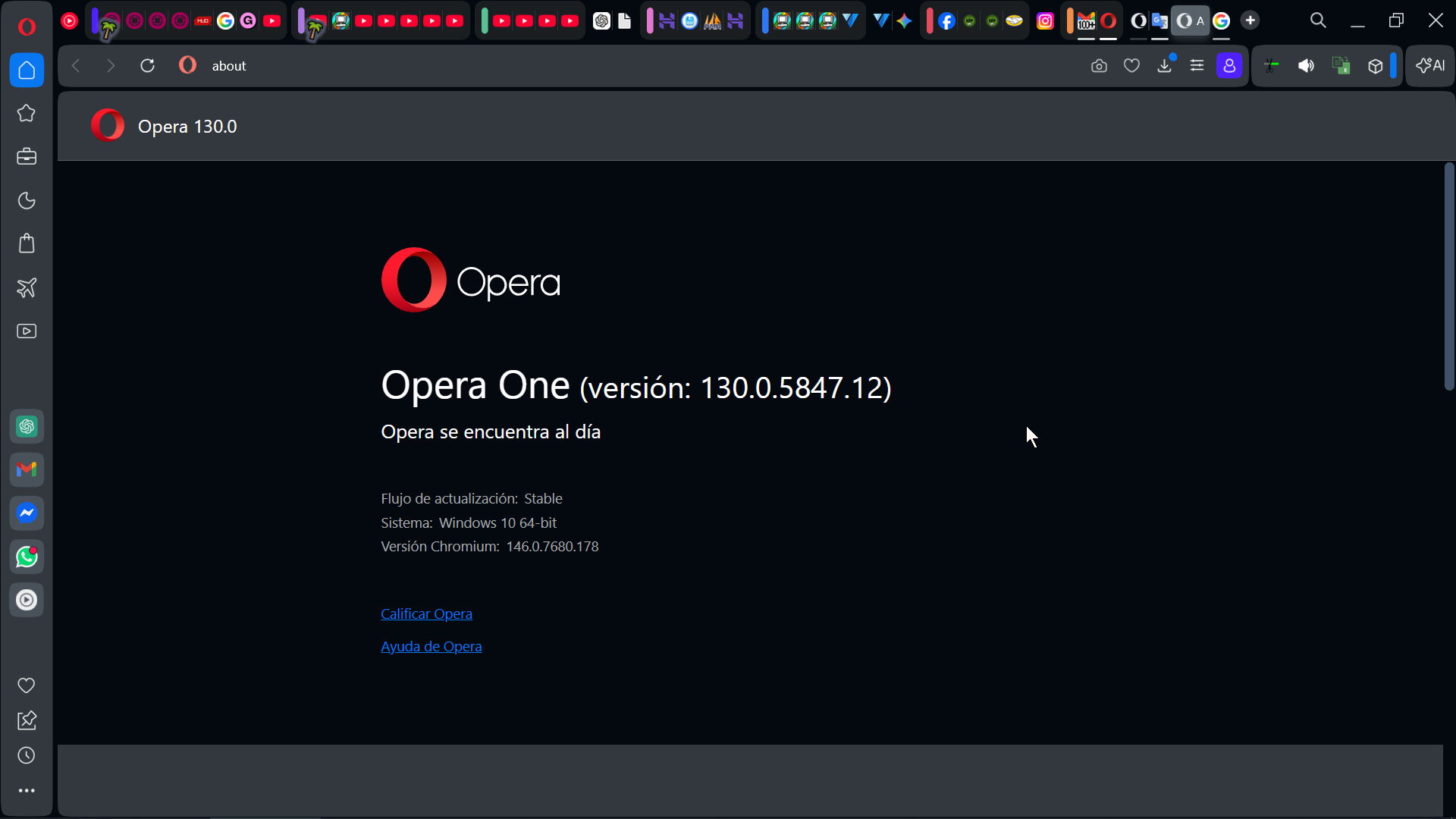
After updating Opera One (version: 130.0.5847.12), the problem persists...
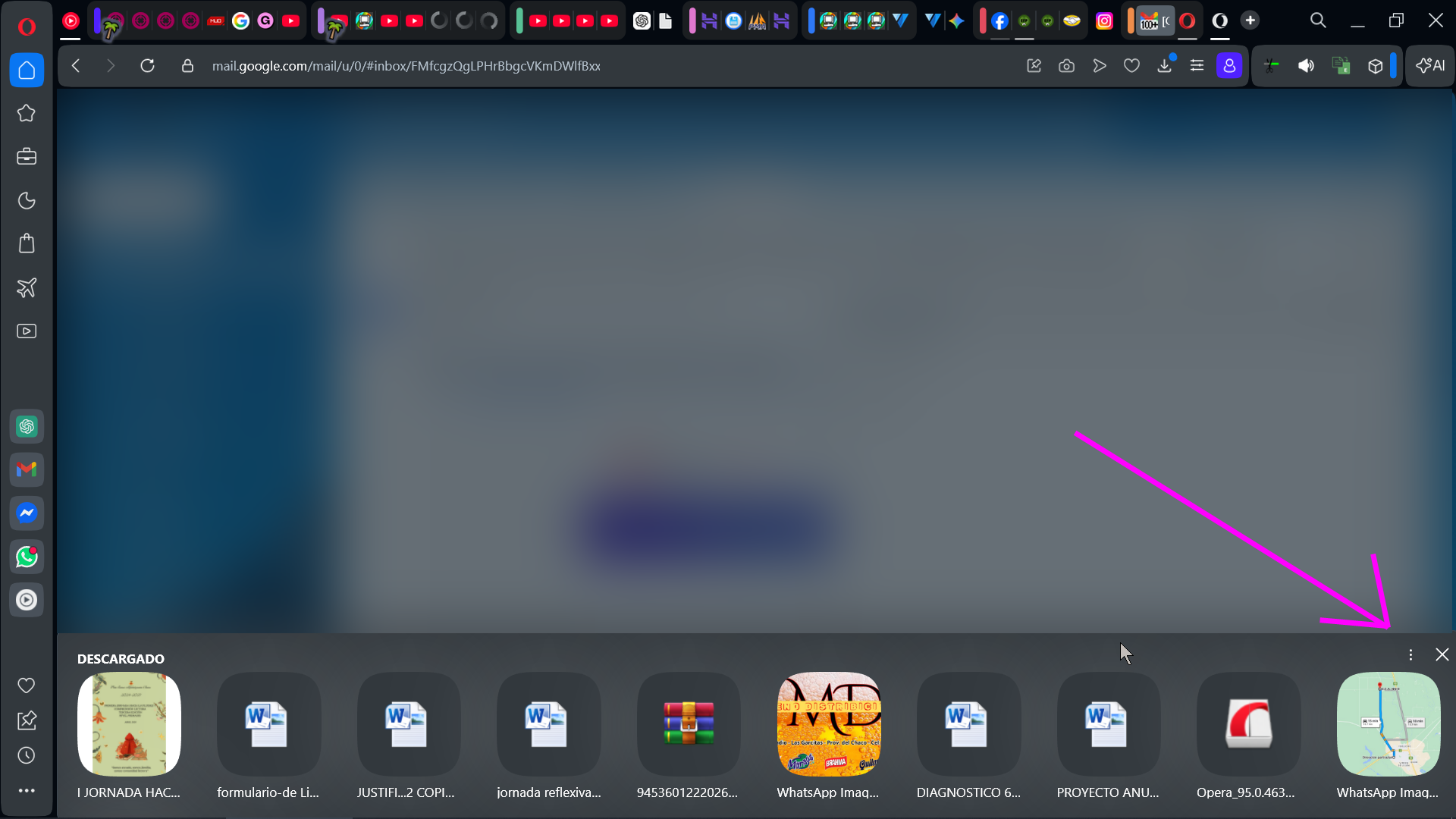
Windowed:
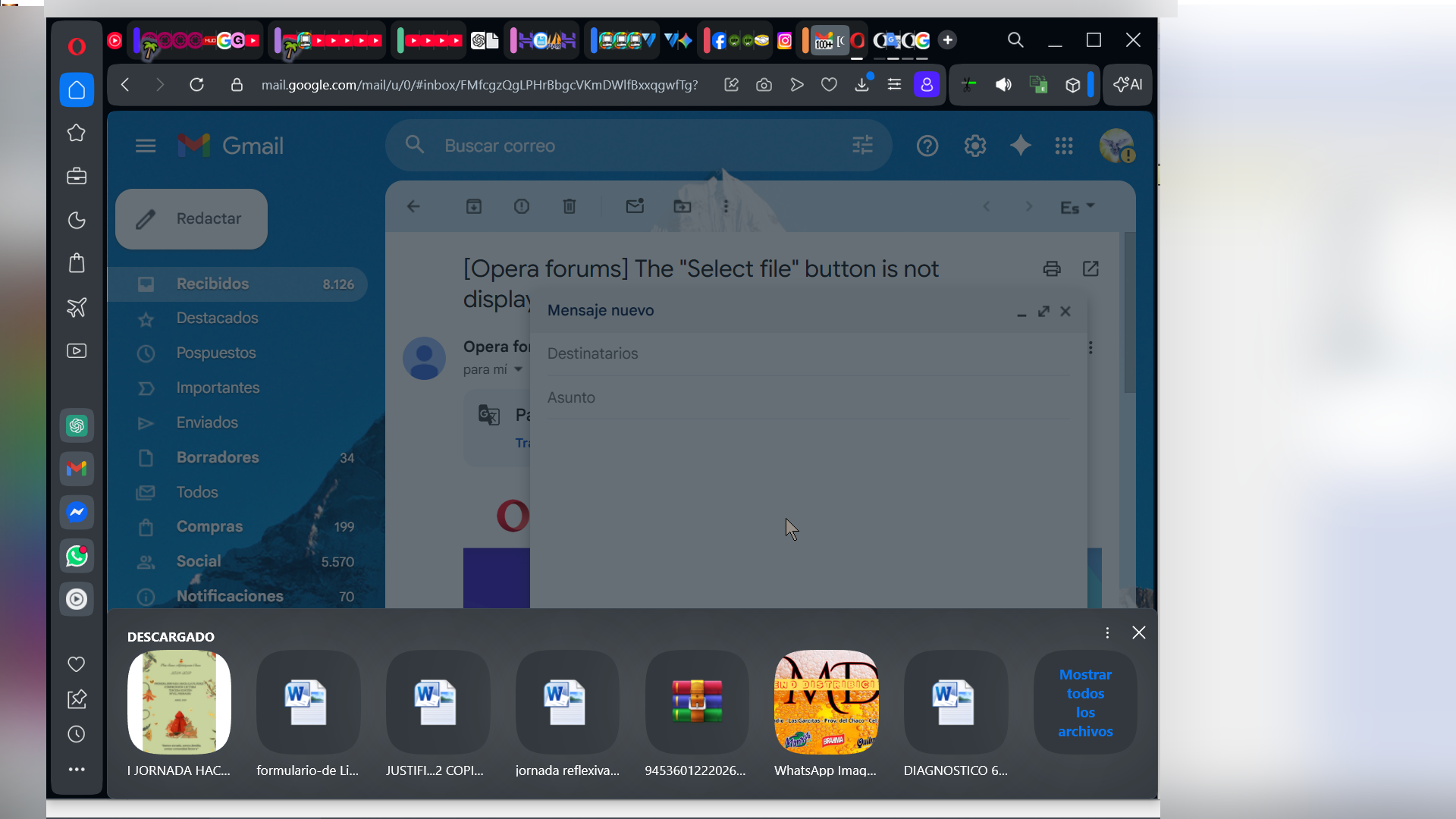
My screen settings
Resolution:
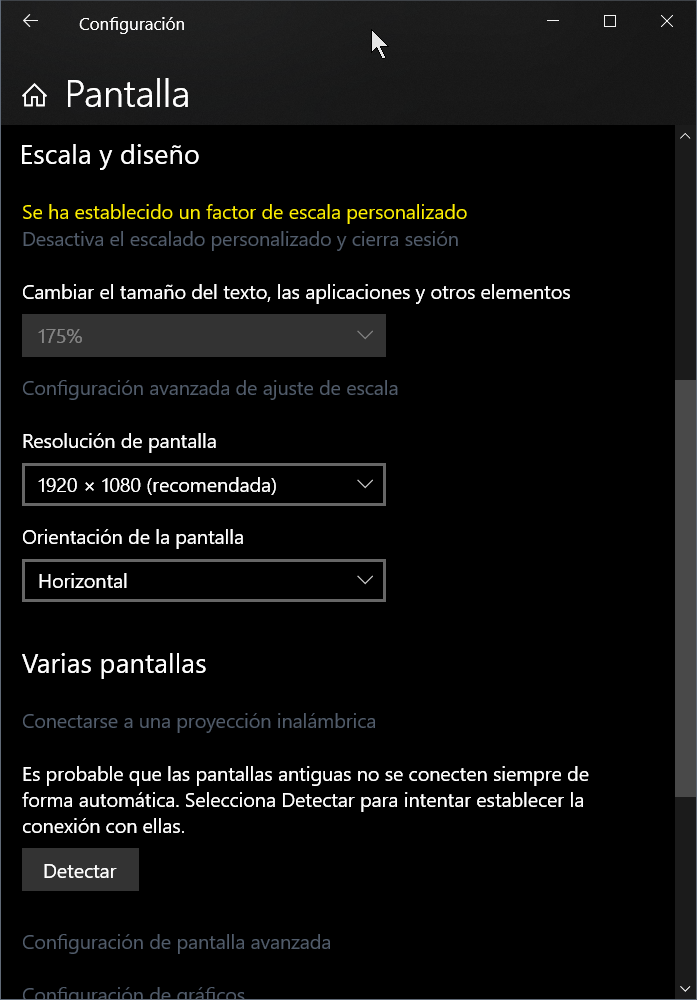
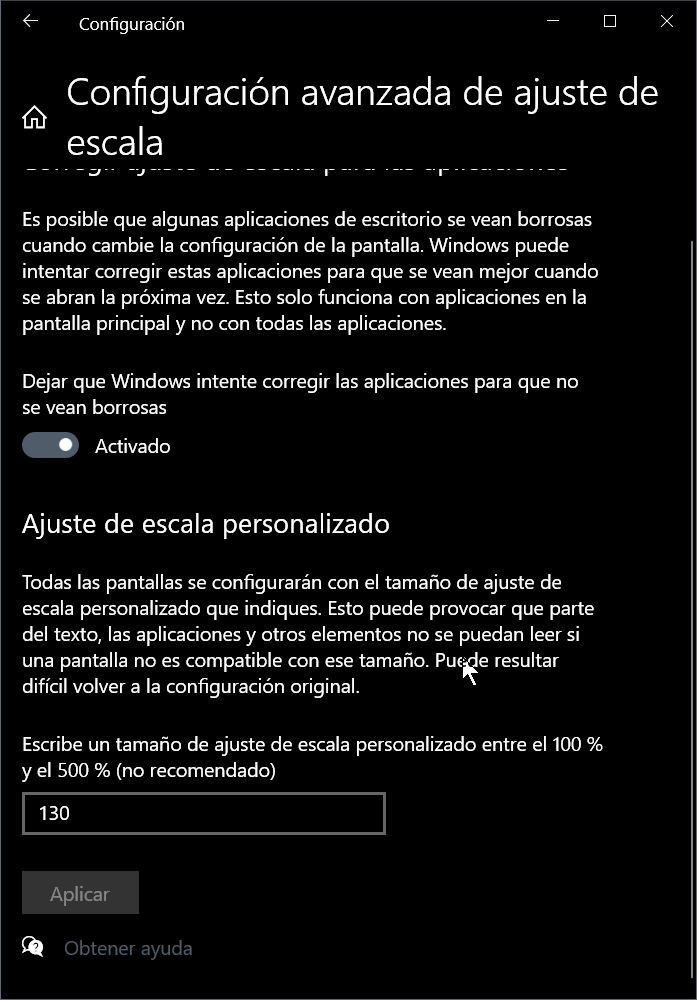
Scale:
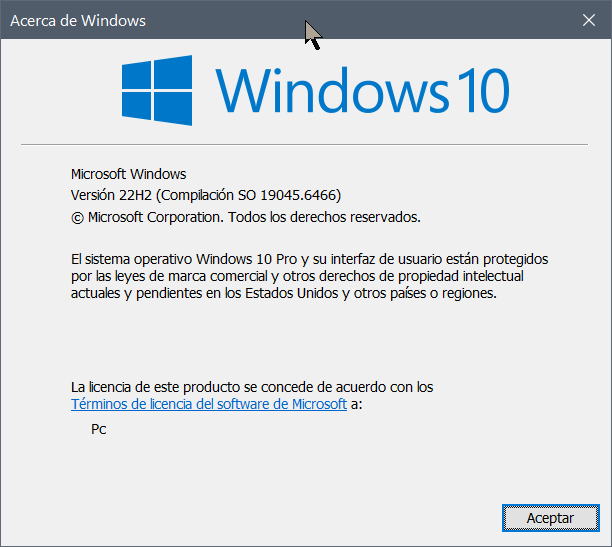
Windows
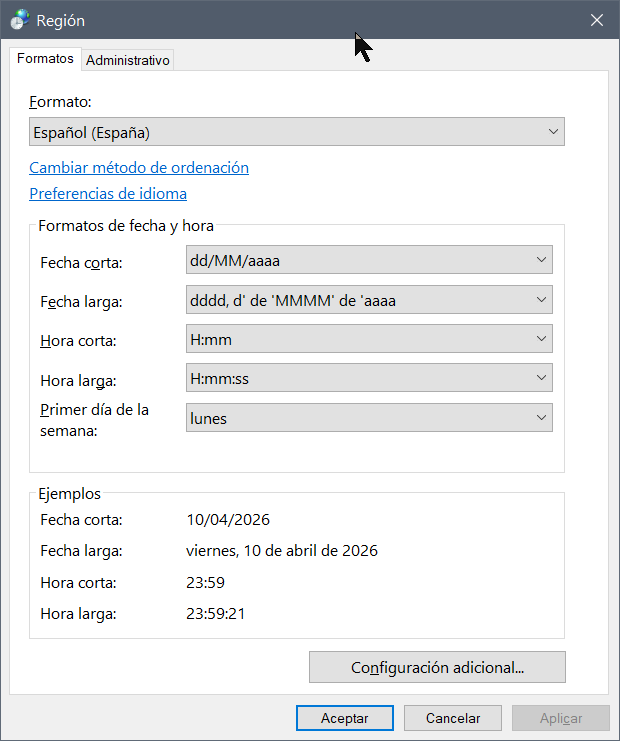
Regional config -> Español(España)
Opera versión:
- Opera for Windows
-
The "Select file" button is not displayed in full screen.General

It appears in reduced size, in windowed mode.


My display settings have Custom Scaling at 130%.

-
Form credit cards with colors invertedAppearance
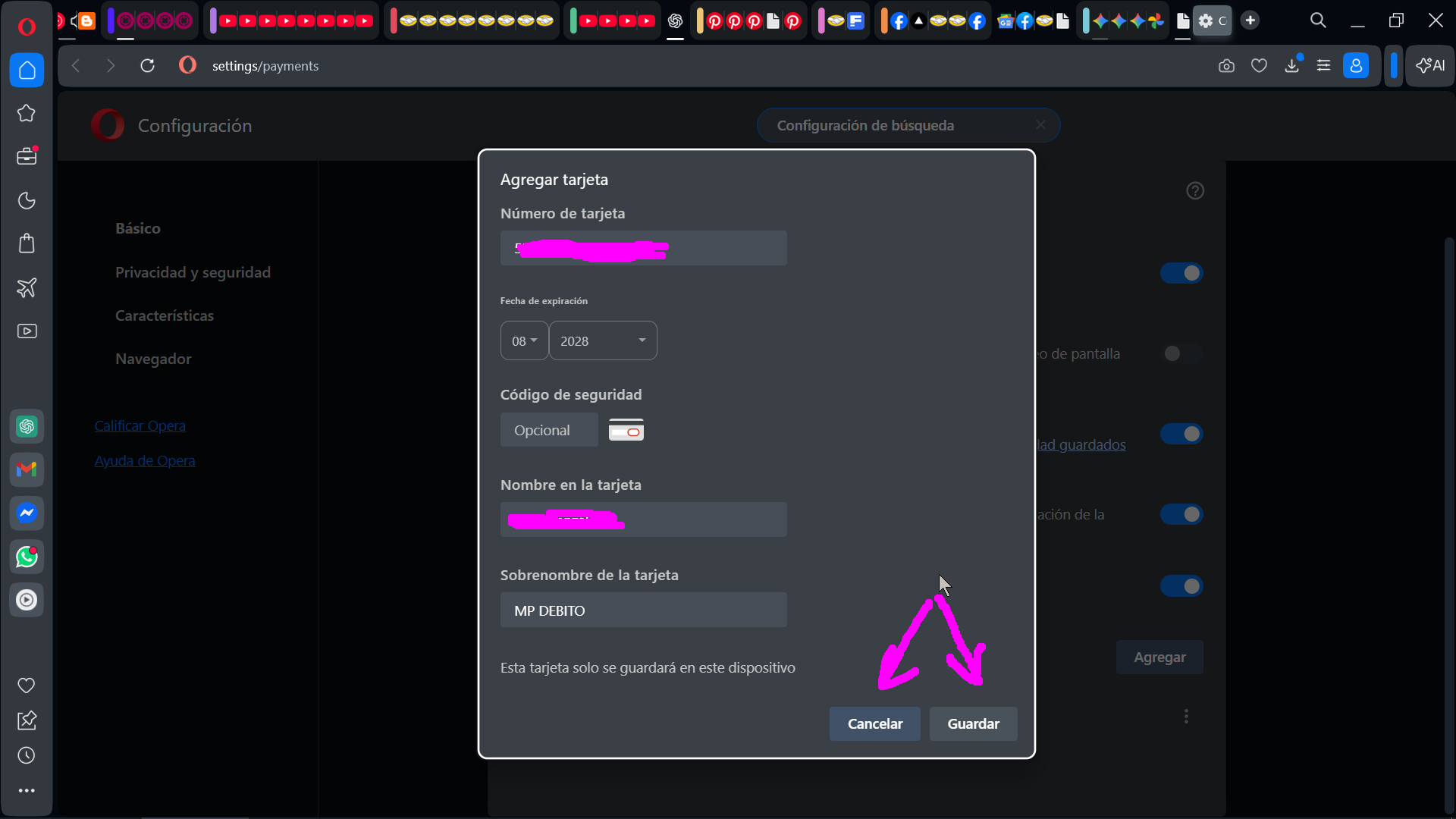
Form credit cards with colors inverted
Cancelar = Cancel
Guardar = Save - General
-
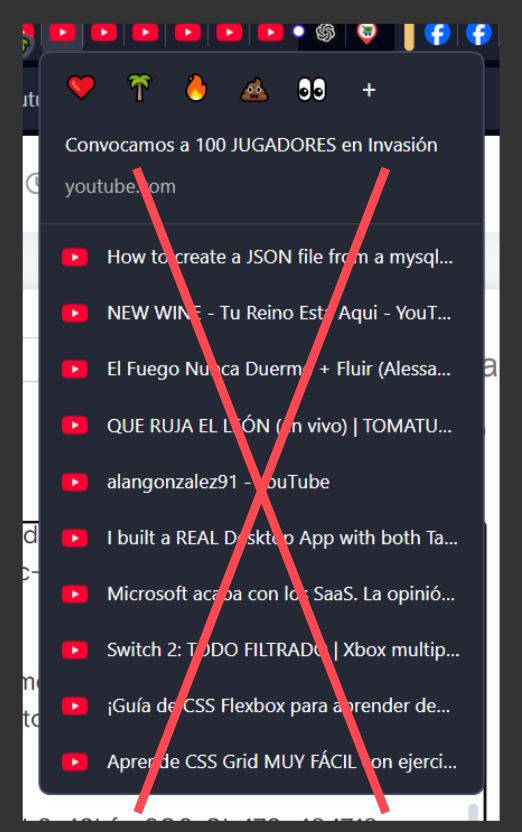
I can't close the tab because of the "related pages list"General
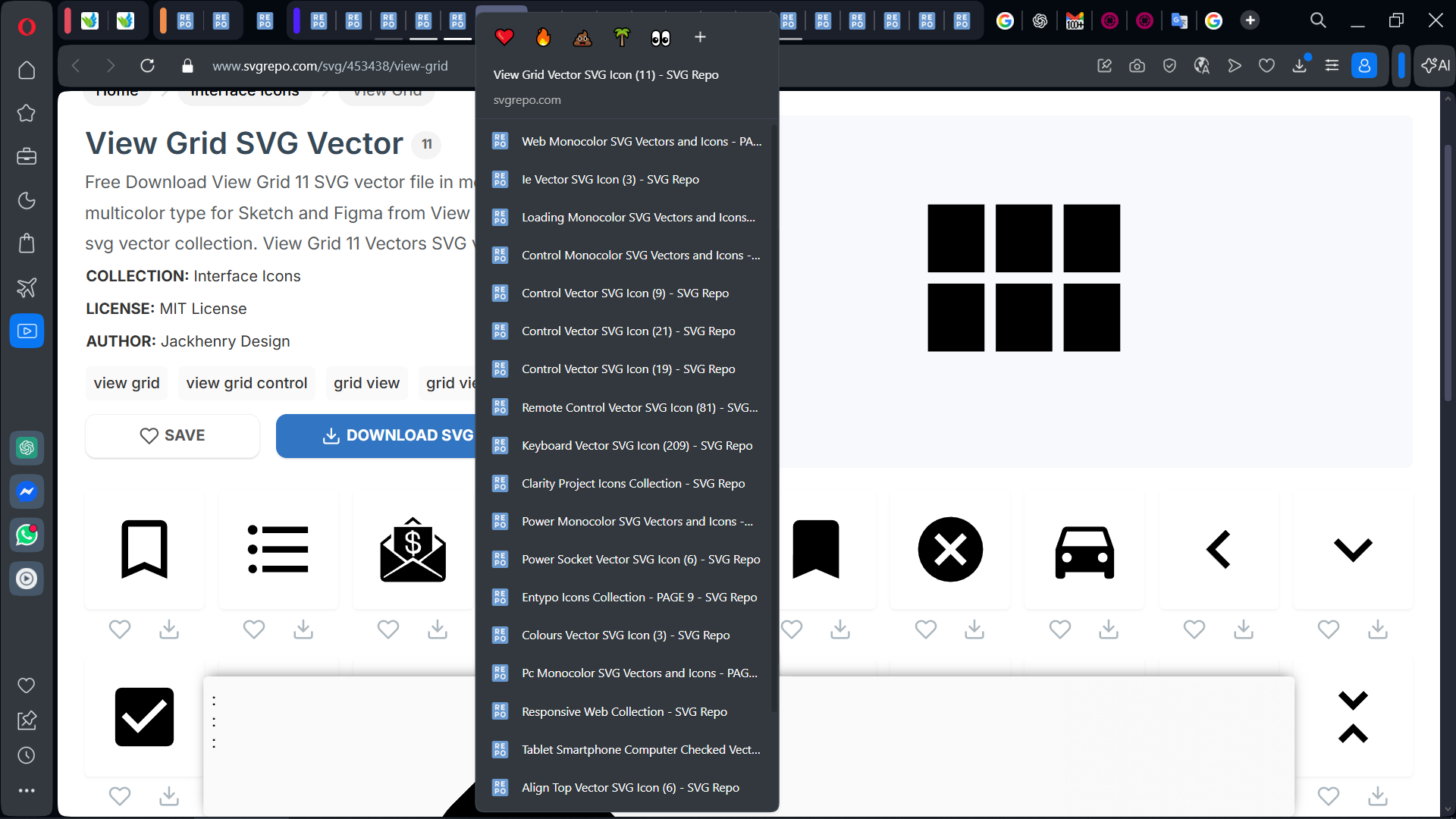
I can't close the tab because of the "related pages list"
Please remove this useless feature, or provide a way to disable it.
-
[Duplicated]RAM usage has increasedGeneral
Opera's performance has gone to hell 18.0.5461.104
Since the latest updates (I'm currently on 18.0.5461.104), RAM consumption has increased, with the same usual number of tabs incredibly filling up my 16GB of available RAM. YouTube tabs with 800MB down to 1.5GB of RAM each. Lag, and the CPU never stops without interacting with a page. I have to restart Opera often. It's as if the rollback of closed pages never closes. I've noticed that closing pages doesn't immediately free up RAM. They should add internally that when a tab exceeds 900MB, I should close it or restart the page, since the internal garbage collector doesn't seem to be working.
-
7 UX intelligence improvements that Opera needs to add nowSuggestions and feature requests
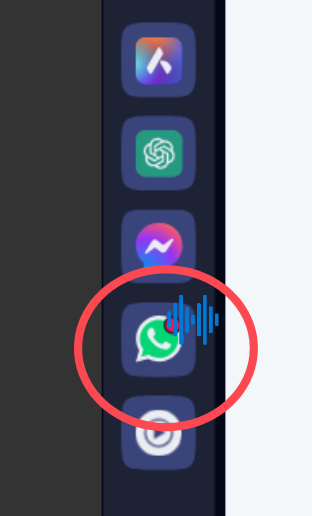
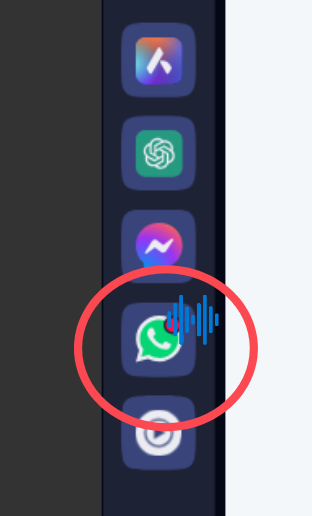
1: Allow listening to WhatsApp audio while browsing other pages, and automatically reduce the volume of other tabs to 10%
2; Button to quickly reopen the closed tab
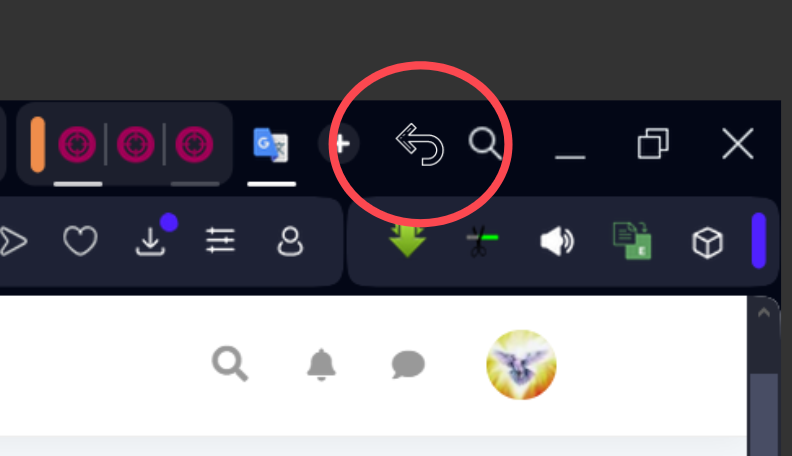
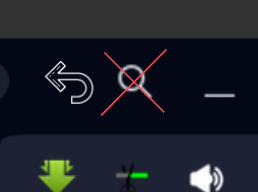
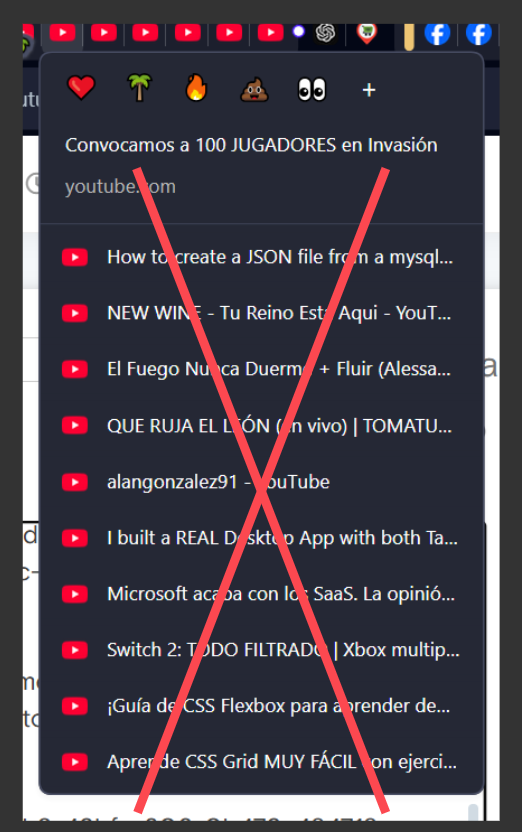
3. Remove elements due to lack of use such as the search button, or the stack of tabs of the same type.
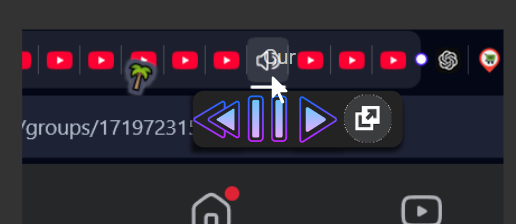
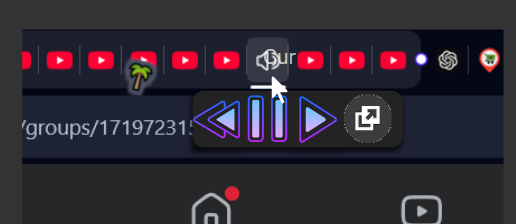
4. Add quick playback controls on YouTube and for other similar pages such as YouTube Music (some of us like to have open in tabs)
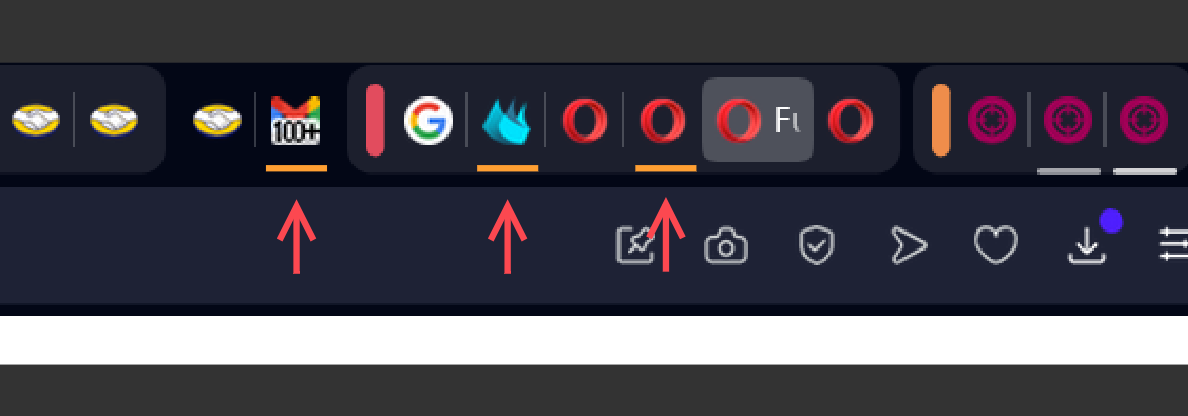
5. Add an orange indicator on tabs not yet open
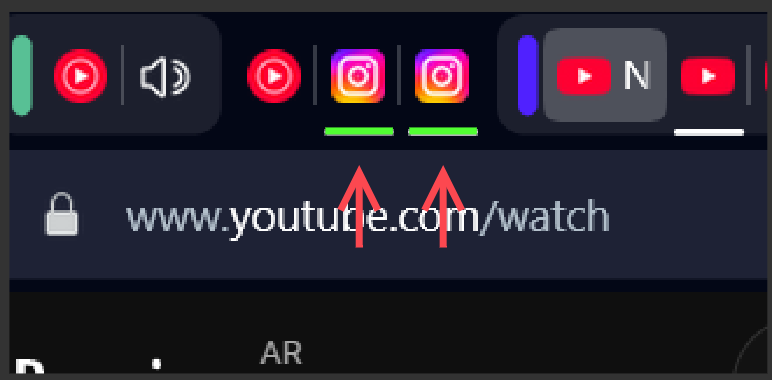
6. Add a green indicator for duplicate tabs
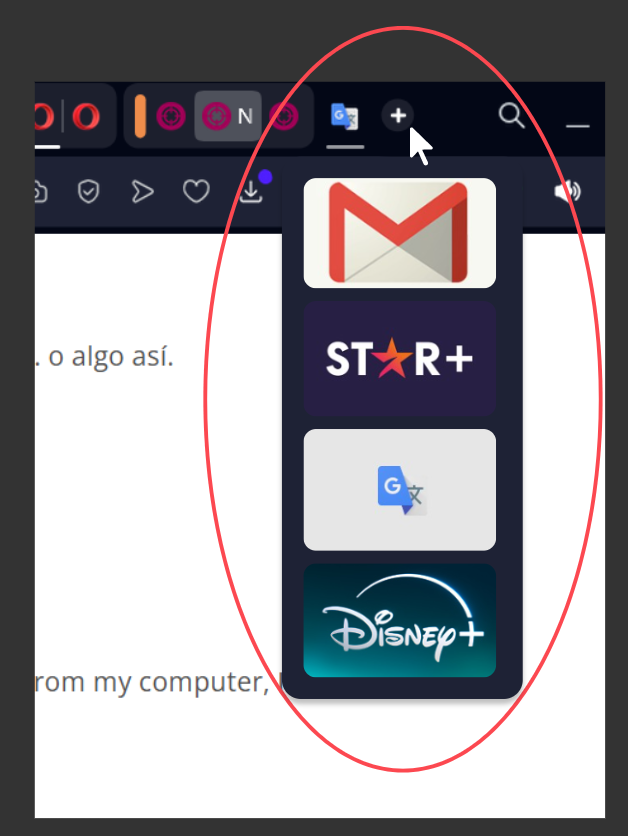
7 Have the + button display a list of pages recommended intelligently based on usage when hovering over it
//////////////////////////////////////////////////////////////////////
8 Prevent pages from detecting when the user stops viewing them Brave style, or suspend that feature, thus avoiding that when returning to Facebook or Instagram, they reload and the position of the feed is lost
//////////////////////////////////////////////////////////////////////Thank you very much Opera team, happy holidays! Greetings from Argentina!
-
7 UX intelligence improvements that Opera needs to add nowFuture releases
1: Allow listening to WhatsApp audio while browsing other pages, and automatically reduce the volume of other tabs to 10%
2; Button to quickly reopen the closed tab
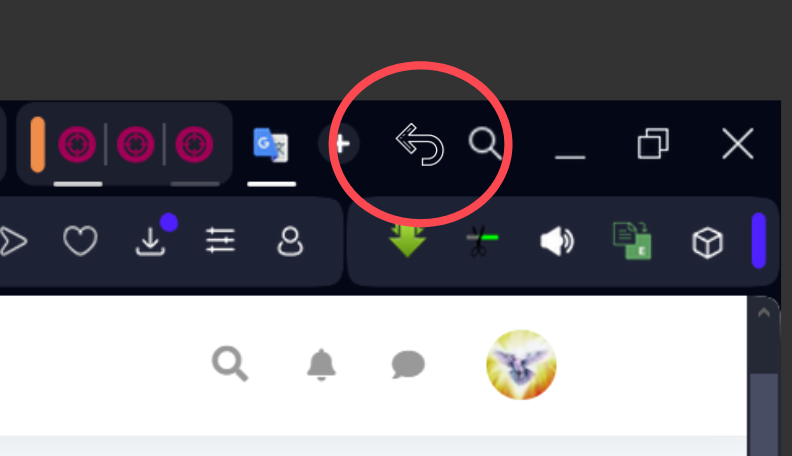
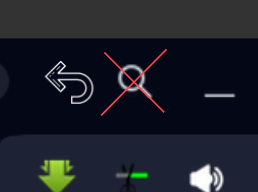
3. Remove elements due to lack of use such as the search button, or the stack of tabs of the same type.
4. Add quick playback controls on YouTube and for other similar pages such as YouTube Music (some of us like to have open in tabs)
5. Add an orange indicator on tabs not yet open
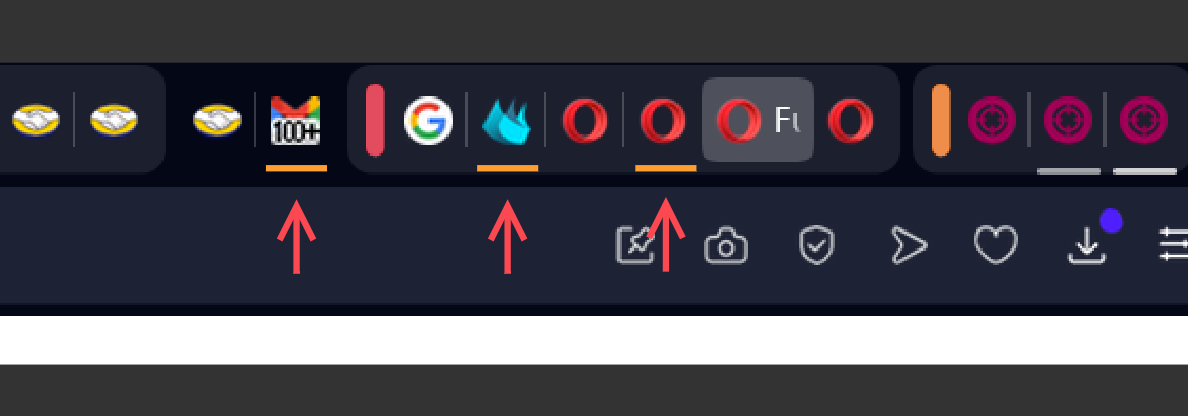
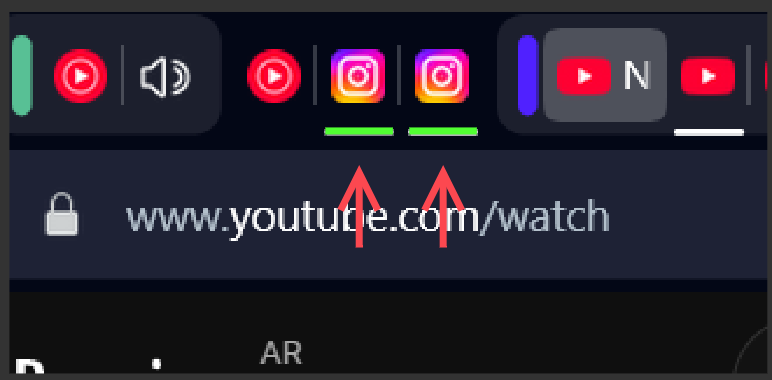
6. Add a green indicator for duplicate tabs
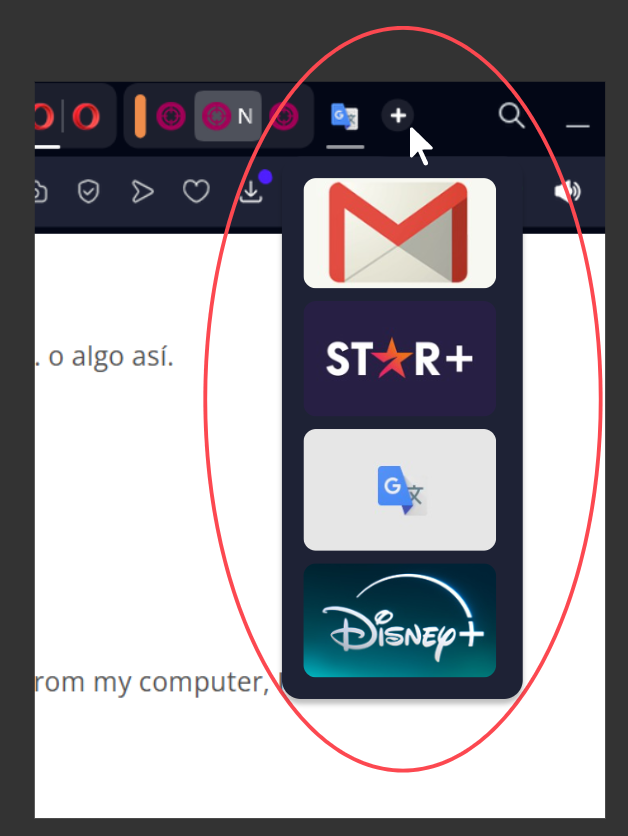
7 Have the + button display a list of pages recommended intelligently based on usage when hovering over it
//////////////////////////////////////////////////////////////////////
8 Prevent pages from detecting when the user stops viewing them Brave style, or suspend that feature, thus avoiding that when returning to Facebook or Instagram, they reload and the position of the feed is lost
//////////////////////////////////////////////////////////////////////Thank you very much Opera team, happy holidays! Greetings from Argentina!
- Opera for Windows
-
RE: Opera cannot play videos on any site after the last update.Opera for Windows
@leocg I think the videos have something in common, that have ratings of viewers over 18 years of age, maybe this has some effect on the error.
Referred to the operating system, I think that is not the problem since in Google Chrome the videos are seen correctly, and it is used in the same webkit. In addition, it only happens in some videos since the last Opera update. I have been an Opera user since 2002 and it has never happened.
- Opera for Windows
-
RE: Opera cannot play videos on any site after the last update.Opera for Windows
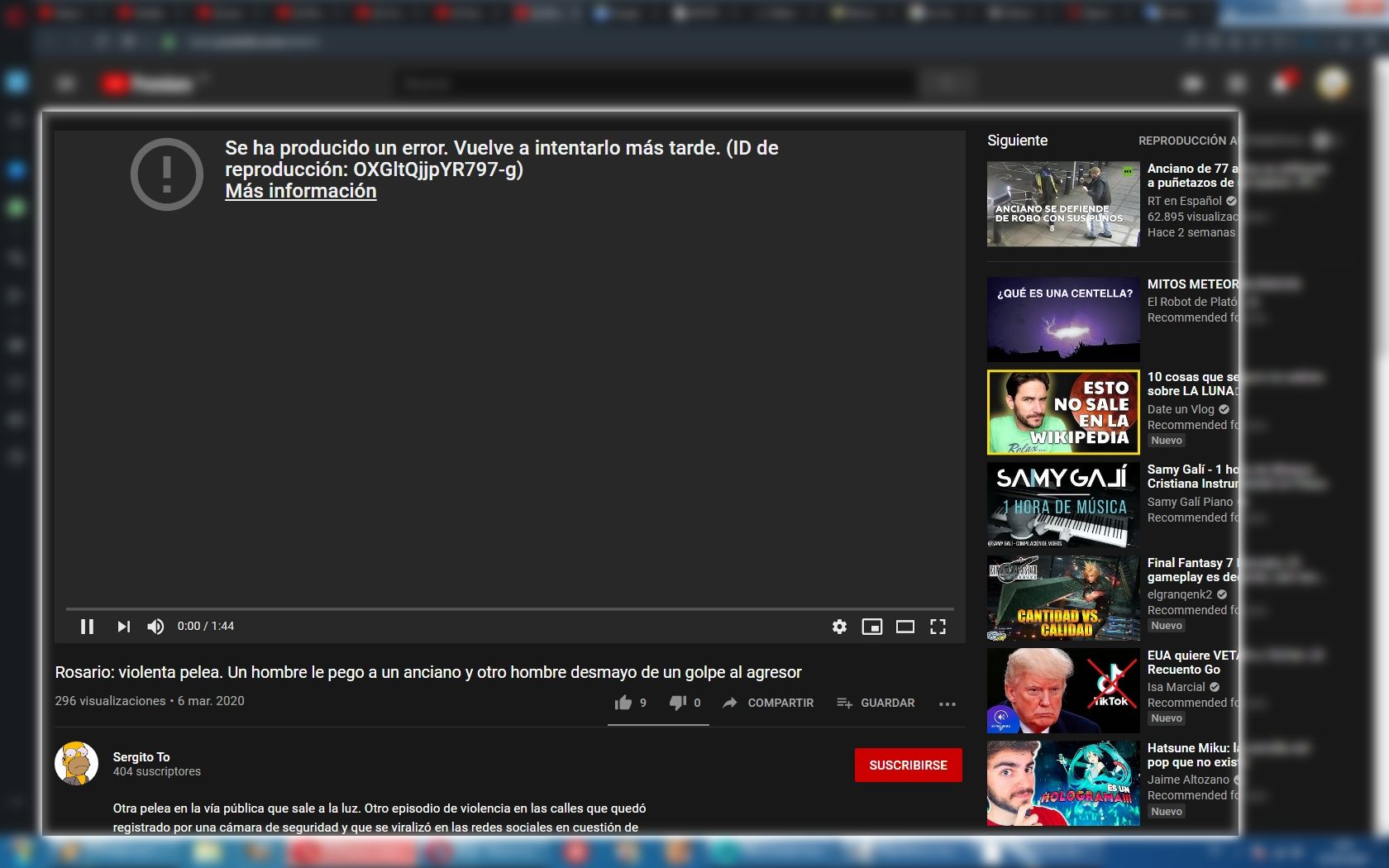
Problem when trying to watch some YouTube videos.
It does not open the video, it loads the buffer but when trying to play, the player fails.When you deactivate all extensions, the video does not play. The player fails.
When you open the video in incognito mode, the video does not play. The player fails.
When you activate Opera VPN, the video does not play. The player fails.In addition, the YouTube player issues an error report similar to this: An error has occurred. Try again later. (Playback ID: OXGltQjjpYR797-g)
More informationThis problem has started a couple of weeks ago, since the last update.
Opera version for Windows: 67.0.3575.53
I enclose an image and the link of one of the videos.
https://www.youtube.com/watch?v=GT8wxO-O3bE
https://www.youtube.com/watch?v=56pbpludqaE
https://www.youtube.com/watch?v=xljxu4FzNsE
https://www.youtube.com/watch?v=xQ61kYzbGtg
https://www.youtube.com/watch?v=-ktaoMAcjIY
Etc....In Google Chrome it works correctly.
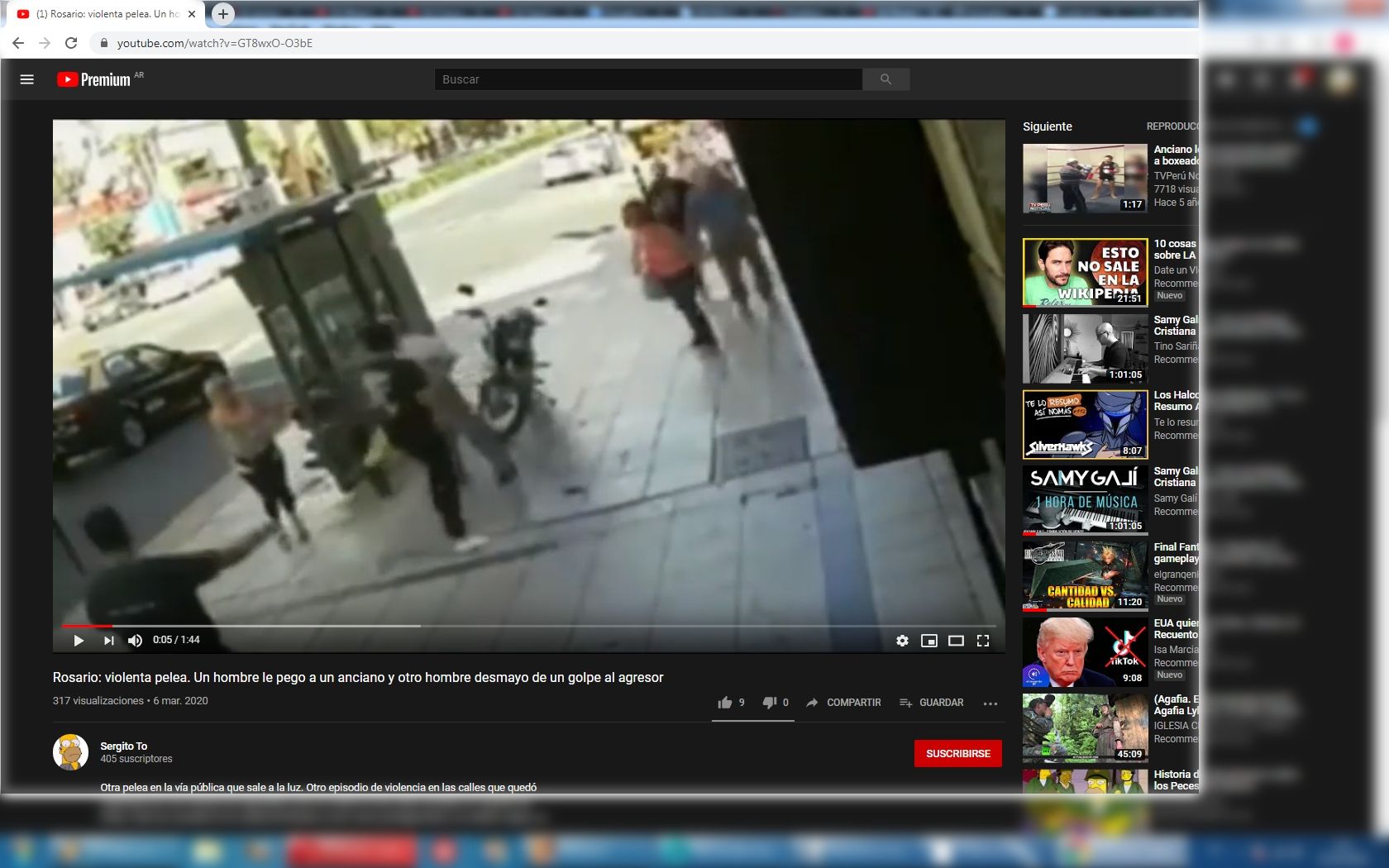
Greetings from Argentina. I'm new in the forum.
-
Don't remove focus when click on empty areaSuggestions and feature requests
When you click on the background image of the quick access, it removes the focus from the address bar or the search bar. It would be good if at the time of pressing on the background image of the quick access, it focused on the address bar or search. This would improve the user experience since many times by mistake the user clicks on the background image of the quick access and starts typing wanting to find something, to realize that he did not write anything.
Also, it would be good if you return to an empty or new tab, automatically focus on the address bar if it is not focused.
I am new to the forum ... Thank you very much
-
RE: Opera 66 initial release makes it easier to reopen closed tabs and to access extensionsBlogs
Hello, please could you add a minimum function that would make the use of the friendlier interface, which I will explain below:
- When you click on the background of the Quick Access screen, let it focus on the search box, since many times one unintentionally clicks on the Quick Access wallpaper and exits focus, and the user ( I) begins to write and then realizes that I did not write anything in the search, that would improve the experience of use. Thank you!