• Login
    • Search
    • Categories
    • Recent
    • Tags
    • Users
    • Groups
    • Rules
    • Help

    Do more on the web, with a fast and secure browser!

    Download Opera browser with:

    • built-in ad blocker
    • battery saver
    • free VPN
    Download Opera

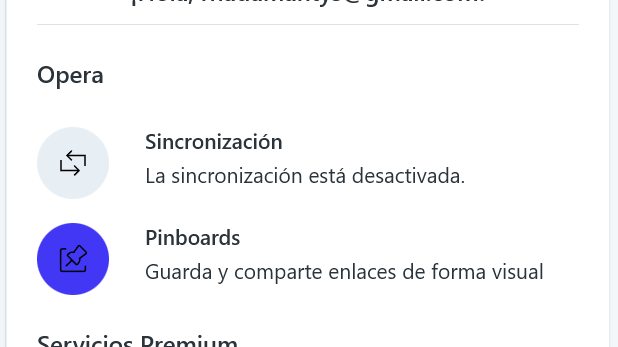
    Synchronization has encountered a problem

    Opera for Windows
    8
    13
    1529
    Loading More Posts
    • Oldest to Newest
    • Newest to Oldest
    • Most Votes
    Reply
    • Reply as topic
    Log in to reply
    This topic has been deleted. Only users with topic management privileges can see it.
    • leocg
      leocg Moderator Volunteer @LearnTheCube last edited by

      @LearnTheCube Did you try logging out and logging in again?

      Reply Quote 0
        1 Reply Last reply
      • A
        AntSpy last edited by

        Same issue here.

        Reply Quote 0
          1 Reply Last reply
        • burnout426
          burnout426 Volunteer last edited by

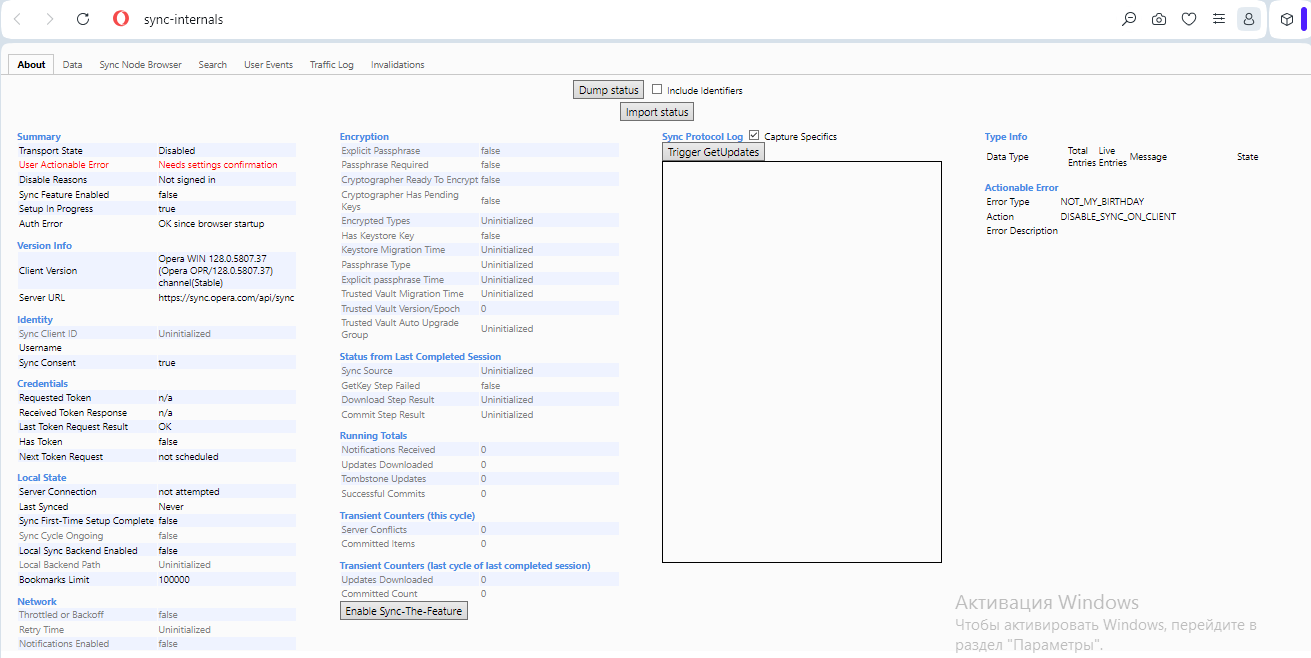
          If you goto the URL opera://sync-internals, does it give you more information about the error (after you start Sync and trigger get updates)?

          Reply Quote 0
            A 1 Reply Last reply
          • R
            Rhadazeroz last edited by

            same issues cannot sync and i logout and log in and in opera for windows desktop always say login to perfom sync but never sing in

            in opera mobile android the issue not appear
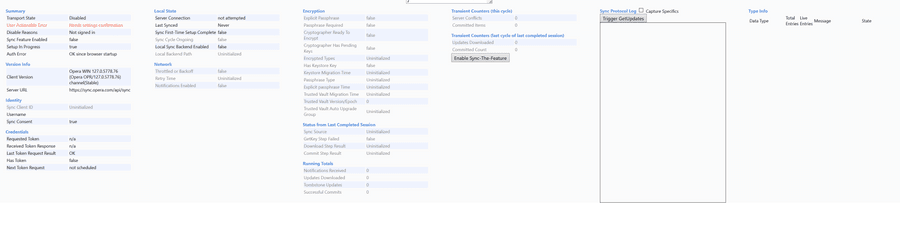
            2ebfc1af-86f9-40b9-801c-24e6f53ebf8c-image.png

            other image

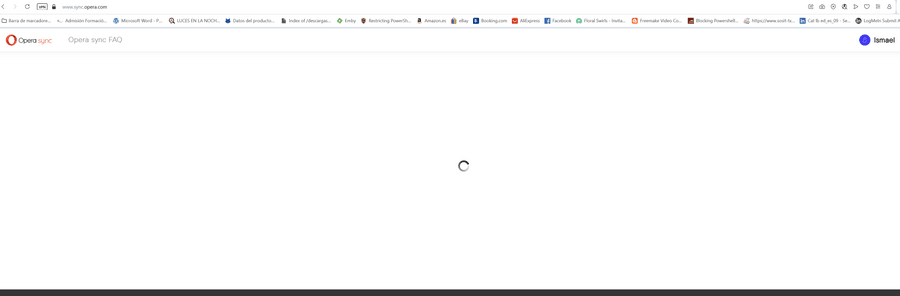
            opera version 127.0.5778.76 and if you go to web to tab sync always is like the image
            39ceaa34-c9a8-40c2-b255-7637e143bca5-image.png

            696abc13-8adf-426c-9c82-14b29d385db6-image.png

            I have two accounts and all the same issue

            Reply Quote 0
              1 Reply Last reply
            • R
              Rhadazeroz last edited by

              i have more screenshots to describe de error, appear cannot sing in into pc client
              ea4efeaa-b2ae-4bc2-8aaf-4daf5d538beb-image.png

              Reply Quote 0
                1 Reply Last reply
              • R
                Rhadazeroz last edited by

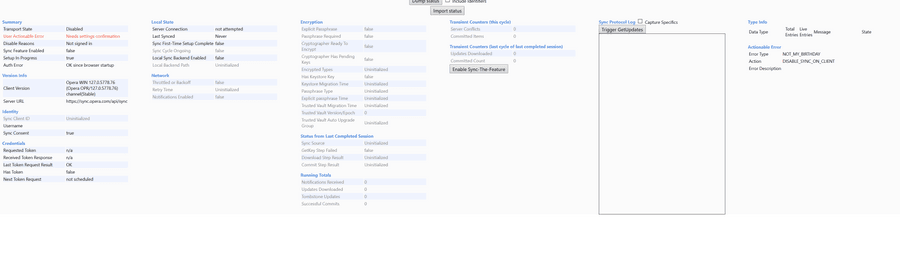
                more error I have using opera://sync-internals

                I triend to login into client and same error, but using web can log in but sync area still waiting circle....

                Summary
                Transport State Disabled
                User Actionable Error Needs settings confirmation

                Actionable Error
                Error Type NOT_MY_BIRTHDAY
                Action DISABLE_SYNC_ON_CLIENT
                Error Description

                I think the problem is the program opera cannot get the credentials and cannot sing in the account

                Reply Quote 0
                  1 Reply Last reply
                • K
                  Kon-Tiki last edited by

                  Same issue.

                  d08ac049-b098-4edf-b078-5f2020485887-image.png

                  If go to https://www.sync.opera.com there infinite circle after auth

                  Reply Quote 0
                    1 Reply Last reply
                  • A
                    AntSpy @burnout426 last edited by

                    @burnout426
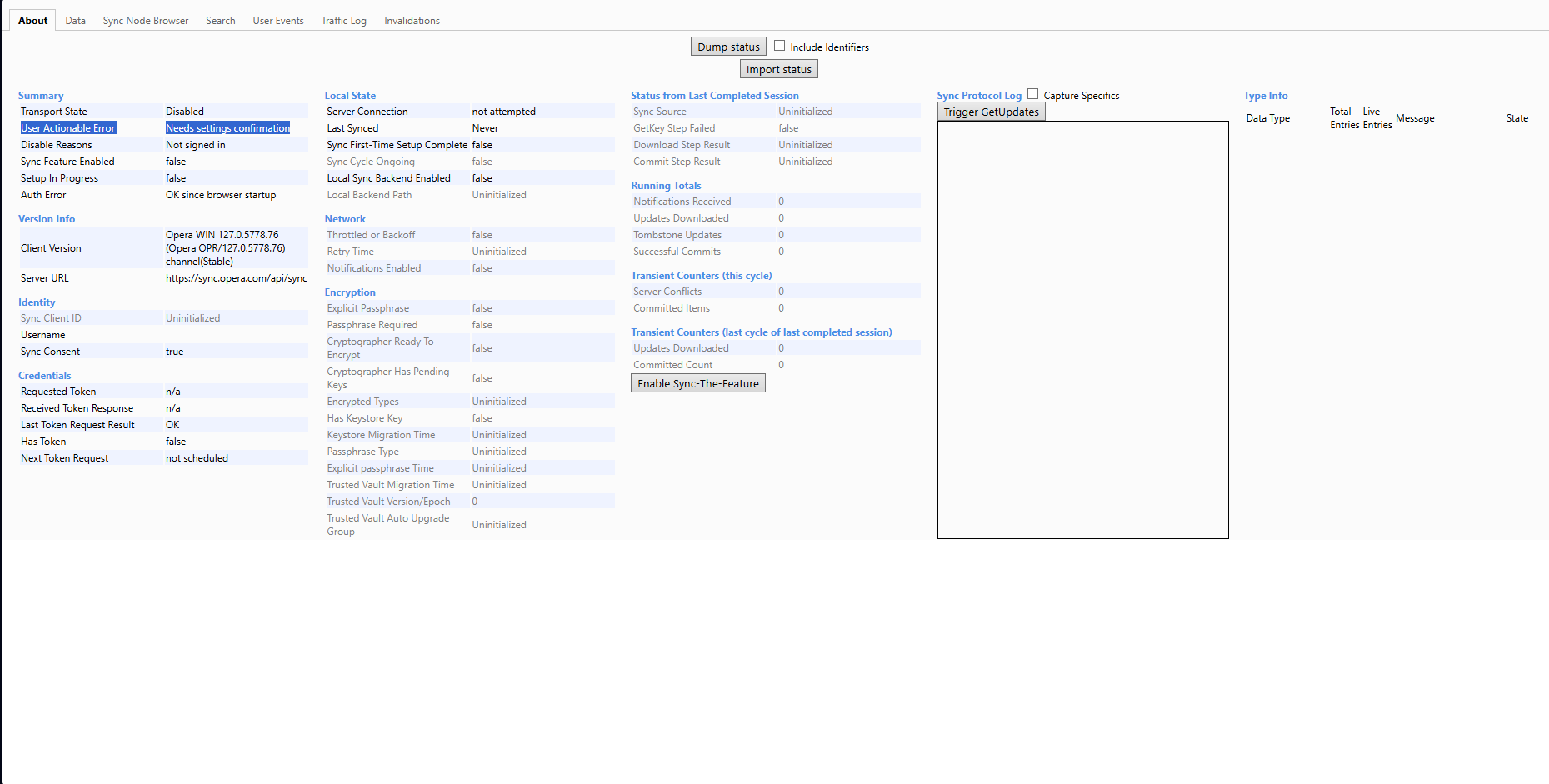
                    I'm with the same as the other guy
                    User Actionable Error Needs settings confirmation
                    f65cb0ee-5e98-4c42-b0dc-6c4cf2ca4234-image.png

                    Reply Quote 0
                      1 Reply Last reply
                    • leocg
                      leocg Moderator Volunteer last edited by

                      It should be working now

                      Reply Quote 0
                        1 Reply Last reply
                      • R
                        Reteipa last edited by

                        Trying for 45 minutes to sync between two laptops. Well, forget it. Simply doesn't work.
                        Using Opera for years now, just got a second laptop (lovely gift).
                        How easy would it be to sync between laptop A and laptop B (bookmarks only).
                        Takes for ever to figure out what a passphrase is. It only leads me to a video where a way to cheerful lady says: "Just log in and all devices have the same bookmarks". No it doesn't work like that.

                        So I used a USB stick to export all bookmarks, put it in laptop B, and imported it.
                        Took 10 seconds.

                        The only reason I'm sticking with Opera because I don't like Chrome.

                        Sync is a worthless feature.

                        Reply Quote 0
                          B 1 Reply Last reply
                        • B
                          beacon07 @Reteipa last edited by

                          @Reteipa Opera has never fixed synchronization lol. I stopped syncing 2 years ago because of the passphrase nonsense. Tried to sync again today to see if they fixed that bug and the answer is NO! 😂 They still need a passphrase I never set even though I am set to sync with google account and as mentioned above they'll randomly log you out of the account hence disrupting the synchronization ever so often.

                          Reply Quote 0
                            1 Reply Last reply
                          • First post
                            Last post

                          Computer browsers

                          • Opera for Windows
                          • Opera for Mac
                          • Opera for Linux
                          • Opera beta version
                          • Opera USB

                          Mobile browsers

                          • Opera for Android
                          • Opera Mini
                          • Opera Touch
                          • Opera for basic phones

                          • Add-ons
                          • Opera account
                          • Wallpapers
                          • Opera Ads

                          • Help & support
                          • Opera blogs
                          • Opera forums
                          • Dev.Opera

                          • Security
                          • Privacy
                          • Cookies Policy
                          • EULA
                          • Terms of Service

                          • About Opera
                          • Press info
                          • Jobs
                          • Investors
                          • Become a partner
                          • Contact us

                          Follow Opera

                          • Opera - Facebook
                          • Opera - Twitter
                          • Opera - YouTube
                          • Opera - LinkedIn
                          • Opera - Instagram

                          © Opera Software 1995-