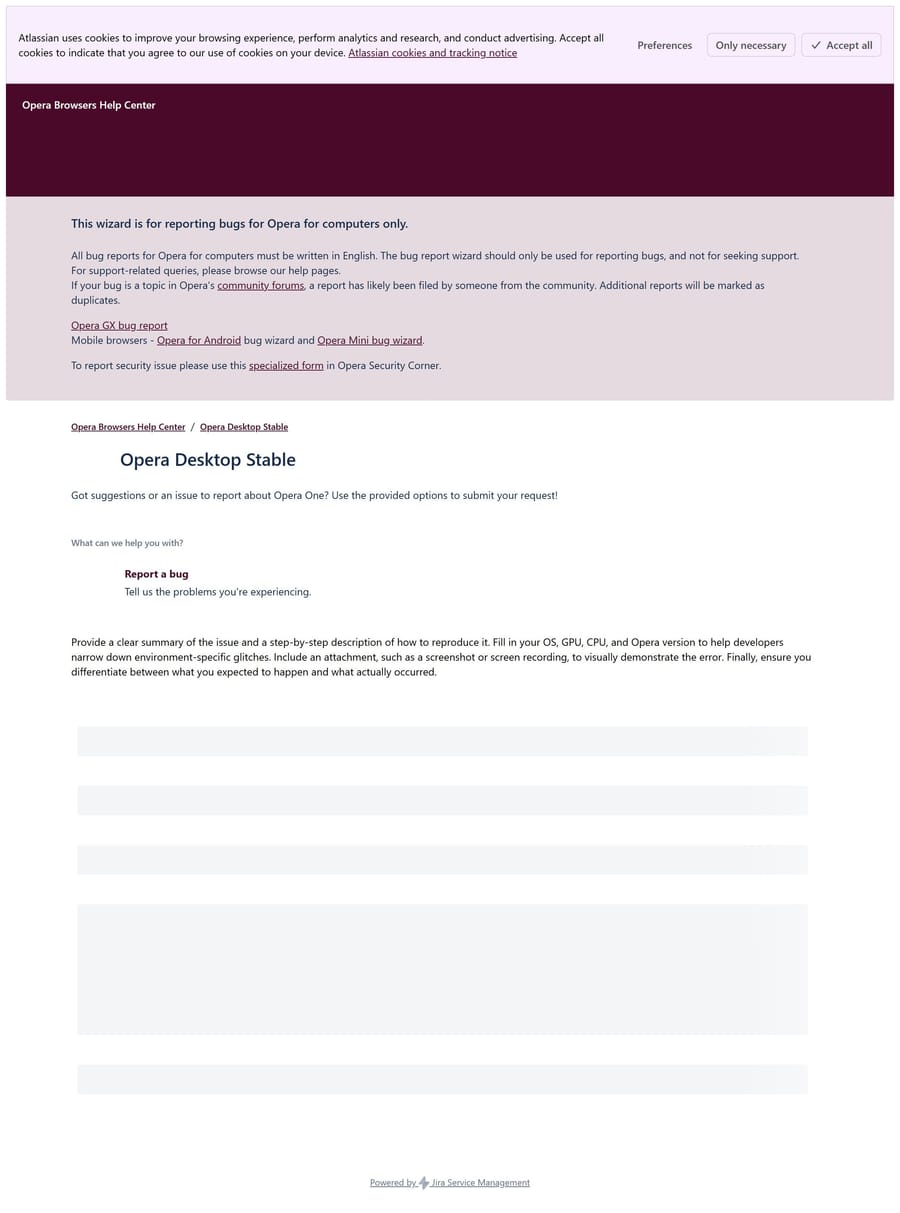
Opera "Report an issue" does not work
-
ajmjanssen48 last edited by
When "Substack" was not working anymore, I tried to mention a bug via "report an issue", but there all is not working either.
-

-
ajmjanssen48 last edited by
@leocg The content was constantly circling around (the report an issue page, of Opera itself) and the website Substack and was a complete mess. YouTube: an empty page. Google browser did not offer any problem, so the issue was an Opera issue.
It is back in the meantime. -
-
leocg Moderator Volunteer last edited by
@larsnagel It's working here. Try disabling Acceptable Ads on Ad Blocker settings. Also try cleaning the cache.
-
theoneandonlystevie 0 last edited by
@ajmjanssen48 Same here. Yesterday Opera wasn't working properly when other browsers were. But things seem to be back to normal now.
-
ajmjanssen48 last edited by
@leocg Are you joking? When a page does not load, or not loads well, the working of the loading shows as circling. Cannot explain further.
-
ajmjanssen48 last edited by
@leocg Since all worked after a while, and instead using Google, I do not believe this is the cause. Opera should answer here, because in my opinion this happened because Opera is in a constant fight against Google YouTube, to avoid advertisements. This is of course not acceptable for Google and like in the world happens: when there is an enemy, they attack.
I get already for a while, very frequently messages from Opera, that they updated YouTube on the background. It is now more than 24 hours later and there was no further interruption. So, it was, I am certain, a battle created by Google, against Opera. And Opera, if you read this, you should answer here yourself, be transparent about the why YouTube is so often updated on the background, and if this has to do with what I experienced, that suddenly you were too late to update and tsjakkaaa, hacked. By Google.
-
leocg Moderator Volunteer last edited by
@ajmjanssen48 I was talking about the Report an Issue page, what is the subject of this topic. Other issues should be discussed on their own topics.
Also, it's known that Acceptable Ads were causing issues on several pages recently.
-
Eremite270 last edited by
@leocg
I have also been facing this same issue with the majority of the websites I visit, with the exception of Google and YouTube.I tried contacting Opera about the issue, but I couldn't find any proper email address. The only email address I had was the one from which I was contacted regarding a bug I had previously reported
Since the same issue was also occurring on your "Report a Bug" page, I ended up emailing that address about it. It has now been four days, and I still haven't received any response.
I was seriously considering leaving Opera, but thankfully I found this post, and disabling "Acceptable Ads" actually fixed the problem for me. However, I have to say that Opera's customer support has been extremely disappointing.
The bug I reported two weeks ago still hasn't been fixed. I was told that the fix would be available by the end of the week, but there has still been no update. The bugs are BUG-28294 and BUG-28293.
What I don't understand is why, if "Acceptable Ads" has been causing such widespread problems for the past week, it wasn't disabled temporarily for everyone, or at the very least, why wasn't a notification or message provided to users explaining the issue and the workaround?
I literally had no way of contacting Opera about this. I had to spend nearly a week searching for a solution before I eventually came across these forums.
Opera is otherwise a browser I genuinely like using, which makes this situation even more frustrating. But when a widespread issue affects basic website functionality, users should not have to spend a week searching through forums just to discover a workaround, especially when there is seemingly no accessible way to contact support.
-
ThomasMonie Banned last edited by
@ajmjanssen48 said in Opera "Report an issue" does not work:
When "Substack" was not working anymore, I tried to mention a bug via "report an issue", but there all is not working either.
It sounds like the Report an Issue page itself may have been affected by the same browser or ad-blocking problems. Since the issue eventually disappeared, I’d probably try disabling Acceptable Ads and clearing the cache first. It would also be useful if Opera could provide a more reliable way to report problems when the browser itself is having trouble loading pages.