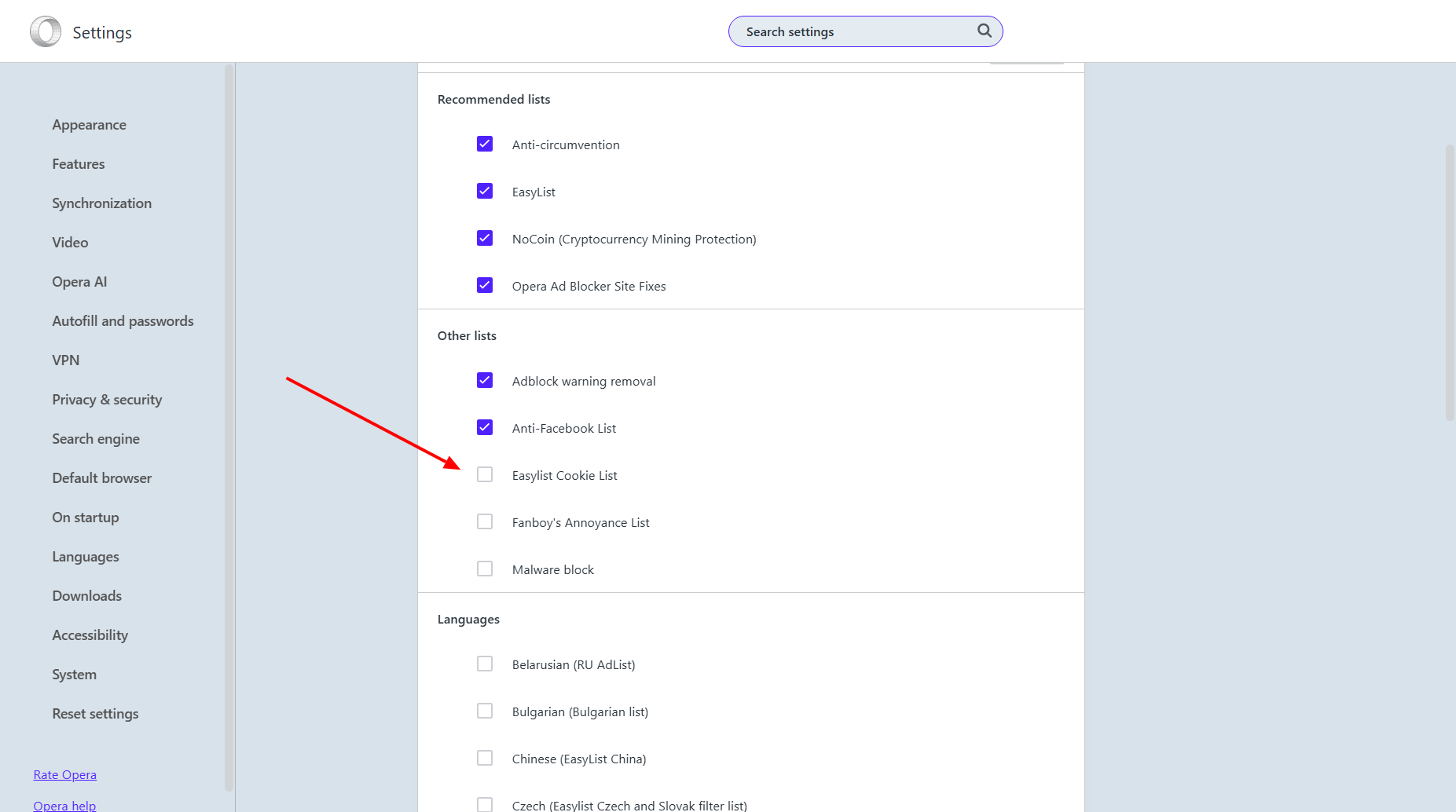
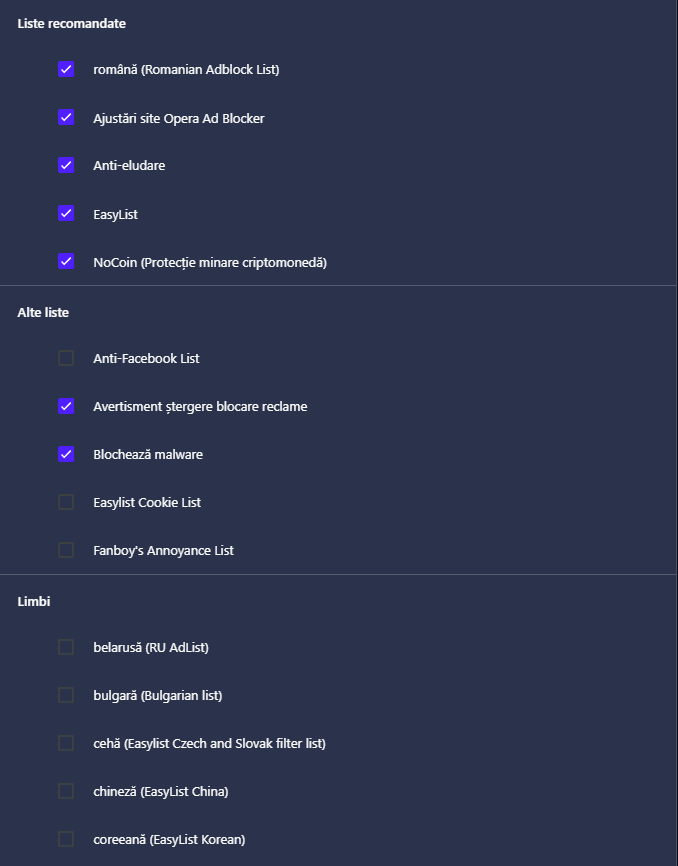
mp4 videos not showing on page after recent updates
-
burnout426 Volunteer last edited by burnout426
Not having any issues with videos playing on the site with or without Opera's adblocker in Opera 128.0.5807.77 on Windows 11 23H2 for what it's worth.
-
 Mlipka last edited by
@misterrr I'm glad the issue doesn't exist in version 127.
The problematic version 128 was available only for a few days. We can't simply force users to roll back by having them reinstall it.
If you download Opera today, it will be version 127.Thanks to everyone for all the details and for investigating together

-
misterrr last edited by
@burnout426 Yes, but I think that in order to be able to play the videos with adblocker on, you have to add the site to exceptions. In Opera 127 that was not necessary.
-
burnout426 Volunteer last edited by
@misterrr I didn't have to in 128.0.5807.77 for what it's worth.
-
misterrr last edited by
@burnout426 So, to summarize, until now we have three behaviours in Opera 128:
- @leocg: with ad blocker on: video doesn't even show, its space is blank. With ad blocker off, I got a Media Element Error: Format Error message
- @burnout426: video ok / no error
- @misterrr: with adblocker on (and no site added to exceptions): instead of video I get a black frame with no video / with adblocker off (or site added to exceptions): I get no error, the video plays but with unwanted behaviour
Strange...
-
A Former User last edited by
Are these issues are related in a way, as they're affecting something in the resolving of DNS?

https://forums.opera.com/topic/88188/opera-seems-to-break-my-internet
These problems also only appeared with version 128, making it nearly unusable for me. -
Mlipka last edited by
I can't cofirm if issues are connected but highly recommend switching to 127.
128 has been withdrawn.
If you download fresh installer, it will update to 127.
-
Referenced by
-
Mlipka last edited by
Ok, we got into little version chaos, let me clarify.
-
Problematic 128 was released at the beginning of the march, it was withdrawn after a day but some people got it.
-
During the rest of the March there were several new versions of 128 with fixes. Latest this Friday (13.03.2026).
-
Yesterday (18.03.2026), we release version 129.

Apologies for confusion.
Anyway, please update browser manually to 129, if it didn't automatically yet, and check reported issues.
-
-
misterrr last edited by
@Mlipka Just updated to the new version:
From:
Versiune Opera One: 128.0.5807.77
Versiune Chromium: 144.0.7559.173To:
Versiune Opera One: 129.0.5823.15
Versiune Chromium: 145.0.7632.117Unfortunately nothing changed. The problem is still here: black screen instead of video (with adblocker enabled) and unwanted behaviour (with adblocker enabled and site added to exceptions).
I think this 129 version should also be withdrawn as soon as possible to avoid spreading and replaced with 127 working version., until the problems will be solved.
-
-
Mlipka last edited by
We struggle to reproduce this problem.
Can you make sure you don't have any other AdBlocker that might we still working?What could help us is a screenshot of DevTools when you try to load the videos.
-
misterrr last edited by
@Mlipka No, I don't have any other AdBlocker (excepting Opera AdBlocker).
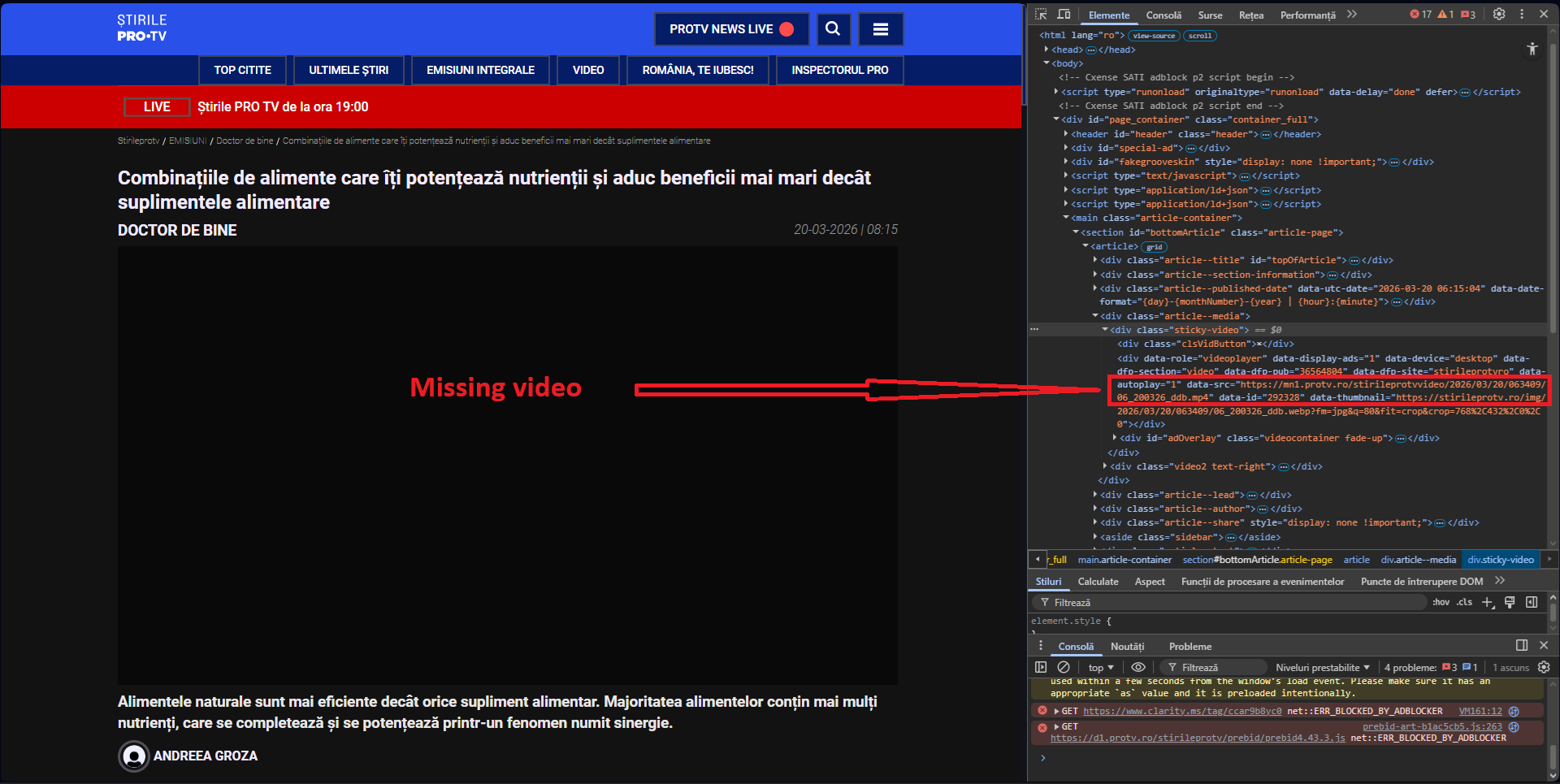
Console with adblocker on and no exceptions added (video does not load):
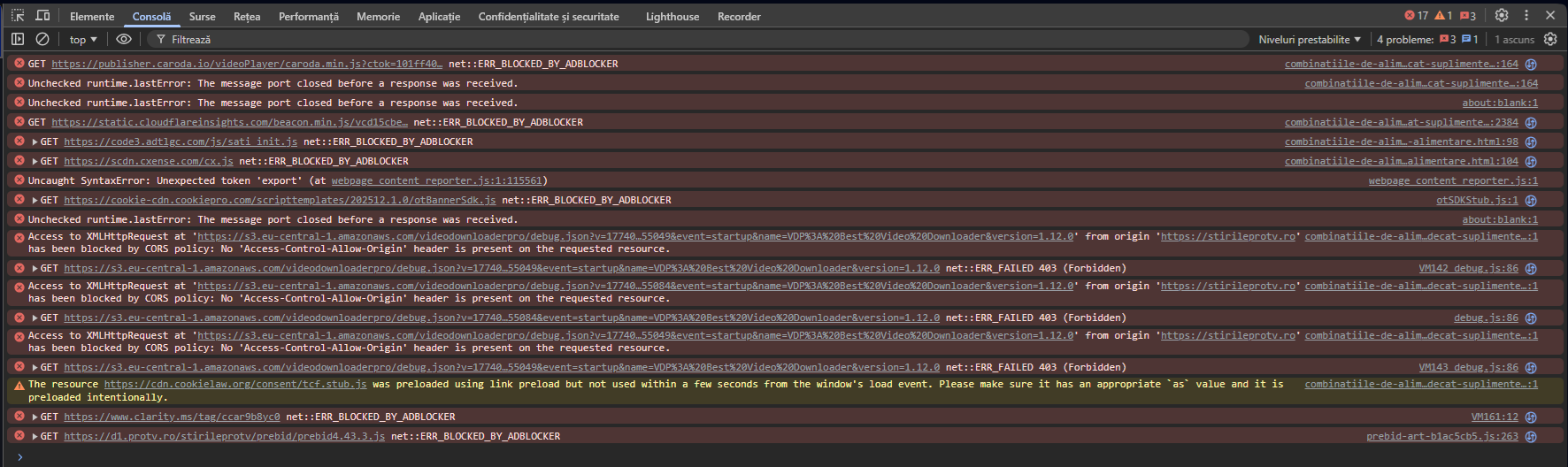
Console with adblocker on and website added to exceptions (video is loaded):
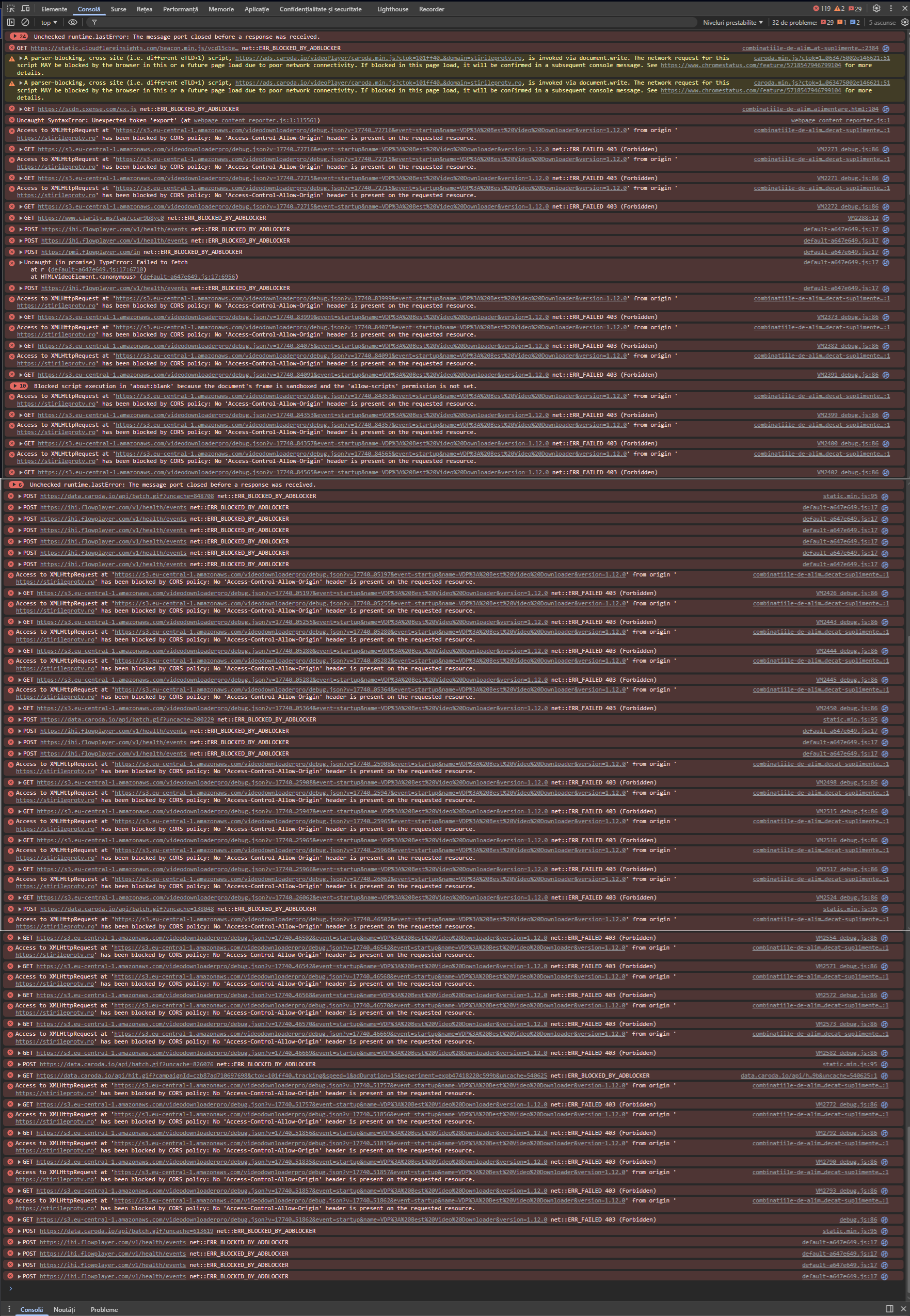
I see that I can't attach har file (for network) or console log file.
-
-
misterrr last edited by
Just updated to the new version:
From:
Versiune Opera One: 129.0.5823.15
Versiune Chromium: 145.0.7632.117To:
Versiune Opera One: 129.0.5823.28
Versiune Chromium: 145.0.7632.117Unfortunately nothing changed. The problem is still here: black screen instead of video (with adblocker enabled) and unwanted behaviour (with adblocker enabled and site added to exceptions).
I don't understand why non-working versions are published, instead of maintaining in place the last 127 working version, until the problems will be solved.