[Solved] Problem with WhatsApp from the sidebar
-

-
A Former User last edited by A Former User
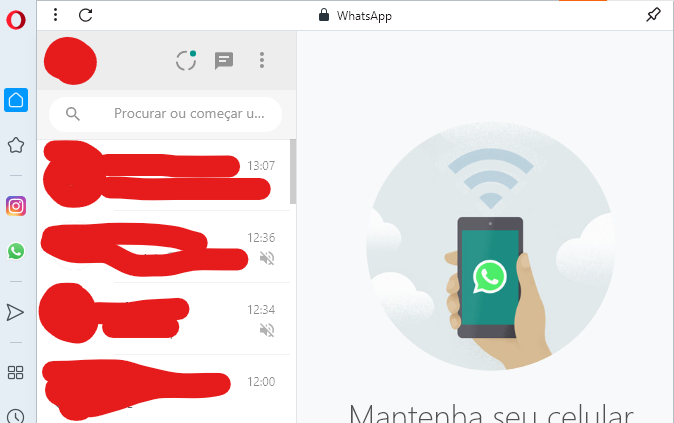
As I showed in the second print, in the normal tab I disabled the dark theme in the WhatsApp settings. I found out now that if I put my Opera white, it works.
-
-
A Former User last edited by A Former User
@leocg ah, actually i just showed that the normal tab was white and the dark sidebar. But here it is:
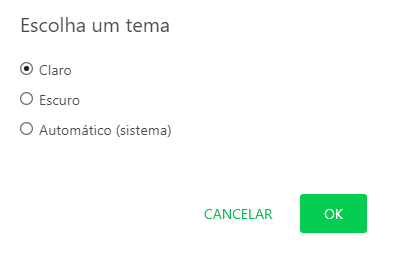
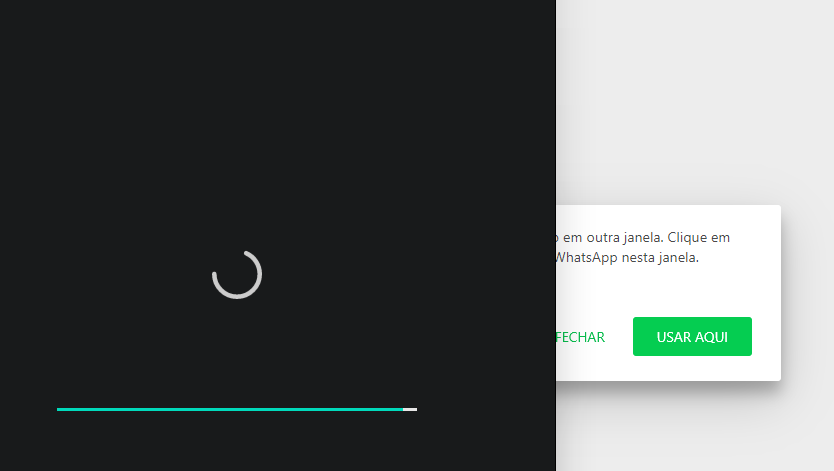
Even entering another normal tab, it remains white so it does not restore to "automatic", but in the side menu, even after the refresh it remains dark.
-
-
A Former User last edited by
Yes, but is there any way to fix this? I have no problem with the dark mode, but in the sidebar it just stopped working, except when I load WhatsApp in white with Opera white and then switch to dark.
-
spborges74 last edited by
@enzon19 I got the same problem since yesterday; I had to turn off Opera's dark mode so I could see whatapp and messenger too

-
A Former User last edited by
@spborges74 My solution for now is to enable the addition of custom web pages to the sidebar.
- Open opera://flags/#sidebar-site-panel
- Click in "Default [D]"
- Select "Enable"
- Click in "Relaunch"
- Click in "..." on the sidebar
- On top of Settings, it will look like a new option where you can place the sites you want in the sidebar.
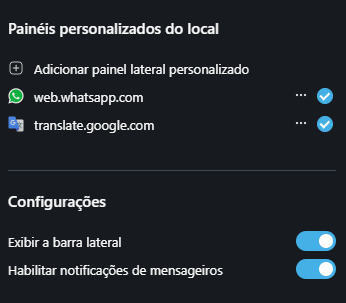
- Add "web.whatsapp.com"
-
A Former User last edited by
@spborges74 De nada! You are welcome!

It is not the best solution because it ends up separating itself from the other messengers and the screen is kind of cut off, but it breaks the branch. -
A Former User last edited by
For me the problem was fixed without having to do anything. Topic closed.

 Thank you! Greetings from Portugal