@abitkulova Attention Dev Team: the transition is failing users due to software issues. There has been no support on this topic from the company. I have had to resort to dedicating many hours to research troubleshooting despite no training.
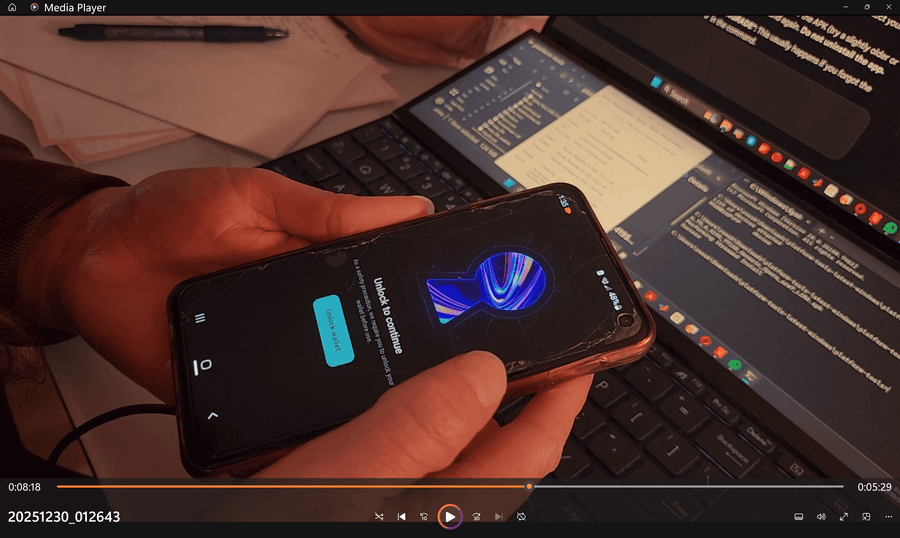
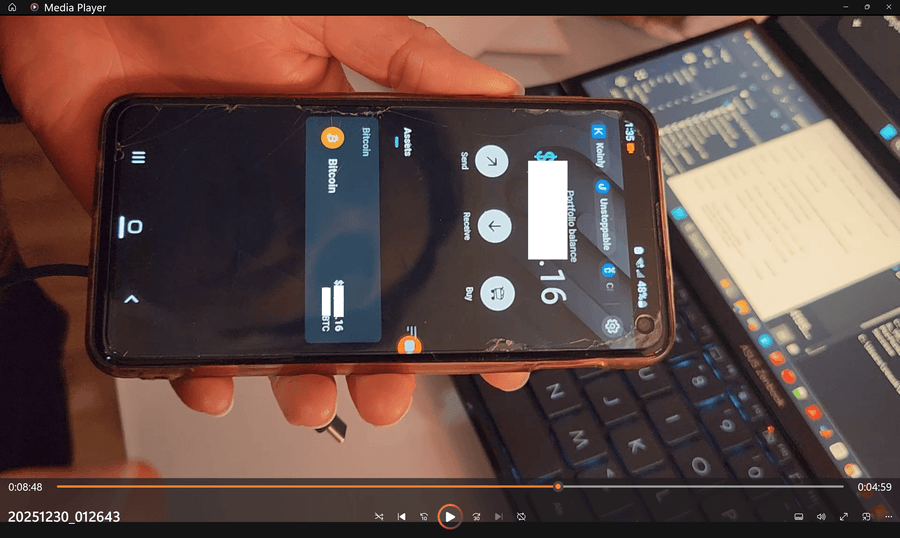
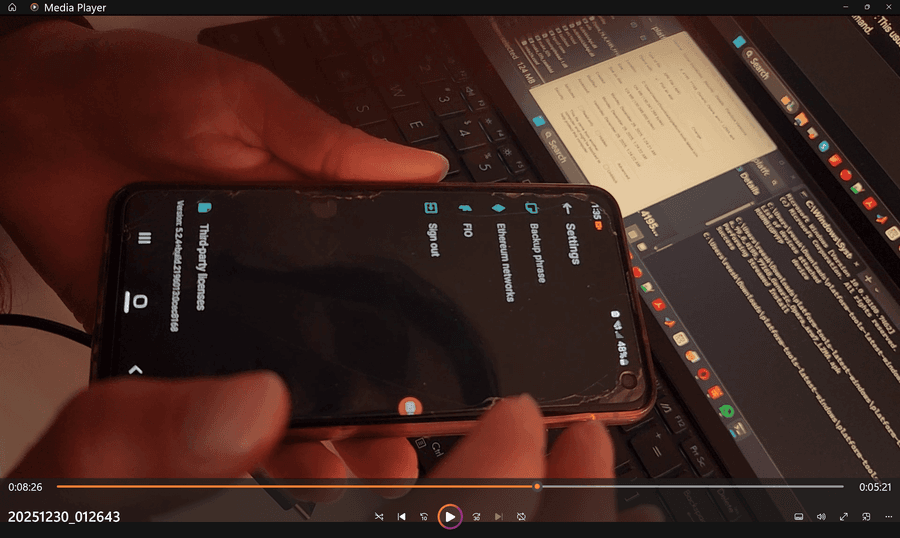
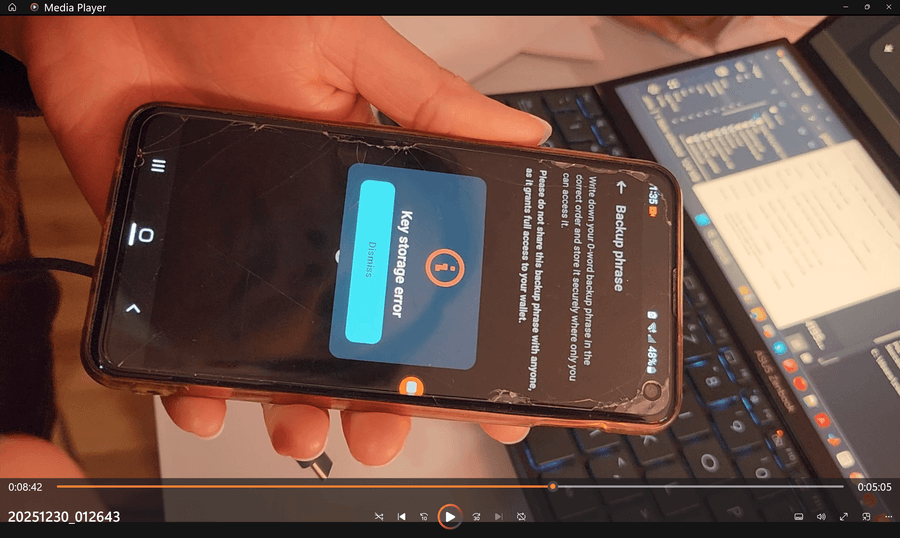
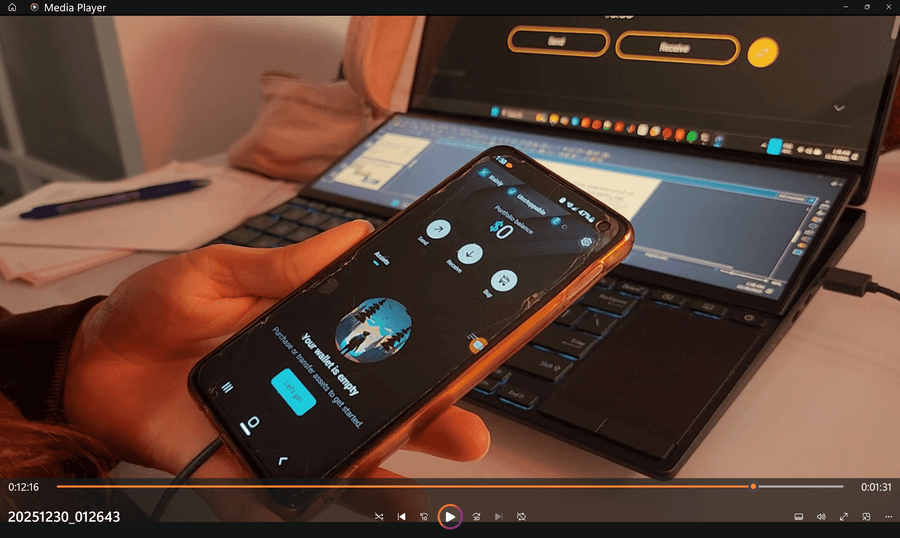
This actually appears to be a software-induced lockout on my Samsung, Android 12, running version 90.5 at the time initially. I checked my Knox security status tripping and it is 0x0, meaning untripped. I was able to do an APK mirror via adb while preserving app data (not overwriting the app or uninstalling it). Trying different versions, I am able to get into the wallet via lockscreen pattern consistently meaning the keys are not invalidated as presumed. However, the wallet is showing a "key storage error" message and a "0-word backup phrase" being mentioned. The first downgrade resulted in a view of my funds in the wallet, and these error messages were only tripped when navigating to the settings to access the backup phrase (that was never initially revealed). Then the funds suddenly showed $0, which is false as they still show up on the blockchain address.
Trying various versions the key storage error persists. This indicates rather a binding conflict between 90.5 and legacy builds.
This technical defect prevents the extraction of recovery phrases, effectively "orphaning" user assets. This is an issue on Opera's software side and not my Android. I demand immediate technical remediation or a "Recovery Build" to bypass this conflict. The lack of an exit strategy counteracts acting in the best interest of the provider's clients.
Posts made by reesjank
-
RE: How to migrate your Opera Crypto Wallet on DesktopBlogs
-
RE: How to migrate your Opera Crypto Wallet on DesktopBlogs
@abitkulova Hi there!
I'm still confused on what happened and why I cannot access my backup phrase. No such error has happened before with my browser. Is this something Opera encountered in user testing?As I was viewing the backup phrase for the first time on what the next screen should have shown, I don't know why it wasn't authenticated (I was still logged in, and used my passkey to open up the wallet icon as usual just before).
According to the research I carried out, the key is stored somewhere on the device, correct?
Has there been attempts by the development team at trying to reinstate the button in any scenario where this has occurred, as well as the connection between the button and the keystore app?And why does Opera have no safeguards against this kind of error? It is preventing me directly from accessing my money and Opera's wallet service.
I appreciate your assistance in carefully disentangling this situation and identifying a technical solution.
-
RE: How to migrate your Opera Crypto Wallet on DesktopBlogs
@abitkulova Hi!
Thank you for taking the time to reply.
I'm not understanding what happened with this "key storage error" that you say prevented access to viewing my backup phrase. I followed the instructions to view the phrase as in the blog post above, and the Opera app should still be supporting the wallet. It sounds like something that shouldn't have happened, right?
Also, what about the workarounds above, for instance installing an old version like Opera 79 you mentioned and then accessing the interface via APK mirroring? Why should this not access the key if it is still stored on my device? -
RE: How to migrate your Opera Crypto Wallet on DesktopBlogs
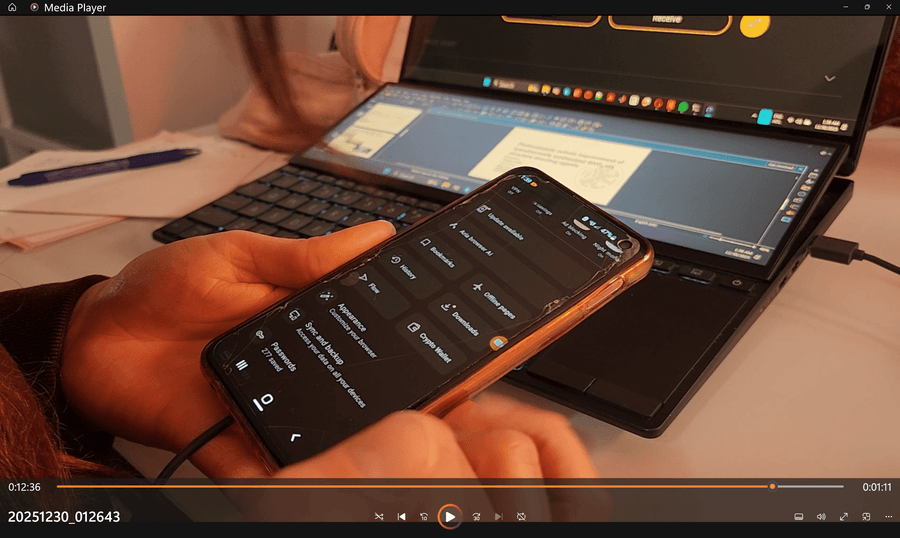
@krzy19 Also, I have been researching on the internet and also talking to experts working in the crypto field. I've attached some selected answers from ChatGPT.
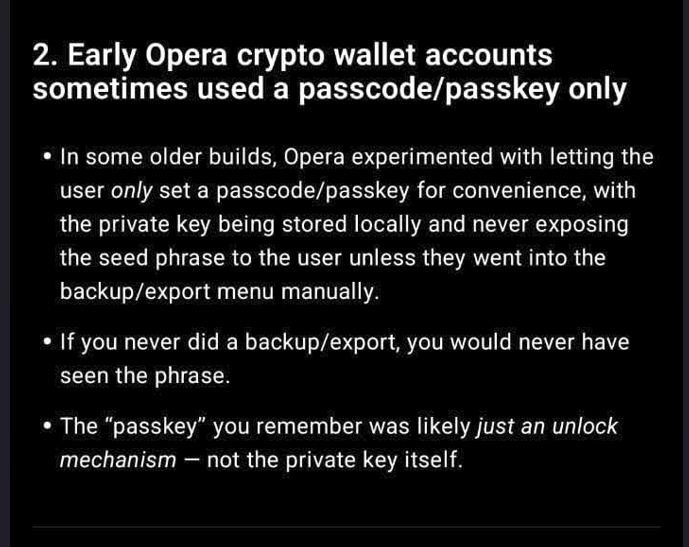
The information I have gathered confirms my experience and also some of what you had mentioned: the data is indeed stored on the Android Keystore that is on the private local phone device; however, when I signed up for the Wallet 5 years ago, there was a policy in place only to log in via phone pattern unlock, and not reveal the secret 12-word-key unless one went to export the data. I was not provided this information and also did not happen to export my data as I was quite happy with the wallet.
Based on my research and advice from experts I have found out that there are 2 ways to restore the data of the 12-word-key according to the answers given, including an easy way and a hard way. I would need the help of Opera to verify them and possibly troubleshoot if needed

-
Firstly, since the key is still encrypted on my personal device, apparently downgrading to an earlier version using an APK mirroring should be possible to temporarily access the wallet (if the wallet data is not removed from Opera completely). This requires an APK from a trustworthy source (July 2024 or earlier), and installing it over the current one without clearing the data from it. I have no experience in this, does Opera have a publicly accessible APK link, or an APK link that could be sent to me?
-
Secondly, if this doesn’t work (the wallet data is gone as a whole module) then rooting the phone and extracting it from the data file corresponding to the opera browser (exact file mentioned in the pictures) can be decrypted manually with a keystore pass that Opera should have. And it would be more difficult, but still doable.
Can you please confirm if there are any changes to the app for restoring the missing icon first? And if not, where can I get the secure APK file to use for the downgrade? Finally, if all else fails, for the manual extraction what Opera department can I get in touch with for troubleshooting the keystore pass?
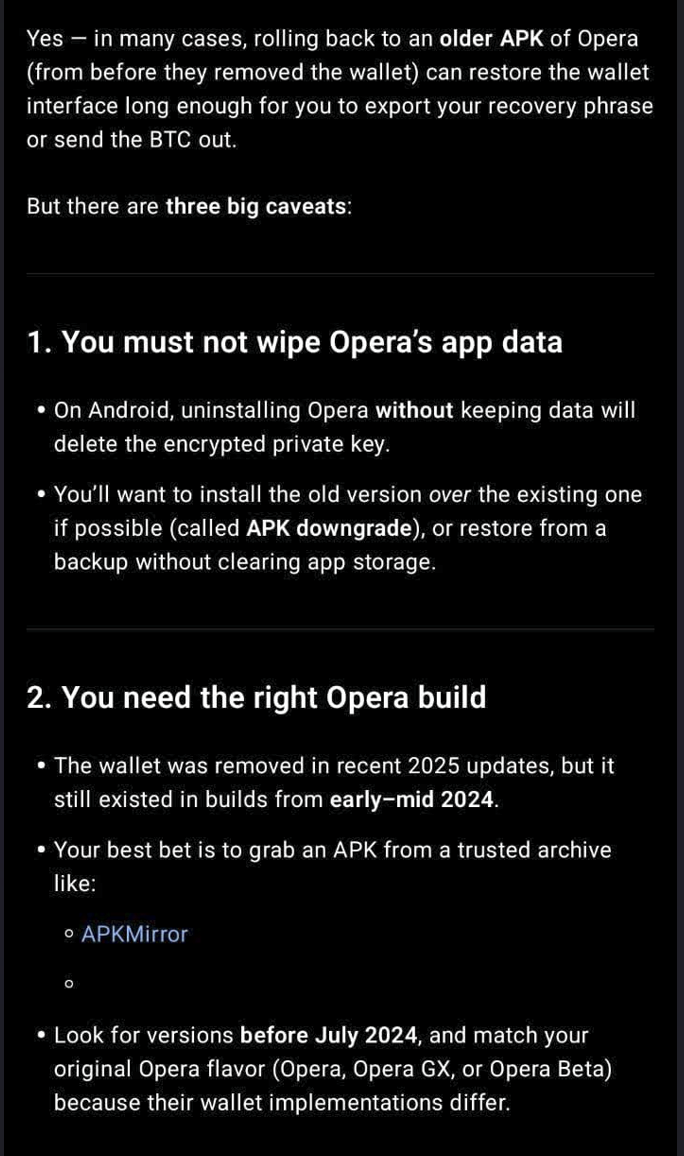
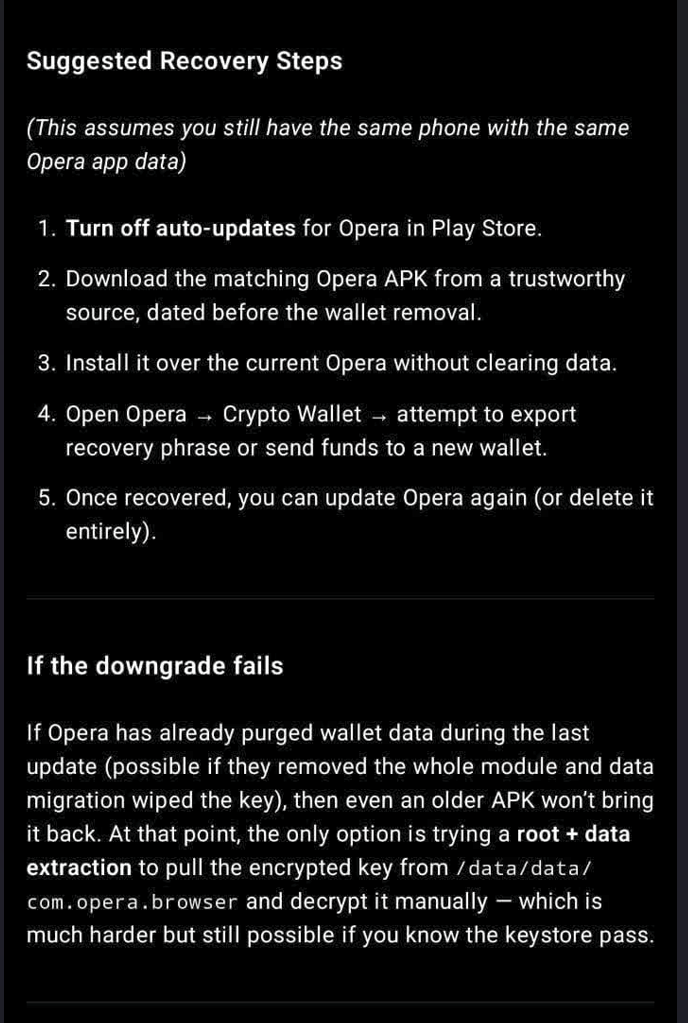
On a personal note, the retrieval of my stored Bitcoin is of great importance for me. I was counting on this money as a trust fund for my student loans, and now that I'm recently graduating I need it very soon
I would greatly appreciate your expedited help on this matter.
Thank you!
Best,
rj -
-
RE: How to migrate your Opera Crypto Wallet on DesktopBlogs
@krzy19 Dear krzy19,
I haven’t heard back on this issue and it has now been 2 months. Was anyone from the mobile team able to test the cause of the missing wallet icon and restore it in the mobile version? It is still missing for me. I am trepidatious to update or change anything manually. - Blogs
-
RE: How to migrate your Opera Crypto Wallet on DesktopBlogs
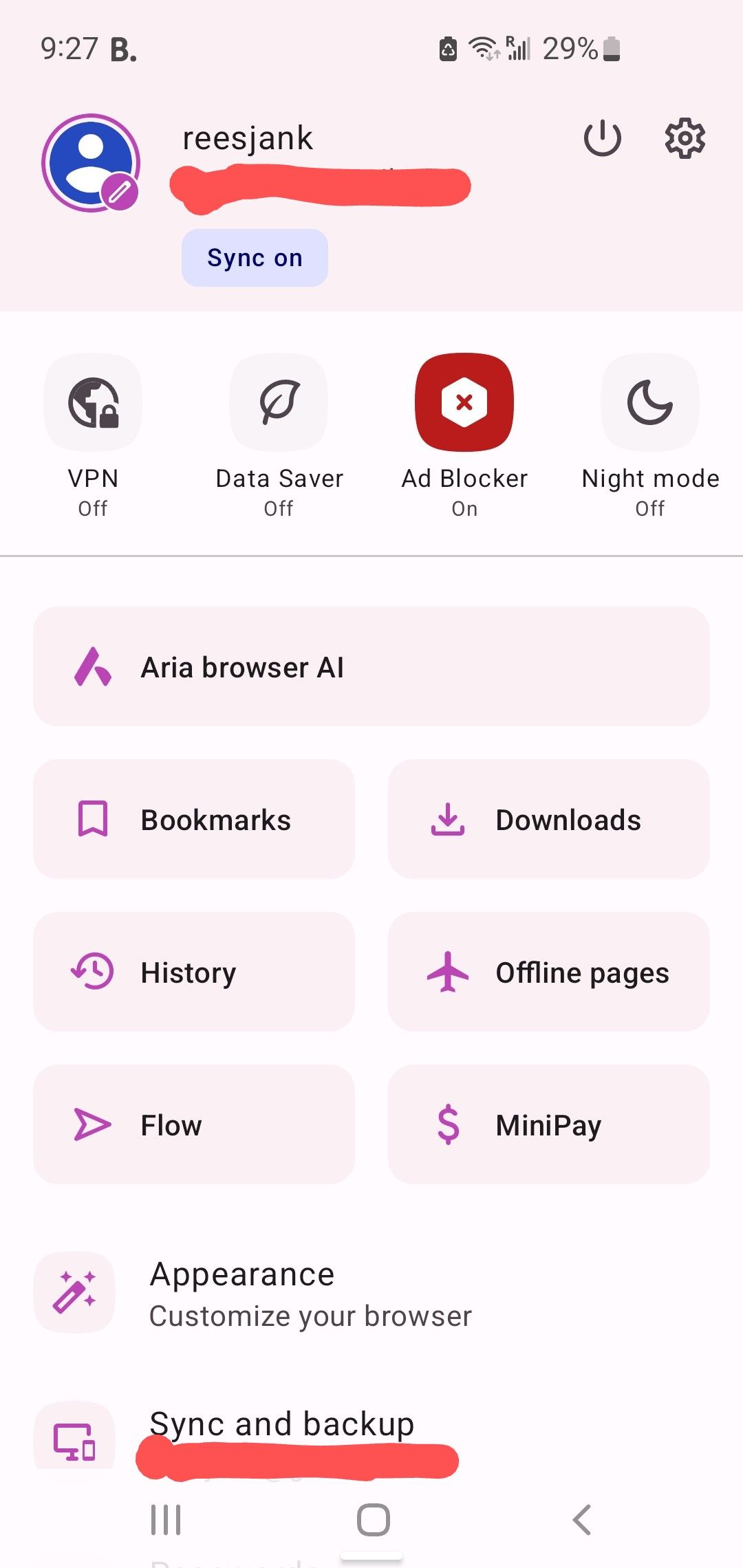
Btw this is what I'm seeing on my android browser and the version
-
RE: How to migrate your Opera Crypto Wallet on DesktopBlogs
@krzy19 Alright thanks for the info. I didn't manually trigger any events, could it be possible the browser auto-updated?
What may be the current stable version of Opera on Android? And how does the Android Keystore work, is it possible to access that on my phone?
One idea I have is to revert to an older version of opera android on my phone but I'm not sure if that would endanger something it stored on the device.
Thanks for the help, recovering the wallet is really important to me.
-
RE: How to migrate your Opera Crypto Wallet on DesktopBlogs
@krzy19 Hi krzy19,
It definitely had no 12-word key prompted when I created it back in 2020. This is the first time I'm hearing about making such a key, and as mentioned the next step I was able to reach was to get to the screen to make it in the first place before it crashed. I didn't reset my device security.So it seems there was no 12-word key made?
Also, I'm confused why your device still shows the wallet icon. Are the pictures you took recent? Is the icon still available on some builds/versions of the browser or phones? -
RE: How to migrate your Opera Crypto Wallet on DesktopBlogs
@krzy19
Ok thanks, yes I would like to export it! I just don’t know how to access it as mentioned! My desktop says there is no wallet it knows, and the phone browser doesn’t show the icon. -
RE: How to migrate your Opera Crypto Wallet on DesktopBlogs
@krzy19 Dear krzy19,
Thanks so much for taking the time to respond and posting detailed step-by-step instructions with picturesExactly, I created the account back in 2020 and it never asked me to make a seed phrase. I also accessed it only via my phone browser. I could still log in this year several times to view it, but never received any update that the wallet was retiring…
I tried Step 1 on Thursday when I found out about this, and saw the icon there. Moving to Step 2 I logged in with my phone unlock pattern. It went to the screen you showed that asked me to create the password.
Suddenly a white popup appeared that said “Error - Android” smth and then the browser no longer had the wallet icon available. I don’t know if it went to the next step but probably not as it just crashed like that. I can’t access the wallet icon at all now (it doesn’t show up on my browser).
-
RE: How to migrate your Opera Crypto Wallet on DesktopBlogs
@krzy19 Hi there, I'm encountering a similar issue as well.
I had my wallet on the android browser and when I went to it and pressed it to make the 12-word passkey (2 days ago, upon finding out the service is retiring for the first time and being prompted to make one in the first place), it errored out.
The android browser no longer shows the crypto wallet - autoupdate?
The accounts were supposed to be synced but the browser can't find the wallet.
So, what do I do now? -
Problem with Accessing Crypto Wallet - Android Opera CrashesOpera for Android
Hello,
I found out just yesterday that the crypto wallet functionality would be retired. I don't know why this wasn't sent to me earlier.Regardless, I attempted porting the wallet to another via the instructions from Opera. This requires logging into the wallet and taking the 12-word passkey. However, the wallet on the browser won't let me log in and says there is no wallet connected.
On mobile where my wallet was stored, I was able to locate the Crypto Wallet icon on the settings. When pressing it, it promptly said "Error - Android" something and vanished. There is no more Crypto wallet icon on the mobile app. I need to make my passkey as I didn't have one before. I joined in 2020. I also have the Blockchain address where my bitcoin is stored, from the last transaction in 2020.
Where can I access my crypto wallet to port my funds? How can I bypass the crash on Android? I am unsure if installing an older version would make it re-appear (and I believe I'd have to delete the current app).
This is very impt to me fyi as I had significant savings stored there and need it back urgently.
Thanks for your help.
-
RE: How to migrate your Opera Crypto Wallet on DesktopBlogs
Hi I need help
This is the first time I'm hearing about this. Idk why I didn't get an email they're retiring this service
Have my bitcoin stored on Opera wallet for yearsToday I went to the browser wallet and it says I don't have one. I went to my phone browser bc that's where it always appeared
It says to make the Recovery password (12 words thing). I press it. It says error encountered due to Android functionality
Crypto wallet disappears from the options on my phone browser
WTF????I sync accounts on phone and browser. Browser wallet still says I dont have a wallet.