Unfortunately, the insufficient memory problem continues even with OPERA properly updated.
E
Posts made by euuuuuuuuqqqq
-
RE: Green band on videos and crashes due to hardware accelerationGeneral
-
RE: Green band on videos and crashes due to hardware accelerationGeneral
Unfortunately, the insufficient memory problem continues.
-
RE: Green band on videos and crashes due to hardware accelerationGeneral
For some reason the green/blue band no longer appeared and the slowness I had with disabled hardware acceleration (to remove the band) I no longer have.
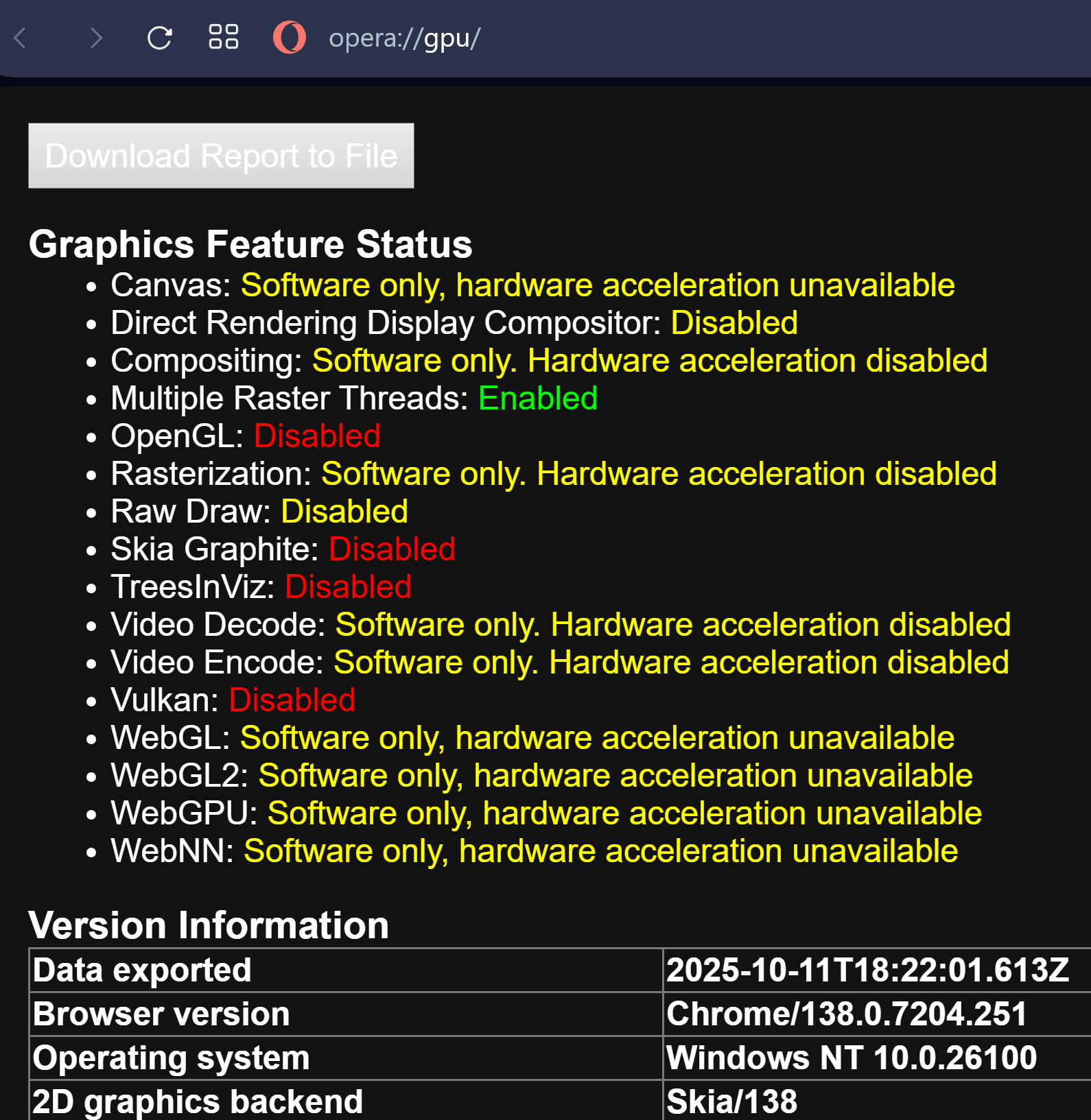
-
RE: Green band on videos and crashes due to hardware accelerationGeneral
I configured it using URL opera://flags/#use-angle > Choose ANGLE graphics backend > DXD11 and disabled Hardware Acceleration; for now the green/blue vertical stripe part is gone.
Now it remains to be seen about the Insufficient Memory problem that causes the browser to crash.
-
RE: Green band on videos and crashes due to hardware accelerationGeneral
===> One detail, the green/blue stripe on video players is restricted to the player area and always follows the mouse cursor.
-
RE: Green band on videos and crashes due to hardware accelerationGeneral
1 - I'm using version 25.9.1 WHQL for the GPU.
- the problem started about 4 months ago, after a version of Opera.
2 - I will configure this URL opera://settings/system.
3 - I don't use the processor's GPU.
*I always disable this GPU in the bios.All PC drivers, without exception, are up to date.
- General
-
Green band on videos and crashes due to hardware accelerationGeneral
Hardware Acceleration is having problems:
1 - in videos, a green band appears in the middle of any video player.
2 - The browser often crashes and the insufficient memory message appears.-
Drive all updated
-
Other browsers (BRAVE, FIREFOX, CHROME) do not have this problem.
*PC Specification:
CPU : Ryzen 9 7950X3D 16-Core Processor
GráficosGPU: AMD Radeon RX 7900 XTX
ÁudioRAM: DDR5 64 GB 6000MHz
-
- Opera add-ons