Bug 1: Full-Page Screenshot Issue
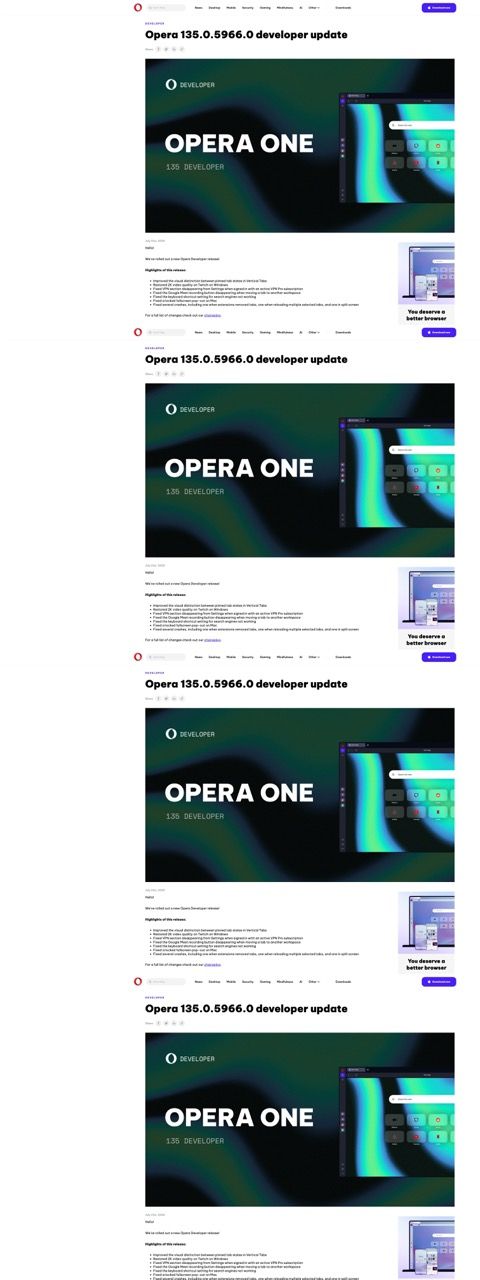
When will the screenshot function finally be fixed? When I try to take a screenshot of a whole page, it only captures the visible part and then repeats that section a couple of times in the final image. I reported this months ago, and nothing has changed. I even bought a new MacBook Air two months ago, tried it there, and it does the exact same thing.
Bug 2: Workspace Switching & Misaligned Buttons
There is another bug that has persisted for months regarding workspace switching. The visual position of a button becomes misaligned with its actual clickable area.
For example: if I am browsing a page and switch to another workspace with Google Search, I cannot click the search button. Visually, my mouse is hovering directly over it, but the actual clickable area has shifted. I have to move my mouse downward over an empty space just to trigger the button's hover effect so I can click it.
Additionally, when switching workspaces, there are sometimes rendering artifacts where the page doesn't fully render and stays small on my large screen. To fix this, I have to cycle through my workspaces and come back, or refresh the page, to force it to render properly. I'm not sure if this is happening because I use different zoom levels on different pages.
Here is a quick example:

This just happened right now. I switched from a page with default zoom to this one, which is zoomed to 200%. When I hover over the button (in this case, Zen Mode), nothing happens. I have to move my mouse further down for it to register and become clickable. (My pointer is missing in the screenshot, but you can see the Zen Mode tooltip text exactly where my mouse actually had to be to trigger it).
Something is definitely wrong with the rendering. I'm not sure if mixing zoomed and unzoomed pages across different workspaces causes this, but it is undoubtedly a bug.
