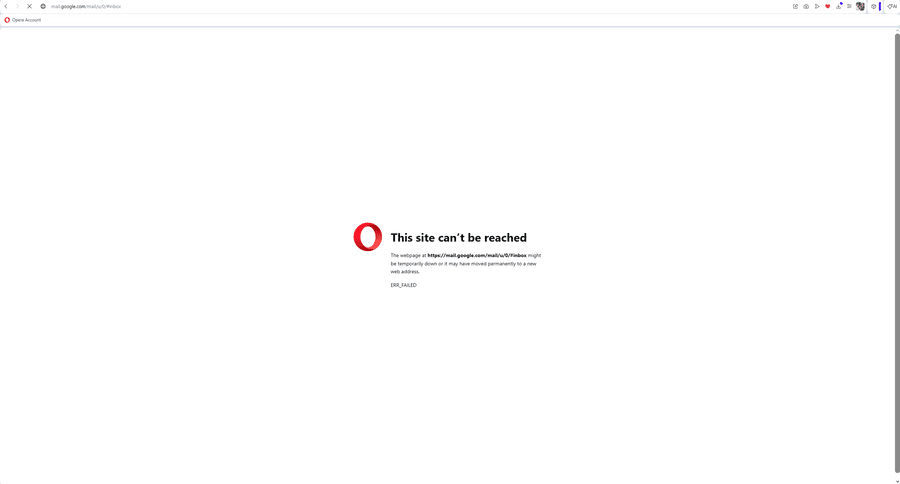
Can't access my email
-
Victor1980 last edited by
Hello. I am experiencing a persistent problem with the Opera browser when trying to access my email. Sometimes the email opens normally, sometimes it does not open at all, and in some cases it only starts working again after I restart the browser or even restart the computer.
The issue does not seem to be related to my email account itself, because the same email works normally in Google Chrome. Because of this, I am forced to use two browsers: if it does not work in Opera, I have to switch to Chrome.
I have already checked the basic settings and properties, but I could not find anything obviously wrong. Unfortunately, the problem continues and affects my daily work. Please let me know what could be causing this behavior and what solution you would recommend.
Please note that I am not an advanced technical user, so I would appreciate a clear and simple answer.
-
 Mlipka last edited by
Hi @Victor1980,
Thank you for reaching out. Before we proceed, I have a few questions to better understand your issue.
Could you please clarify what you mean by "my e-mail"? Are you using a Gmail account or another email service?
Also, are you entering the email address directly into the browser’s address bar, or are you accessing it via a sidebar icon in Opera?If possible, please provide more details or screenshots to help us diagnose the problem more effectively.
Looking forward to your response.
-
Victor1980 last edited by
@Mlipka
Thank you for your support.I would like to provide an update regarding the issue I experienced with Gmail in Opera.
At the moment, Gmail is opening well and surprisingly fast. I am not sure whether any changes were made on your side, but currently the browser is working much better than before.
For the past several months, the problem was that Gmail would open very slowly in Opera, and sometimes errors would also appear afterwards. Because of this, the issue was frequent enough to become inconvenient in daily use.
I also noticed earlier that when I tried to use the Help section, I was getting an indication related to a bug in the browser security area. I made some changes on my side at that time, but the problem still continued.
Today, I reinstalled the latest Opera version for Windows, so I will continue monitoring whether the issue appears again.
For now, everything seems to be working properly. If the problem returns, I will send you a screenshot together with the exact error message.
Best regards,
Victor Chipar -
Moved from Opera for Windows by
 leocg
leocg