• Login
    • Search
    • Categories
    • Recent
    • Tags
    • Users
    • Groups
    • Rules
    • Help

    Do more on the web, with a fast and secure browser!

    Download Opera browser with:

    • built-in ad blocker
    • battery saver
    • free VPN
    Download Opera

    Blue Line that Follows Mouse in Video Players

    Opera for Windows
    6
    7
    19309
    Loading More Posts
    • Oldest to Newest
    • Newest to Oldest
    • Most Votes
    Reply
    • Reply as topic
    Log in to reply
    This topic has been deleted. Only users with topic management privileges can see it.
    • SilonusHelaris
      SilonusHelaris last edited by

      eaa2ca3f-e7a2-4bd8-b7f5-b0436aadf894-image.png

      So this blue line randomly popped up whilst I was watching a movie on Prime Video. It follows my mouse and goes from the top of the video to the bottom. On further testing, it happens with Netflix and YouTube as well (The screenshot is from YouTube). It doesn't happen when I use the Prime Video app on my PC, nor with other browsers (I tested with Edge).

      Any idea how to fix this? I read something about it being an issue with Switch Access (?), but that was an issue on a Chromebook and I have Windows 11.

      So any ideas?

      Reply Quote 1
        1 Reply Last reply
      • arevirj69
        arevirj69 last edited by

        I'm not sure if you're still having this situation, but basically happened to me as well (hence this response because I figured it out).

        It's the RGX function on the computer to enhance videos, when it pops down from the top of the screen when hovering over the video window and you click it, it's going to show 'A|B'. Just click on that to make it disappear!

        Hope this helped.

        Reply Quote 4
          heathermartinez darek334 2 Replies Last reply
        • heathermartinez
          heathermartinez Banned @arevirj69 last edited by This post is deleted!
          Reply Quote 0
            heathermartinez 1 Reply Last reply
          • heathermartinez
            heathermartinez Banned @heathermartinez last edited by This post is deleted!
            Reply Quote 0
              1 Reply Last reply
            • AhumanFellow
              AhumanFellow last edited by

              Just go the settings and rgx then turn off split preview

              Reply Quote 2
                1 Reply Last reply
              • darek334
                darek334 @arevirj69 last edited by

                @arevirj69 You are right, this is some plugin option no setting, I turned it off and line disappeared....
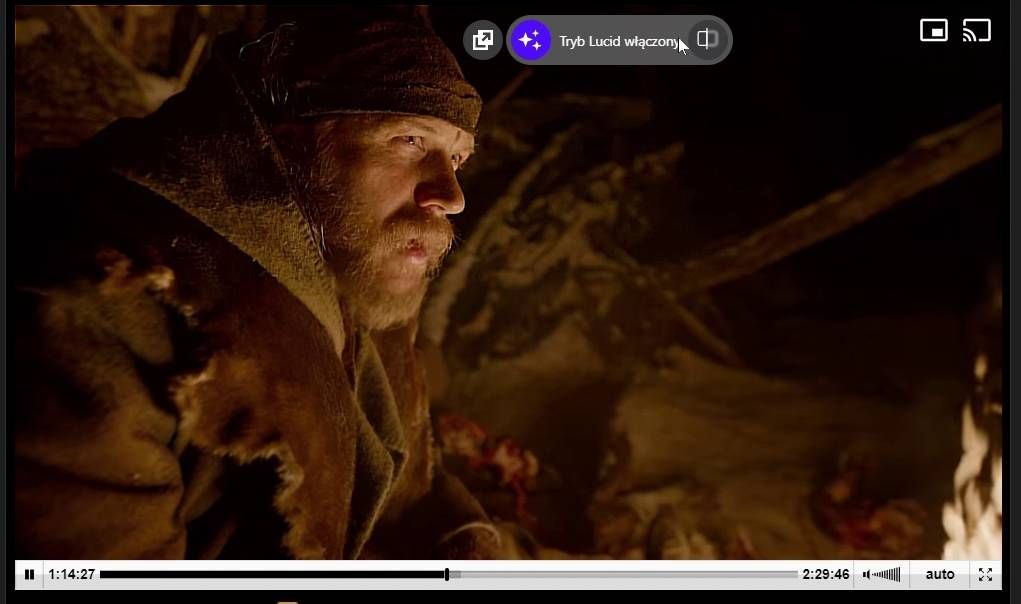
                vlcsnap-2025-01-27-00h01m22s131_00.jpg

                Reply Quote 1
                  1 Reply Last reply
                • MikeK73
                  MikeK73 last edited by

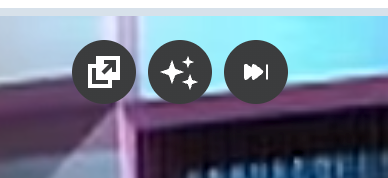
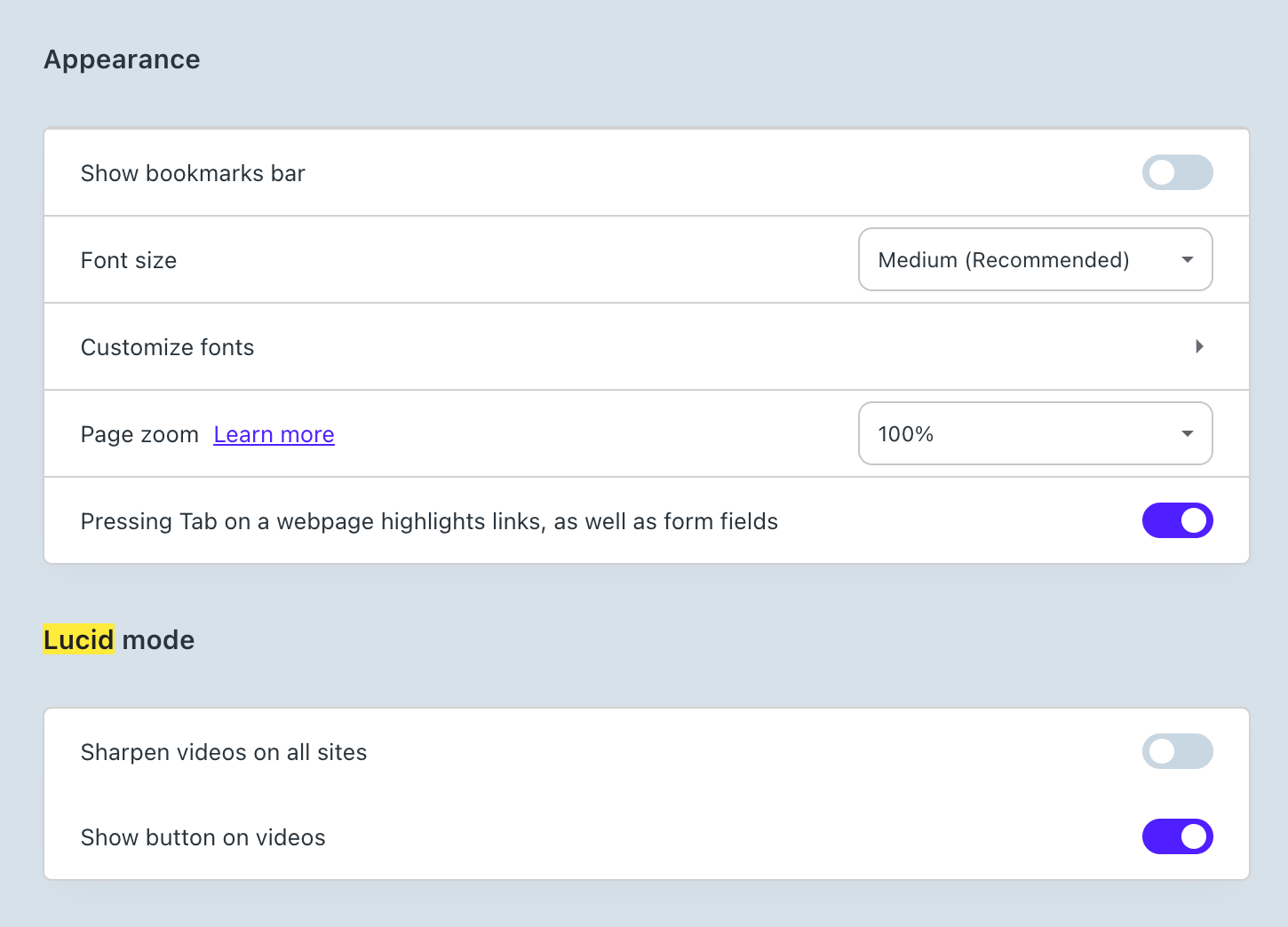
                  I had the same problem. The solution that worked for me was turning off the "Lucid" mode.
                  Screenshot 2025-12-17 at 8.16.04 AM.png

                  Click on the "Stars" icon that appears as you move the pointer to the top of a streaming window. Can also be toggled in the Settings / Appearance Menu
                  Screenshot 2025-12-17 at 8.19.24 AM.png

                  Hope this helps.

                  Reply Quote 0
                    1 Reply Last reply
                  • First post
                    Last post

                  Computer browsers

                  • Opera for Windows
                  • Opera for Mac
                  • Opera for Linux
                  • Opera beta version
                  • Opera USB

                  Mobile browsers

                  • Opera for Android
                  • Opera Mini
                  • Opera Touch
                  • Opera for basic phones

                  • Add-ons
                  • Opera account
                  • Wallpapers
                  • Opera Ads

                  • Help & support
                  • Opera blogs
                  • Opera forums
                  • Dev.Opera

                  • Security
                  • Privacy
                  • Cookies Policy
                  • EULA
                  • Terms of Service

                  • About Opera
                  • Press info
                  • Jobs
                  • Investors
                  • Become a partner
                  • Contact us

                  Follow Opera

                  • Opera - Facebook
                  • Opera - Twitter
                  • Opera - YouTube
                  • Opera - LinkedIn
                  • Opera - Instagram

                  © Opera Software 1995-