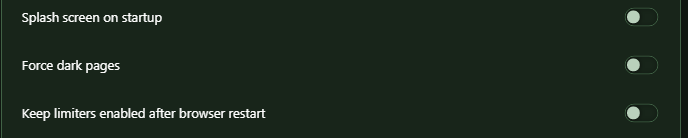
Messed up colors due to Force Dark Pages
-
Den1s-LXRD last edited by leocg
Started problems with Opera gx dark theme
Dark avatar - white texture will be.
Tell me the solution to this problem.Help..
-

-
0Nitrous last edited by
I have the same prob but only with the intergrated spotify and discord
if u try to disable force dark page its the same im still trying to find a solution. -
Tobito1337 last edited by
Basically after the new update some elements of many wersites such as: Facebook, messenger, youtube and many others are bugged where normally the element would be dark now its plain white beacuse of the dark mode.




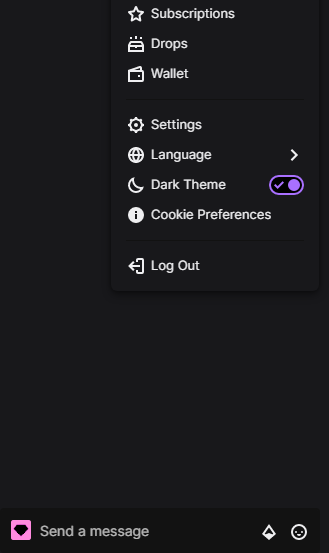
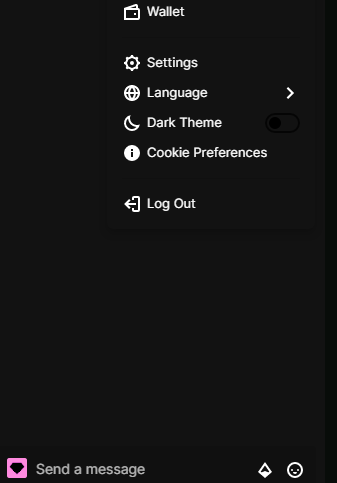
1st 2 pictures are the broken white elements
and the other 2 are from google chrome where dark mode is working properly.

-
numin99 last edited by
My colors look like they're in negative and it is kind of annoying the fact that I have not been able to find a solution, please help!
-
 Challenger392 last edited by
@tobito1337
Would be something similar to my post here?
https://forums.opera.com/post/269869 -
TheDeadRedSkull last edited by
Opera GX Gaming Browser Shows 50% of all pictures as a Negative Resolution White/Black Bug



-
 omi-kun last edited by
hey everyone . if the problem isn't solved yet of color . so pls if u have off the dark page in opera gx
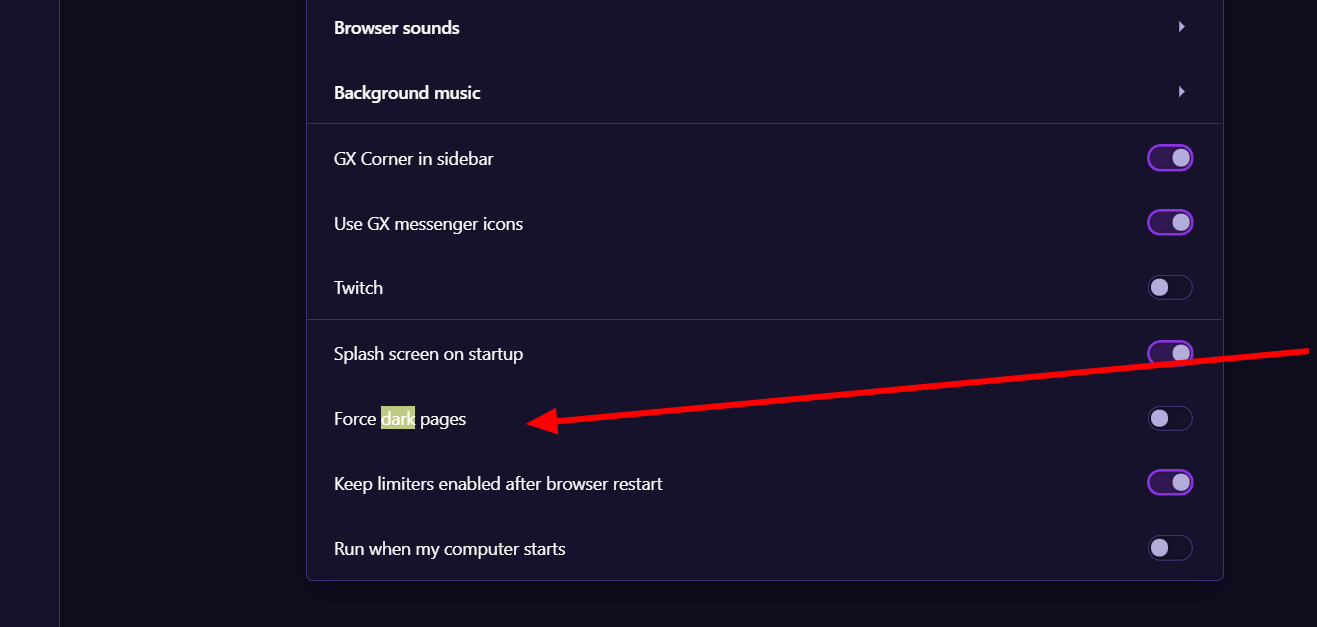
and if dint work . send me the image wich your using . and also check your extesnion . in most of case they did the bad color problem . and if another issue . ask here pls
-
ax3man last edited by
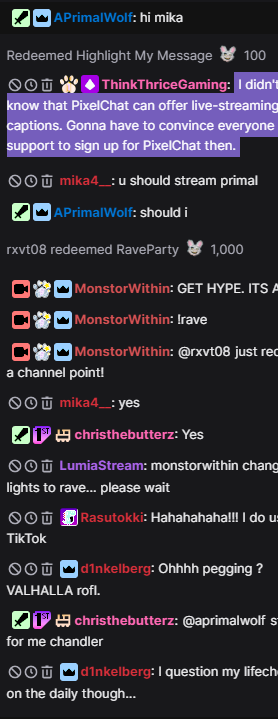
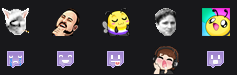
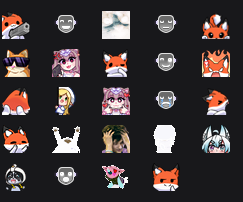
hey everyone! sadly, few days ago i got myself this same issue. none of the above suggestions worked and seems like this color inversion is changing, as for example sometimes different emotes from the screenshot below get inverted, not all. so far noticed the issue on youtube and twitch

-
-
-
-
-
omi-kun last edited by omi-kun
@ax3man im sorry . ther no link .
i know its sound complicated. but its dem easyso , download the setup file . if u don't have one ..
after that open it . don't press next fast .. wait and see there is buttonoptionnamed . just press it first . and then the installation path from program file to where u want..maybe make a folder put that in it ..so why this all . because u can install two same app . at a same time. by this . and non-of them will effect the others setting's.. and u try to what is the problem .