• Login
    • Search
    • Categories
    • Recent
    • Tags
    • Users
    • Groups
    • Rules
    • Help

    Do more on the web, with a fast and secure browser!

    Download Opera browser with:

    • built-in ad blocker
    • battery saver
    • free VPN
    Download Opera

    Why don’t the hard-wired search engine shortcuts work in Opera GX?

    Opera GX
    3
    4
    121
    Loading More Posts
    • Oldest to Newest
    • Newest to Oldest
    • Most Votes
    Reply
    • Reply as topic
    Log in to reply
    This topic has been deleted. Only users with topic management privileges can see it.
    • O
      Ooloolool last edited by

      I enter “w hello” and it should go to Wikipedia and search for “hello.”

      Instead it goes to Google and searches for “w hello.”

      What’s going on? The shortcuts I entered myself work. But the shortcuts that are hardwired in the browser — Yahoo, DuckDuckGo, Wikipedia, etc. — don’t.

      (“g” for Google doesn’t, either, but that’s my default search engine anyway.)

      So not only can I not use the letter “w” for anything else — I can’t even use it for Wikipedia.

      This sucks! What’s going on?

      Reply Quote 0
        leocg 1 Reply Last reply
      • leocg
        leocg Moderator Volunteer @Ooloolool last edited by

        @Ooloolool Maybe you have enabled the option to disable the search engine shortcuts?

        Reply Quote 0
          O 1 Reply Last reply
        • O
          Ooloolool @leocg last edited by

          @leocg I didn’t do anything. I didn’t even know there was such a button.

          And it’s weird that my personal shortcuts still worked.

          I wonder how these settings came to be set that way. Recently I noticed that the ad blocker had been turned on, and I hadn’t turned it on. I hadn’t messed with settings in a while at all.

          Yes, I found the button. And it was turned off. But I hadn’t turned it off.

          I wonder what else has been set differently without me knowing it. Did that happen automatically, with an update, or something? No one else is on my machine.

          Maybe some PC crash messed with my settings. I had to update my BIOS because I was literally getting the Blue Screen of Death.

          (What the heck is “Google Lens”? Anyway, thank you!)

          Reply Quote 0
            LARAUJO 1 Reply Last reply
          • LARAUJO
            LARAUJO @Ooloolool last edited by

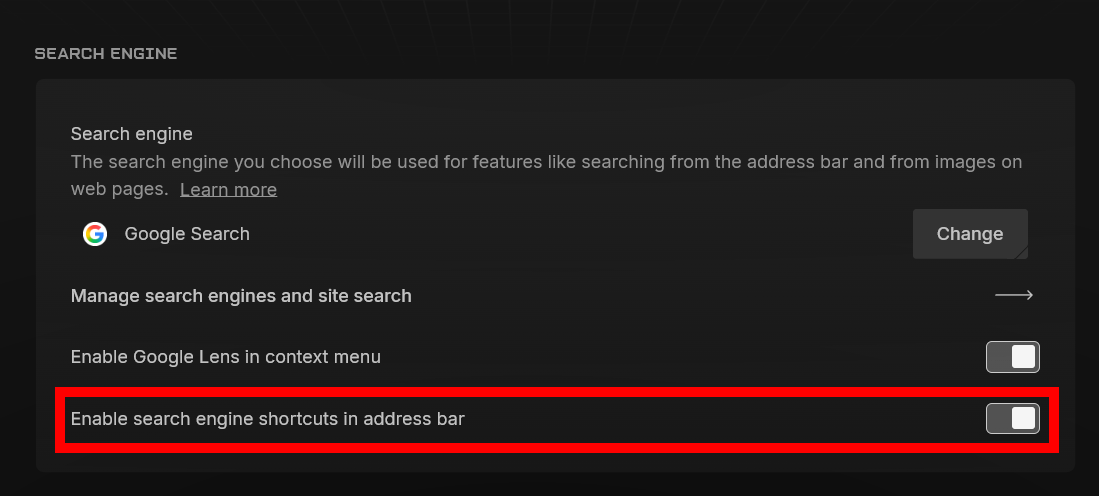
            @Ooloolool they disabled built-in search engines by default in a recent update.

            you can turn them back on in opera://settings/search
            ef223b27-2409-4679-985f-8c3003cf81d0-image.png
            (i know you already did, but for anyone else coming here that's how)

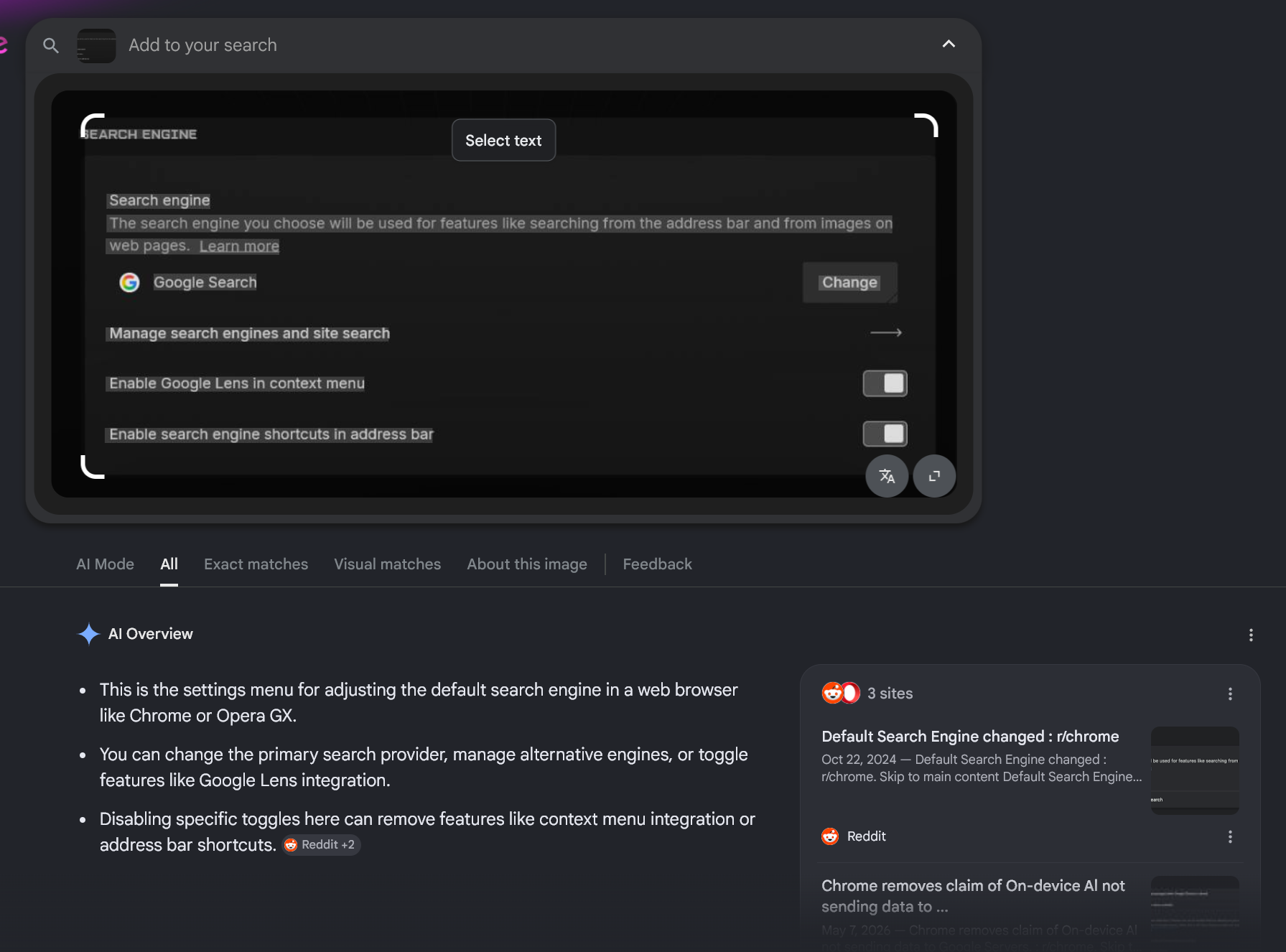
            google lens is google's image search feature. it looks like this
            6f5c4711-15ba-4312-992e-a9de0f48f106-image.png

            Reply Quote 0
              1 Reply Last reply
            • First post
              Last post

            Computer browsers

            • Opera for Windows
            • Opera for Mac
            • Opera for Linux
            • Opera beta version
            • Opera USB

            Mobile browsers

            • Opera for Android
            • Opera Mini
            • Opera Touch
            • Opera for basic phones

            • Add-ons
            • Opera account
            • Wallpapers
            • Opera Ads

            • Help & support
            • Opera blogs
            • Opera forums
            • Dev.Opera

            • Security
            • Privacy
            • Cookies Policy
            • EULA
            • Terms of Service

            • About Opera
            • Press info
            • Jobs
            • Investors
            • Become a partner
            • Contact us

            Follow Opera

            • Opera - Facebook
            • Opera - Twitter
            • Opera - YouTube
            • Opera - LinkedIn
            • Opera - Instagram

            © Opera Software 1995-