@leocg But I remember I only reset my password once since the sync log was cleared.
T
Latest posts made by TheREIE
-
RE: Logged out and local data clearedOpera for Windows
-
RE: Logged out and local data clearedOpera for Windows
@leocg I did change my password, but it says "Password is incorrect
" when I try the old one. -
Logged out and local data clearedOpera for Windows
Today, while using Opera, the browser suddenly logged me out out of nowhere, and all my local data was cleared. This issue has occurred more than once over the past few years.
I logged back into my Opera account expecting to restore my data via Sync. However, the browser indicated that sync encountered a problem, without providing any error details or error codes. It is clear that my passwords and extensions failed to sync.
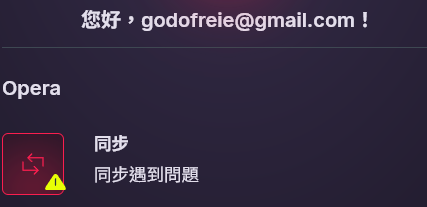
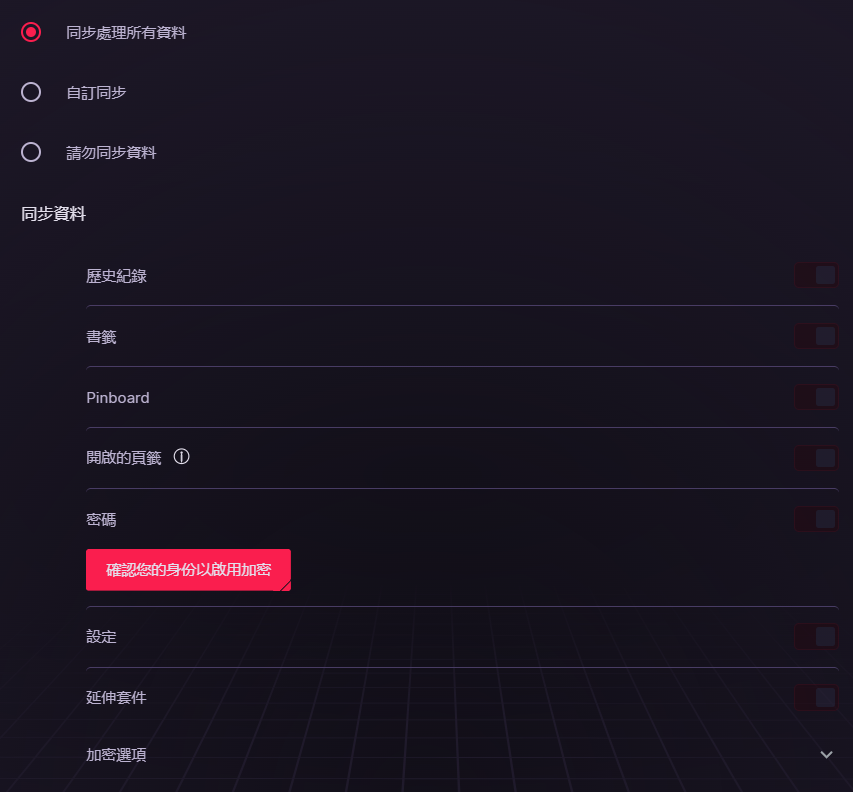
I have already tried logging out and back in, updating the browser, and clearing browser data, but sync still fails.Furthermore, on the Sync page under "Passwords", it displays "Confirm your identity". I clicked the link and entered my password; the verification window disappeared, but nothing happened afterward, and my passwords still will not sync.
While I can reinstall the extensions manually, the sync page clearly shows that there are over 200 saved passwords stored in my account.
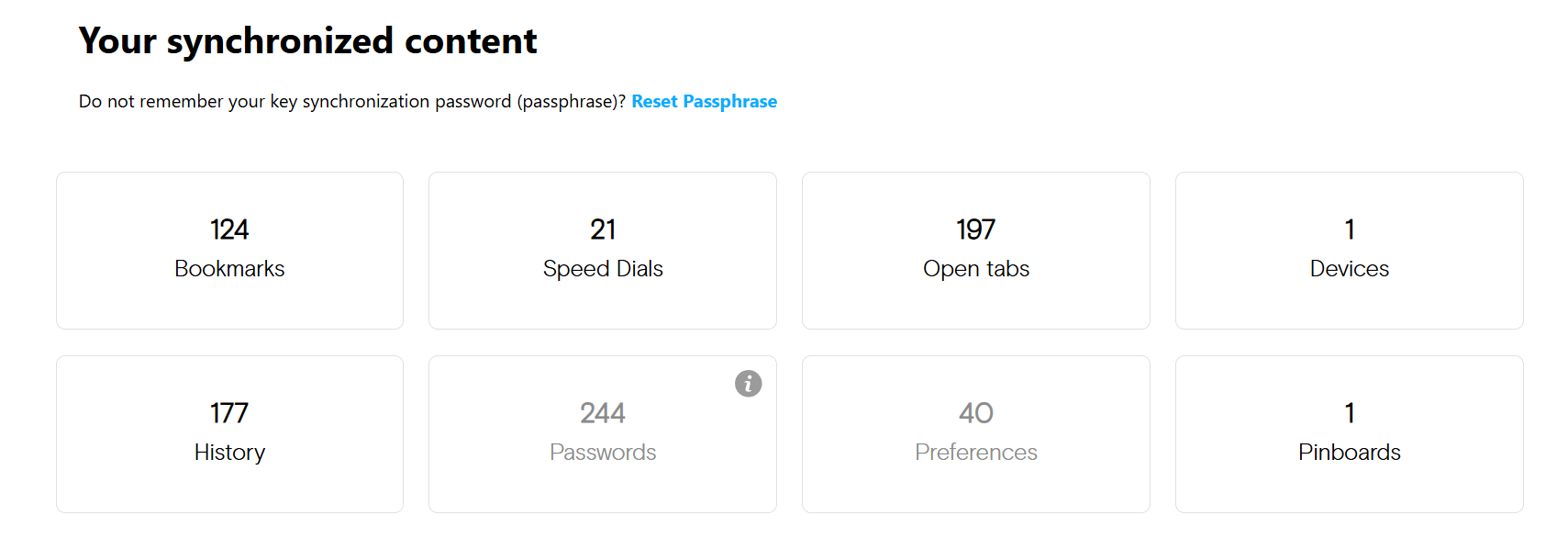
Is there any way to recover my password?