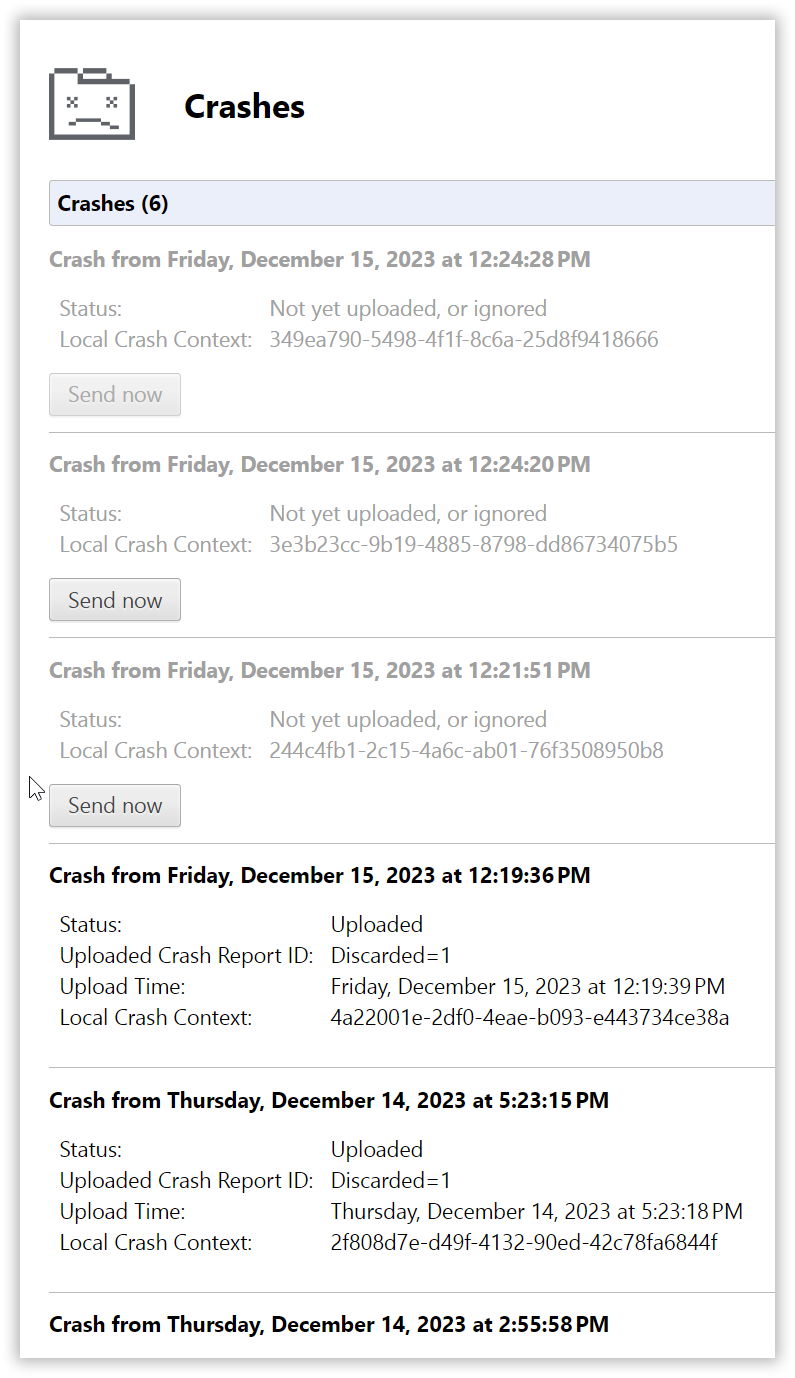
Well, this browser just keeps going back to it's former state of randomized crashes.
Before you offer any suggestions, yes I've already tried everything, disabling extensions, resetting, clearing the cache, reinstalling.
Here's my OS setup:
Edition Windows 11 Pro
Version 23H2
Installed 26/05/2022
OS build 22635.2850
Windows Feature Experience Pack 1000.22681.1000.0
You don't need to see my hardware specs as it is not a hardware related issue.
Seems this shit just never ends where a fresh Opera install only lasts less than a month before it starts behaving like crap again and begins crashes every day.
I use the exact same extensions on Microsoft Edge without a single crash or issue so it definitely isn't anything extension related but I guess Edge just comes with improved performance and better compatibility with Chrome extensions where Opera does not?
I thought it might be some websites I'm loading which might be too graphic intensive for Opera to handle, for example streaming services like Netflix, Disney+ or Amazon Prime, YouTube or the UHD content on my Plex server, but crashes are nowhere to be seen on Microsoft Edge when using these services.
I'm only putting up with using Opera because I haven't yet found a decent speed dial app to replace or consider to be a better alternative to Opera's speed dial. I prefer the speed dial rather than wasting clicks on the bookmarks bar simply because you can group website shortcuts into their own category which is easy accessible rather than scrolling through the toolbars bookmarks folder.
Because of it's crash frequency, I've gotten to the point where I just discard or ignore the crash reports, even with the crash reports I did submit, I never hear back from you guys.